


The convenience of Gmail is well-known, but after using it for a while, I believe that the capacity of everyone’s mailbox will easily be on the verge of exploding without realizing it – because letters are accumulated at most a few MB, and often when you suddenly need to use Google Drive to transfer files, you will find that the space usage of your mailbox and other spaces has been so high that you cannot move (digital version). The result is that if you are in a hurry to submit files, you often have to spend money to upgrade the capacity…(Google One: Project Pass). But now with the thoughtful features of the Gmail mobile app, you should be less likely to encounter this dilemma (right). Continue reading Can the Gmail app be used to view and manage the remaining capacity of cloud drives? This article teaches you how to write report content.
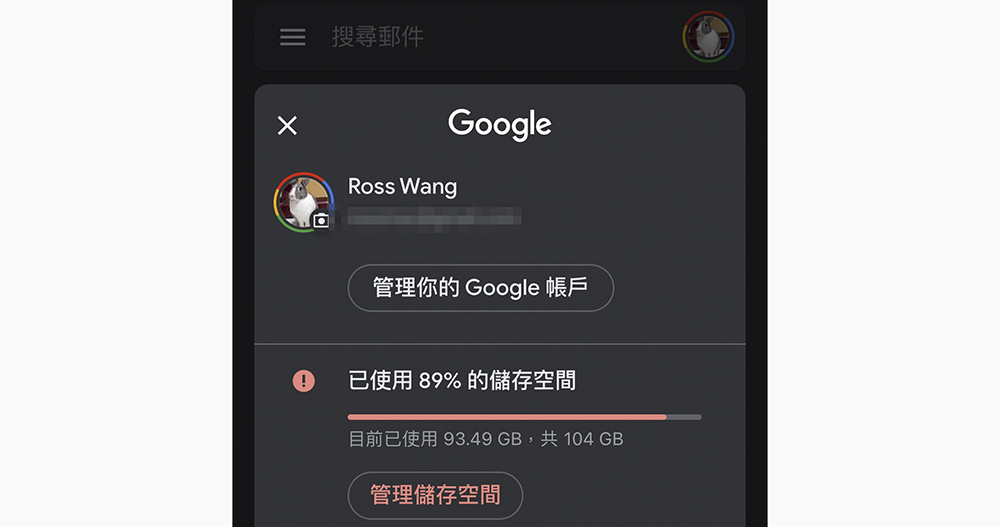
Can the Gmail app view and manage the remaining capacity of the cloud drive? This article teaches you how to do it
In the new version of the Gmail app (I am using the iOS version), Google has begun to thoughtfully add the display function for Google One cloud space related information – in fact, this interface is good, I believe it should be added to various Google applications soon, right?
This allows you to quickly grasp the remaining capacity of Google One cloud space, and you can even directly click on it to obtain the intimate functions of different capacity ratios in Google Photos, Drive and Gmail mail items. This should be a feature that was imported in a recent Gmail mobile app update.
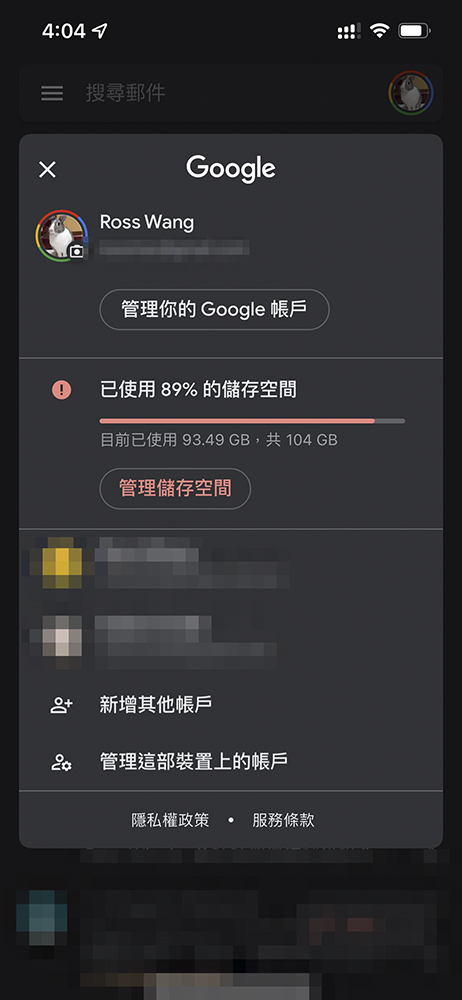
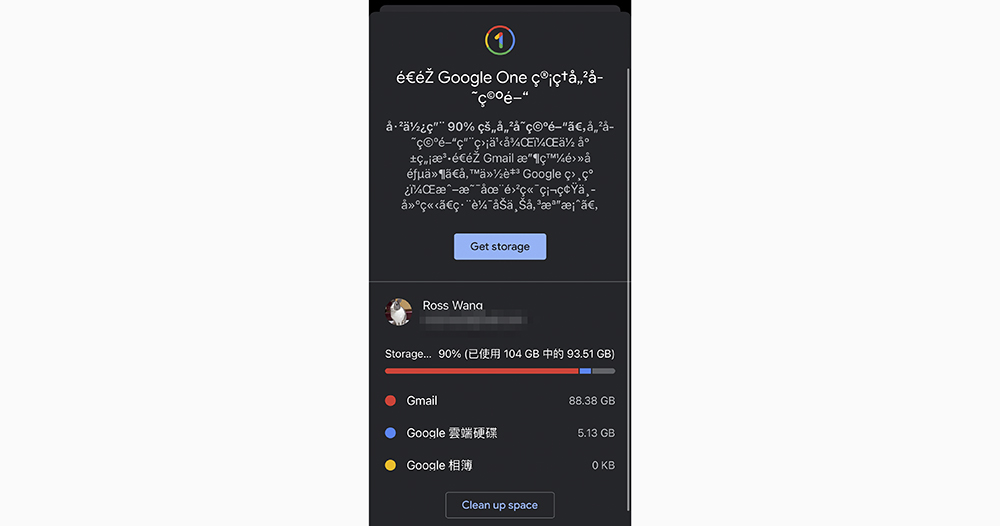
It’s very easy to use, just click on the account icon in the upper right corner of Gmail. You can see the remaining capacity and current capacity ratio of the current account’s cloud storage space in the account switching function that is originally opened; click “Manage Storage Space” to directly call out how much Google One capacity is currently used by Gmail / Google Drive / Google Photos respectively.
Here, of course, there is also the “Get Storage” button to upgrade the capacity. At the bottom, you can click “Clean up space” to clear unused letters or file images and other content through related functions.
That is to say, if you want to know how to quickly delete old Gmail emails to free up more space and organize Google Cloud space more efficiently, you can actually refer to our previous “5 steps to teach you how to quickly delete old Gmail emails to free up more space and organize them more efficiently” article, you can simply spend 10 minutes and use various methods to clear out old emails and other space-consuming data, thereby saving the cost of an upgrade – anyway, just spending money to upgrade without proper management will just fill in more files that are rarely used or not used at all. So why not roll up your sleeves (?) and organize it step by step, and do a spring cleaning for Google One?
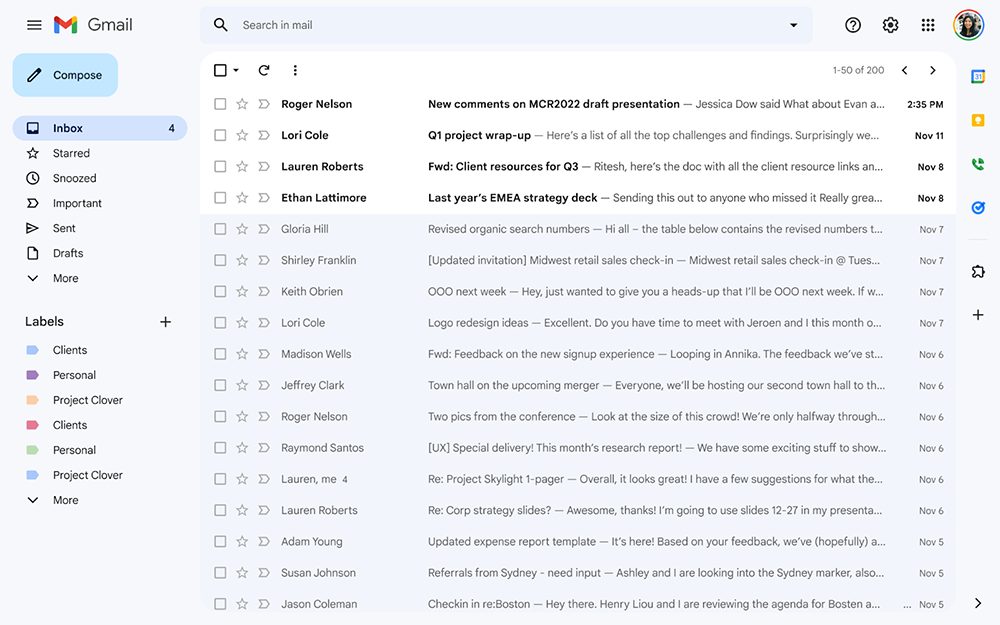
In fact, if you go back and look through the old files, you might also have a chance to recall some unforgettable memories, right? (It’s really similar to spring cleaning)
Further reading:
Source: KOCPC Chinese