


The web version of Adobe Photoshop, which can support more “mobile” uses (should be of greatest significance to Chromebooks, right?), from the beginning, the beta test version felt that it was mainly used for blocking or even just viewing special file images. Later, it was updated to include some full version tool projects, which also improved the practicality.
With the release of a new wave of updates, Adobe has also begun to change the strategy of the web version, unlocking the restrictions that were originally only available with paid subscription accounts – don’t rush to open it yet https://creativecloud.adobe.com/cc/photoshop, because this Freemium free test area also has restricted countries and regions – yes, Taiwan QQ is not included… Continue reading the web version of the Adobe Photoshop open free version limited test report.
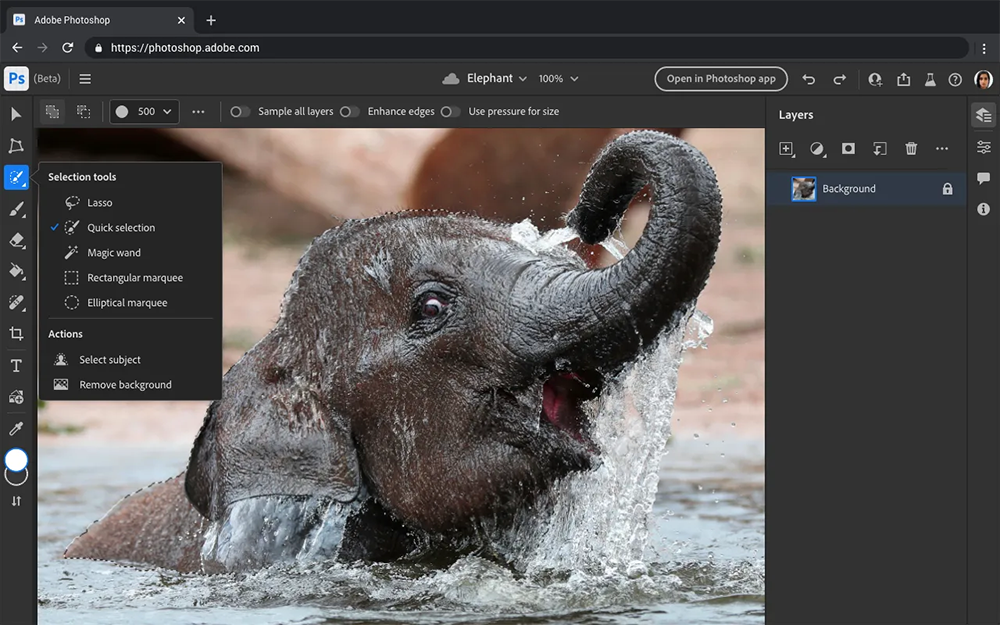
▲Image source: Adobe
Web version Adobe Photoshop open free version limited test
Adobe today officially announced enhancement and update projects for photo retouching software including Photoshop, Lightroom and Lightroom Classic. Among them, Adobe has brought quite a lot of update projects to the web version of Photoshop that many people are eyeing. Add curves, adjust edges, highlight and burn, convert to smart objects, and support interactive functions for direct commenting. It also includes online teaching functions and related performance improvements and UI upgrades.
Although the new tools and feature enhancements feel good. But I believe that the most interesting news for most people is the free version of FFreemium, the web version of Photoshop, which has now launched testing in Canada. According to foreign media, this feature will be open to everyone in the future (it should still depend on the status of the test, right?), thereby attracting more users to start using Adobe’s related services.
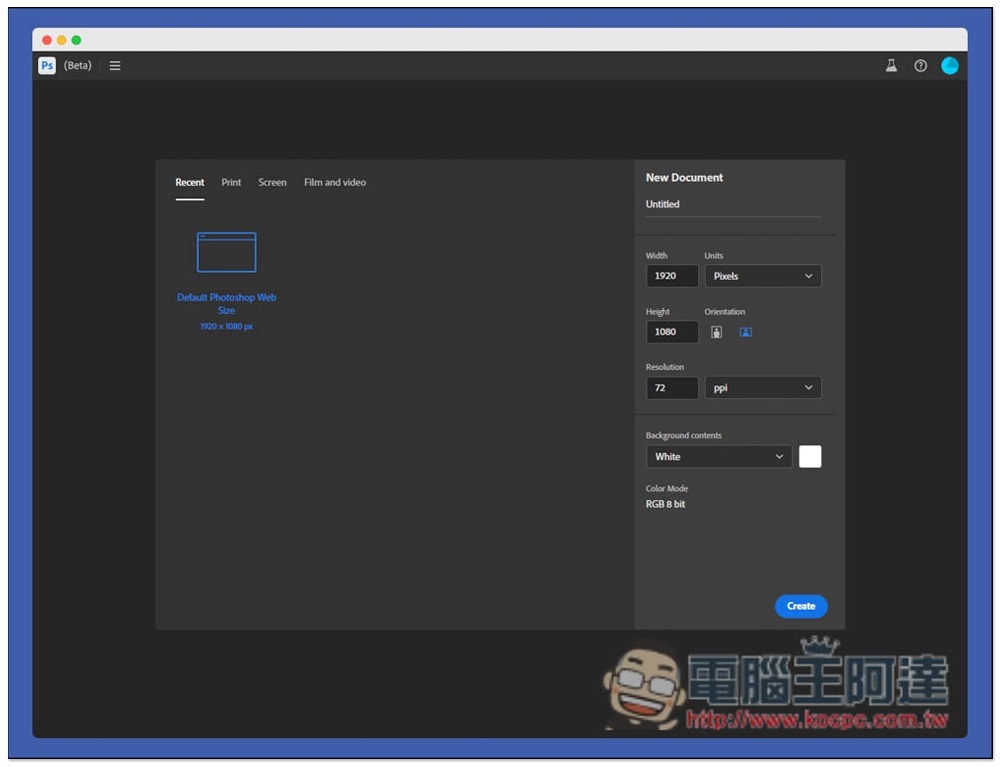
Like the previous web version of PS, in this way you will be able to use Adobe’s image editing tools on any device that supports Chrome and Edge browsers. As far as the current information is concerned, Adobe will open the web version of Photoshop so that people can use some functions for free, while full functions still require a paid subscription to unlock. It should be noted that the “complete” here refers to all the functions of the online web version.
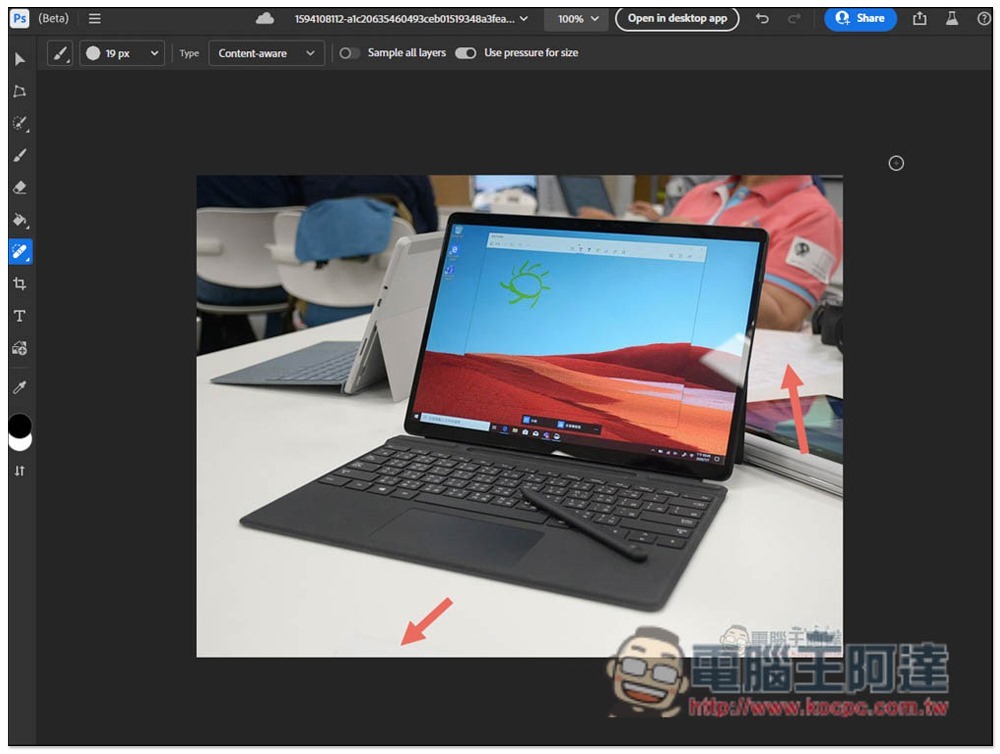
Although the truly complete features include a preview of the newly launched automatic repair neural network filter function – old photos and paintings can be directly recolored and repaired with the help of Adobe Sensei AI’s magical machine learning through the new Photo Restoration Neural filter. It should still be restricted to other installed applications.
However, some functions can be easily and quickly used through the web, and the hardware threshold is lower (it can even be used for free!), thereby satisfying and attracting users to use and try new methods of Photoshop. I believe it will be a change that many people will be happy to see.
There are also related updates to the Lightroom series this time. Please see the list below for details:
· Allows photographers to quickly trim and apply edits to video clips using the same editing sliders and presets used to edit photos (desktop and mobile versions)
· AI supports optimized presets that can apply different effects to various parts of the photo (desktop version of Lightroom, Lightroom Classic, Adobe Camera Raw)
· Important workflow enhancements: adjust preset strength (desktop, mobile, web Lightroom, Lightroom Classic) and compare photos side by side (desktop Lightroom)
· AI supports automatic red-eye removal (desktop version of Lightroom and Adobe Camera Raw)
· New advanced presets (Lightroom for desktop, mobile, web, Lightroom Classic and Adobe Camera Raw); and
· Extended recoloring functionality to mobile and web versions of Lightroom.
Further reading:
It is rumored that the regular iPad will switch to USB-C. It seems that only the iPhone is left?
Source: KOCPC Chinese