


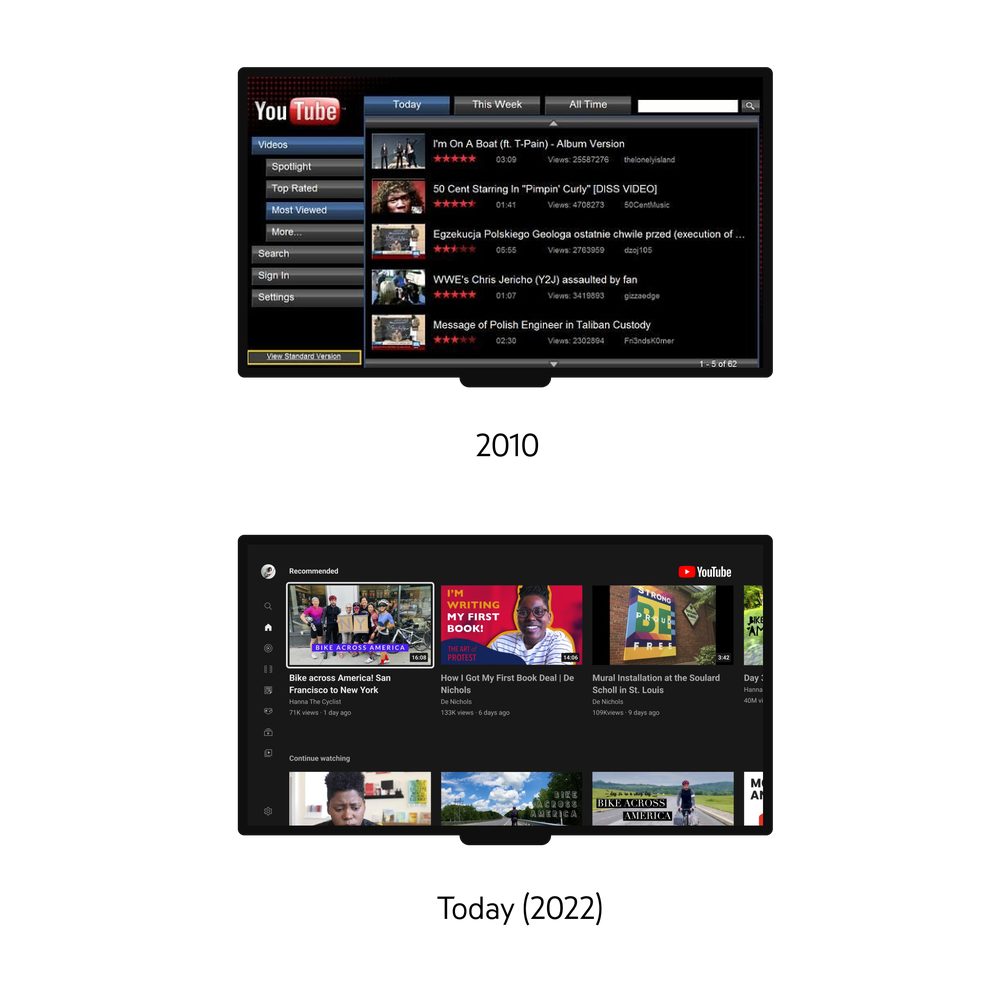
The habit of eating with side dishes and watching TV with a mobile phone has become a daily routine for many people. However, compared to the previous one-way experience – such as using Twitter and Facebook to quickly share with friends while watching TV, or using the mobile phone as a remote control to cast online content to the TV, these are quite common ways of collocation. As YouTube’s big-screen experience has evolved over more than 10 years, the development team realized that the mobile device should be able to have a deeper interactivity as a second screen for TV viewing. This has also become the focus of improvement of YouTube services in 2022. Continue reading The latest YouTube second-screen TV playback experience is here. This article teaches you how to use report content.
▲ Image source for this article: YouTube
The latest YouTube second screen TV playback experience is here, this article teaches you how to use it
As YouTube gradually becomes the viewing choice for many people on the TV screen, the past experience of simply playing content through Chromecast or the built-in function of smart TVs does not seem to be able to meet the needs of YouTube’s increasingly interactive experience – not just real-time interaction, but just wanting to subscribe or watch a video list of a single channel. It seems that it is more time-saving to take out your mobile phone?
In order to make the YouTube experience on TV and mobile phones more interactive, they have recently brought more improvements to the “second screen experience” of iOS and Android apps with TV viewing platform content.
To put it bluntly, this time YouTube’s experience improvement between large and small screens is actually just to make the connection more seamless (yes, that’s it XD, but I personally think it’s great).
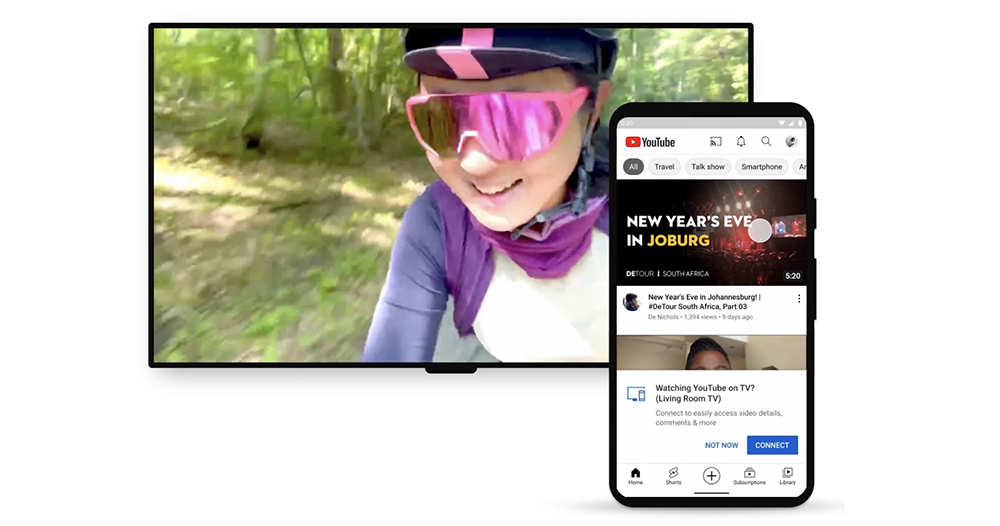
When the system detects that you are watching YouTube on your smart TV and have picked up your phone to watch it together. The mobile app will directly push the prompt “Watching YouTube on TV? Connect to easily access video details, comments, and more.” At this point, simply press “Connect” to synchronize the viewing experience on the TV and mobile phone. Let the second screen “mobile phone” use the app to view chapters, comments, detailed information and other items, and you can also quickly subscribe or join channel members – of course, including more real-time related interactions during live broadcasts(The purpose should be to hope that it will be more convenient for you. Thank you so much, right?)。
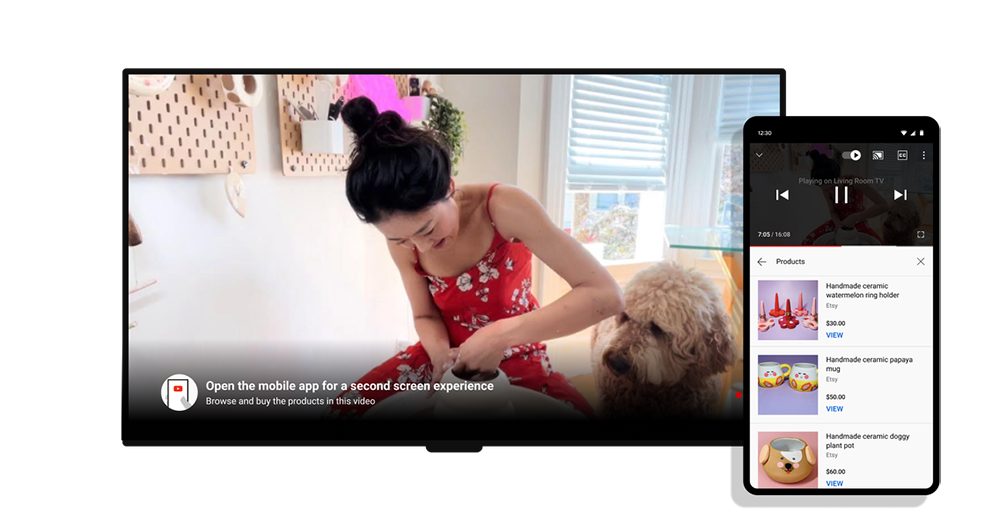
Speaking of which, YouTube has figured out things that many smart TV services have not. Rather than hoping that users can get all the display and operating functions on the big screen – many people hope that you can use smart TV shopping experience to be difficult to succeed because it is difficult to cause real popularity.
Since everyone uses their mobile phones while watching TV, why not just use a second device to handle advanced remote control operations, text input and even the most important “payment” without affecting the viewing experience.
Through intuitive connection functions, you are encouraged to take out your mobile phone to watch together. Not only does it allow mobile phones to have higher interactivity in addition to remote control operations, it also has the opportunity to bring traditional “TV shopping” to a new level. At least that’s what YouTube is trying to do (laughs). But seriously, I really like this kind of experience. As long as it performs well, I believe it will deepen my attachment to this platform.
Further reading:
Google Voice Assistant Settings Menu Revamped, Where Are All the Functions? Let me show you directly
Source: KOCPC Chinese