


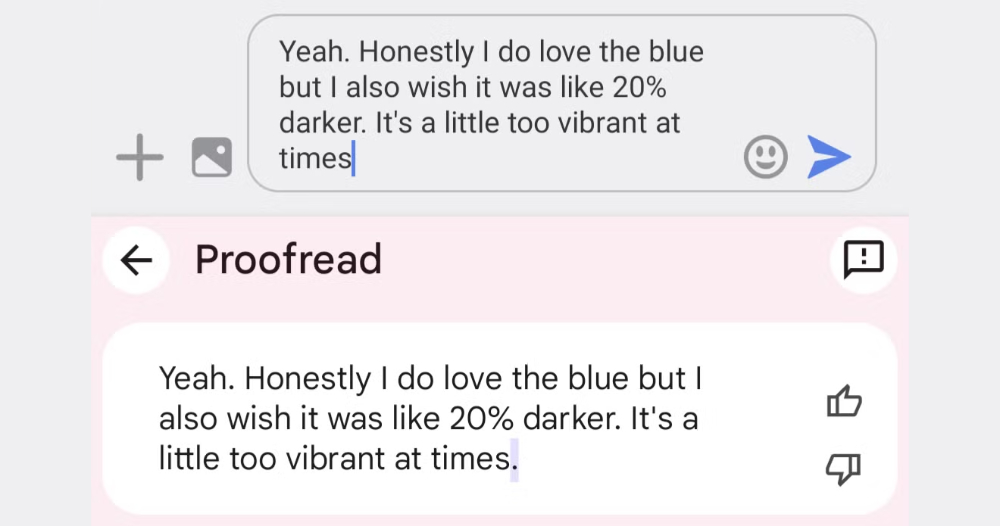
Previously, Google was found to have introduced a “Proofread” test feature in its Gboard keyboard. Now, foreign media have uncovered the existence of a “Writing Tools API” in the Android 16 DP2 system — looks familiar? Continue reading: Android 16 is also preparing for AI writing tools, this time to keep the AI from over-rewriting the article content.
▲Image source: 9to5Google
Android 16 is also preparing AI writing tools, this time to prevent AI from overdoing it.
Over the past two years, generative AI has advanced to the point where virtually any app or tool can tap into the assistance offered by large language models. Even the Apple ecosystem has, through its so-called Writing Tools experience, woven Apple Intelligence and even third-party generative AI models into essentially every text field across the system for writing and proofreading capabilities.
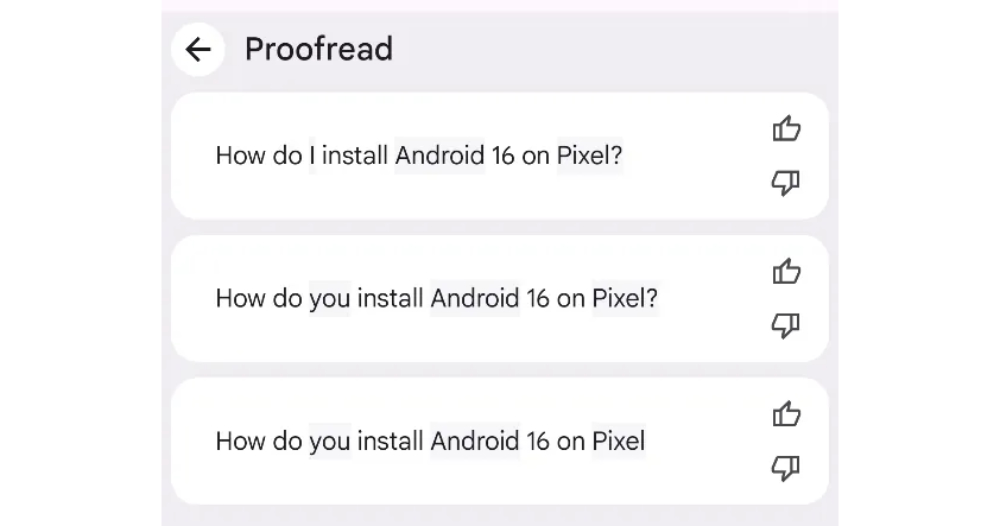
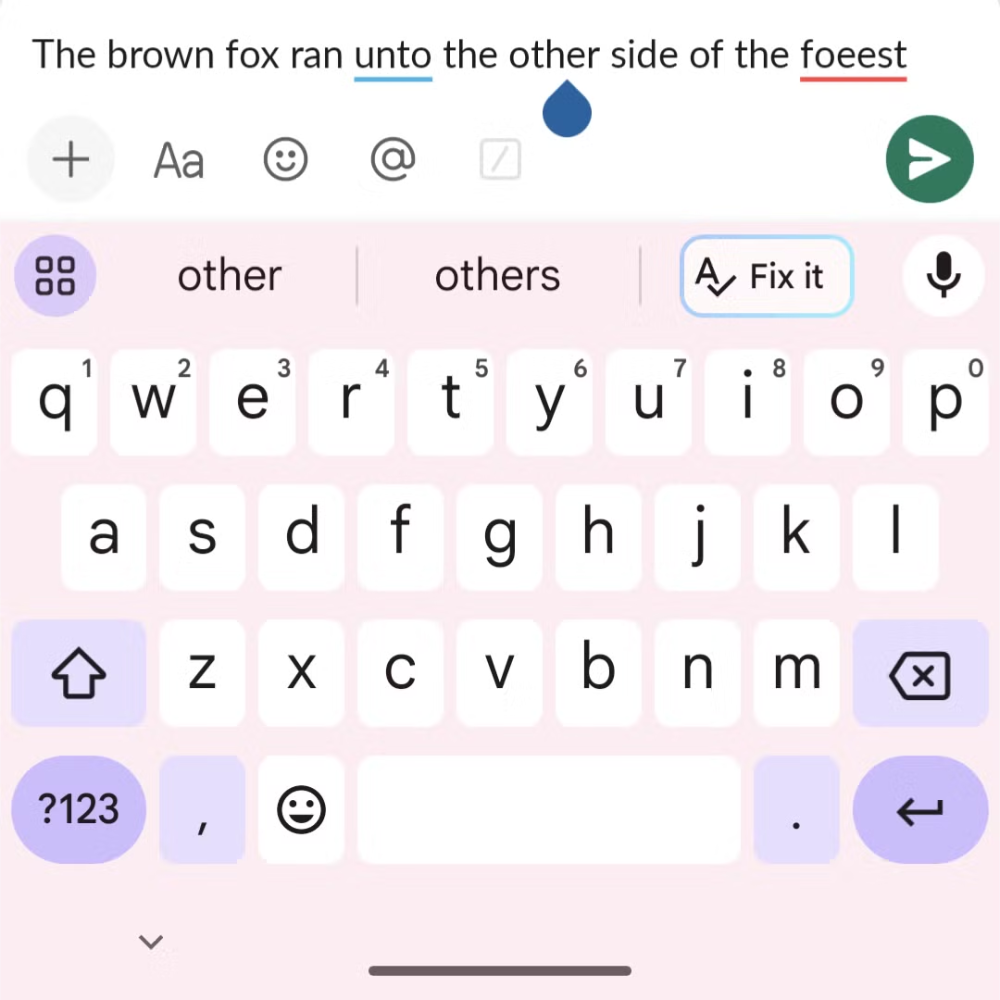
In the face of such challenges, Google has been quite active recently. Not only has it been spotted adding a test feature called “Proofread” to its own Gboard input method – yes, essentially an advanced version of spell correction, and Apple Intelligence’s writing tools also offer this sub-feature.
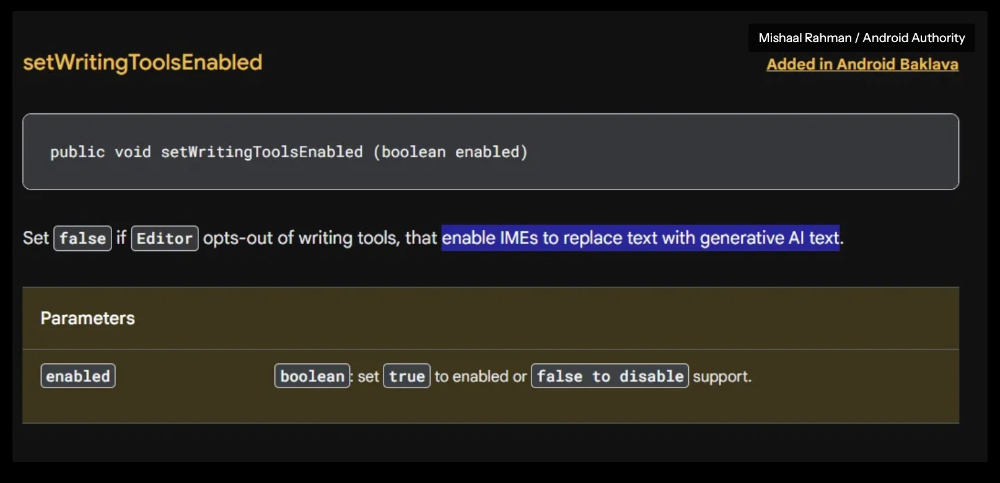
Now, foreign media have uncovered the existence of “WritingTools API” in the Android 16 DP2 system – looks familiar?
▲Image source: Android Authority
Since Google’s approach to using generative AI to assist users with writing is quite different from the implementation in Apple’s ecosystem, such as iOS, naturally, the features that this API can provide also take a quite different direction.
The code found by external media includes “isWritingToolsEnabled()” and “setWritingToolsEnabled()” along with code descriptions. It appears that Google’s main intention is to use the WritingTools API as a bridge between input methods with generative AI writing features and apps — or perhaps more accurately, a control mechanism?
▲Image source: Android Authority
Through the Writing Tools API in Android 16 DP2, it’s possible to detect whether input tools have advanced features that assist with writing via large language models. In terms of functionality, developers can choose whether to disable this assisted writing generation feature, or use Toolkits to pause such functionality for specific fields.
In the code description, they give examples like when inputting data such as passwords or numbers (phone numbers?), you basically wouldn’t need much help from “generation.” Aside from that, I personally suspect this mechanism is also meant to prevent the security risk of information leaking out when tools with generative AI capabilities capture and rewrite data in specific fields of an app.
▲Image source: 9to5Google
According to foreign media reports, Gboard itself has apparently always had mechanisms to detect and disable sensitive information such as passwords. This also makes the author more inclined to believe that Android’s preparations for AI writing tools this time, besides giving app developers some power to disable AI tools, are also likely aimed at avoiding problems that could arise from overly sensitive input fields being “accidentally learned,” right?
Now it seems that Google isn’t blindly pushing AI without more comprehensively considering the supporting measures for developers and users. This also makes one look forward to whether the upcoming Android system will introduce even more creative and flexible AI-related features.
Cited sources:Android Authority|
Further Reading:
Apple Vision Pro Taiwan Unboxing Experience, Part 2: Immersion Mode ON, Focus Mode ON

Source: KOCPC Chinese