


Suno AI music generation toolWe’ve introduced it quite a few times now. It’s truly powerful, effortlessly generating impressive AI music. However, just like with image generation, many people often struggle with how to craft the right prompts to produce the AI music they want. If you haven’t quite gotten the hang of it, or find it a bit challenging, this article will introduce a super handy free Suno AI music prompt generator called “Suno AI PROMPT”.
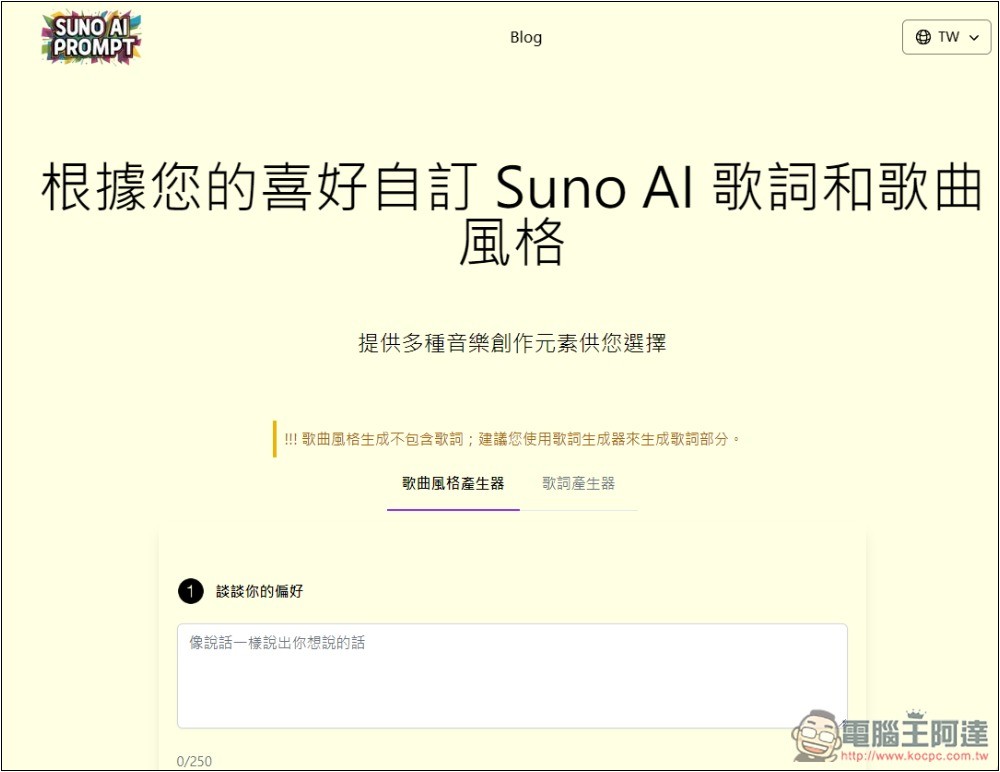
Suno AI PROMPT Music Prompt Generator Introduction
Suno AI PROMPT is a completely free SUNO music prompt tool that supports multiple languages, including Chinese.
The most convenient part is that besides entering your music needs, it also offers multiple creative element options, meaning you don’t have to input everything yourself. For specific preferences like music style, mood, melody, etc., you can just choose from the menu.
The generated prompts come three at a time, so you can pick the one that best fits your needs—that’s a nice touch.
In addition to music prompts, it also supports a lyrics generator that can generate Chinese lyrics.
Click the link above to go to Suno AI PROMPT, then enter your music needs in “talk about your preferences.” You can use Chinese, up to 250 characters, and there are some simple prompt suggestions below. If your preferences are detailed enough, it can generate directly—the creative elements below don’t necessarily need to be selected.
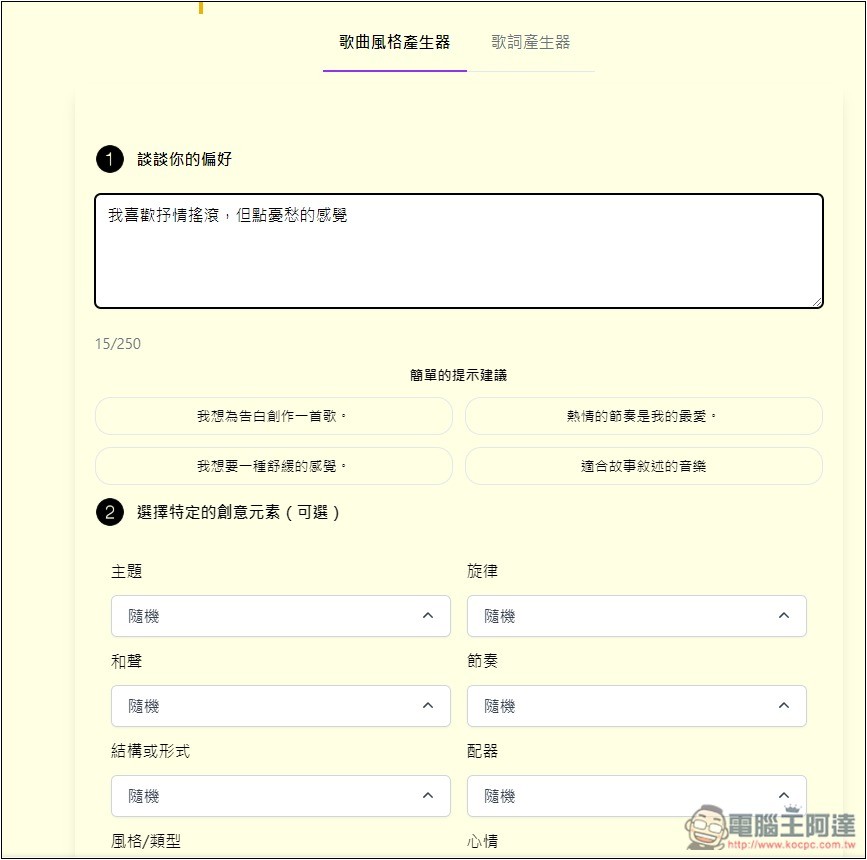
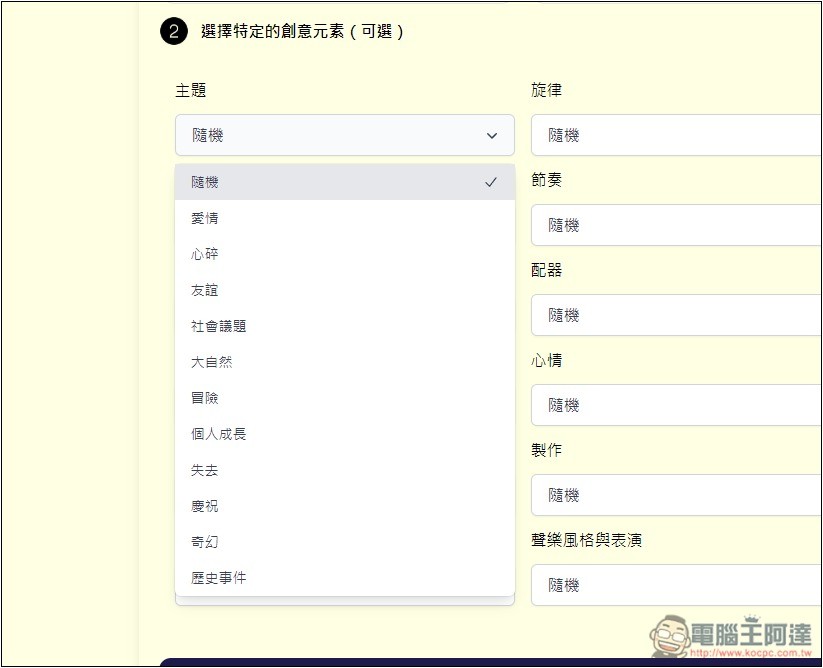
For those without any ideas, you can use the creative elements below to gradually set up the type of music you prefer, such as themes, offering love, heartbreak, friendship, social issues, nature, adventure, personal growth, loss, celebration, fantasy, historical events, and more:
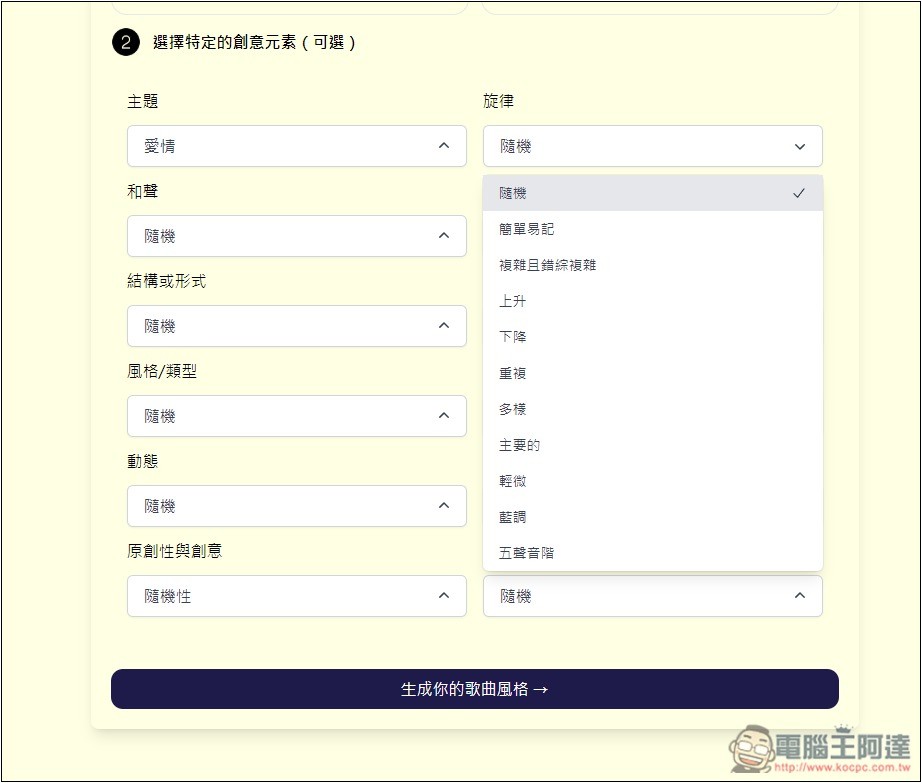
The melody also has tons of options, including simple and easy to remember, complex and intricate, ascending, descending, repetitive, varied, major, blues, and so on:
Harmony is a bit less; currently there are 5 in total, including major chords, minor chords, seventh chords, dissonant chords, and pedal tones. If you don’t know which one to choose, just keep it random:
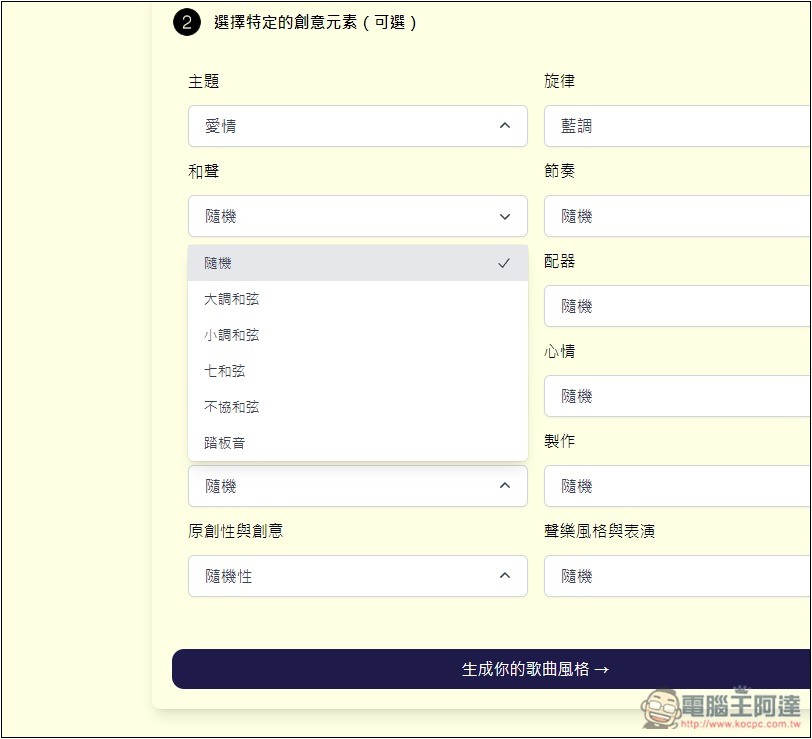
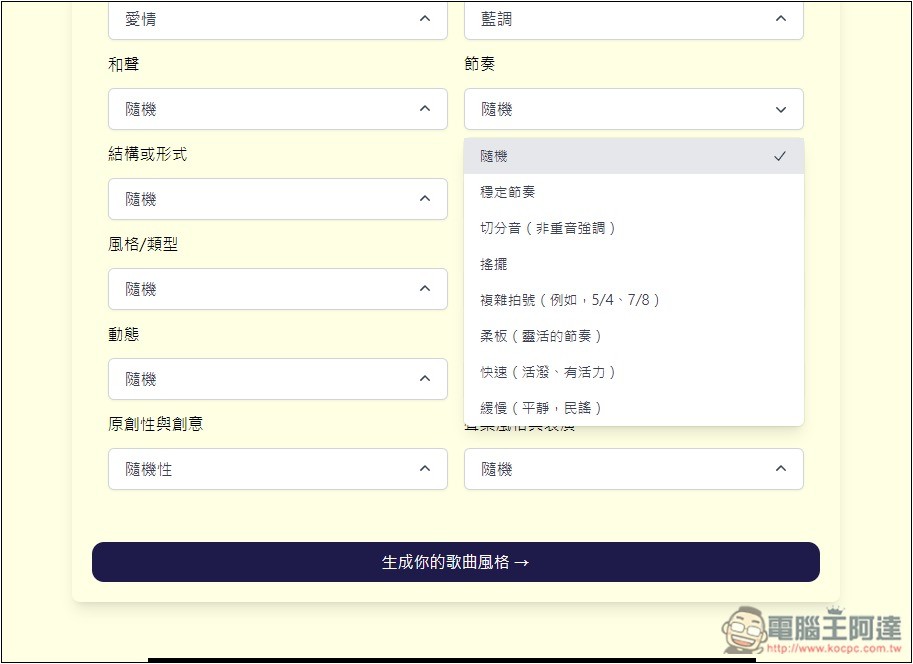
There are also quite a few rhythms to choose from: steady, swing, complex time signatures, fast, slow, etc. Some rhythms have descriptions on the right:
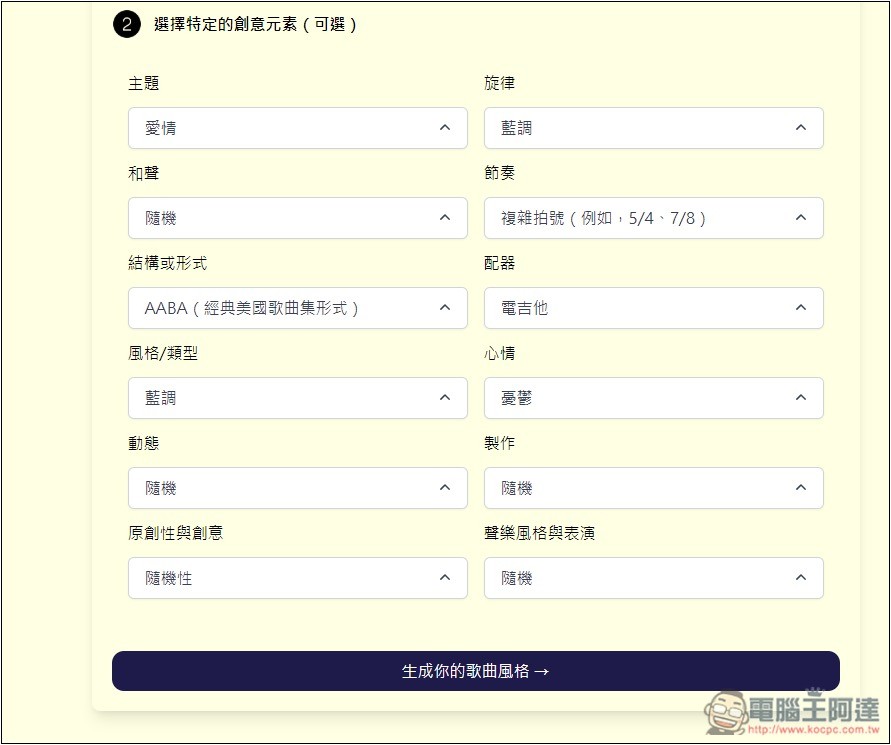
Once everything is set up, click “Generate Your Song Style” below:
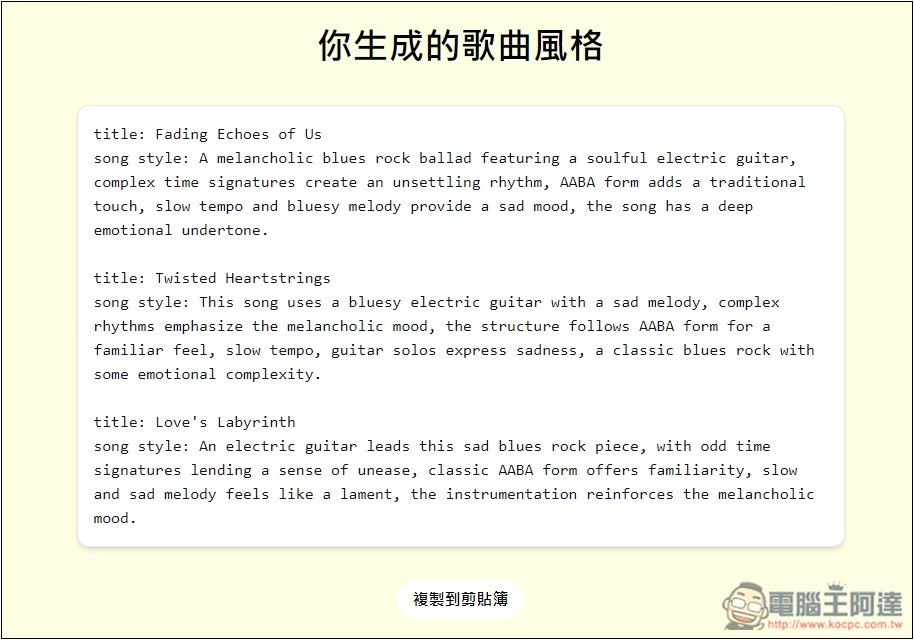
Wait a few tens of seconds, and you’ll get three prompts, along with the song title. The content isn’t music, so it’s fine if you don’t understand; just copy it and paste it into Suno AI:
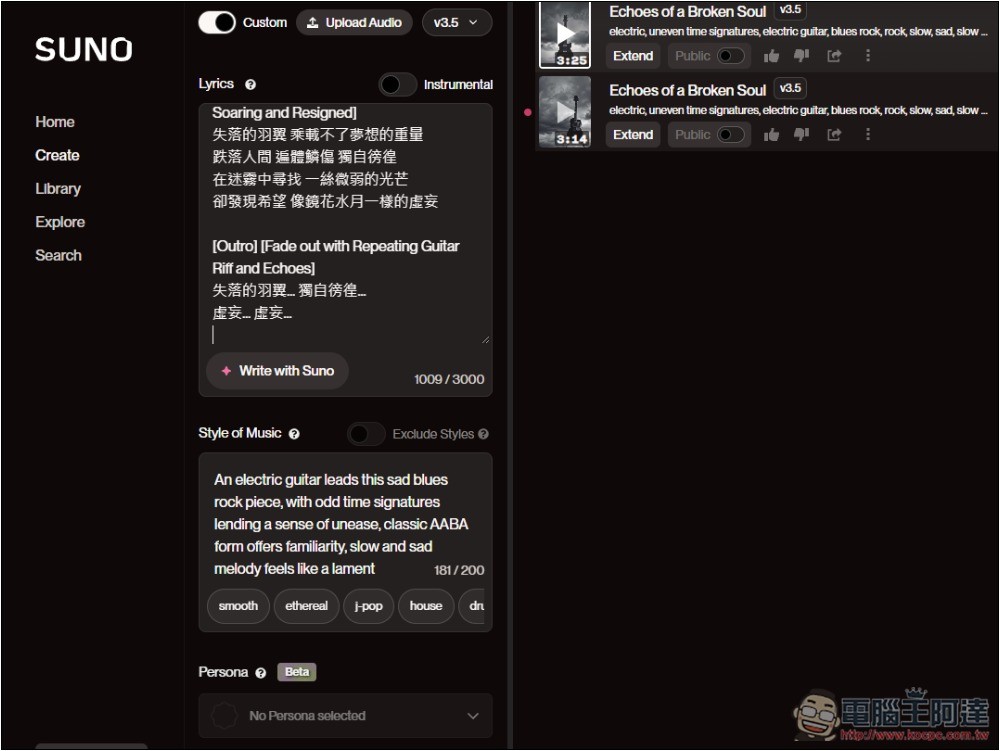
As shown in the figure below, however, Suno’s music description prompt has a character limit of up to 200 characters. Sometimes the prompt generated by the generator exceeds this limit, so you can modify it to make it shorter yourself, or use an AI tool like ChatGPT to shorten it.
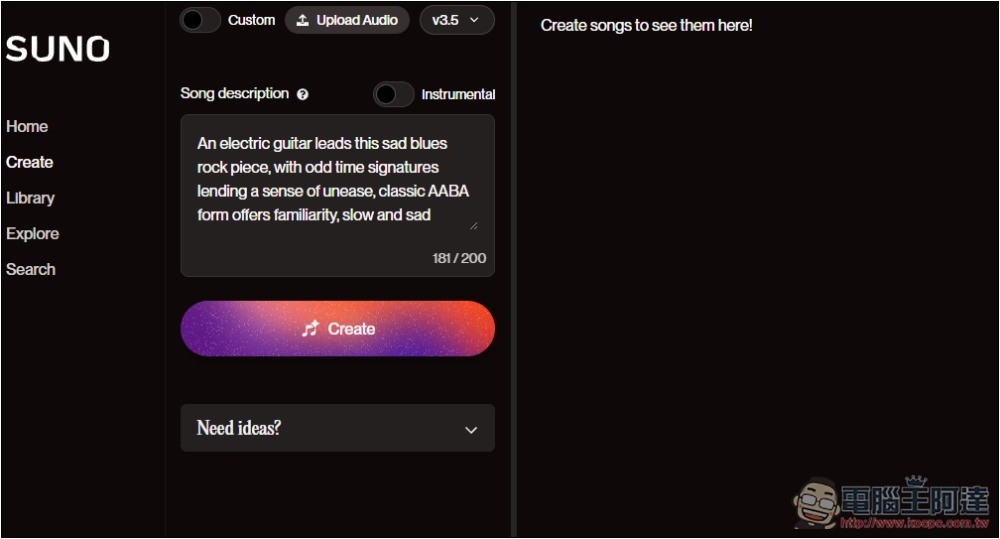
The track below is the music I generated using the generator, and it’s almost exactly what I asked for—the lyrics were generated by Suno itself:
Next to it there is also a lyrics generator, where you can input your preferences as well, and below there are also creative elements to choose from:
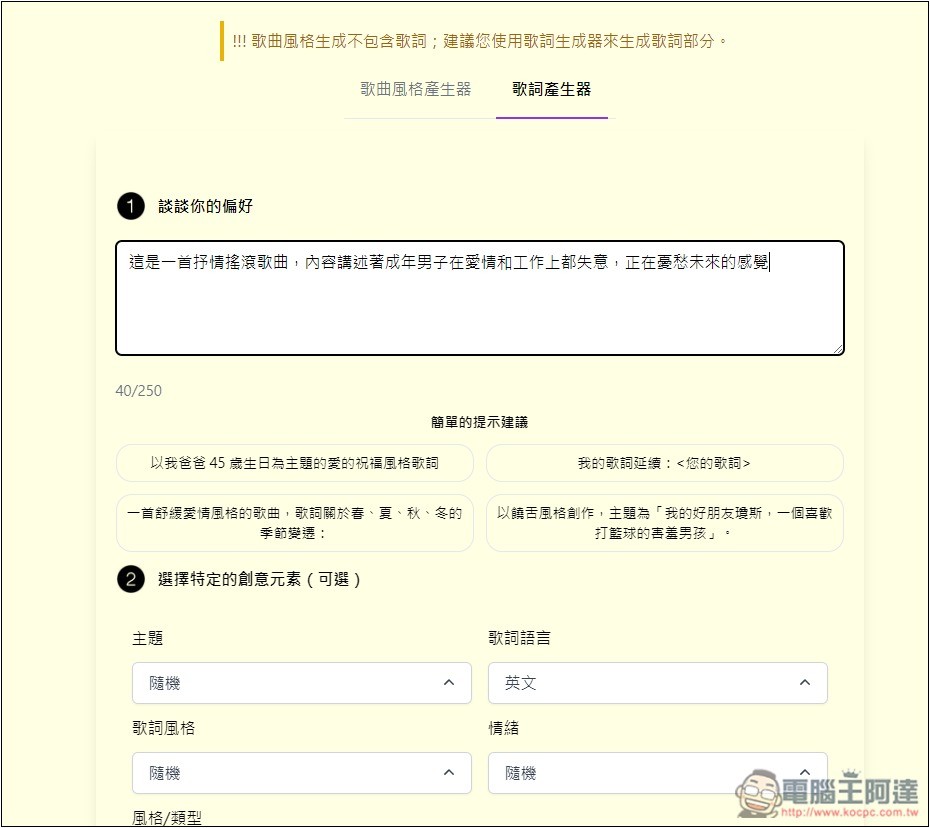
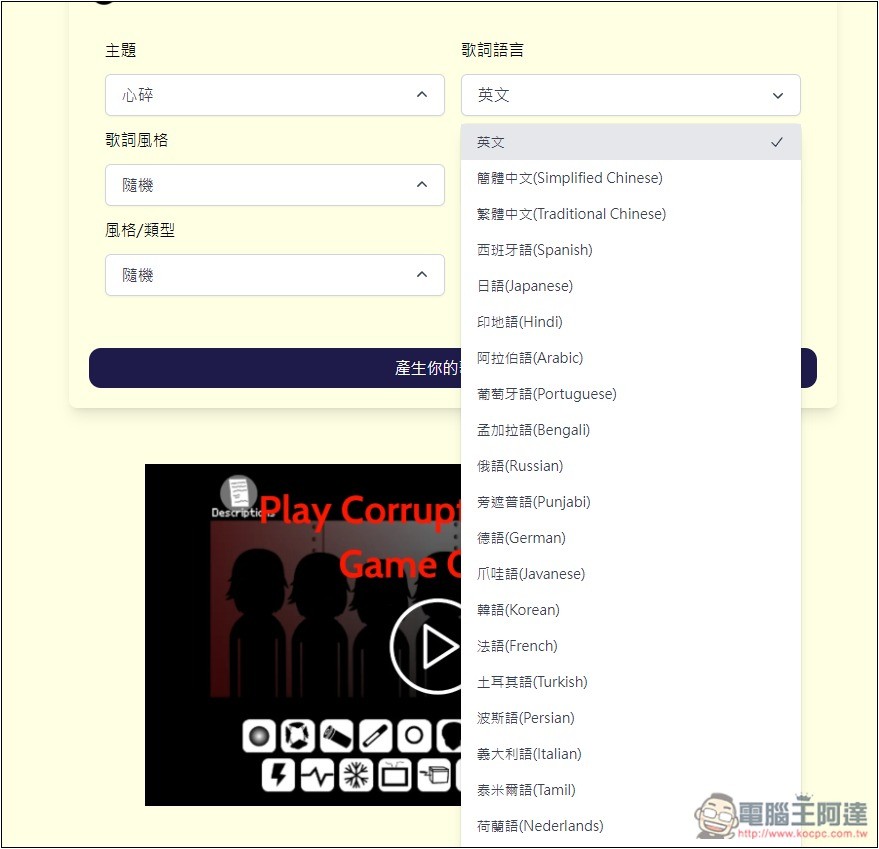
Supports a wide range of lyric languages, including Traditional Chinese:
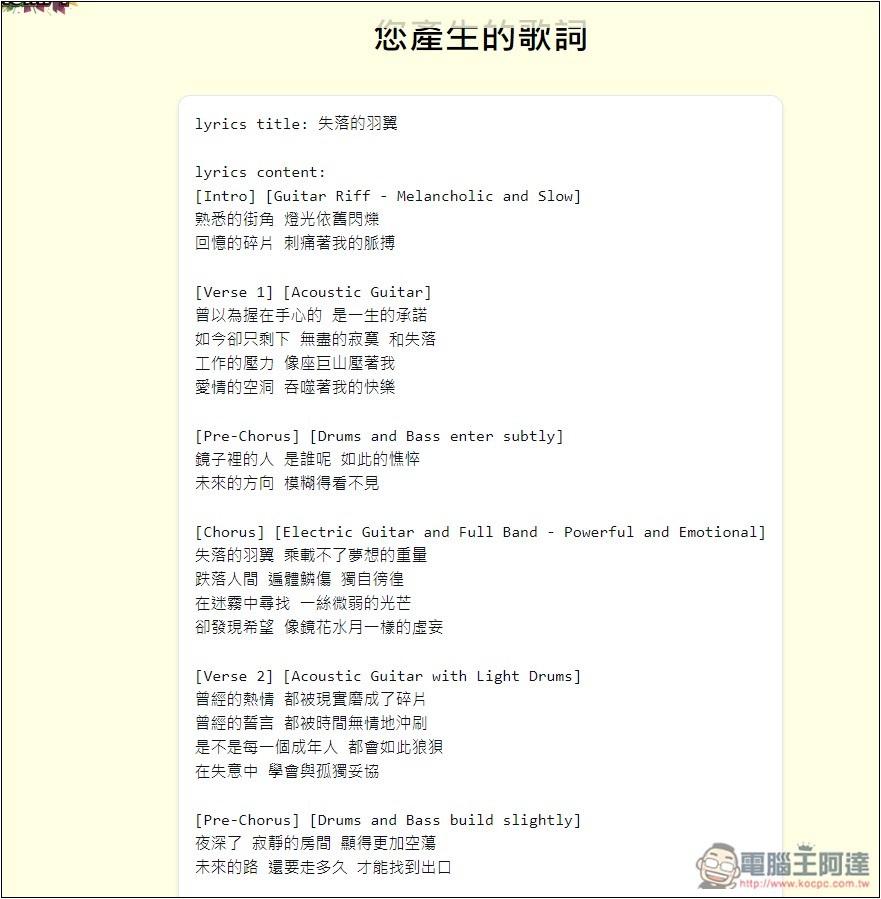
The generated lyrics are of the same high quality, long enough, and divided into intro, middle, and outro sections. There’s even a song title included. Just copy everything and paste it into Suno.
Turn on the Custom feature, enter the lyrics at the top and the song prompts at the bottom. For both, I used the prompts generated by this generator.
The final AI music:
Source: KOCPC Chinese