


Apple announced iOS 27 at WWDC this week. One of the highlights is the launch of the new Siri app. This is also the first time that Siri is pre-installed on the iPhone in the form of a standalone app. This change marks a new stage in the integration of Siri and Apple Intelligence, evolving from a voice assistant to a cross-device intelligent assistant center.
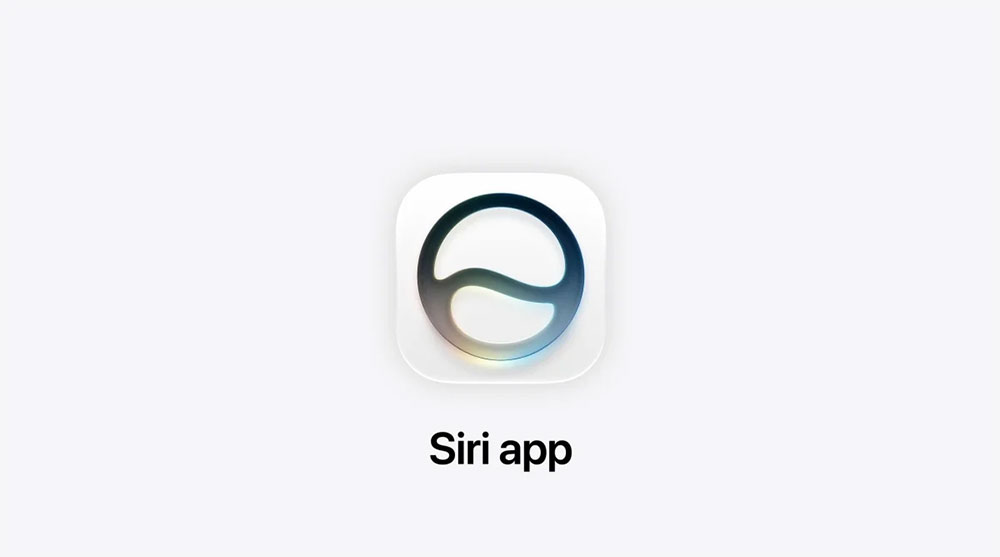
iOS 27 adds new Siri app to iPhone home screen
After updating to iOS 27 later this year, users will see a new Siri icon on the iPhone home screen. This app will also be available on other platforms simultaneously: Mac with macOS 27, Vision Pro with visionOS 27, iPad with iPadOS 27, and Apple Watch with watchOS 27, forming a consistent Siri experience across platforms.
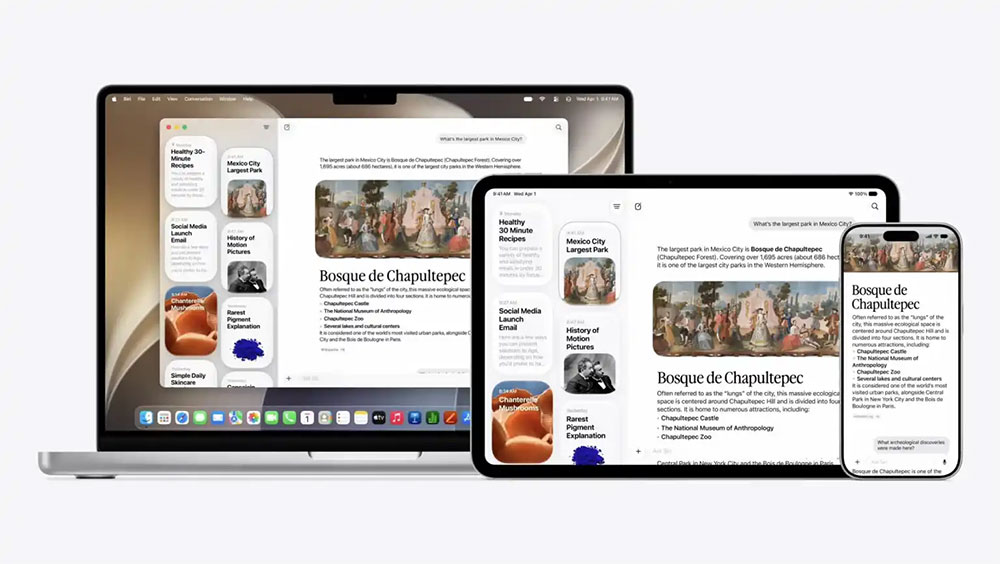
At its core, the Siri app allows users to manage their interactions with Siri in a more intuitive way. The app uses a chat-style interface and displays past conversation records in a streaming format, making it easy to review, search, or continue previous questions. Users can also start new conversations directly in the app without having to wake them up by voice. Through iCloud, the same set of conversations is synced across all Apple devices, so you can start a question on iPhone, continue on Mac or iPad, or quickly view responses on Apple Watch. The Siri App also supports uploading photos and files, allowing Siri to perform content analysis, such as identifying image information, helping organize documents, or answering questions related to files.
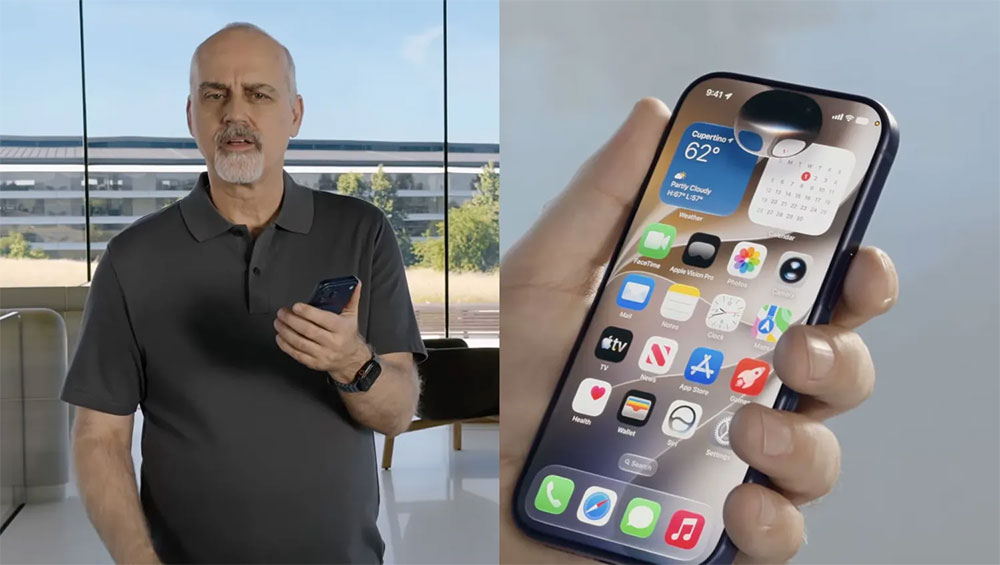
The new Siri App is closely integrated with the Siri AI and Apple Intelligence features introduced in iOS 27. Siri AI can access broader global knowledge while understanding the user’s personalized context on the device, including messages, emails, photos, calendars, notes and more. This information is processed on the device to provide more personalized responses when answering questions.
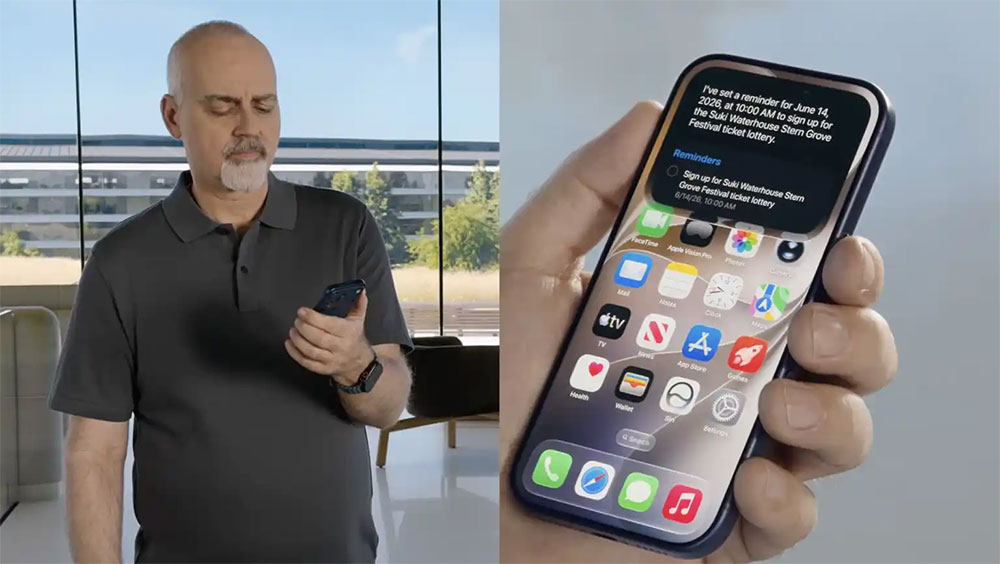
Siri AI also has the ability to understand screen content and can identify the app or information you are currently viewing and provide relevant assistance. For example, ask for meeting details while reading an email, organize an album while browsing photos, or ask Siri to generate a summary while viewing a file. Through these capabilities, Siri no longer just passively answers questions, but can proactively provide assistance based on your daily usage scenarios and maintain consistent understanding and memory across different devices.
However, the Siri App is not available on all iPhones. Since it highly relies on the computing power of Apple Intelligence, the Siri App only supports models with corresponding hardware, including:
- iPhone 15 Pro
- iPhone 15 Pro Max
- iPhone 16
- iPhone 16 Plus
- iPhone 16 Pro
- iPhone 16 Pro Max
- iPhone 17
- iPhone 17e
- iPhone Air
- iPhone 17 Pro
- iPhone 17 Pro Max
In other words, only models equipped with A18 Pro or newer chips can fully use the Siri App and Apple Intelligence functions.
Source: KOCPC Chinese