


The recent epidemic in Taiwan can be said to be a major outbreak. The number of confirmed cases continues to hit new highs every day. It is not known when it will slow down. Therefore, as long as they have cold symptoms or are notified that they have been in contact with a confirmed person, everyone will buy rapid tests for testing, making it easy to buy them. Now there are some tools on the Internet that can check the inventory of rapid screening reagents in nearby pharmacies, but they are allWeb version, it may be difficult to operate on a mobile phone. In this case, you can use the “Look for Quick Screening Reagent” LINE robot instead. Just share your current location in LINE or enter location keywords to check how much quick screening stock is left in nearby pharmacies.
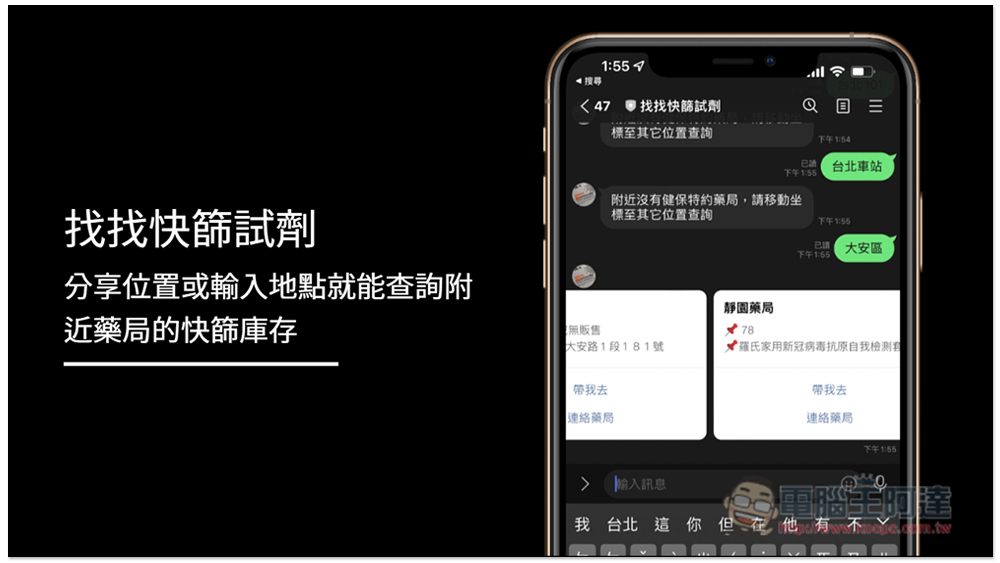
“Look for quick screening reagents” LINE robot operation tutorial
First, add the “Look for Quick Screening Reagent” LINE robot to your friend list, turn on the search friend function, and enter @054ehalj to find the “Look for Quick Screening Reagent” and click “Join”:
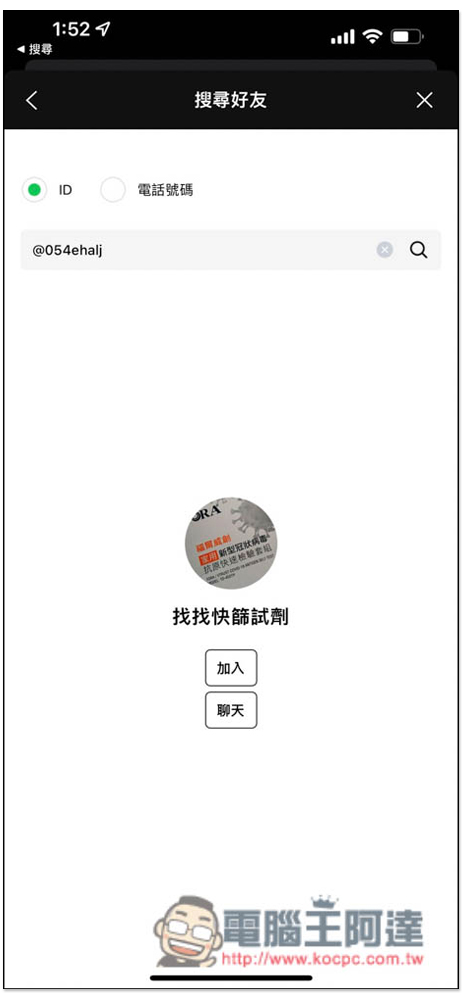
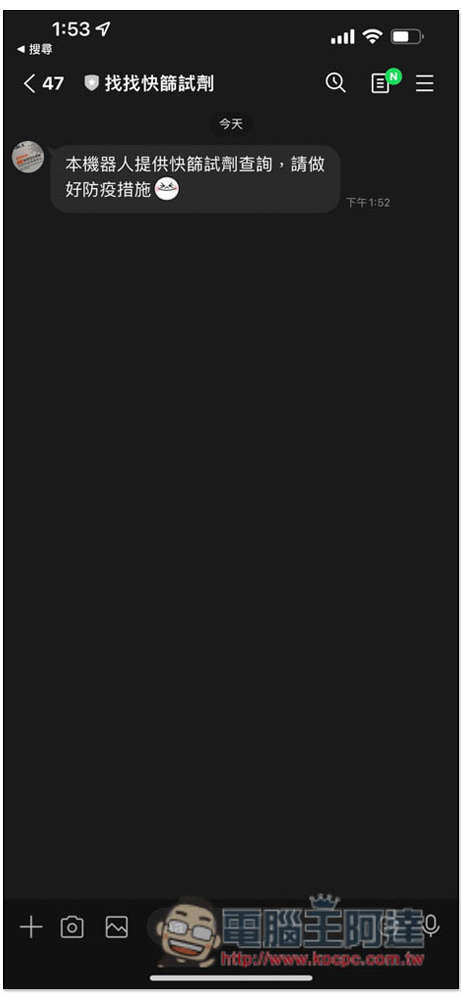
According to the developer, “Looking for Quick Screening Reagent” is a relatively new LINE robot that only took one day to create. Therefore, it is still a bit lively and has no function menu. After entering the chat window, enter the location you want to find or share the location with it. I recommend using the latter (sharing location), which is easier:
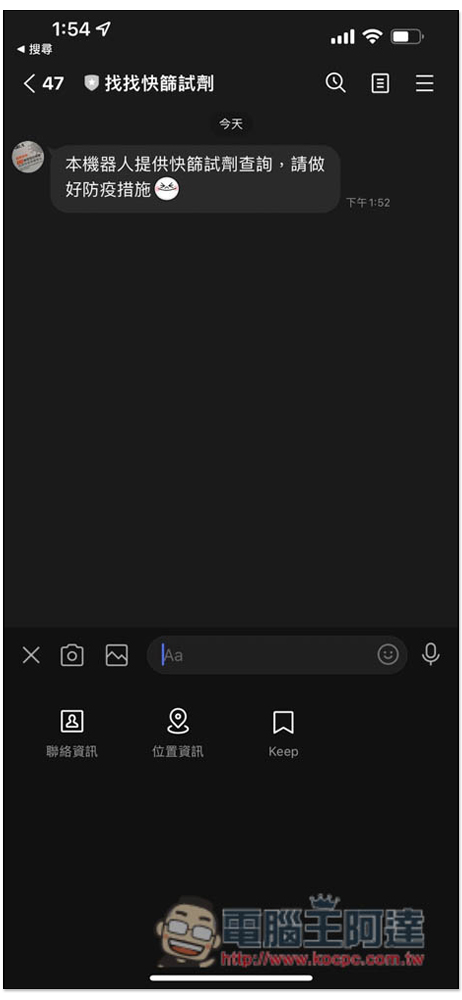
Click the + function below to see the “Location Information” option:
LINE will automatically locate your current location. If it’s wrong or you’re too far away, you can manually adjust it. If it’s ok, just click on the address field:
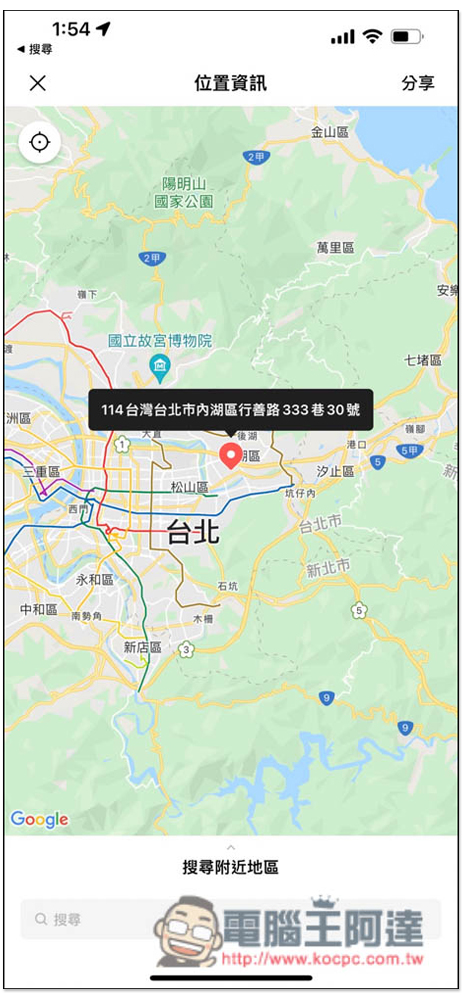
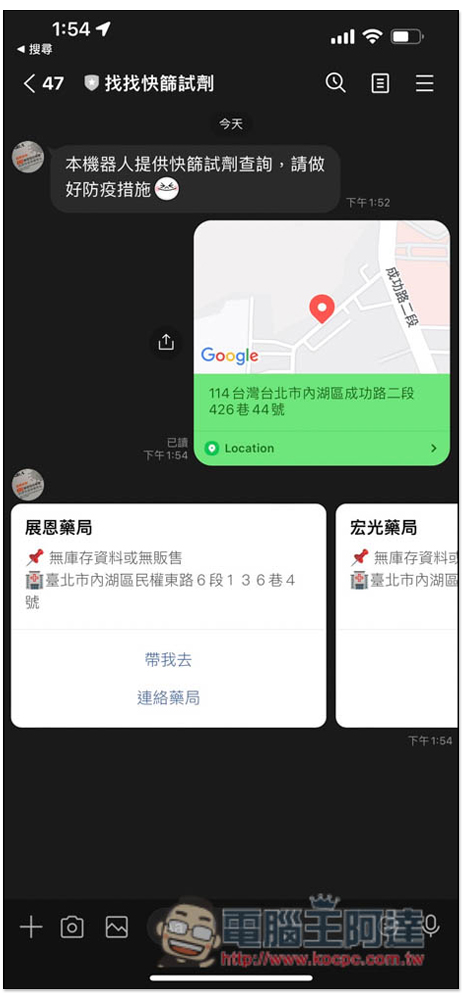
After “Looking for Quick Screening Reagent” receives your location information sharing, it will push information about nearby pharmacies, including how much inventory is left and the pharmacy address. In addition, I found the inventory information of this robot. If the pharmacy has no inventory, it will also write no inventory information or no sales:
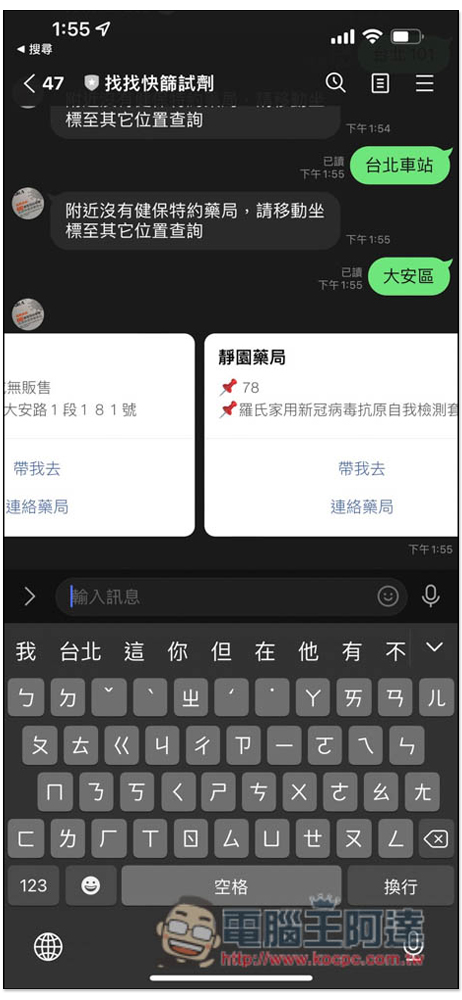
The support for entering location keywords is not very good now. When I try to enter a location (such as Taipei 101, Taipei Main Station), the answer is “There is no health insurance pharmacy nearby. Please move the coordinates to other locations to check.” However, if you enter an area, such as Da’an District:
Sometimes when entering an address, it will also say “There is no health insurance pharmacy nearby, please move the coordinates to other locations to check”:
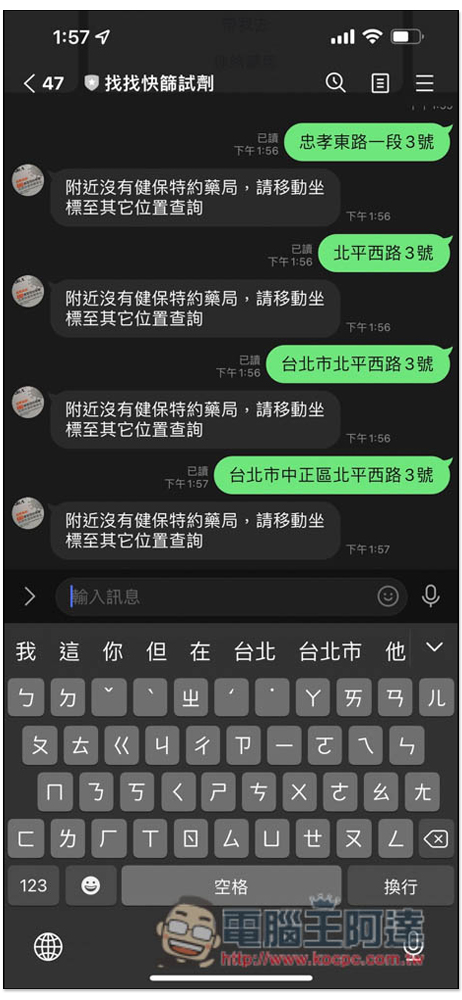
New Taipei City does not have this problem, which is why I mentioned earlier that it is recommended to use location sharing:
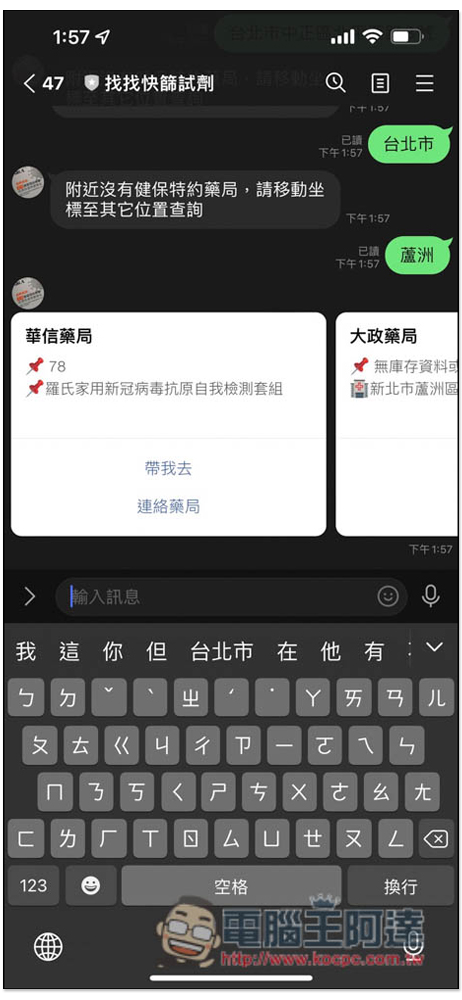
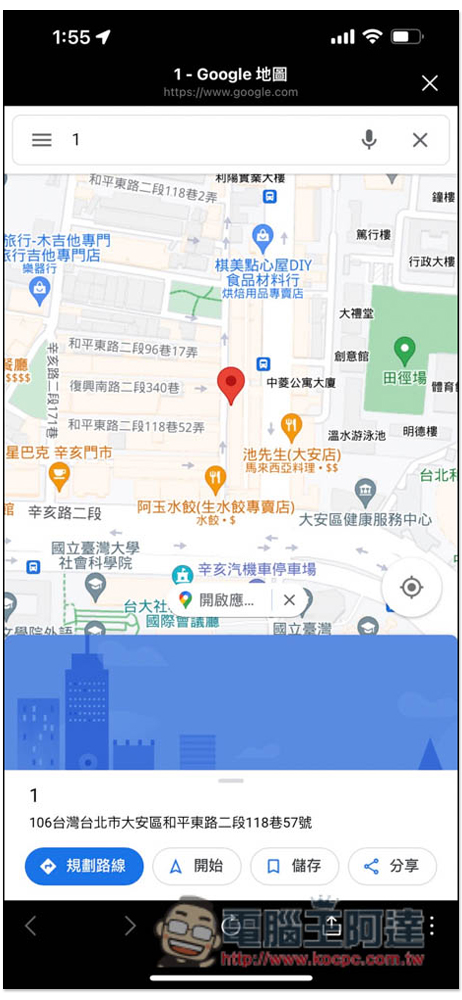
After you find a pharmacy that has stock, click “Take me there” and a Google Maps map will open and the location of the pharmacy will be marked, allowing you to navigate the route. If you are worried about inaccurate inventory information, click “Contact Pharmacy” to directly call the pharmacy:
Overall, there are still many areas for improvement in “Find Quick Screening Reagent”, especially the lack of function menus, which makes operation more difficult, especially for the elderly.
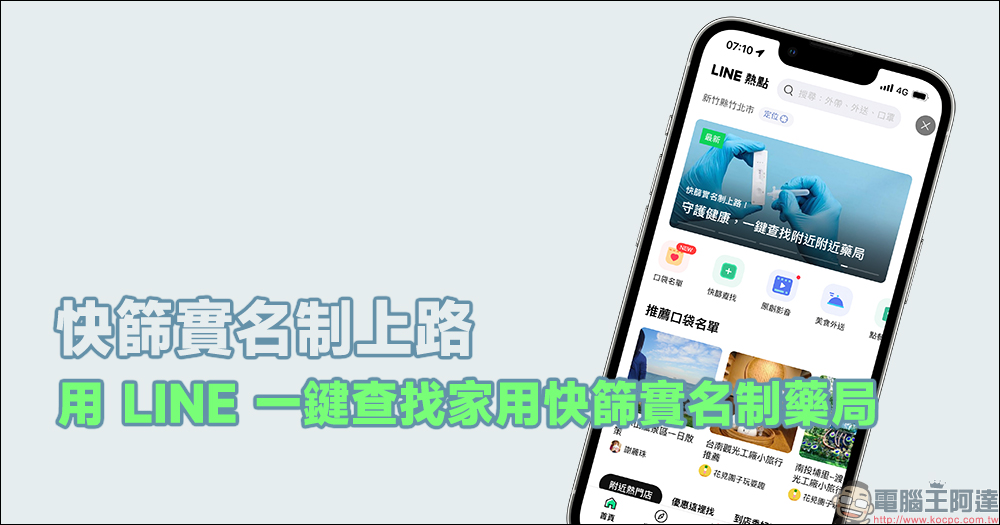
In addition, if you just want to find which pharmacies nearby have home rapid screening real-name systems, you don’t need to check the inventory. LINE itself provides a one-click query function. For detailed operation steps, you can read this tutorial:Use LINE to find real-name pharmaceutical bureaus for home rapid screening with one click! Quick query of real-name pharmaceutical bureau and health center for household rapid screening:
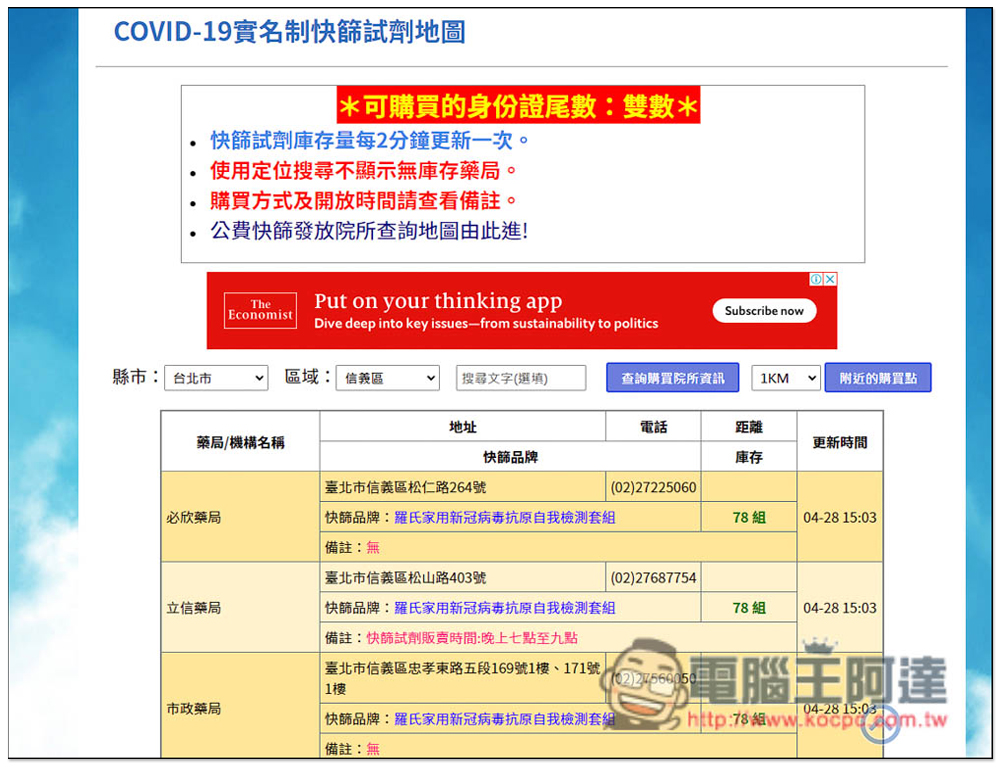
For the web version, you can use the “COVID-19 real-name rapid screening reagent map”, not only will the inventory be updated every 2 minutes, but it will also tell you the ending number of the ID cards that can be purchased today:
Source: KOCPC Chinese