


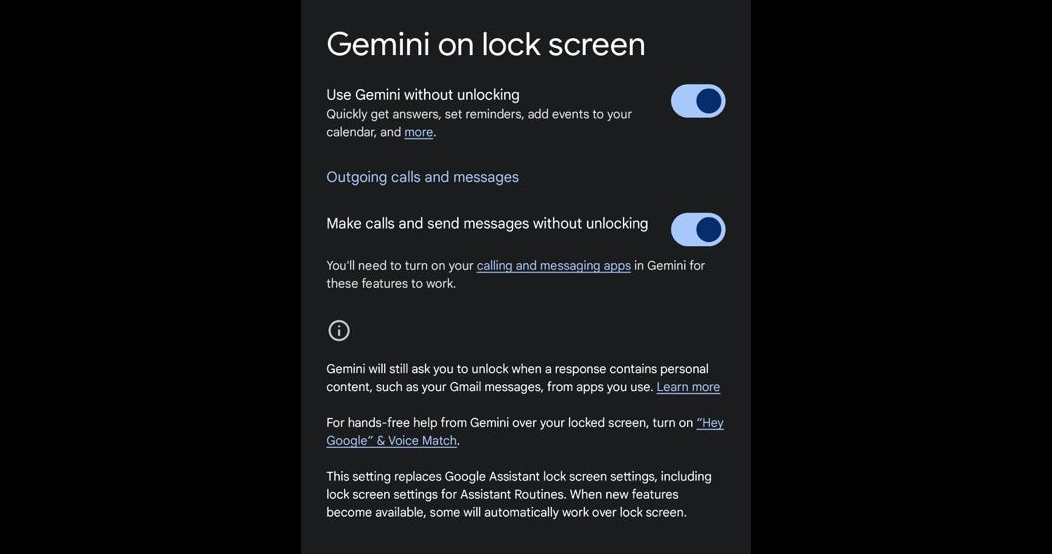
After the latest Google app v15.48 update, the advanced feature that lets you use Gemini to make phone calls and send messages while the screen is locked has officially arrived. Continue reading: Gemini now supports making calls and sending texts directly from the lock screen—here’s how to enable it.
▲Image source: 9to5Google
Gemini now supports making calls and sending messages directly from the lock screen—here’s how to enable it.
As it stands, Google provides the latest Gemini AI as an option for the voice assistant experience on Android smart devices, while also keeping the old companion Google Assistant available. This might make people wonder why Google doesn’t simply replace the previous Google Assistant role entirely with the seemingly most advanced generative AI.

▲Image source: Google
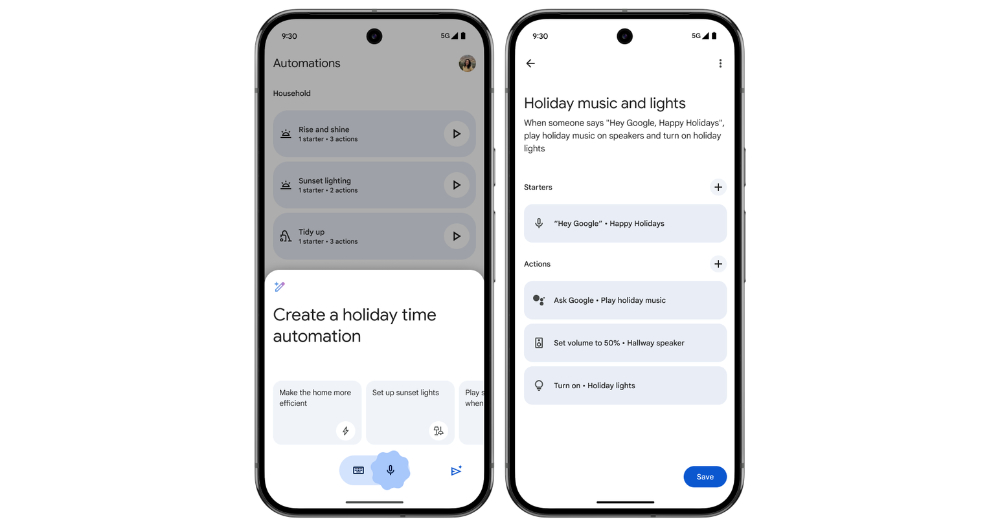
However, those who have used Google Assistant in depth probably know about features like smart home control and basic personalization. When Gemini first started offering Google voice assistant capabilities—namely the “Use Google Assistant features through Gemini” function—it was still quite incomplete. In subsequent updates, Google has progressively strengthened Gemini’s support for Google Assistant features.
Now, it has been discovered that after the latest Google app v15.48 update, an advanced feature has officially been added that allows using Gemini to place phone calls and send messages while the screen is locked.
▲Image source: Google
Right—while Gemini’s voice feature could already be activated through “Use Gemini while the screen is locked,” letting you get instant answers to questions from this smarter, more conversational generative AI. And through various new “extensions,” you can also connect services including Google Workspace, Google Flights/Tickets, Google Hotels, and even YouTube.
However, when it comes to the very basic feature of making calls and sending messages directly from the lock screen, it still couldn’t be enabled properly when Gemini was set as the Android voice assistant. Now, for Android users who want to simply speak hands-free to start calling family members or quickly send messages, this feature should soon be available to enable from Gemini’s settings.
How to enable Gemini’s lock screen calling and messaging features
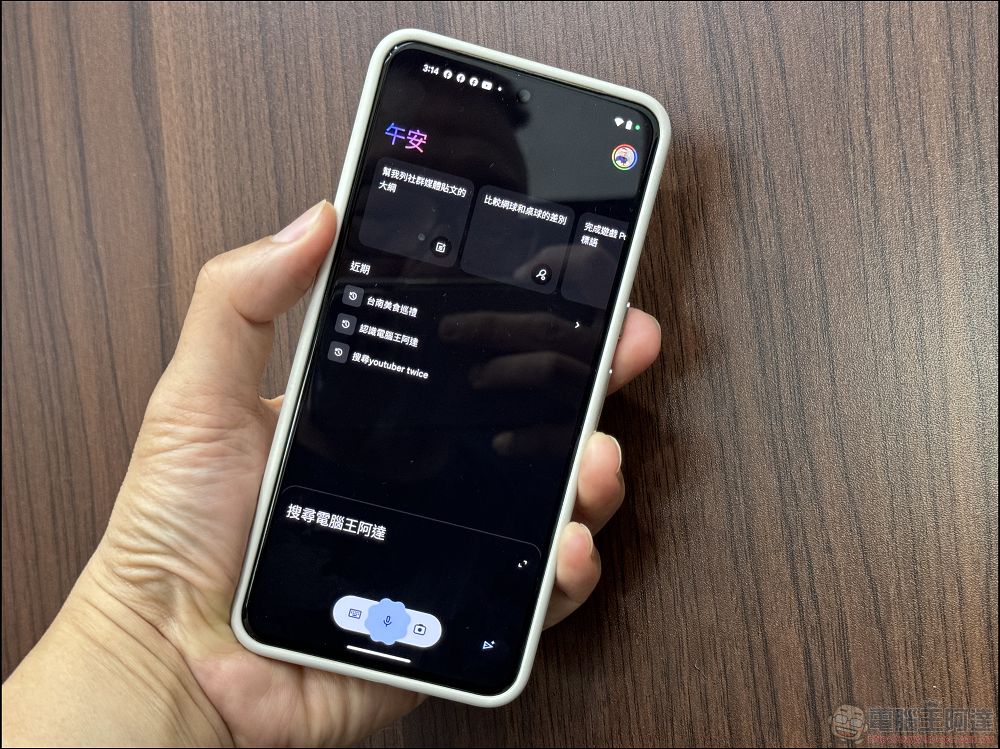
You can find the Settings button in the user icon menu in the top-right corner of the Google app or the Gemini app. Once inside, you can select the “Gemini > Use Gemini while screen is locked” menu.
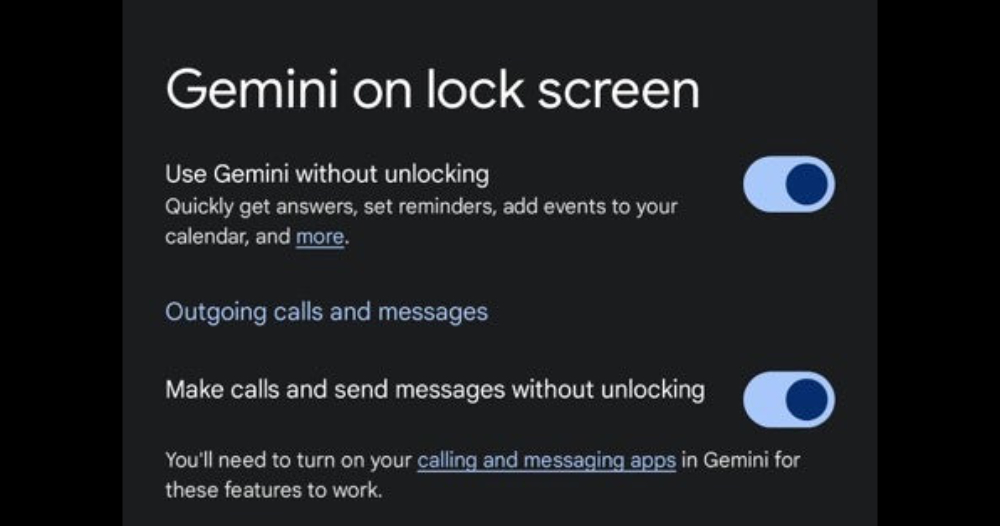
If you have already received this update, you will find the “Make calls and send messages without unlocking” option below the “Get Gemini responses on the lock screen” toggle – the image above is a screenshot demonstration from 9to5Google.
Once enabled, the Gemini-powered voice assistant gains this convenient lock screen feature. Check now to see if you’ve received this update!
Citation source:PhoneArena|
Further Reading:

Source: KOCPC Chinese