


As today’s AI artificial intelligence becomes more and more powerful, image retouching was originally a very professional job. Through Luminar 4, a simple and powerful professional image editing software, now even people without any relevant knowledge or who are not very computer literate can easily do it. Luminar 4 has a built-in one-click AI automatic photo editing function. You only need to load the photo, then press the one-click AI photo editing function, and you’re done!
The original price of this set was NT$1,800, but now the official is launching a limited-time free promotion, and it is available in both Windows and Mac versions. Those who need it, hurry up and get it, and you can use it for free for life.
Luminar 4, the most powerful one-click AI photo editing professional software, launches a limited-time free promotion
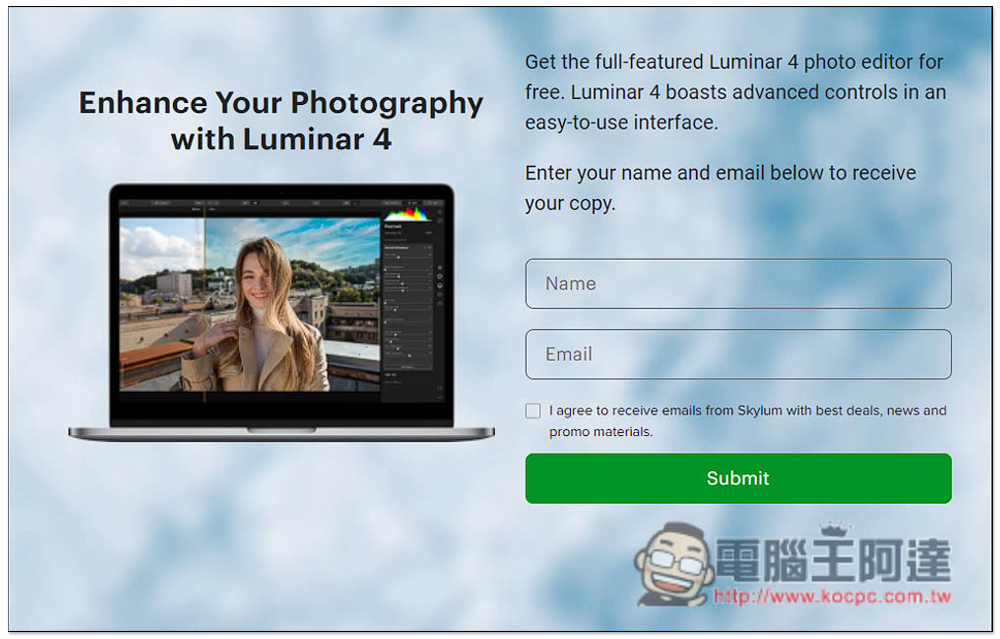
After entering the Luminar 4 limited free event page, enter your name and email address, and click Submit below to get the download points and serial number. I agree to receive …. Leave this box unchecked unless you want to receive Skylum-related advertising offers. Remember to fill in the email address you use, because you will need to receive emails:
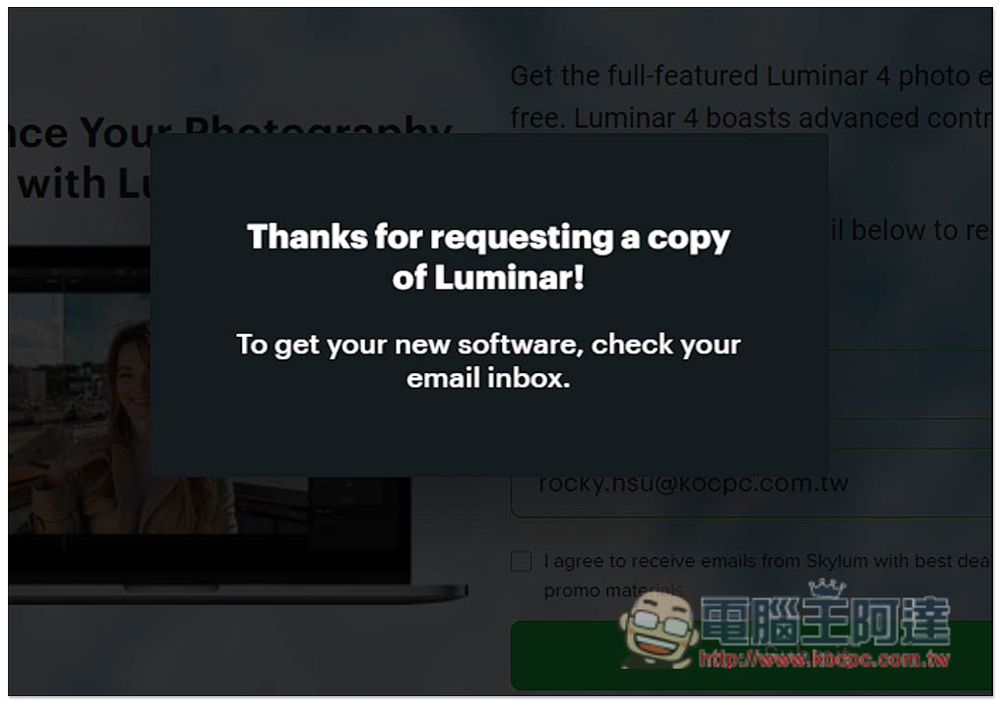
Displaying this message means success. Now open your mailbox:
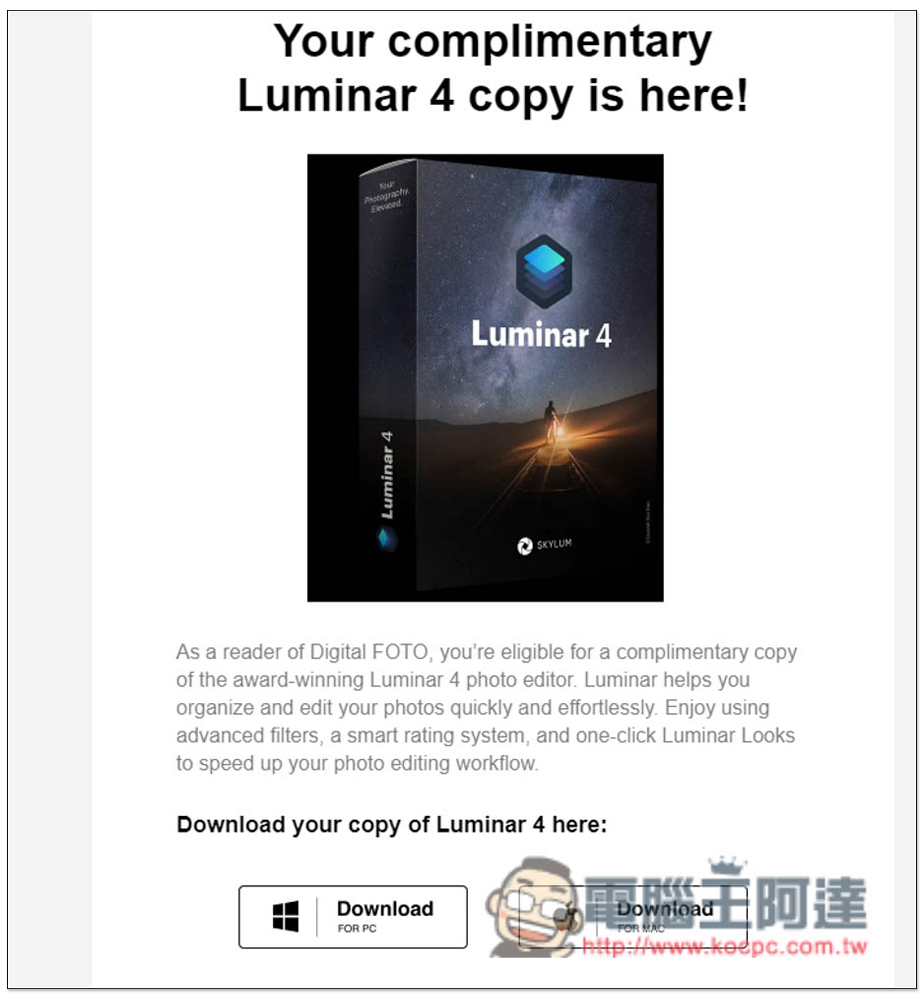
You will receive this email, which will contain the installation file points for Windows and Mac versions, as well as your activation serial number:
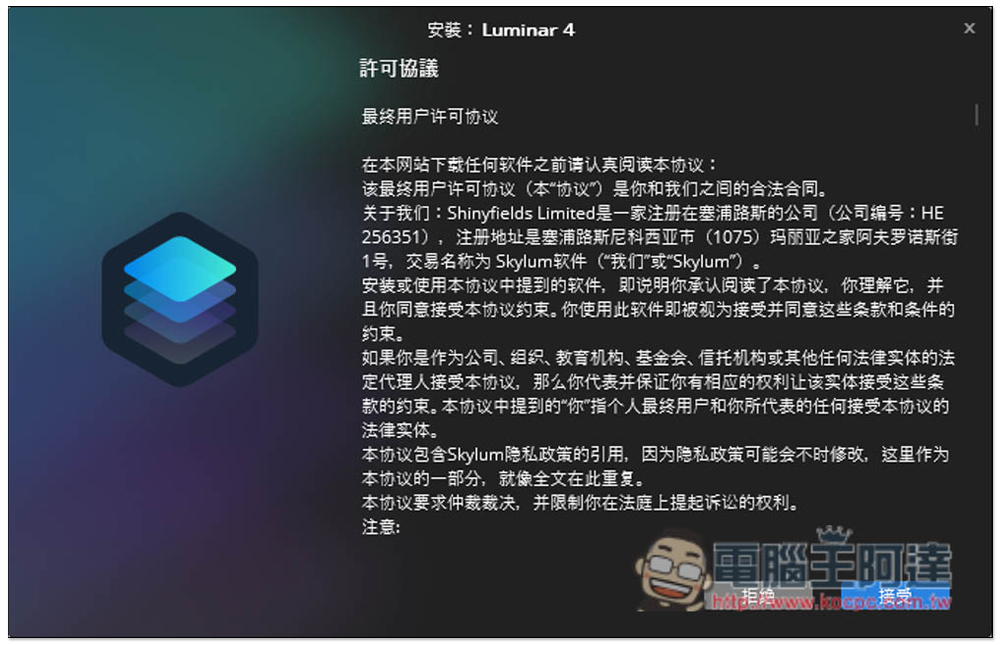
I take the Windows version as an example. This one has a Chinese interface, so you don’t have to worry about not being able to understand it. The installation process basically just keeps pressing next step:
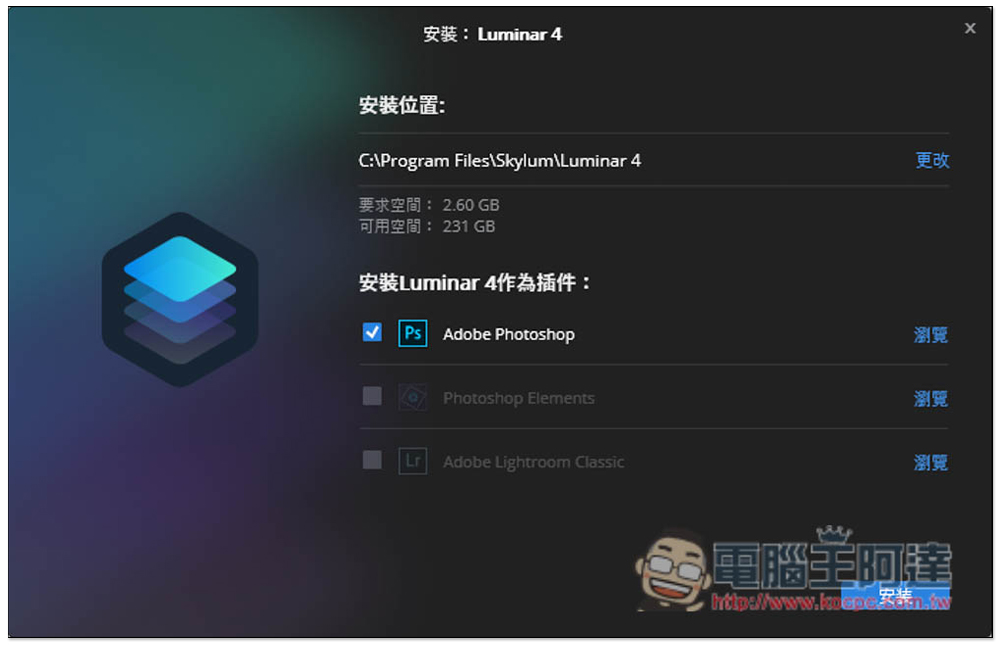
There are also plug-ins for Adobe Photoshop, Photoshop Elements and Lightroom Classic. Those who need them can install them:
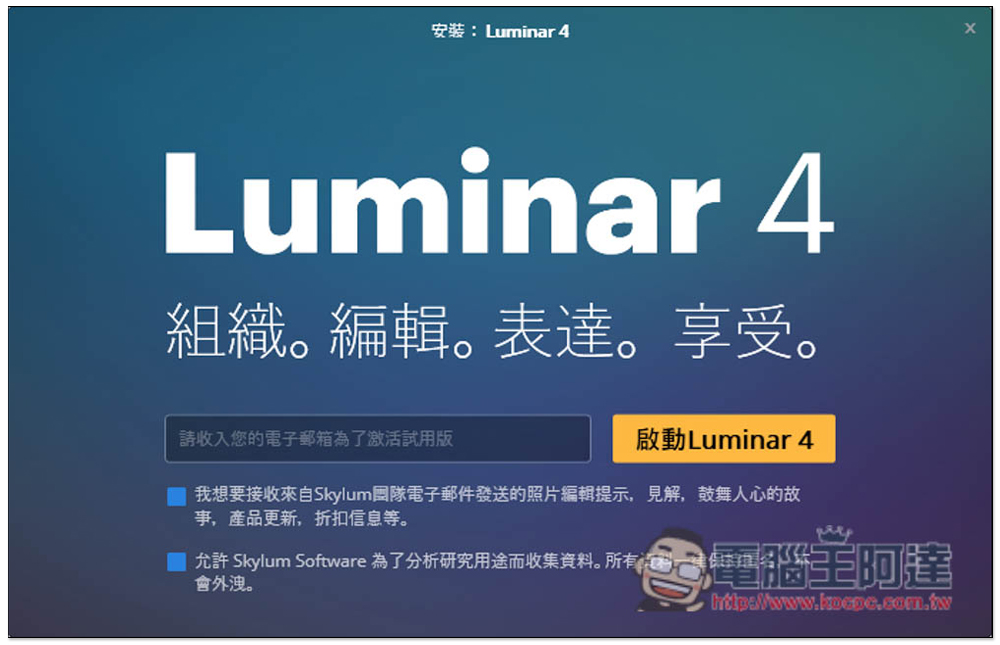
It will open automatically after the installation is completed. Just press the x in the upper right corner of this screen to close:
After entering this screen, click “Activate”:
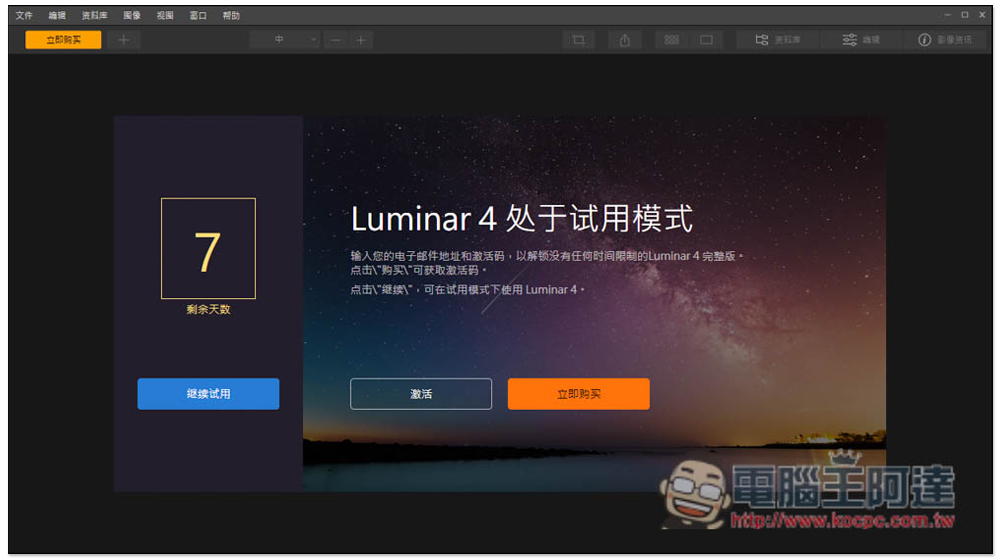
Enter the serial number (activation code) you just obtained and your email address, then press Activate:
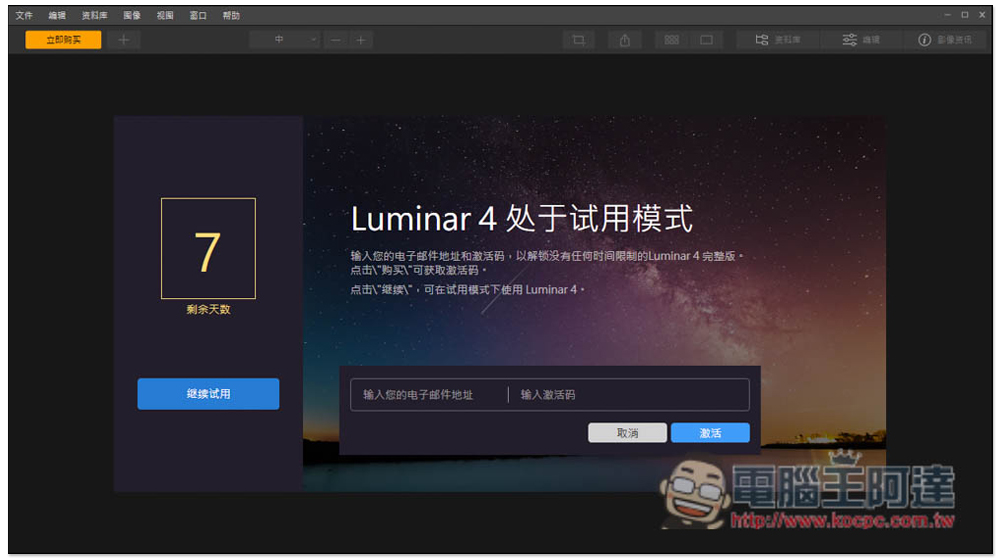
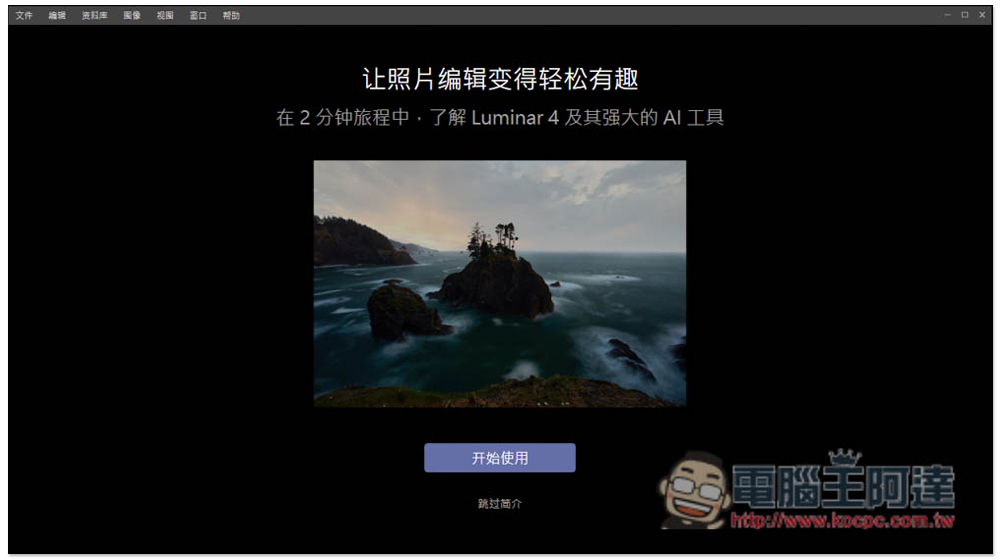
Now you can start using it and all features will be unlocked:
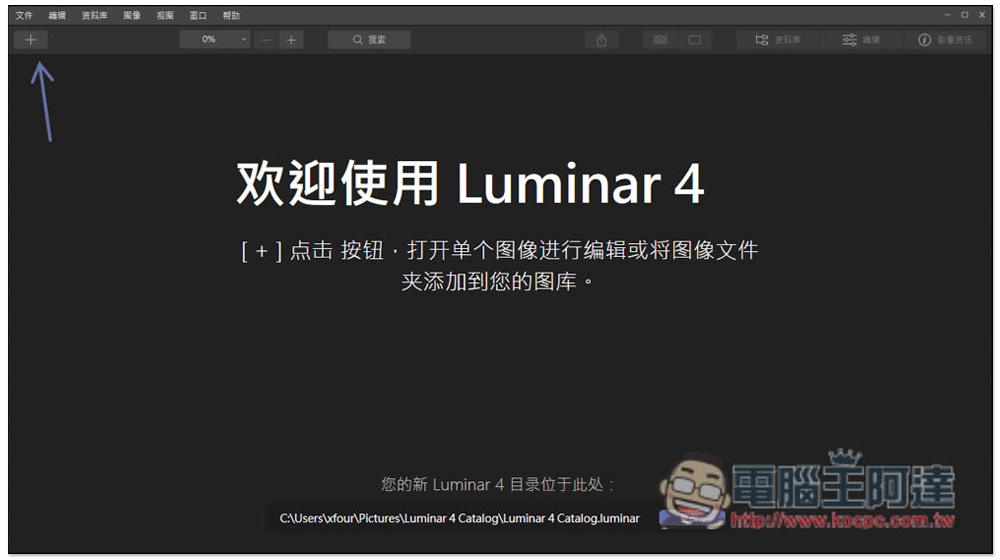
Press + in the upper left corner to add the photo folder or single photo you want to retouch:
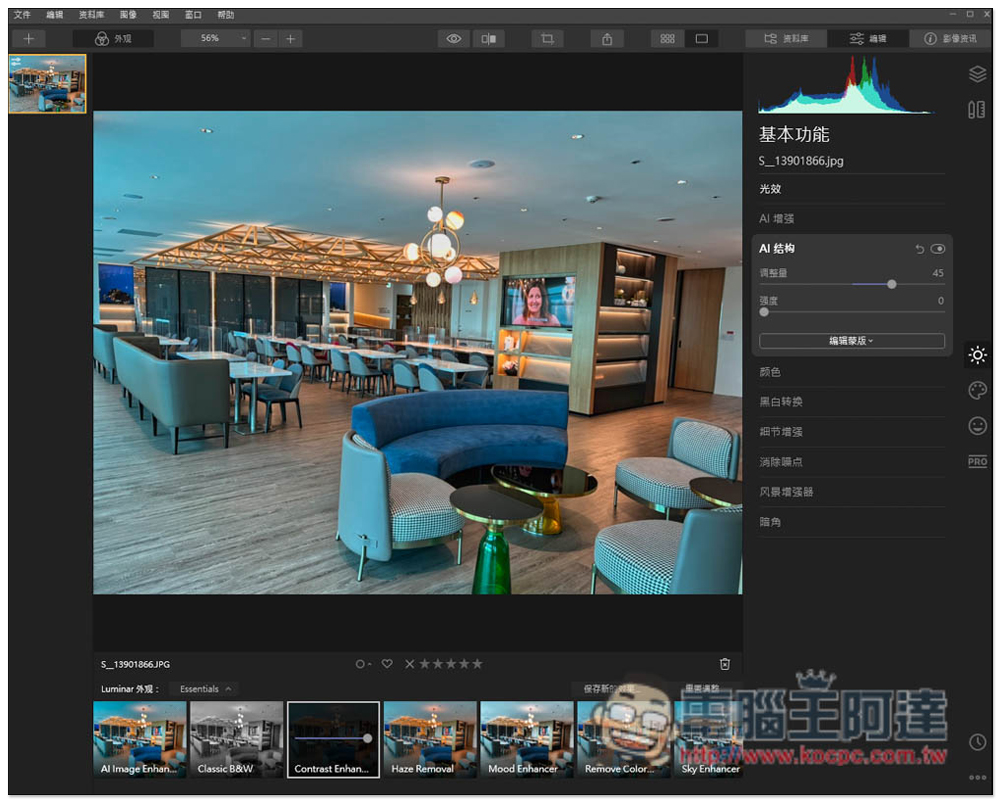
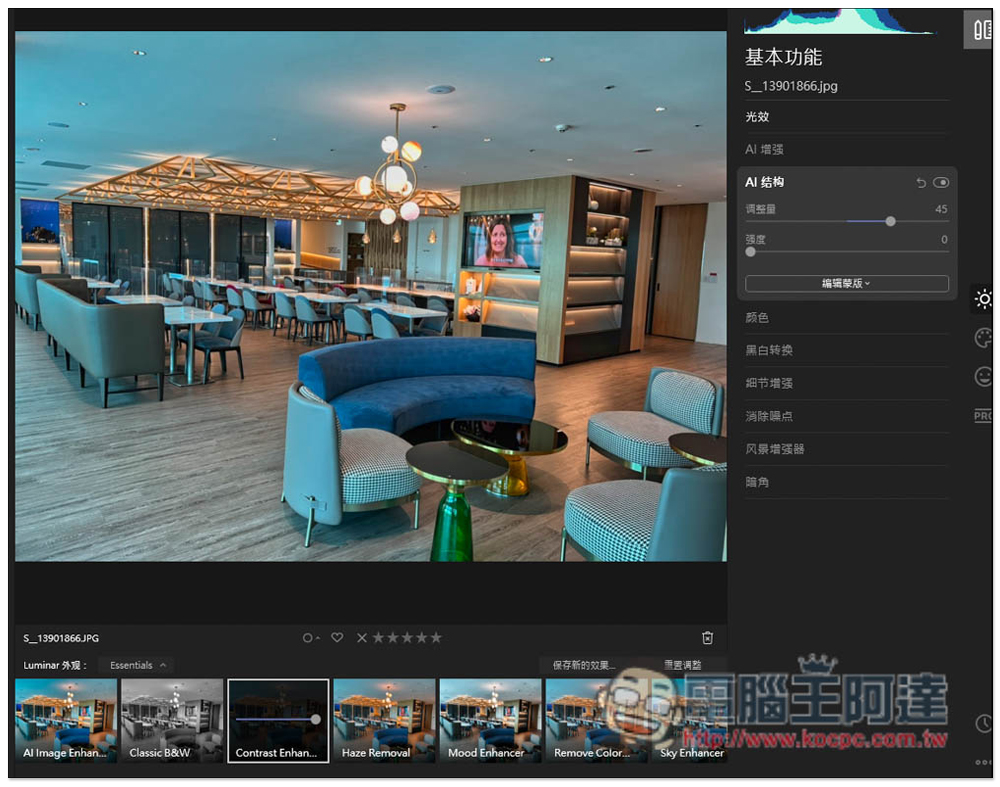
I take this photo as an example. After opening it, you will see the AI Image Enhance option below. This is AI one-click photo editing. There are some details on the right that can be adjusted, including AI enhancement intensity, AI structure, color, black and white conversion, detail enhancement, etc.:
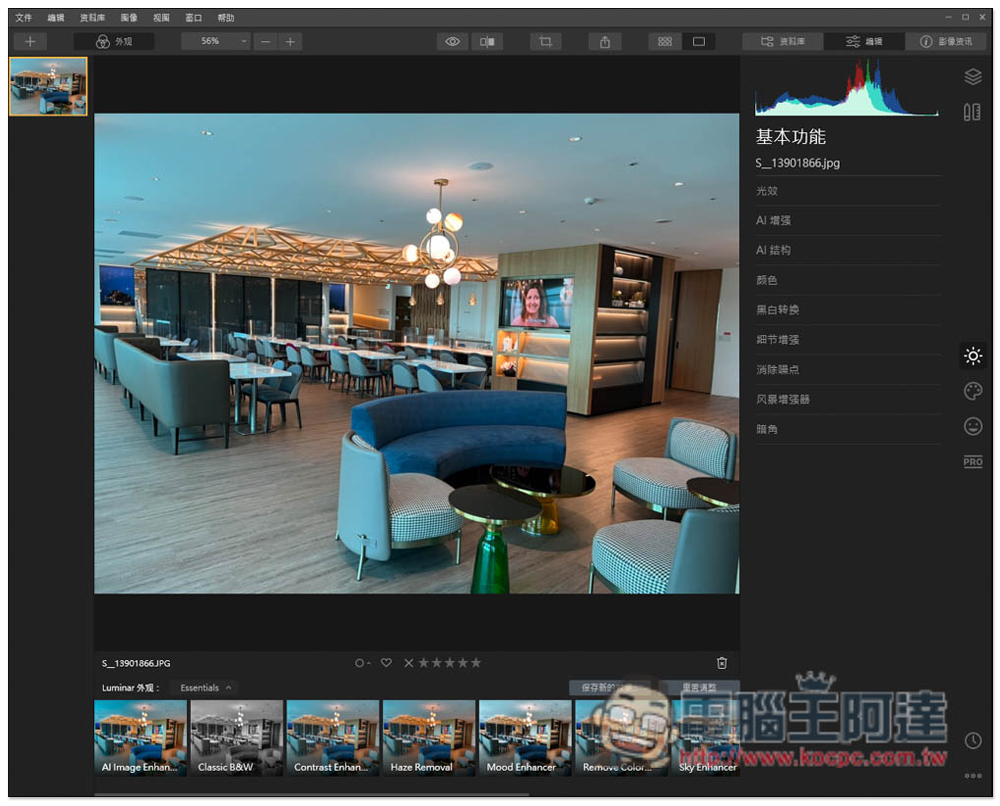
There are other filter options of different styles below, depending on which atmosphere you like:
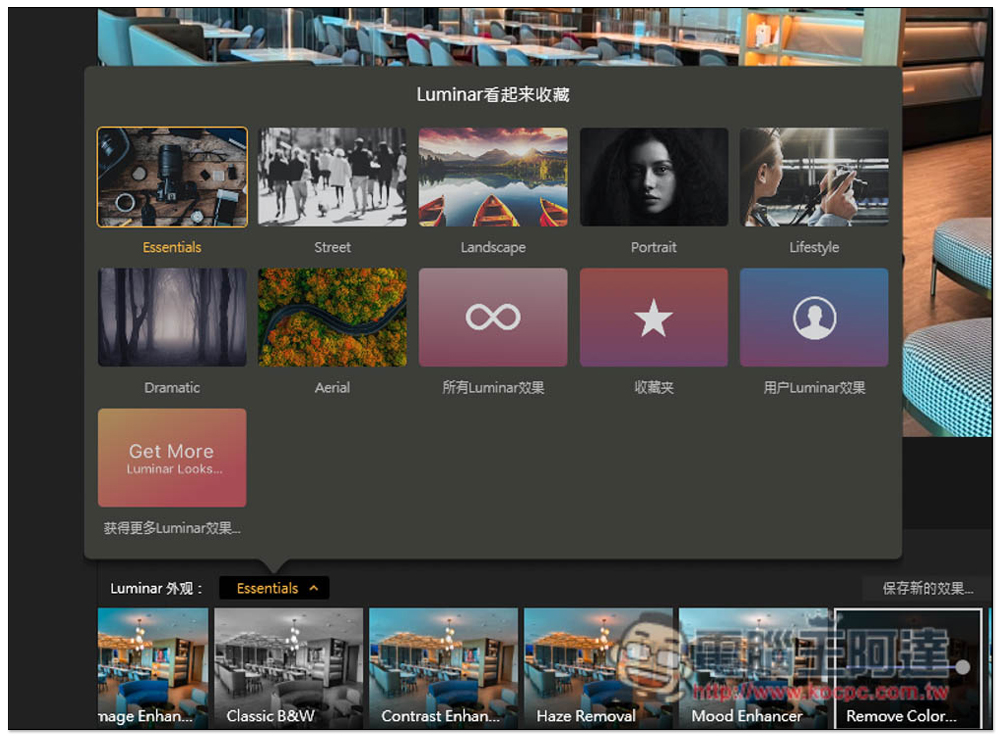
Clicking Essentials can also switch to other style groups, including Street, Landscape, Portrait, Lifestyle, Dramatic, and Aerial. You can choose the most appropriate style group based on your current photo. If you feel it’s not enough, you can also press “Get more Luminar effects”:
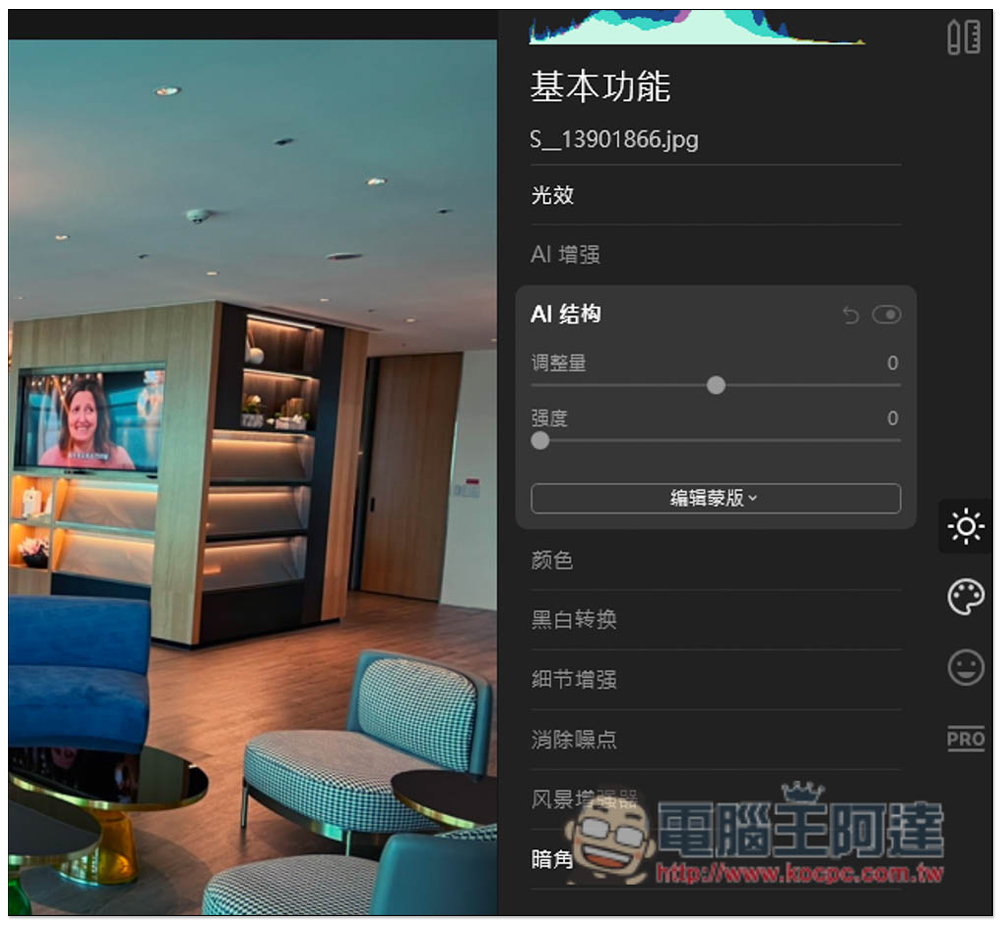
Whether it is AI one-click retouching or using the effect style group, you can adjust the details on the right side, and the photo effect on the left side will change in real time for you to see the final result:
The functions of Luminar 4 are not limited to these, and the rest is left to the readers to play with and see by themselves.
In addition, we are not sure when this limited-free promotion will end. Those in need are advised to get it as soon as possible. Remember to install and activate the serial number as soon as possible. This type of limited-free promotion usually has a limited activation time.
Source: KOCPC Chinese