


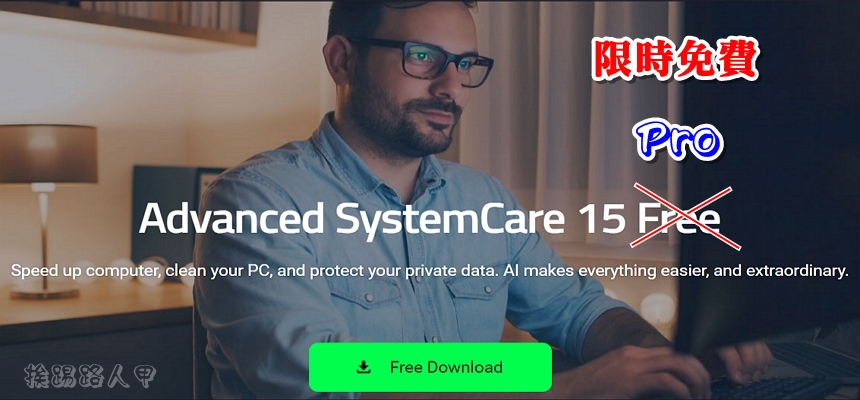
Advanced SystemCare 15 Pro is a versatile and easy-to-use PC system optimization software that can clean, optimize, speed up and protect your system, as well as protect privacy on the Internet. Use the simple one-click operation method to easily clean up junk files, remaining useless files, registration areas and invalid shortcuts. It can also clear traces of privacy, remove malware threats, speed up the Internet, and repair system vulnerabilities and security vulnerabilities. It is currently free for a limited time!
用 Telegram 訂閱【挨踢路人甲】最新文章:https://t.me/itwshare
After using the Widnows system for a while, you will find that the speed keeps dropping. Obviously the hardware equipment has not changed. Why is this happening? It turns out that the Windows system will create a lot of buffers and junk data during the installation and use process. As the name suggests, buffers can increase performance, but they may also become junk data. Even after a period of accumulation, it will affect the speed of the system. Long-term installation and removal of programs may cause system or disk instability.
Used beforeAdvanced SystemCare 12 Free It can effectively optimize, fix errors and maintain stable Windows system performance. It can timely clear and delete cookies or Internet browsing history records that are no longer needed. The built-in system analysis provides detailed information about file distribution and possible errors. This time you can get the Advanced SystemCare 15 Pro serial number for free for a limited time, so don’t miss it.
Go to the event webpage and see that the $19.9 Advanced SystemCare 15 Pro is free (the event webpage URL is at the end of the article).

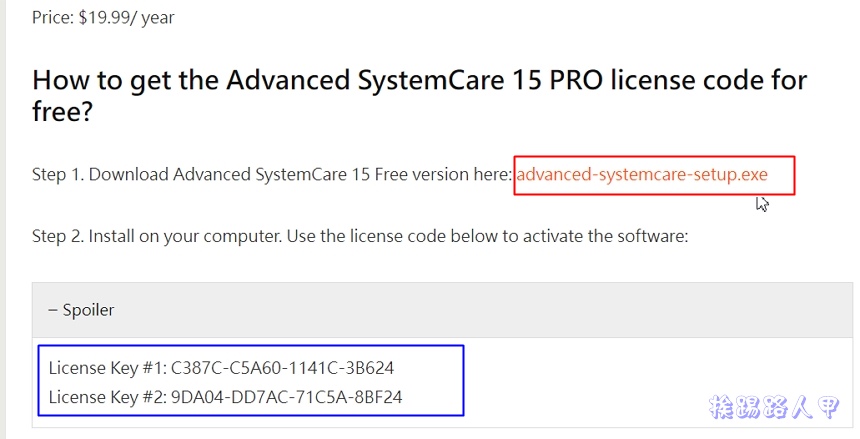
Scroll down to see the download link (blue box) for Step 1’s “advance-systemcare-setup.exe” and the free serial number (red box) you see when you pull down Spoiler.
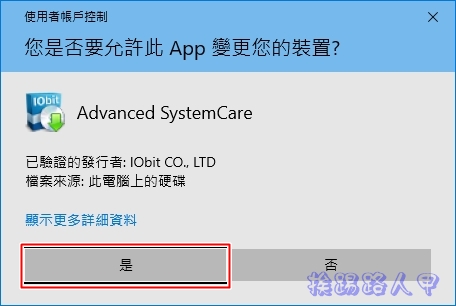
After downloading, start the installation. In the Windows 8/10/11 environment, a window for using this account will appear during execution. This is because a security warning window of “User Account Control” will appear due to security issues. Mainly when the user performs some actions that will affect the system, a confirmation screen will often appear, so press [Yes] to continue (if you want to remove this warning, please refer to “Talking about User Account Control (UAC) in Windows 8/10″article)
First, the installation wizard screen will appear. Press [Install] to continue. There will be a free introduction to the iTop Screen Recorder Free program to install. Please uncheck the box and do not install it. There is no need to install something that is not necessary. The focus is only on Advanced SystemCare 15 Pro.
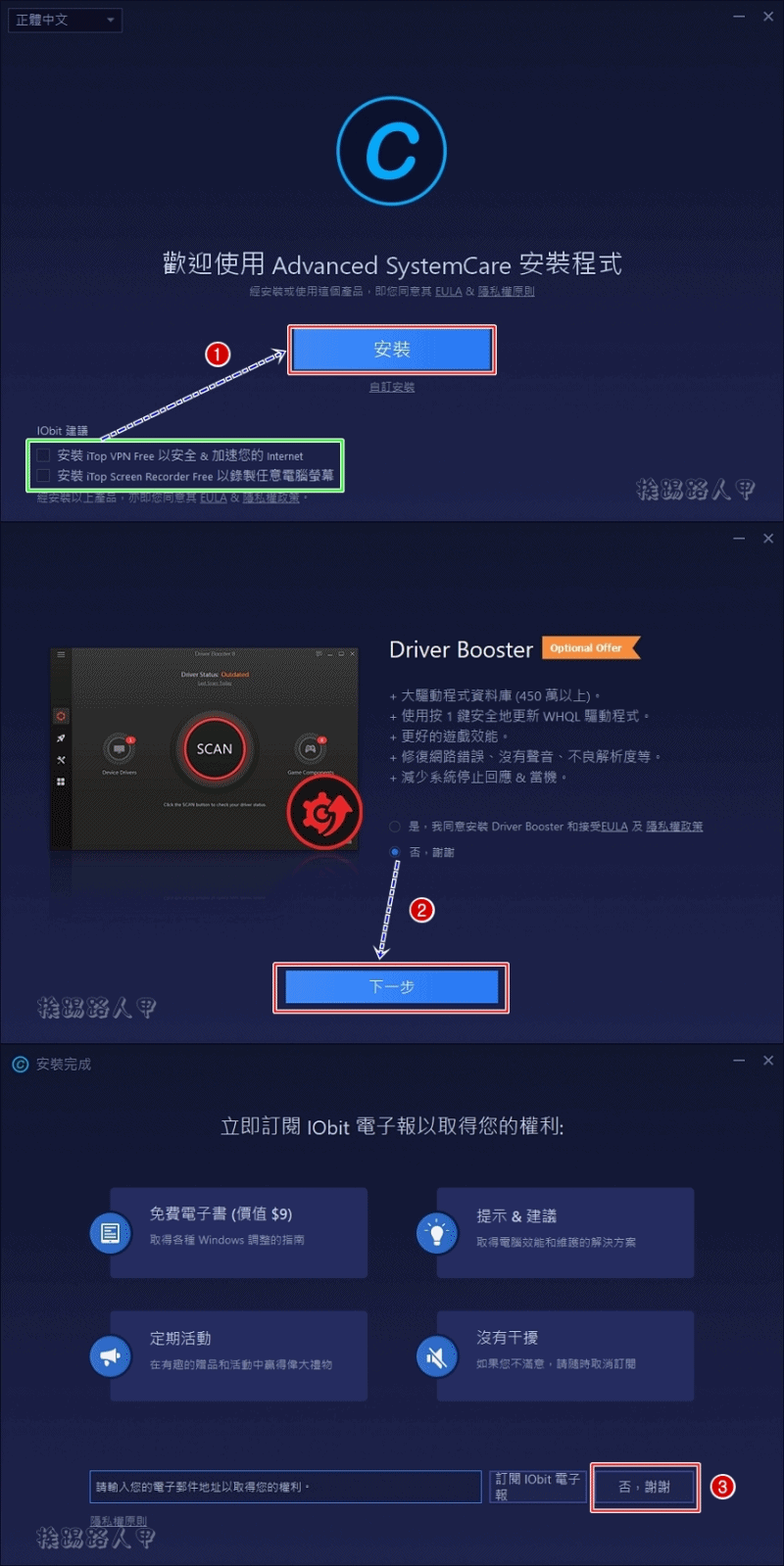
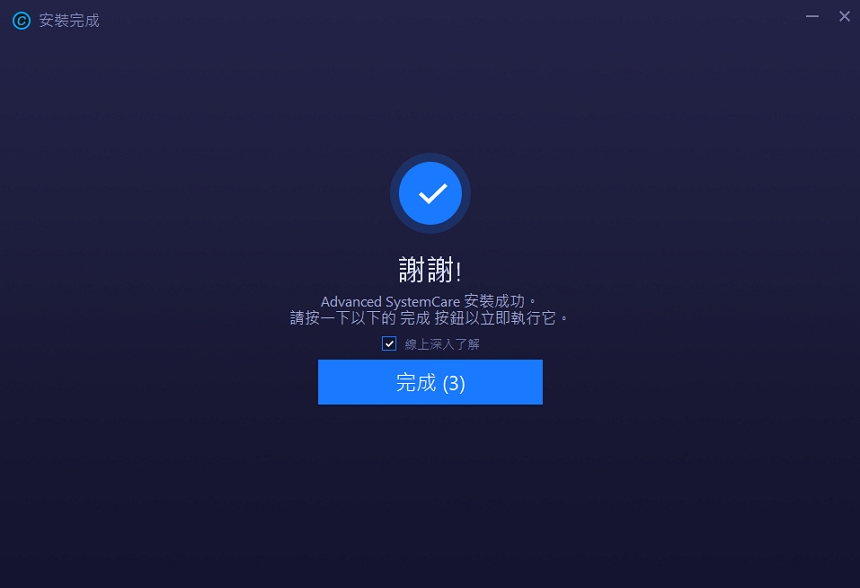
When you see the completion screen, click [Finish] to exit the installation program and execute Advanced SystemCare 15 Pro.
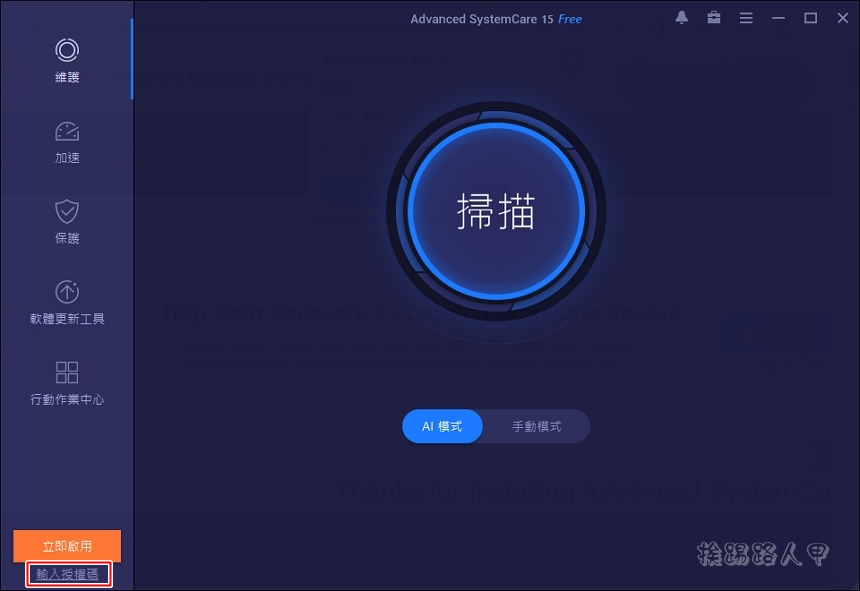
When you see the main screen of the program, first register to upgrade the free version to the professional version. Please click “Enter Authorization Code” on the lower left.
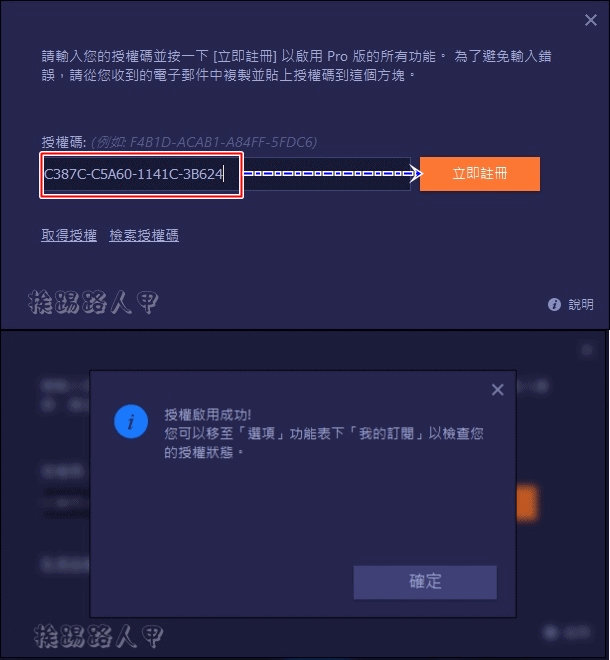
After entering the free serial number you just wrote down in the authorization code field, click [Register Now] to start.
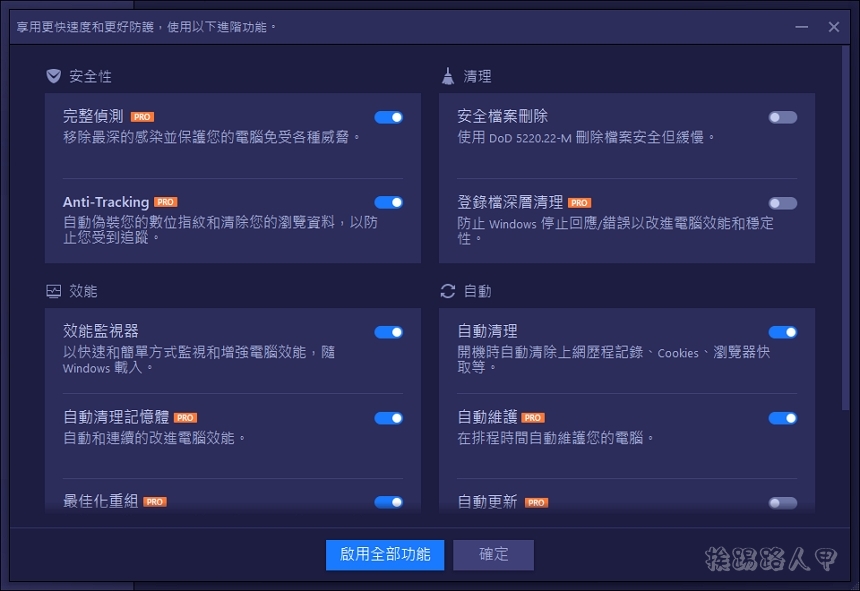
The pro version has many more features than the free version.
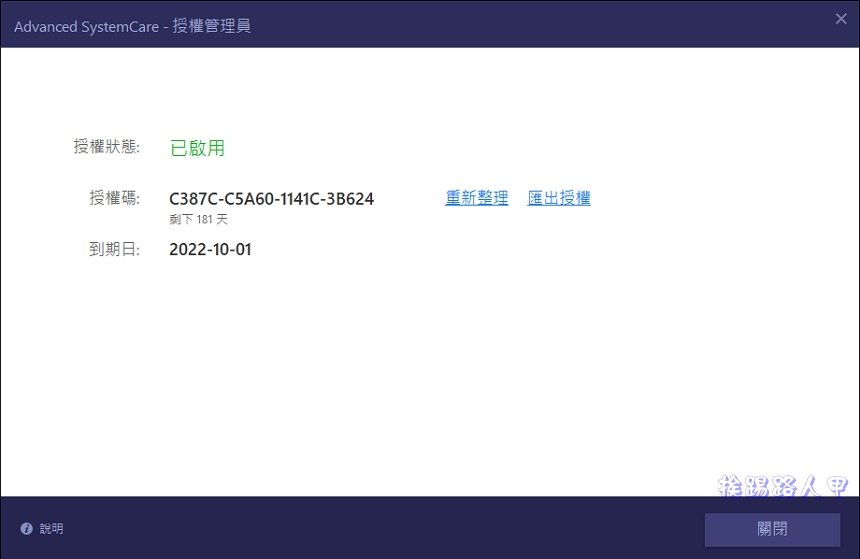
After registering, go to “My Subscriptions” in “Options” and check that the authorization status is enabled. Although it is not permanently available, it has been good for the past six months.
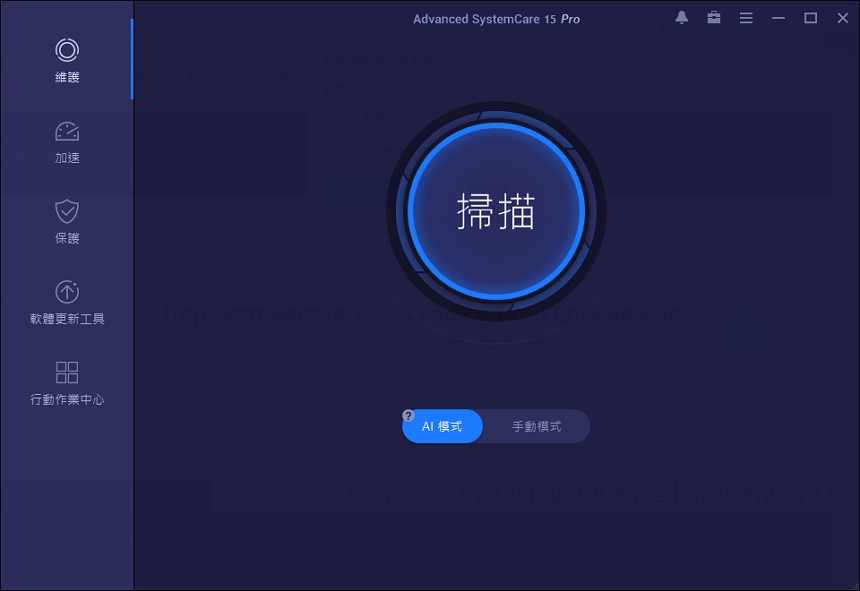
On the main screen, press the big round scan button in the middle to scan and analyze.
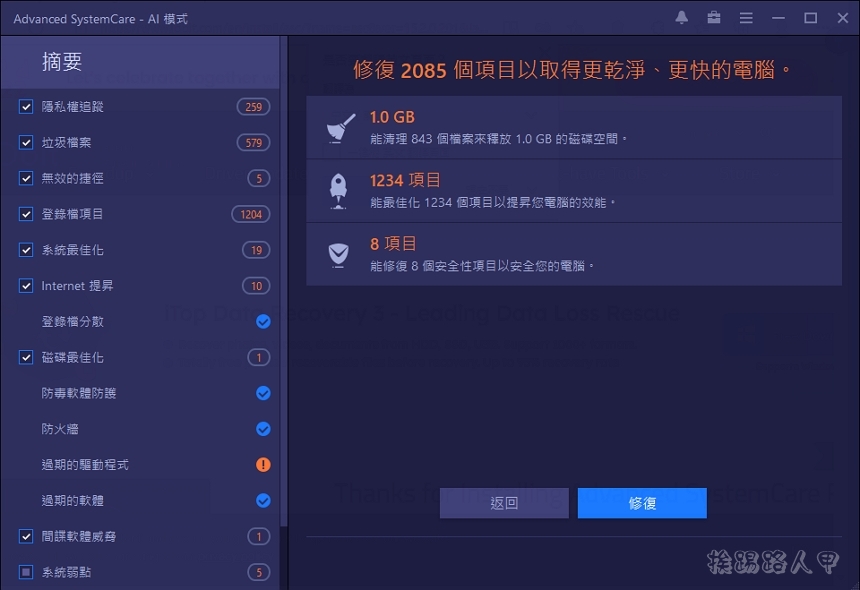
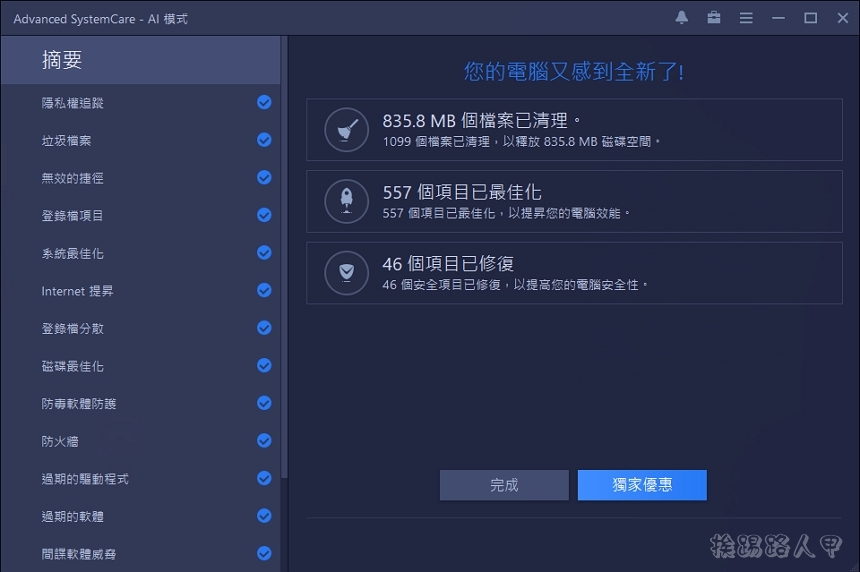
The scanning time varies, depending on your machine and the items you select, so please be patient. After completion, there are 3447 items to be repaired. After cleaning, 835.8MB of space can be released. In the summary on the left, you can see the summary number of classified findings. Click [Repair] to operate.
The fixes also include updates for comprehensive vulnerabilities.
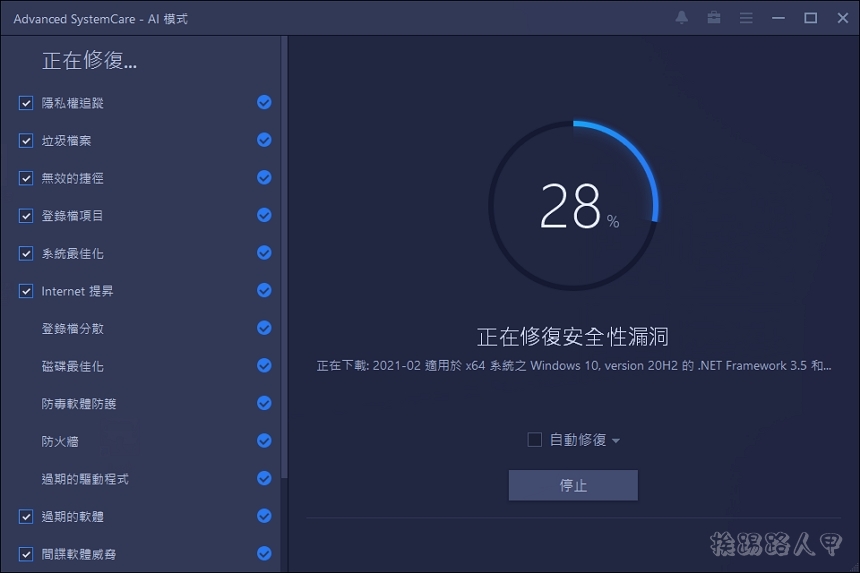
The author’s computer system is only for testing, but there are so many problems to be repaired and space to be cleared (from login problems, damaged shortcuts, system cache and records, browser data…, etc.), the computer host that needs to be officially used will definitely have more repairs.
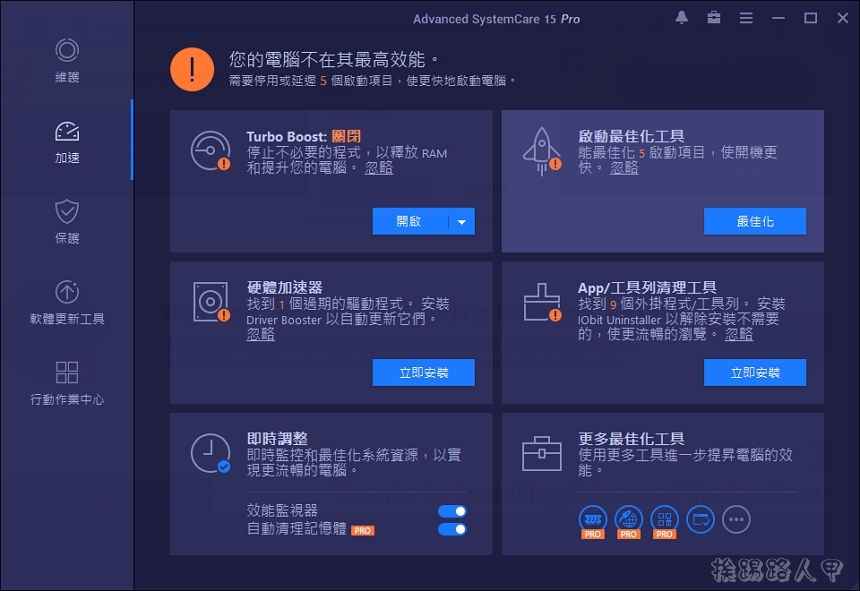
The acceleration page includes Turbo Boost, startup optimization, real-time adjustment, and some deep optimization tools. Driver Booster and cleaning tools need to be installed separately.
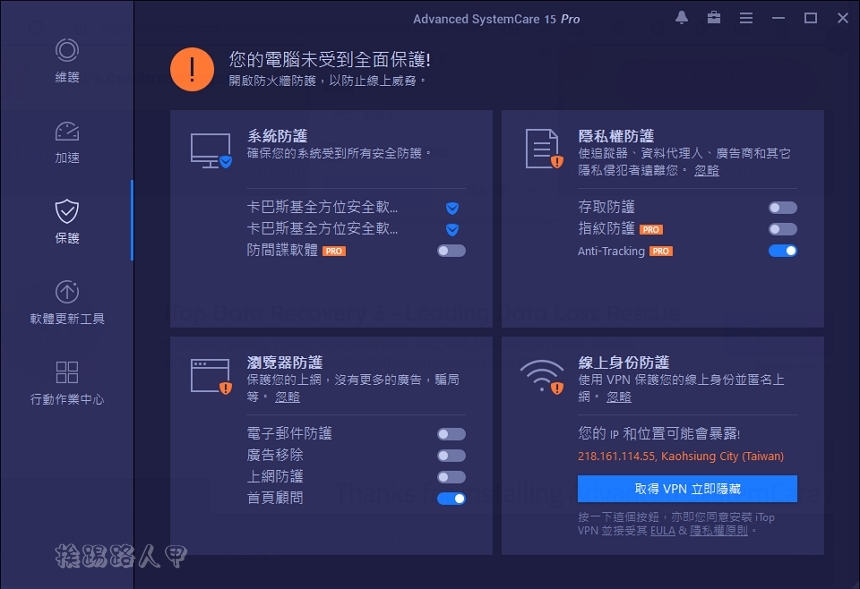
The protection page mainly provides protection functions related to personal privacy information, advertising and security. Some of them require the Pro version to support it. Upgrading to Pro is really good.
[Software name]: Advanced SystemCare 15 Pro
[Supported Language]: Chinese
[Operating system]: Windows 7/8/10/11
[Activity webpage]: Please clickhere
Further reading:
Source: KOCPC Chinese