


Entering April also officially welcomes the arrival of spring! Although affected by the epidemic, it is temporarily impossible to go to Japan to enjoy cherry blossoms. In Taiwan, it is not suitable to walk around due to the recent severe epidemic. But it doesn’t matter, you can also enjoy cherry blossoms on LINE! Recently, cherry blossoms are raining in the chat rooms of LINE on mobile and PC versions, so that everyone can directly experience the romantic atmosphere of cherry blossoms in full bloom on LINE!
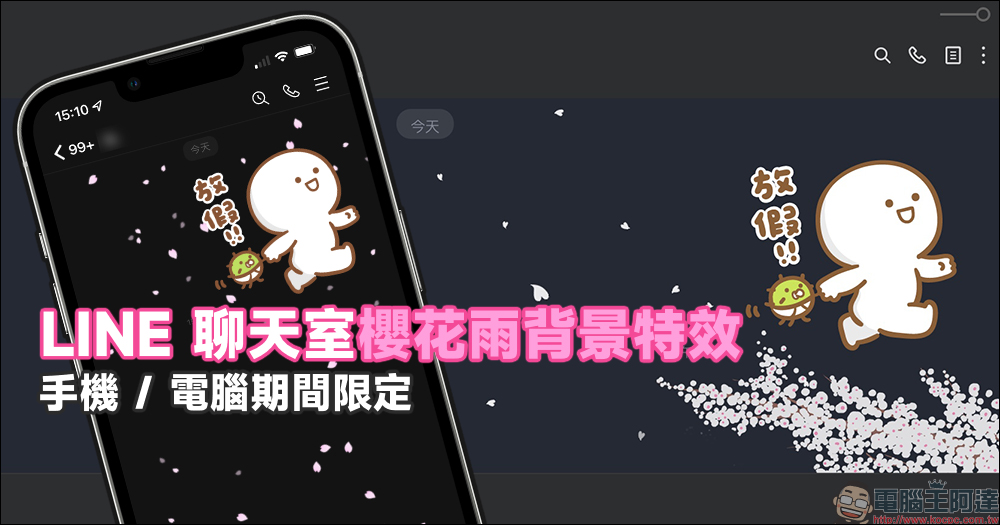
LINE chat room limited “Sakura Rain” background special effect, only for mobile and PC versions
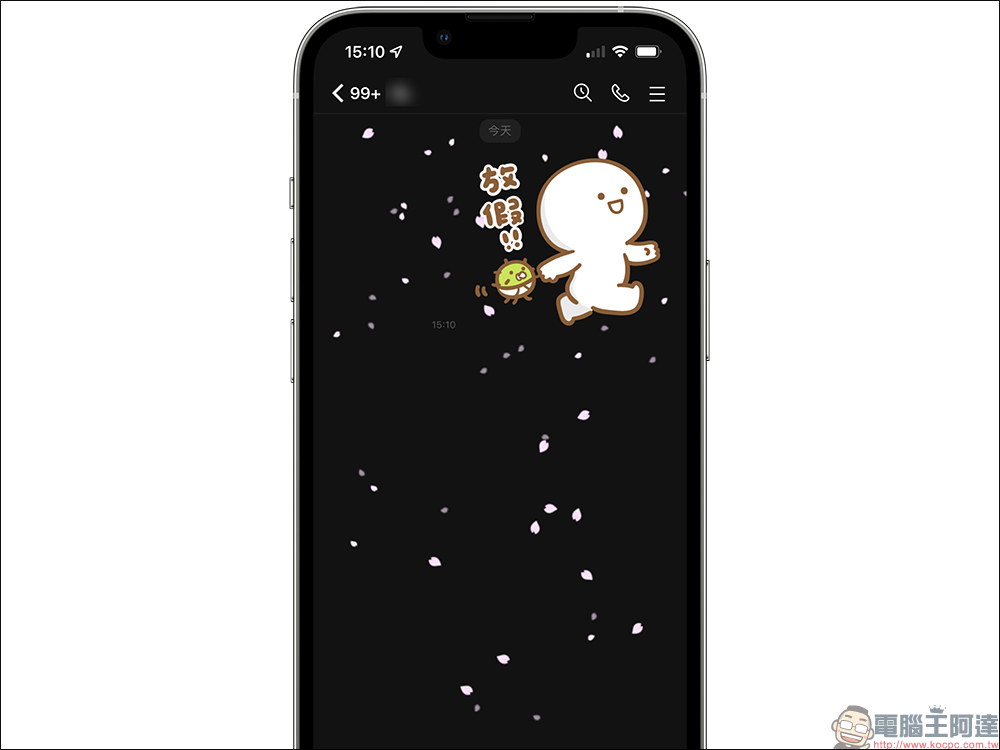
When you opened the LINE App on your phone to chat with your friends today, you may have noticed that pink cherry blossom petals fell in the background, right? Because it happened to appear on April 1, many users misunderstood it as an April Fool’s Day joke. Don’t worry, this is not an April Fool’s joke, it’s really cherry blossoms!
In fact, LINE is launching a limited-time Sakura Rain chat room special effect! From now (1) to April 4, the Sakura Rain chat room special effects will be launched in LINE mobile app and PC app respectively.
Since Sakura Rain has a limited time, here is a quick summary of LINE’s 2022 Sakura Rain “flowering period” information:
- LINE mobile version: From April 1st to April 2nd 09:00 Taiwan time (one day only!)
- LINE PC version: From April 1st to April 4th 09:00 Taiwan time
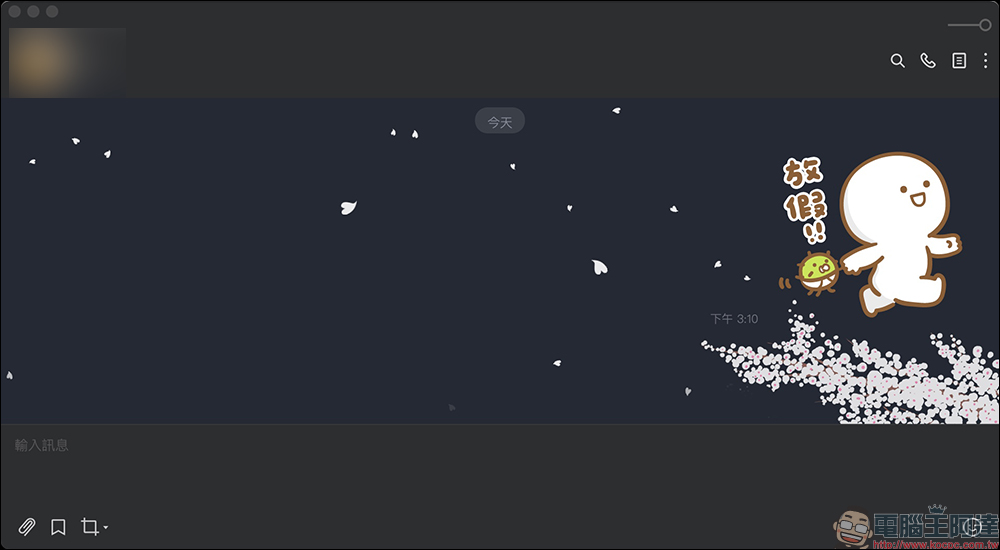
Unlike the mobile version, which is only available for one day, the cherry blossom rain in the PC version of LINE will continue until 9 a.m. on April 4, and there is a cherry blossom tree in the lower right corner of the chat room! However, the location of this cherry blossom tree happens to be in the lower right corner of the screen, so it is easy for users to not see whether the other party has “read” the latest message they sent.
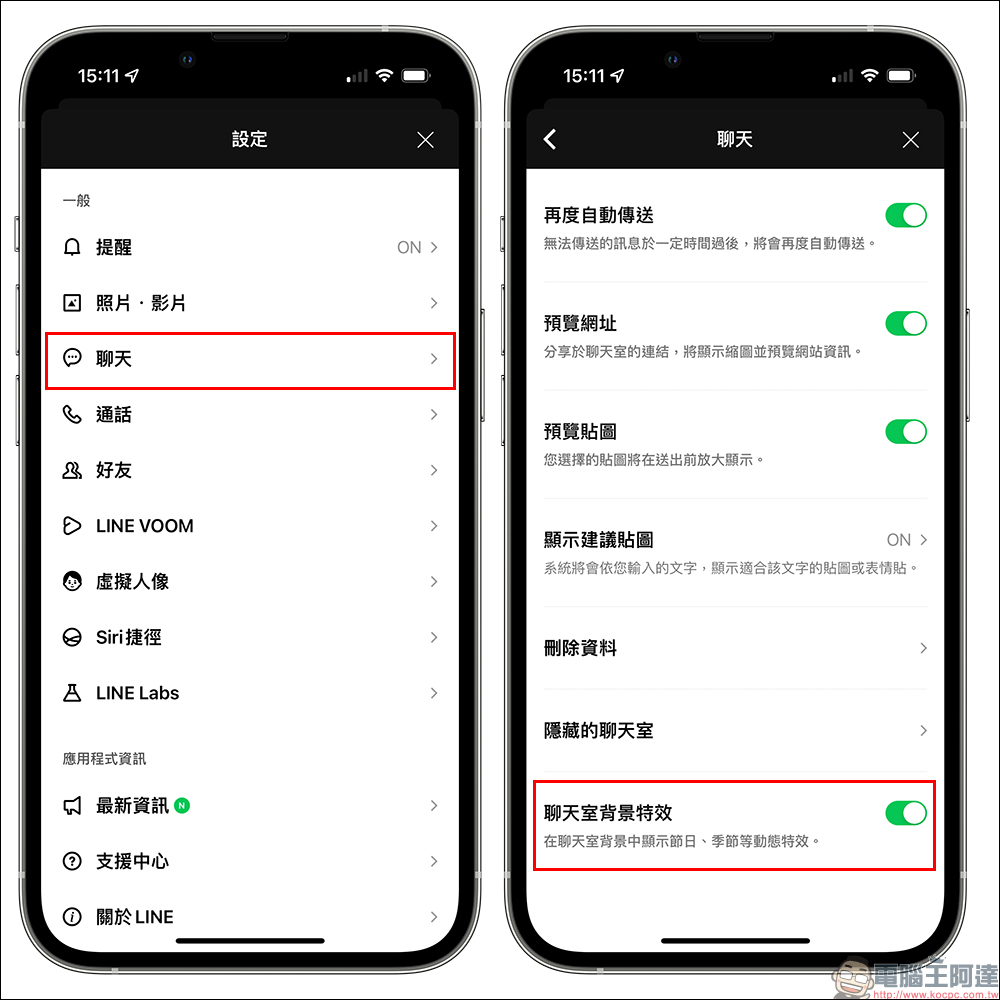
What if you can’t see the Sakura Rain chat room background effects? Or what should I do if I want to manually turn off the chat room background effects?
If you do not see the LINE Sakura Rain chat room background effects during the event, you can try to completely close the LINE App and then reopen it, or go to “Settings” > “Chat” and confirm whether the chat room background effects are turned on. Of course, if you don’t want to see the chat room background effects, you can also manually turn off the “chat room background effects” yourself.
In addition, the chat room Sakura Rain is limited to LINE iOS 9.15.0 (inclusive) and above, LINE Android 10.2.0 (inclusive) and above, Android system 7.1 (inclusive) and above, and Mac and Windows systems must be LINE App 4.8.0 (inclusive) and above.
Also featured: Cherry Blossom Season limited LINE avatar costume
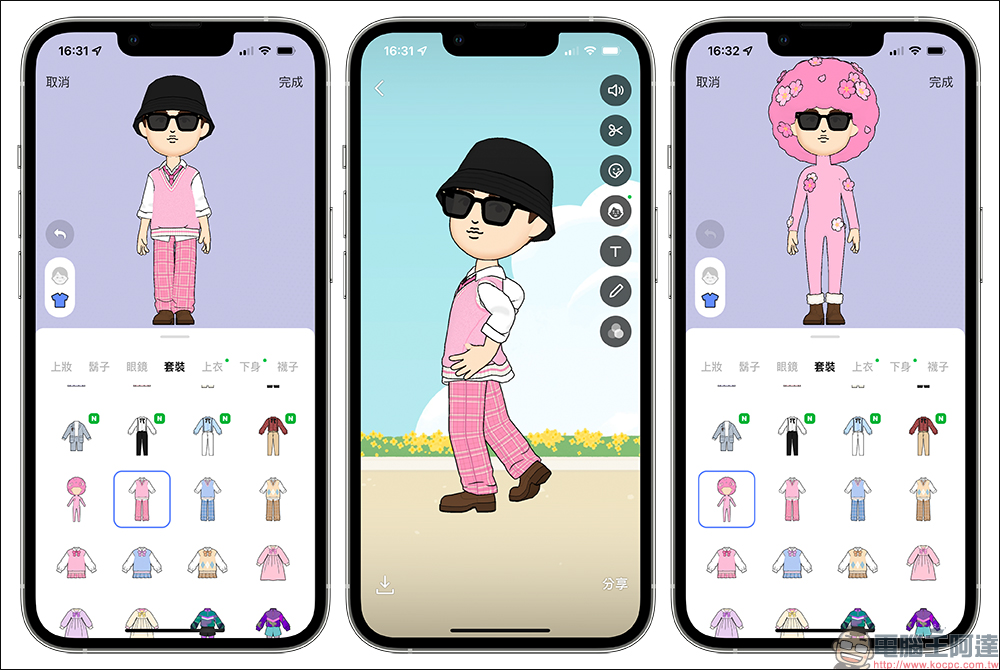
In addition to the LINE chat room special effects, LINE avatars also bring many cherry blossom-related elements for this cherry blossom season, such as pink uniforms with a spring cherry blossom atmosphere and super funny cherry blossom costumes. Even the avatar backgrounds also have cherry blossom scenes to choose from! If you have missed the cherry blossom rain special effects in LINE chat rooms these days, you might as well decorate them on LINE avatars!
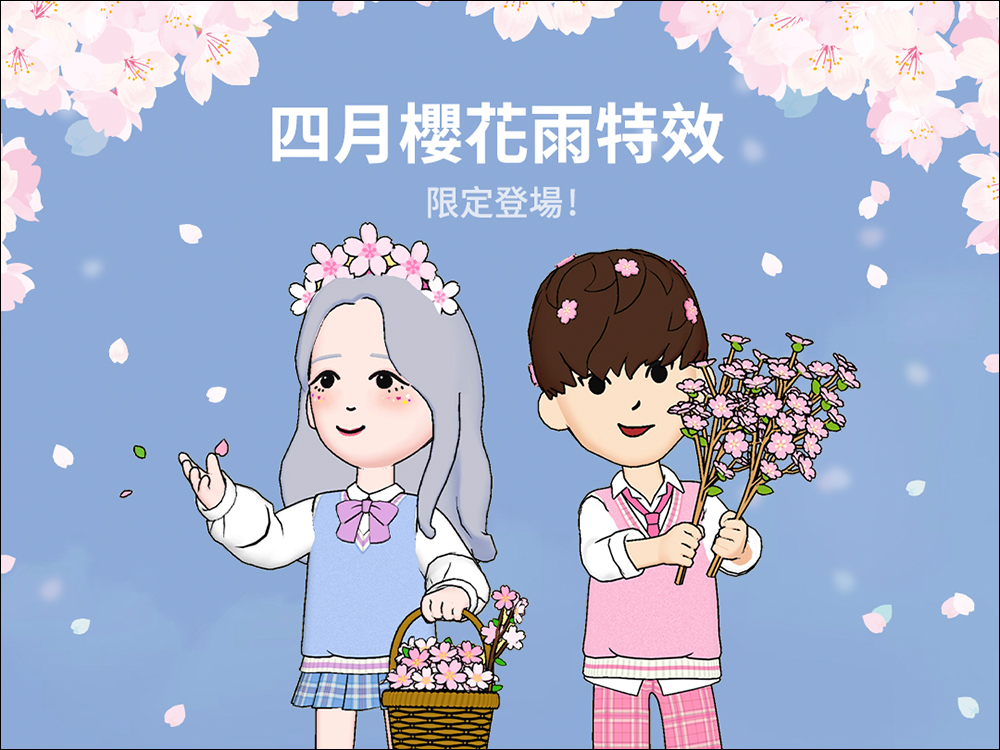
▲Picture source:LINE Taiwan official BLOG
You can also click on the following link directly on your mobile phone to go directly to the avatar clothing menu that opens the LINE App:
- Pink uniform (please use your mobile phone to open it)
- Sakura costume (please use your mobile phone to open)
Source: KOCPC Chinese