


PDF is one of the most commonly used file formats today, so your computer must have a set of PDF software that supports editing functions. If you don’t have it yet, this LightPDF Editor is quite useful. It has a Traditional Chinese interface and can not only read PDFs, but also provide functions such as converting, editing, signing, and merging. You can even use it to manage all PDF files on your computer. This was originally a paid software, but now a foreign website is offering a limited-time free promotion. There is only a little more than one day left, so you can take advantage of this time to get it.
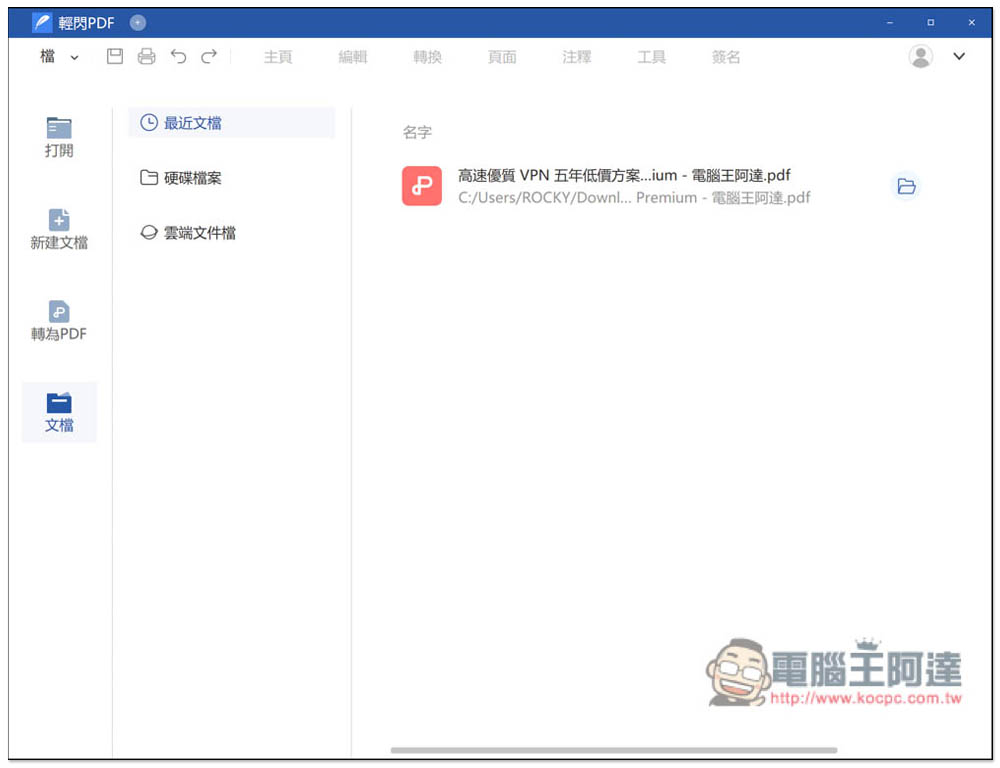
LightPDF Editor is an easy-to-use, multi-functional professional PDF editing and converting tool that is free for a limited time!
The Tickcoupon Giveaway website is launching the LightPDF Editor limited free event this time. There are currently about 36 hours left. In addition, this limited free serial number is for a one-year version (original price of 19.99 US dollars). You may think that it will expire after one year? This is true, but LightPDF Editor launches one or two limited-free promotions almost every year, so when your serial number is about to expire next year, just pay attention to see if there are any new limited-free promotions:
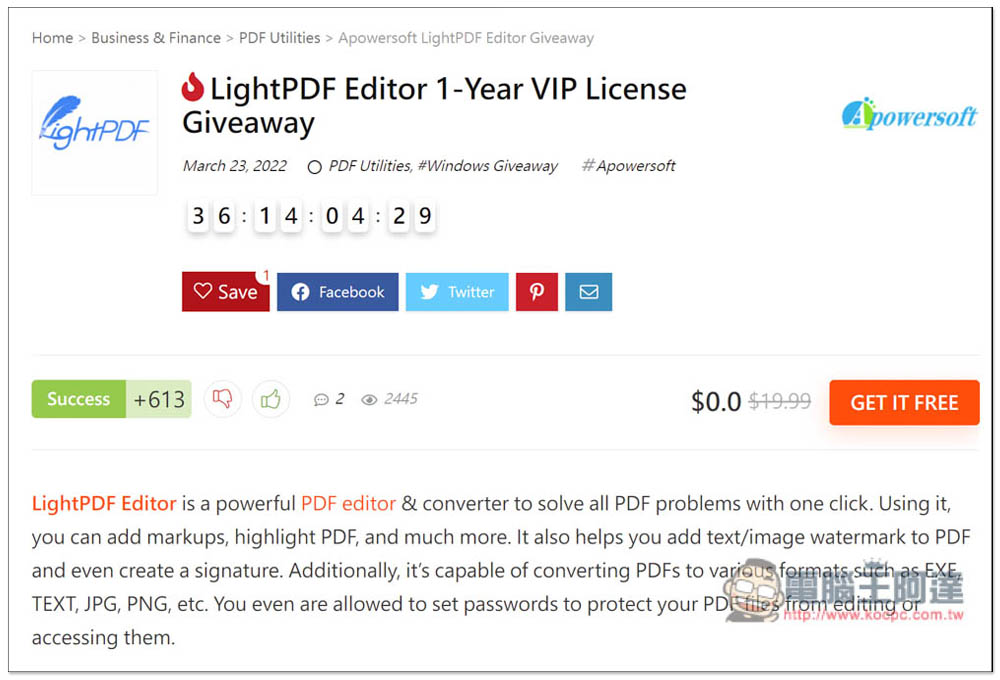
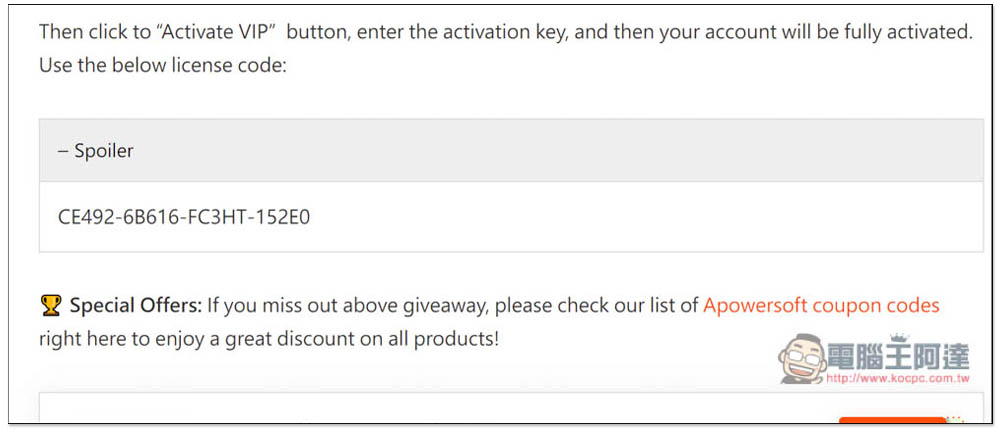
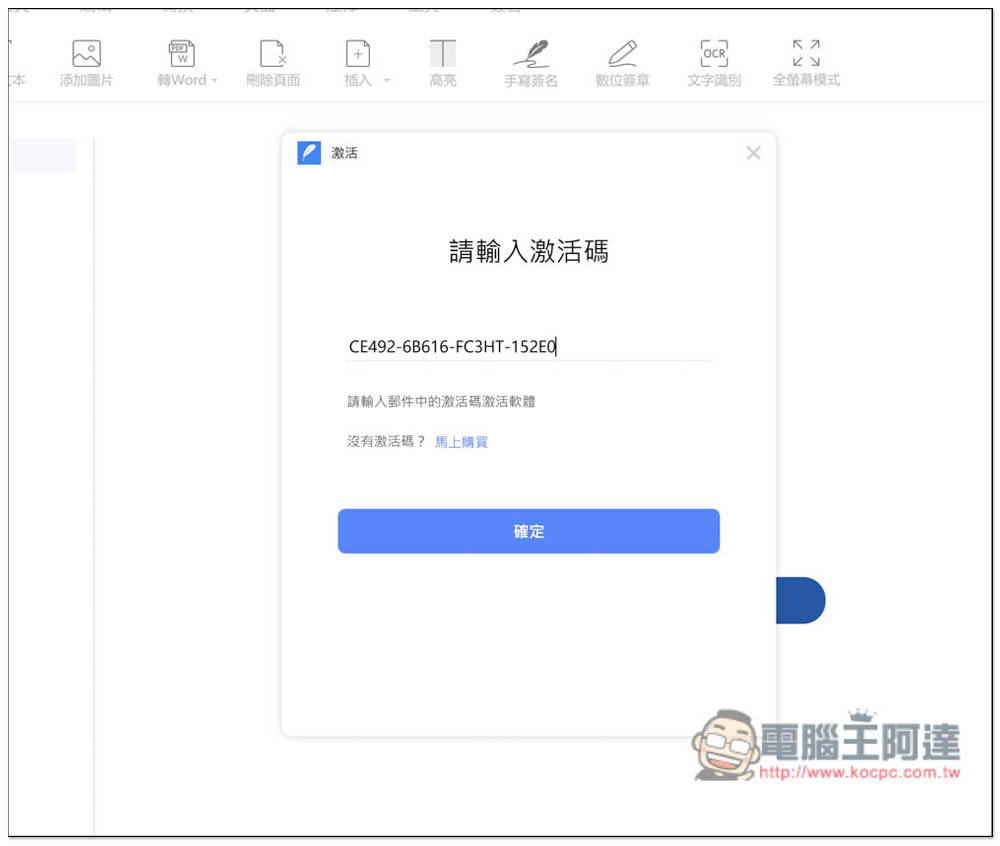
The limited free event page provides the activation serial number “CE492-6B616-FC3HT-152E0” andInstall mount point, here is also attached directly to everyone:
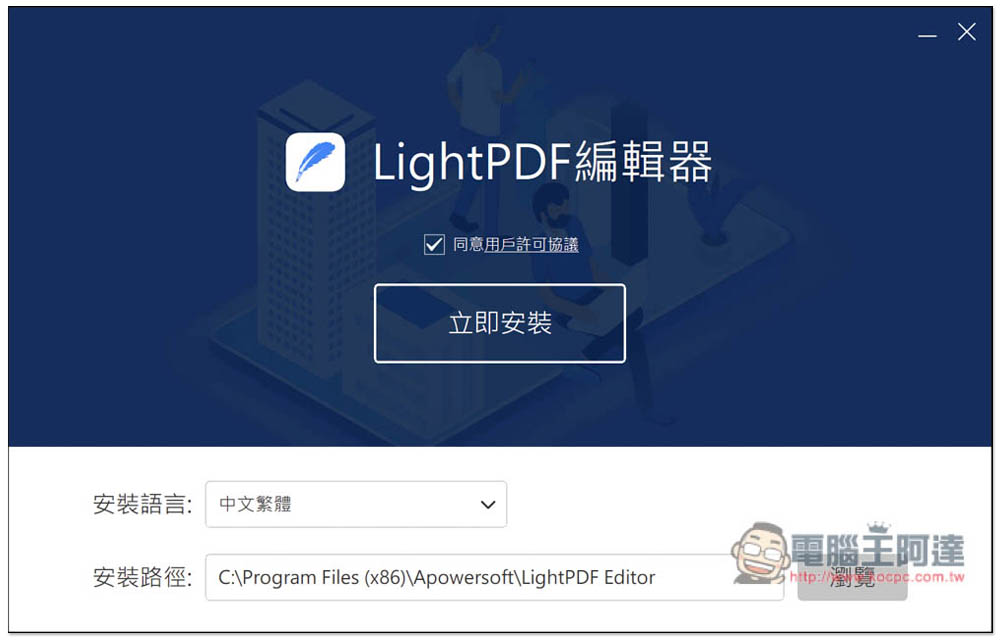
If there are no special requirements for installation, just click Install Now:
After installation, open it. It is still inactive. Press the login button in the upper right corner:
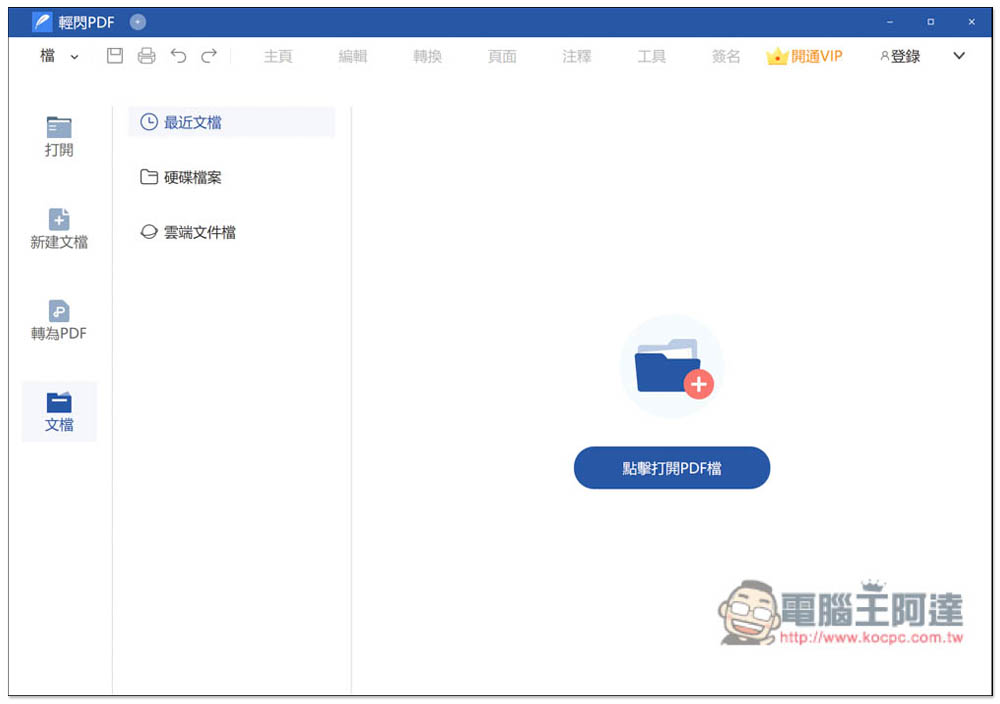
If you don’t have an account yet, you can register for free:
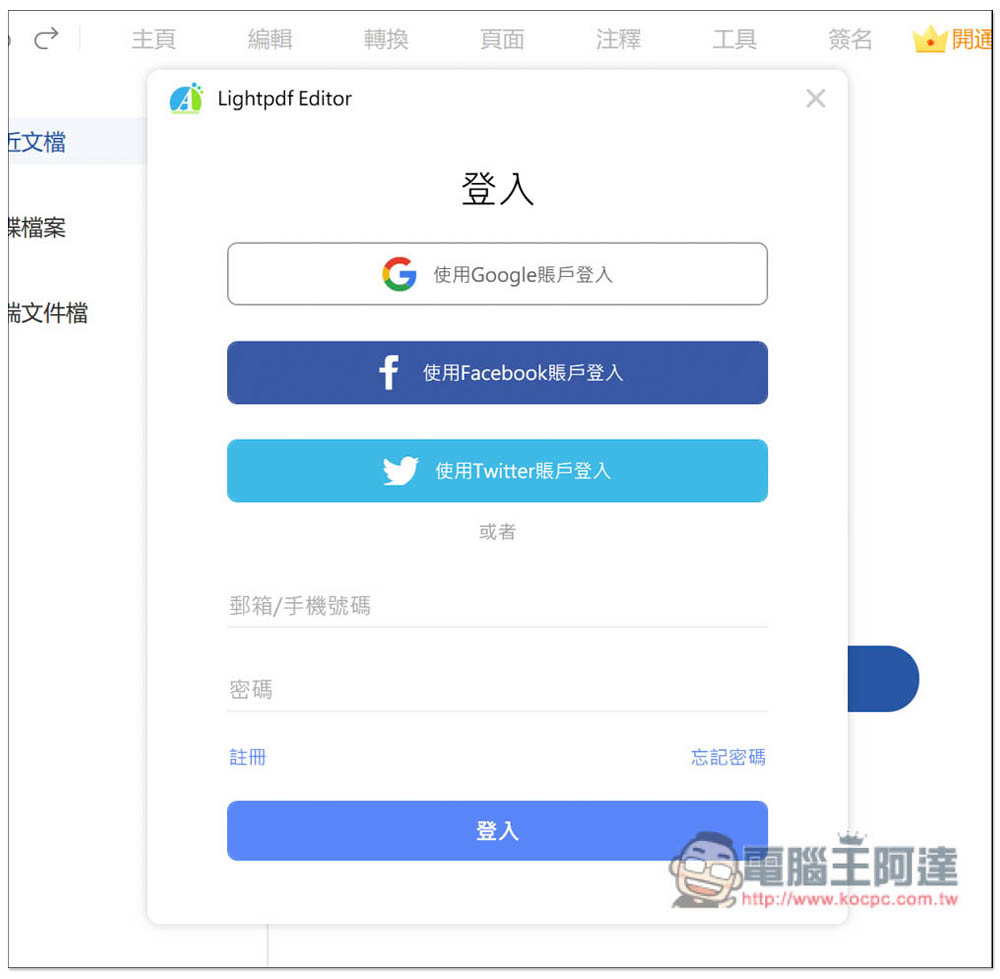
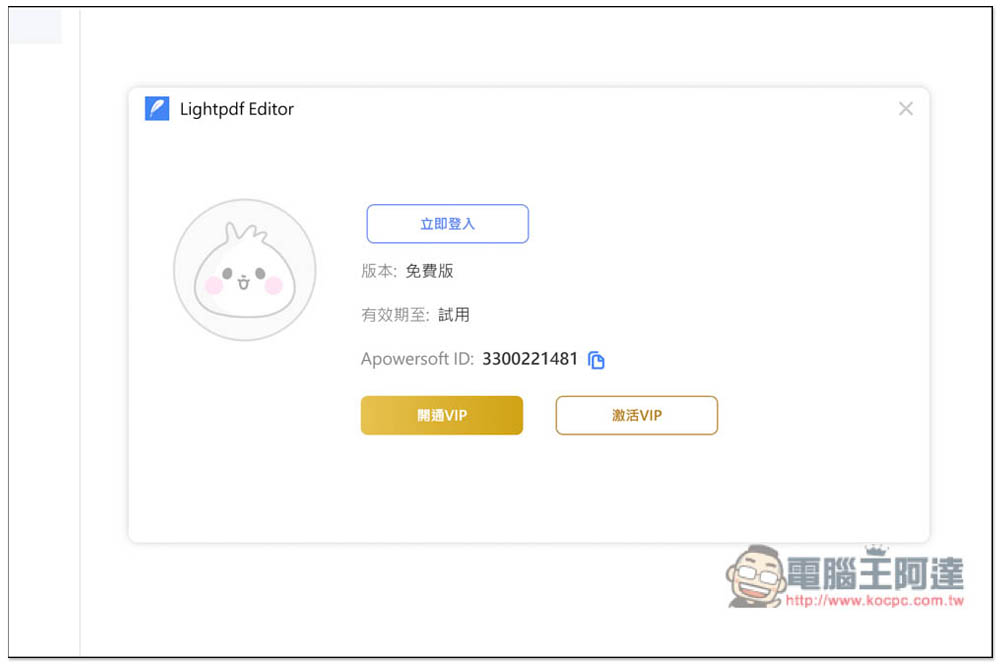
After logging in, if you don’t want this free serial number to be linked to your account, you can log out again (the serial number will be bound to this machine), and then you will enter this screen, click Activate VIP:
Enter the limited exemption serial number above and press OK:
This is successfully enabled:

The validity period is also written to March 24, 2023 next year. It is recommended to find out if there is a new limited-free promotion of this product at the end of the year or early next year:
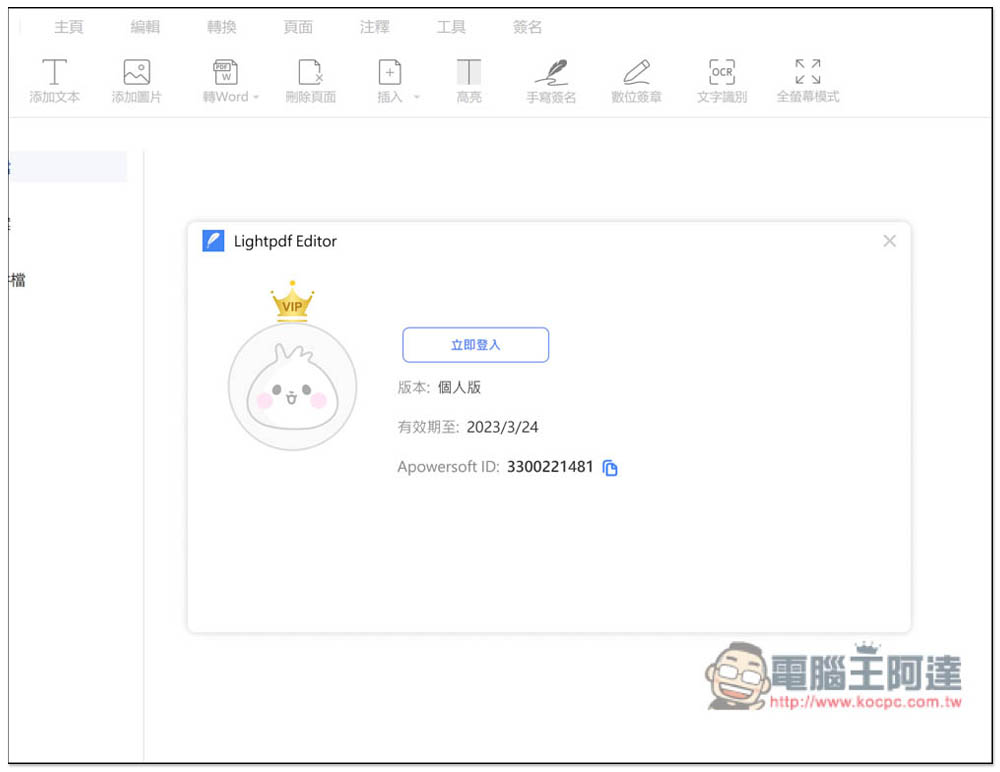
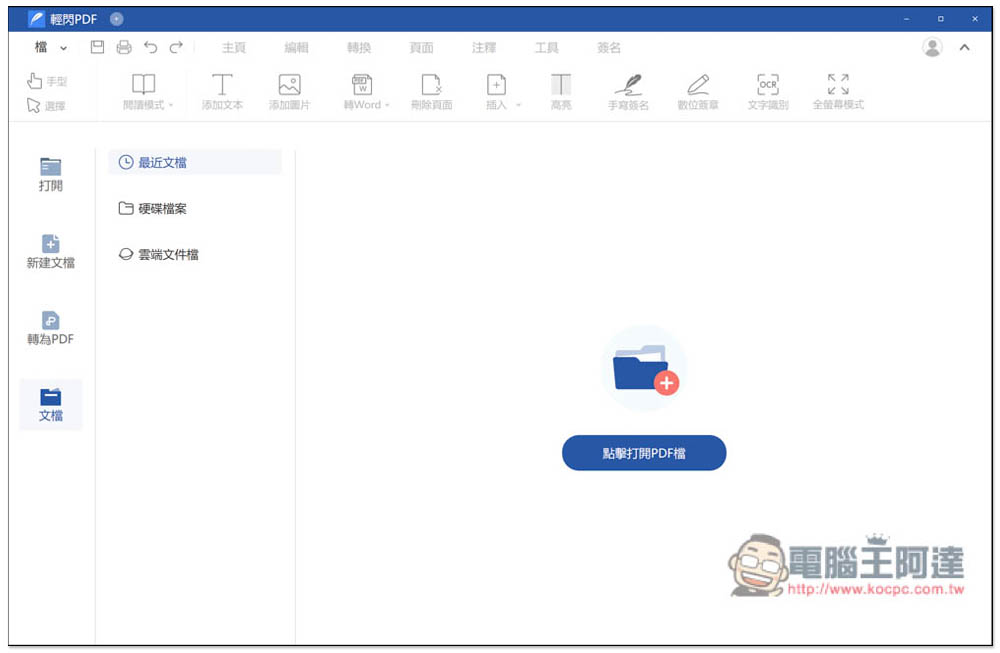
The original VIP activation words in the upper right corner will also disappear, and you can now start using the full functionality. In addition to opening local PDF files, this device also supports cloud drives (cloud document files). Of course, you can also create new PDF documents by yourself:
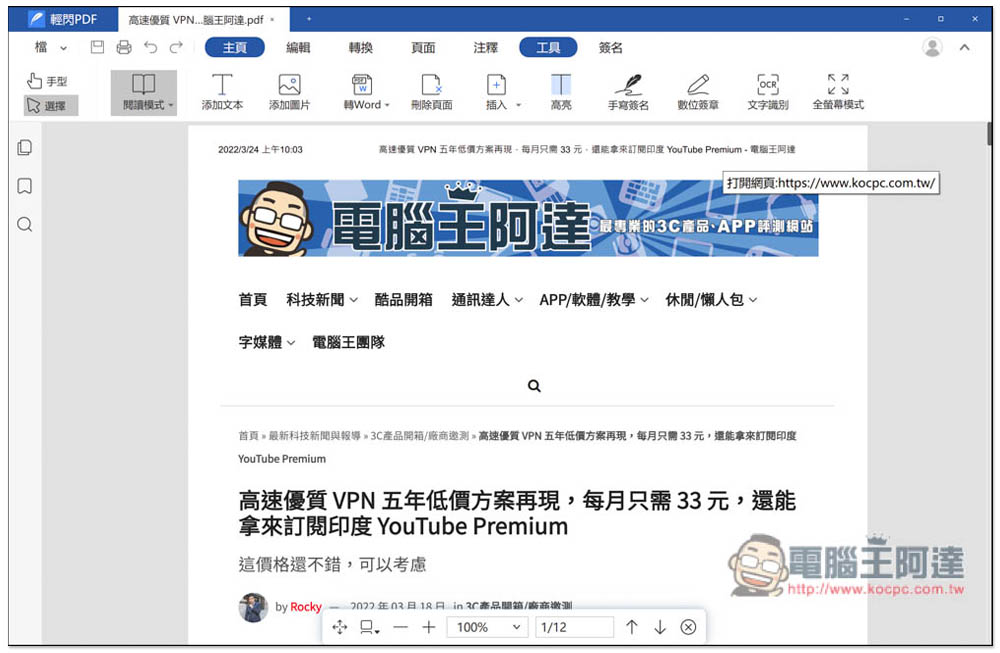
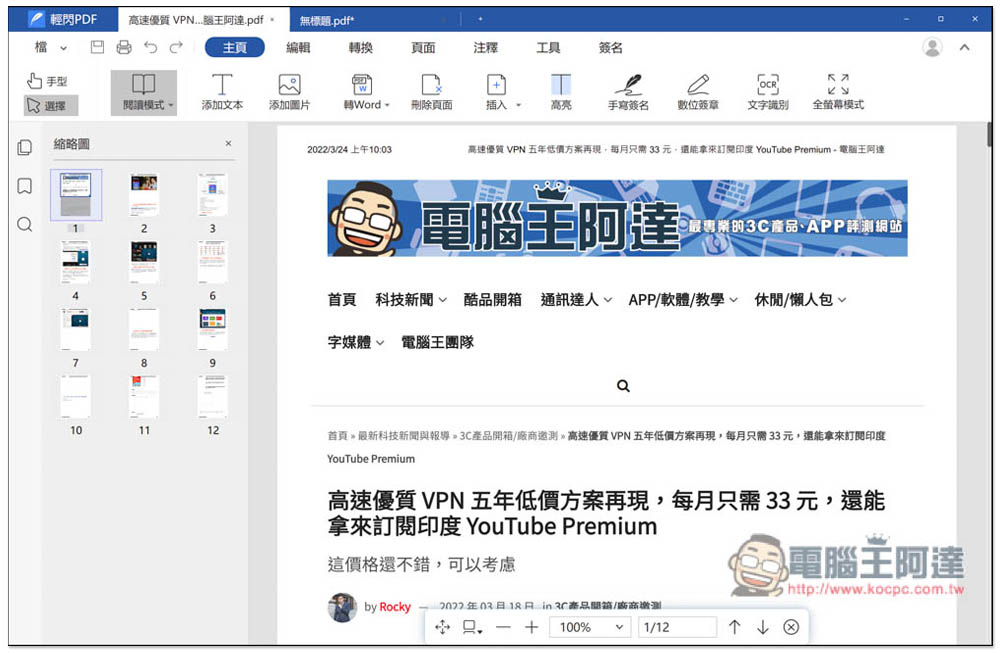
After opening the PDF, the function toolbar is at the top, where you can add/modify text, add images, etc. Basically, all the editing functions you need are available, and the operation is intuitive and simple. People who have never used it should be able to get started quickly:
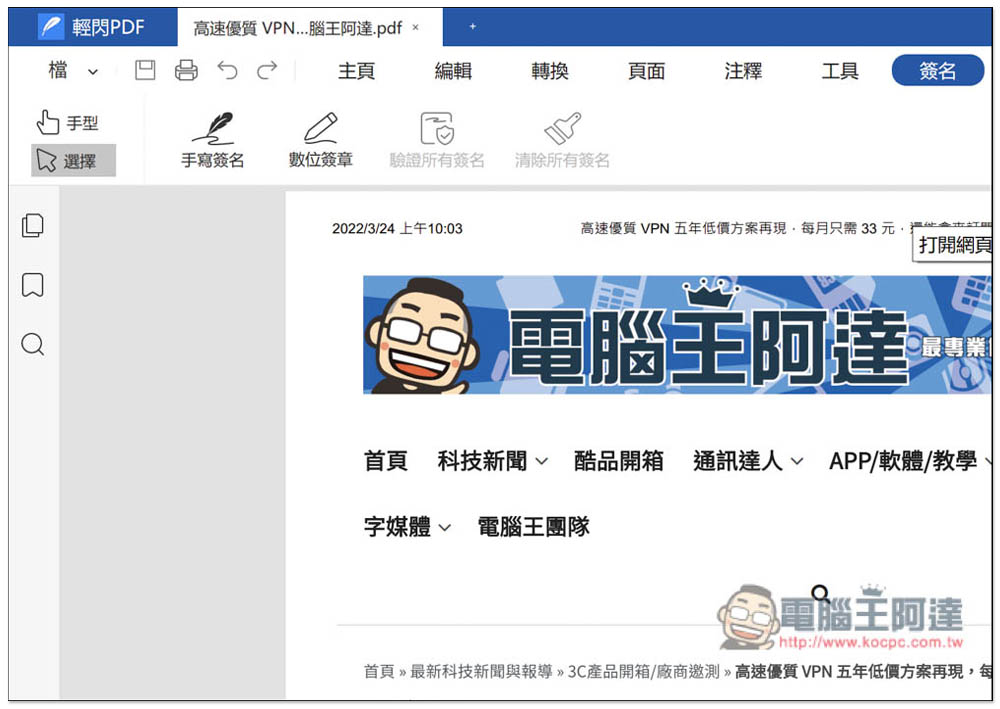
Both handwritten signatures and digital signatures are available:
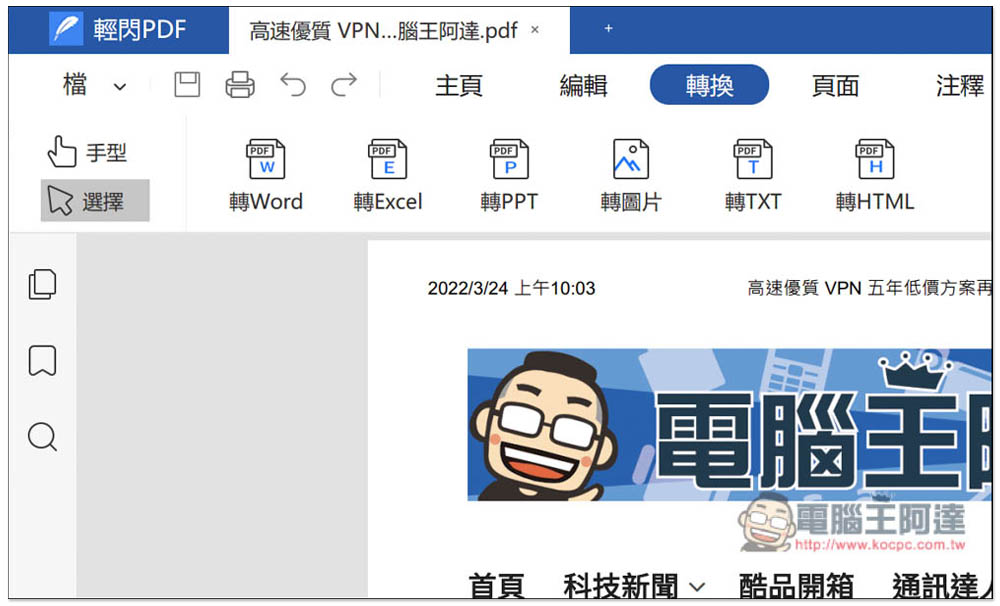
The conversion function supports Word, Excel, PPT, pictures, TXT and HTML. These commonly used formats can be converted:
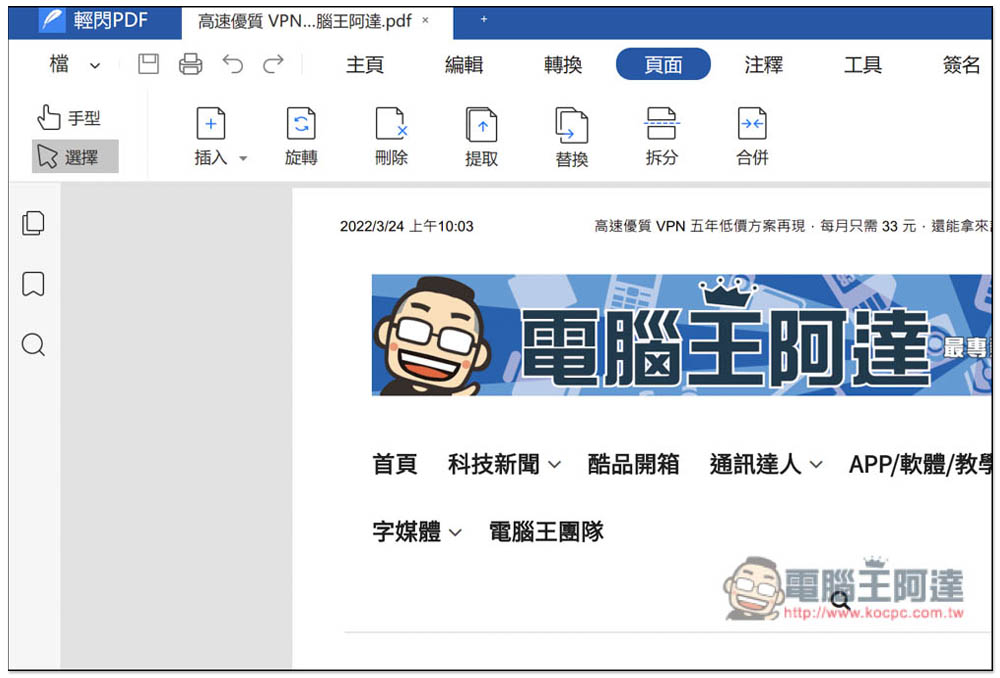
The page menu can be used to insert pages, rotate, delete, extract, replace, split, merge, etc.:
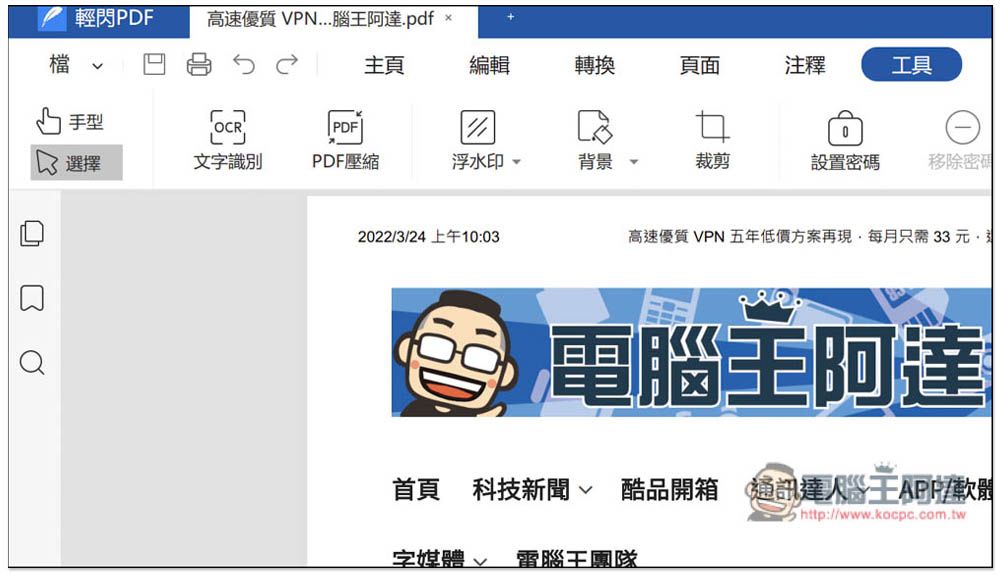
The tool menu also includes OCR text recognition, PDF compression, watermark, background, cropping, password setting, etc.:
You can also view all PDF pages on the left, which is very complete:
Overall, although it is still not as easy to use as Adobe Acrobat, for editing and converting PDFs, this one is very useful, and it is free, unlike Adobe Acrobat which is so expensive.
Source: KOCPC Chinese