


Google officially pushed the June 2026 Pixel Drop feature update today (17th) and announced the official launch of the Android 17 stable version. This update covers comprehensive evolutions in video creation, multitasking, wearable device security, and AI applications. Pixel device users will receive update notifications in the coming weeks. A total of 21 devices from the Pixel 6 to the latest Pixel 10 series can get this update. This is also the first time that Google has pushed a major Android version update to the middle of the year, breaking the past tradition of releasing it in the fall, and combining it with the Pixel Feature Drop. It can be called the largest software update this year, injecting new momentum and vitality into the Pixel ecosystem.
Google launches June Pixel Drop! Android 17 is officially here
Screen recording selfie: mobile phone turns into mobile green screen
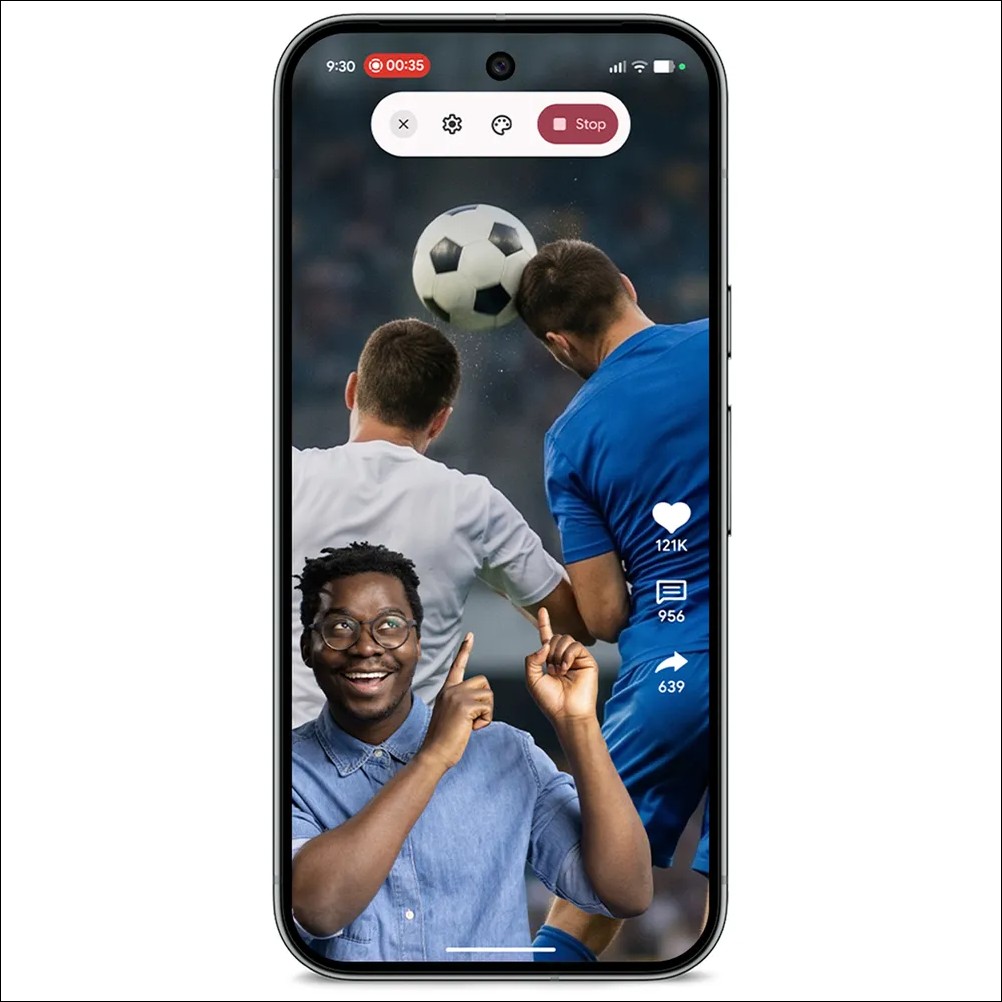
With the launch of Android 17, video creators have welcomed the new “screen recording selfie” function. In the past, if users wanted to record real reactions to watching videos or create instructional videos, they were often limited by cumbersome switching between applications. Now, as long as you set the screen recording to “Record the entire screen” on a device running Android 17 or above, and turn on “Show selfie camera” in the quick settings menu, the system will simultaneously activate the front camera to capture expressions. Users can still operate the phone smoothly during recording, and can freely drag and adjust the size and position of the selfie screen, which is very suitable for making reaction videos.
Bubble multitasking: shrink any app into a floating window
Android 17 introduces a new “Bubble” feature that allows users to shrink any application into a floating window. Simply press and hold an app icon to turn it into a bubble that floats above other running apps, similar to Facebook Messenger’s chat bubbles in the past but available across all apps. This feature has been further optimized on the Pixel 10 Pro Fold foldable phone. Bubbles will be neatly arranged in a dedicated bubble bar at the bottom of the screen, allowing users to switch applications more quickly when checking information, replying to messages, or watching instructional videos.
Gemini Omni blessing: conversational video editing and AI music creation
This update deeply integrates Google’s AI technology into daily creations. Pixel phone users can now edit videos with Gemini Omni as long as they subscribe to Google AI and are 18 years or older. Users can interact with Gemini like a daily conversation, freely combine text, images and videos, or apply preset templates to produce high-quality images, significantly lowering the technical threshold for video creation. In addition, Gemini Omni also supports the generation of “avatars” that look and sound similar to the user, but currently this feature only supports English.[1]
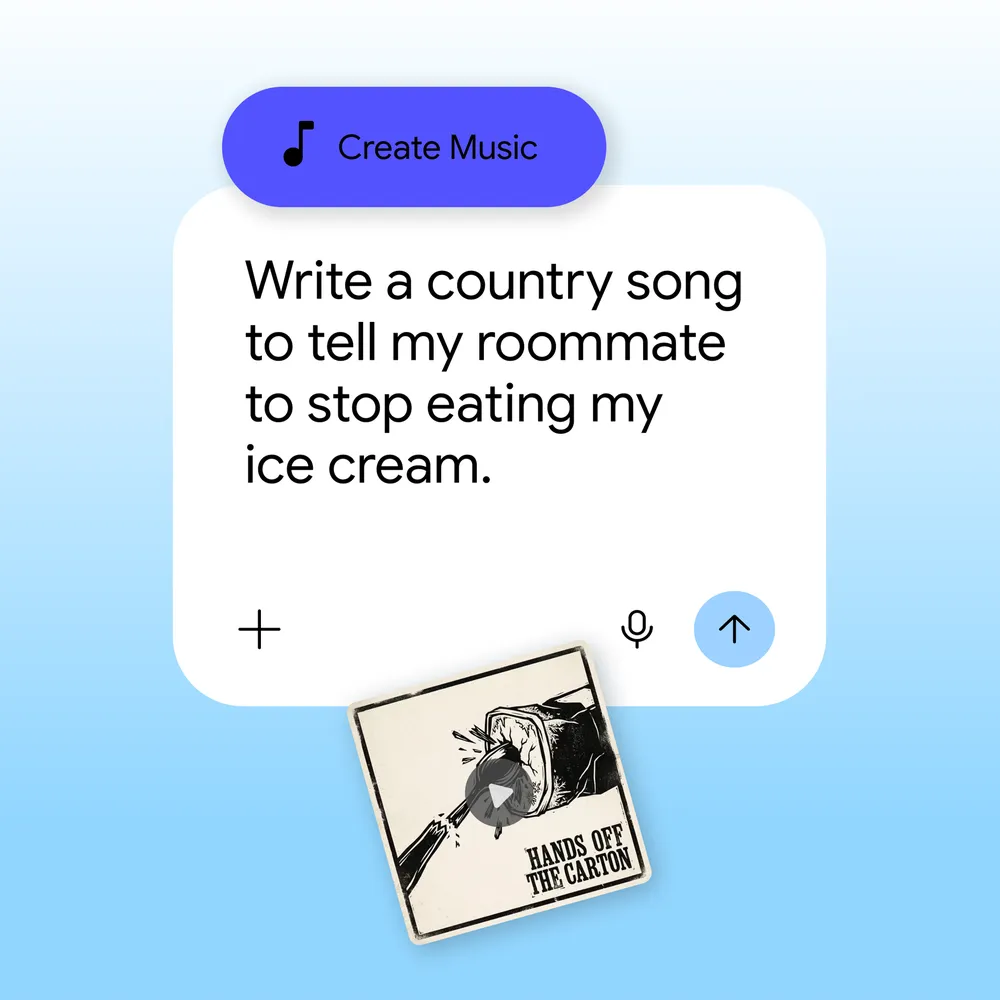
In terms of music creation, Gemini also has new music generation capabilities. Users aged 18 and above can inspire ideas through text commands or uploading photos by simply clicking on the tools menu in the Gemini app and selecting “Make Music.” The system allows users to further customize the music style, vocal performance and rhythm speed, and AI directly generates a complete high-quality work including soundtrack and lyrics. Behind this feature is Google’s latest Lyria 3 music generation model, which can produce stereo works up to 48kHz.
Wearable device safety upgrade: Automatically notify relatives and friends of car accidents and falls
In terms of personal safety protection, the emergency sharing function of Pixel devices is now deeply integrated with the situation detection system. When the user’s device detects a serious car accident (supports Pixel Watch 2, Pixel Watch 3, and Pixel Watch 4) or a violent fall (covering all generations of devices from Pixel Watch to Pixel Watch 4), the system will not only automatically dial emergency rescue calls, but also simultaneously notify preset emergency contacts so that family and friends can immediately understand the situation. This function requires ensuring that the phone is near the watch and connected via Bluetooth. Users can also flexibly switch contact notifications for specific detection types in the settings.
Circle search evolves again: Find a complete set of outfits with just one click
The popular “circle search” function has also been expanded in scope. As long as the device is running Android 14 or above and has the circle search function, you can use the new “Search for similar styles” function. When users see an outfit they are interested in on the screen, they can quickly search for information on similar items including tops, shoes and other complete sets of clothing with one click without having to jump out of the current application. This is very convenient for users who like to shop online.
Android 17 privacy and security protection upgrade
Along with the arrival of new features, Android 17 has also made major changes in privacy and security. In terms of application permission management, users can now choose to only share their precise location “temporarily” or only share “specific” contact information. They no longer have to open the entire address book in order to use an app, which greatly reduces the risk of personal data leakage.
In response to the risk of mobile phone loss or theft, the “mark as lost” function in the search device has been upgraded. When this function is activated, the system will require the phone to be locked through biometric identification. Even if a thief guesses the unlock password, he will not be able to access the phone’s internal information or force location tracking to be turned off. At the same time, the system now limits the number of incorrect password entries and extends the waiting time after each failed entry, greatly improving the device’s protection level and data security after being stolen.
Supported models and update methods
This June Pixel Drop covers all officially supported Pixel models, from the Pixel 6 series to the latest Pixel 10 series, including Pixel 6, Pixel 6 Pro, Pixel 6a, Pixel 7 series, Pixel 8 series, Pixel 9 series, Pixel 10 series, Pixel Fold, Pixel Tablet, and a total of 21 devices. The update file size is approximately 1.5GB. It is recommended to download in a Wi-Fi environment to avoid consuming a large amount of mobile data.
Users can check and download the latest version through “Settings” → “System” → “Software Update” → “System Update”. It is recommended to connect to Wi-Fi before updating.
Source: KOCPC Chinese