


Although Mac has a lot of useful gadgets, because of this, sometimes you accidentally install several sets, such as preventing hibernation, monitoring system resources, adjusting the volume for different apps, quickly switching windows, and even uninstalling software, each of which is a different app.
I recently discovered this pretty good free open source tool on GitHub: Vorssaint, which claims to be able to replace multiple paid Mac tools in one fell swoop. It integrates all commonly used functions into the same menu bar app. It has no subscription system, no account, and no collection of user data.
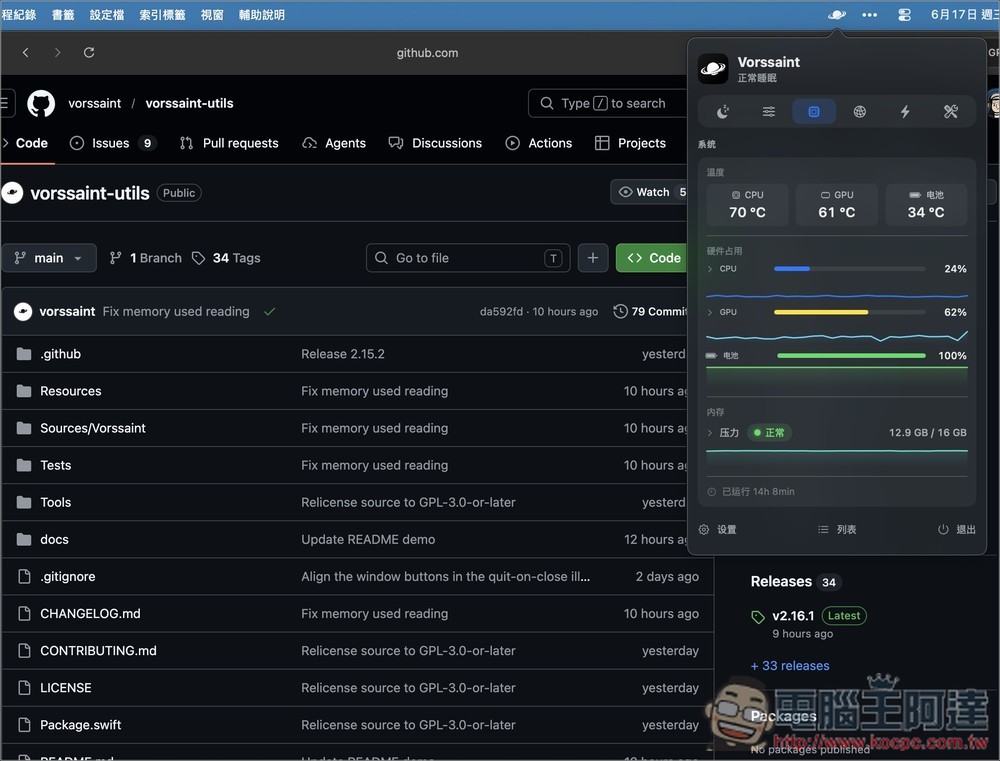
Vorssaint introduction and operation tutorial
Vorssaint is a completely free and open source macOS menu bar tool that integrates many functions that originally required installing multiple software packages into the same App, including system monitoring, keeping Mac awake, application volume control, quick window switching, Finder cut and paste, mouse wheel direction adjustment, complete application removal, etc., allowing users to only install one tool to meet various daily needs.
Developed using native SwiftUI and AppKit, there are no third-party dependencies, so the installation size is small and the execution speed is fast. All functions are mainly executed locally. There is no need to create an account, no subscription, and no telemetry data collection (Telemetry).
In addition, Vorssaint also adopts a modular design, so all functions can be freely enabled or disabled according to needs, and unauthorized functions will not affect the normal operation of other functions.
Main features
- Completely free and open source, no subscription required
- Native SwiftUI development, fast execution and low resource usage
- Provide real-time system monitoring of CPU, GPU, memory, battery, network, etc.
- Support independent volume adjustment for a single application
- Keeps your Mac awake and avoids sleeping
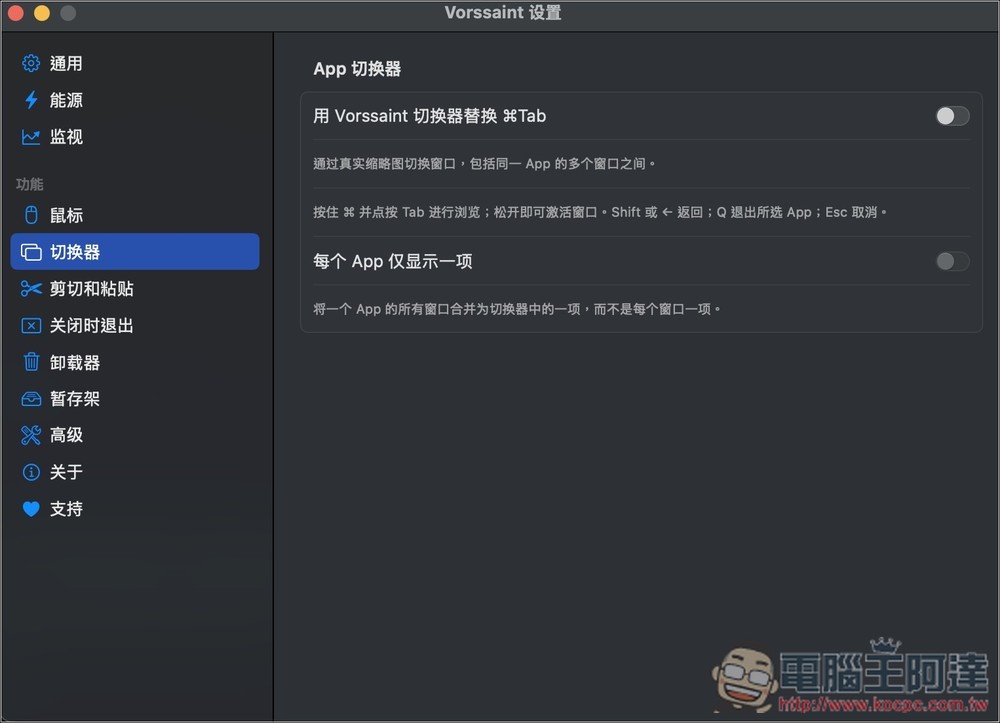
- Provides fast window switching and real-time thumbnail preview
- Built-in Shelf for temporary storage of drag-and-drop files, images and text across apps
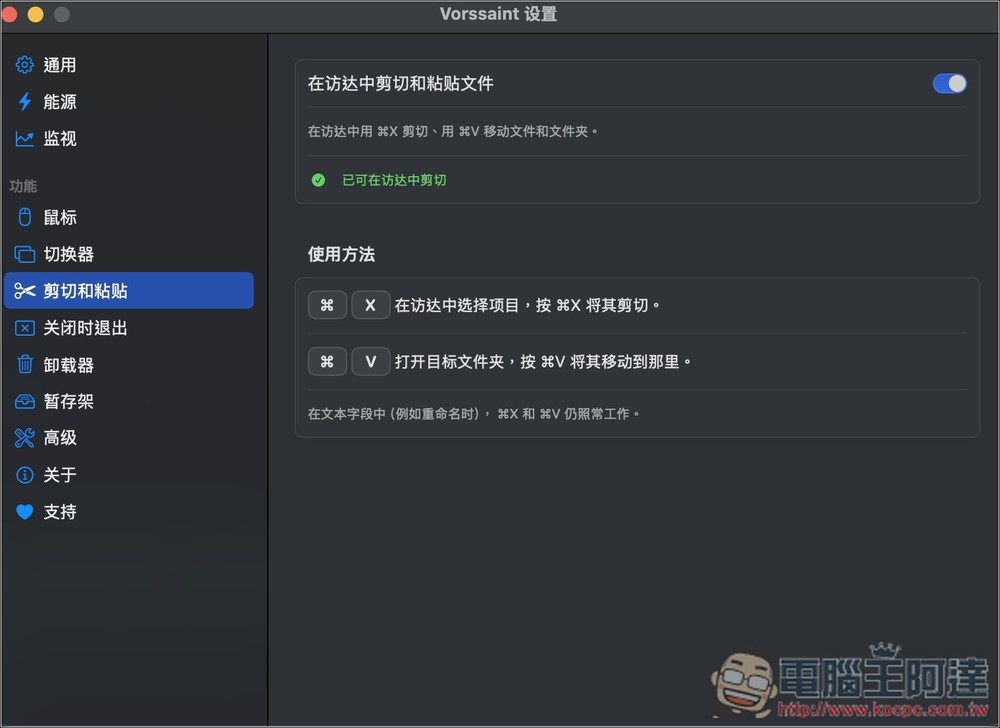
- Supports Finder to cut/paste moved files
- The direction of the mouse wheel can be reversed without affecting the trackpad
- Provide keyboard cleaning mode to avoid accidental touches
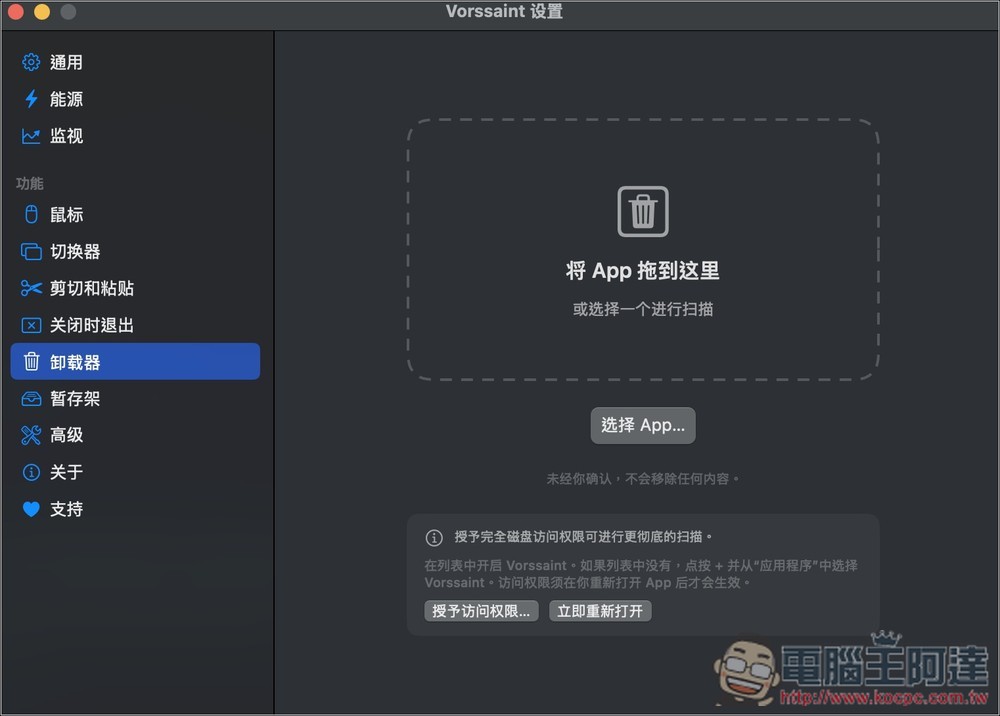
- Can completely remove apps and remaining profiles
- Support Homebrew installation, continuous update and maintenance
- No account is required, no telemetry data is collected, and user privacy is valued.
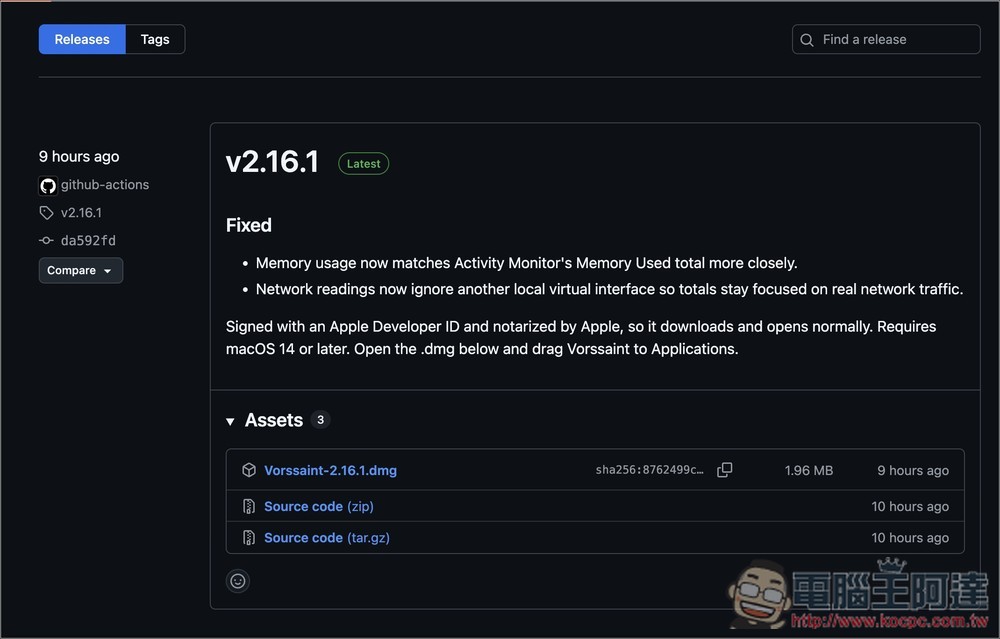
After clicking the link above to enter the download page of the Vorssaint project, download the latest version (.dmg). At the time of writing this article, the latest version is v2.16.1:
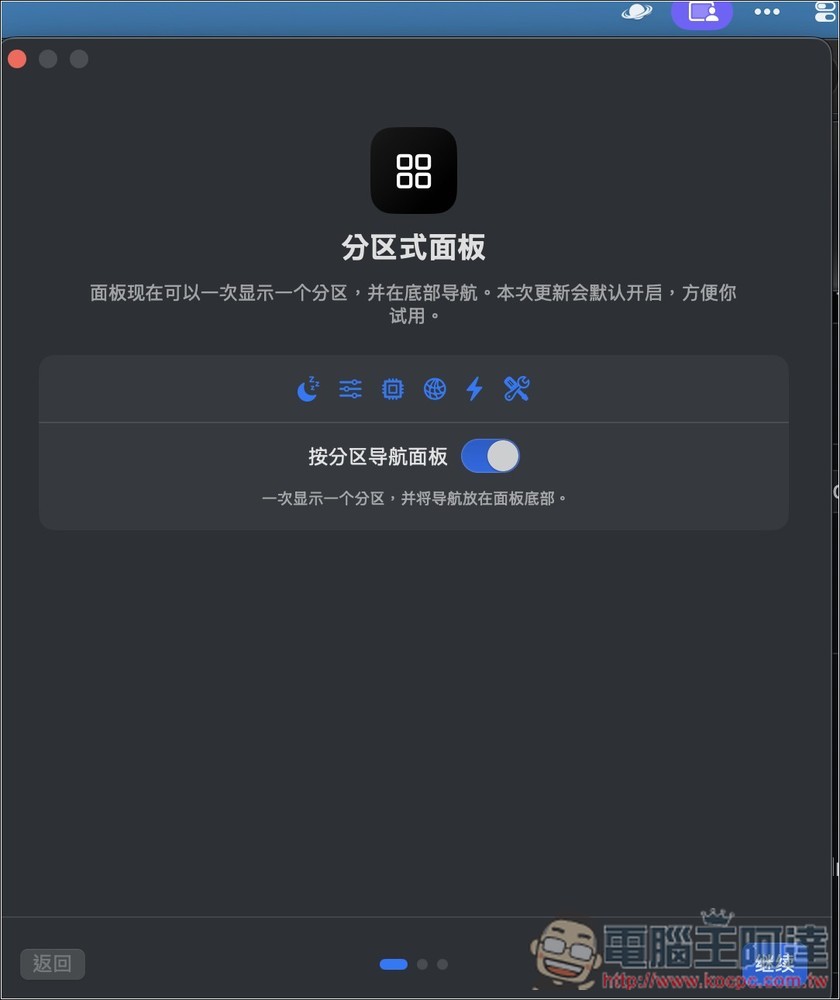
After the installation is completed, there will be a series of settings when you open it for the first time. Just follow the screen and operate it. There is Chinese language. It is recommended to enable the partitioned panel, which takes up less screen space:
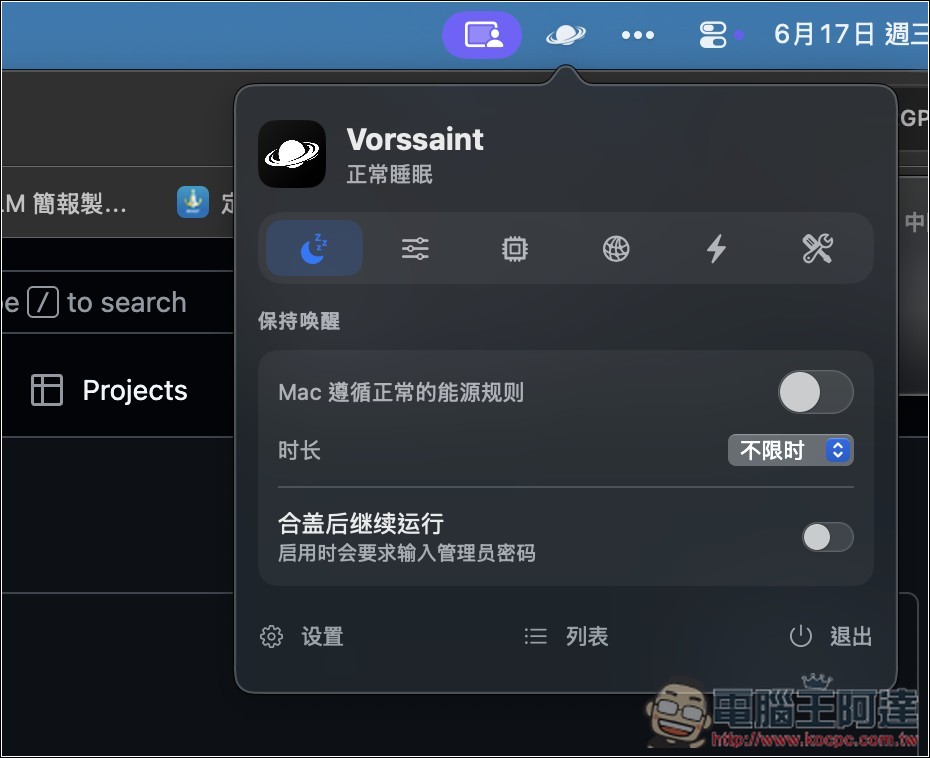
Each little icon represents a function, and the first is to stay awake, which means keeping your Mac from going into sleep mode. You can set energy rules and whether to continue running after closing:
The second is to set the volume of each app:
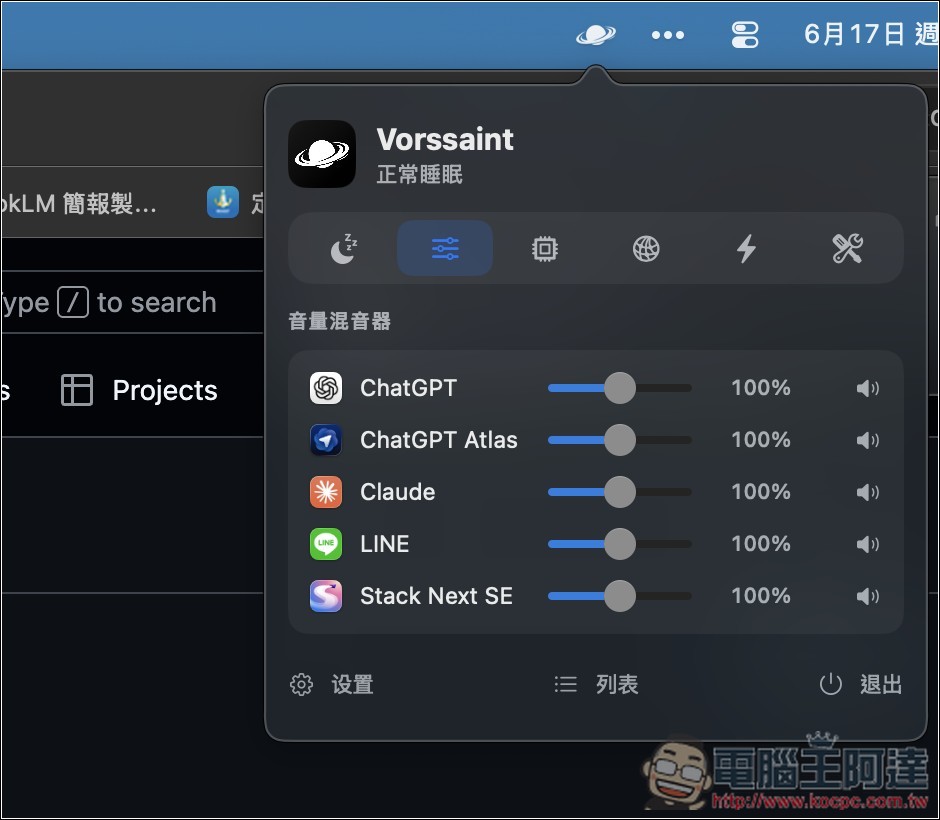
The third one is to monitor system resources, which will display the current temperature and usage of CPU, GPU and battery, as well as memory information:
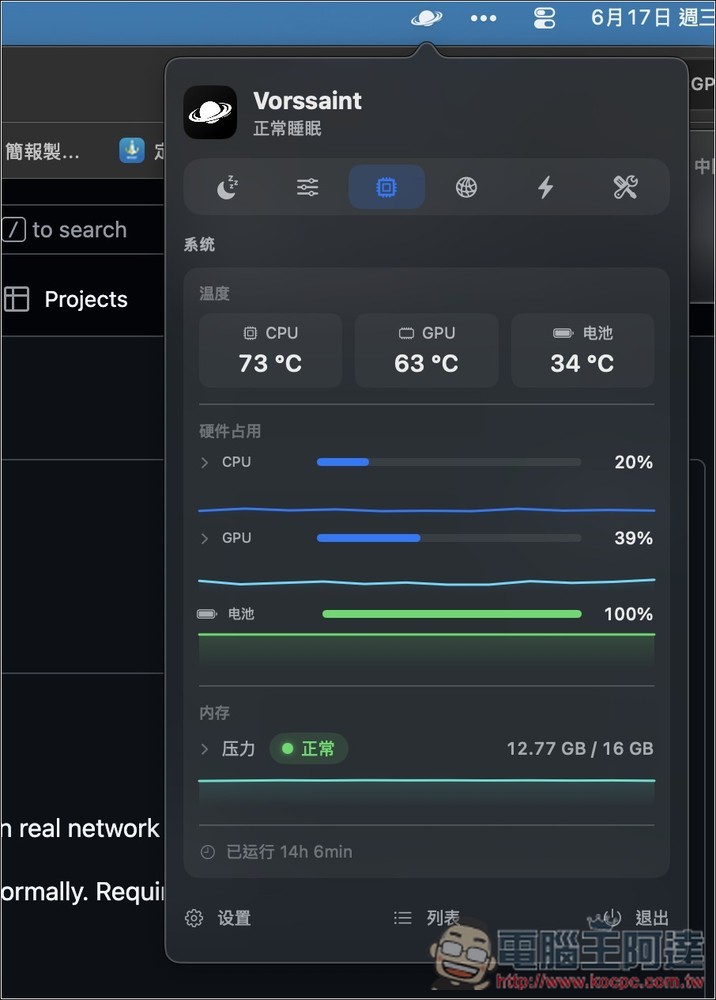
The fourth is to monitor network resources:
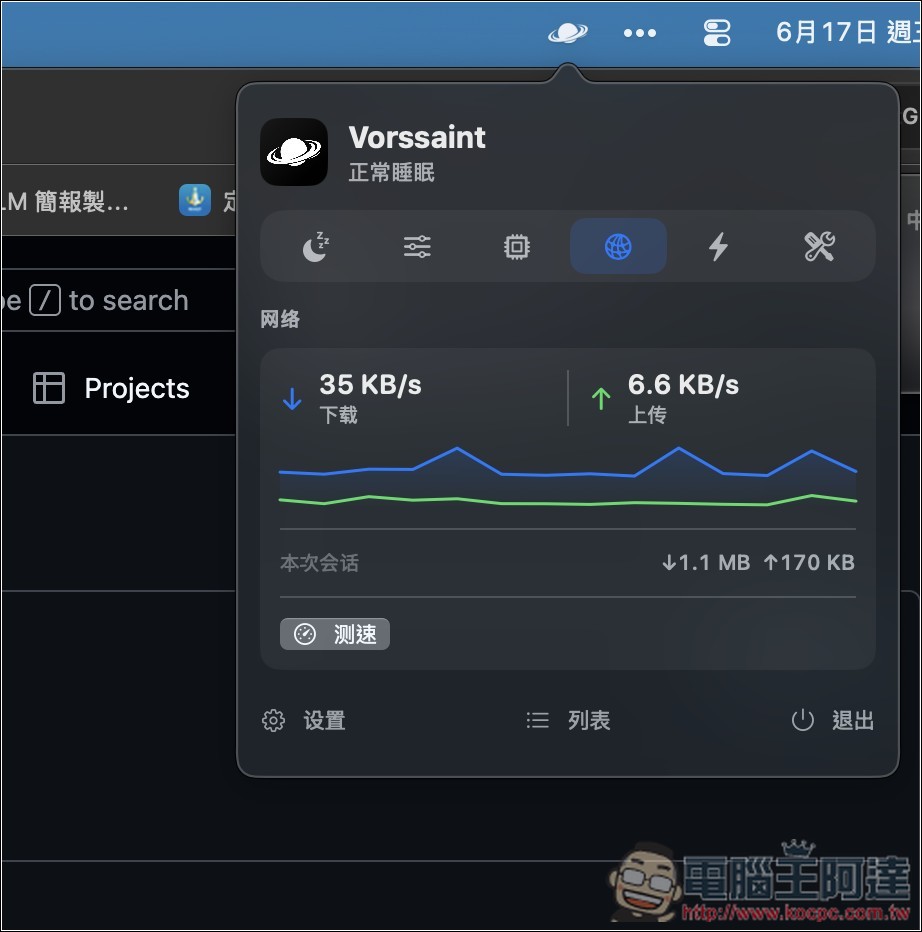
The fifth one can view the current power consumption value and battery health:
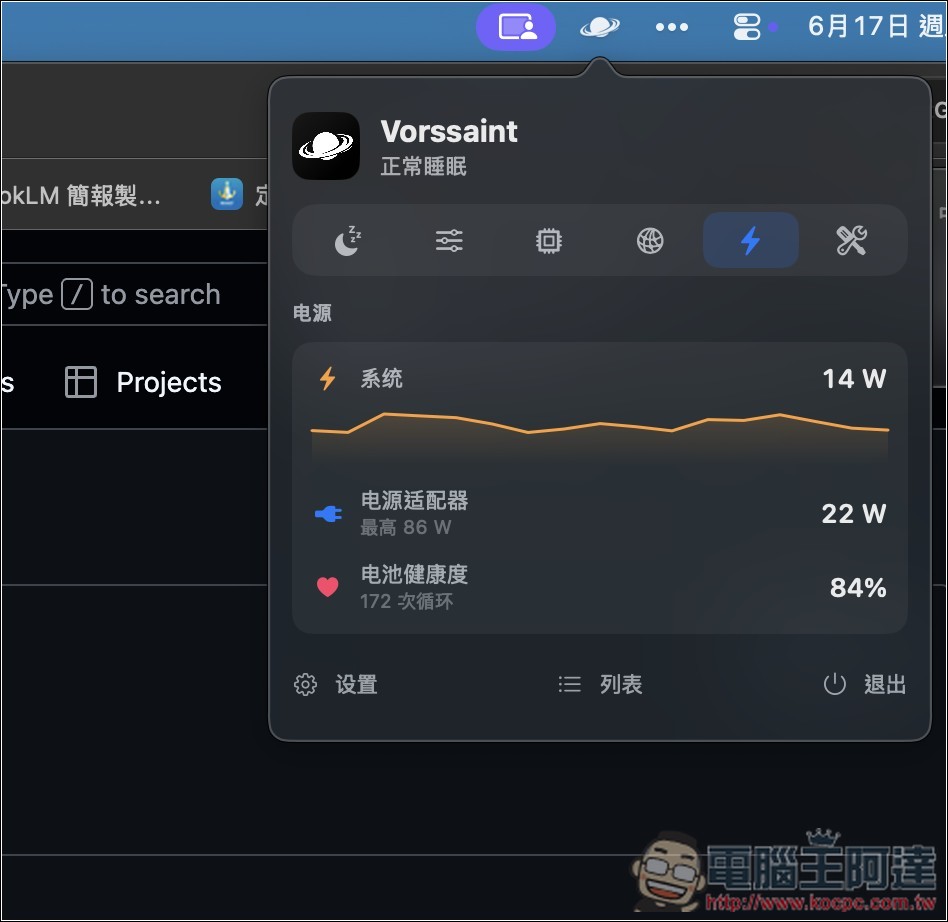
There is even a cleaning mode that locks the keyboard:
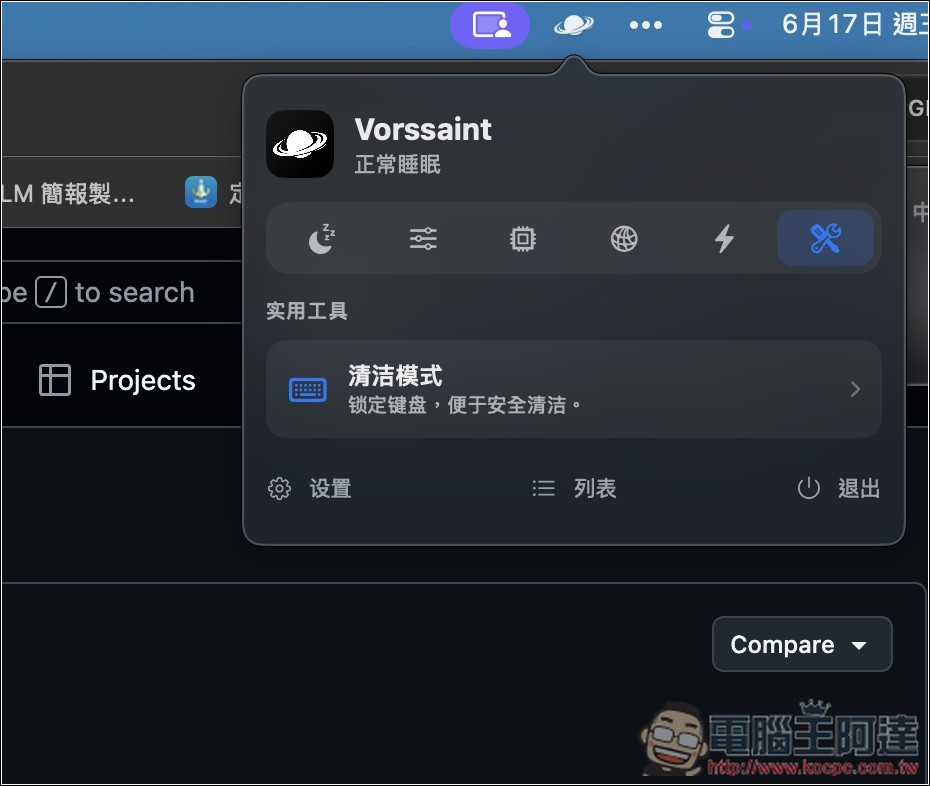
If your initial settings are wrong, you can open the settings menu and find various settings. For example, do you want to enable cutting and pasting files in Finder like Windows:
App quick switcher:
The function to complete the removal of the app is also in the settings:
Source: KOCPC Chinese