


For Google Drive users who have experienced the “unlimited upload” period, how to find the needle in the haystack of this cloud space is also an infinite battle for many users. In this regard, Google actually quietly launched a new generation of search functions at the end of last year, hoping to provide a better search experience through more “conditions” that meet the needs of cloud disk usage. Now, this feature is definitely open to everyone – as for how to play it, you can read this article. Continue reading Google Drive’s official launch of “Search Chips” to help you more easily search through the messy files you once (sigh) uploaded endlessly.
Google Drive’s “Search Chips” to help you more easily search the messy files that were (sigh) uploaded endlessly are officially launched
Maybe you don’t know what “Search Chips”. But this multi-condition search function, which has been tested for several months, has been confirmed to become your most powerful assistant when using cloud drives. Google’s powerful fuzzy search function can make it easier for you to find the files you need with the help of various conditional filters.
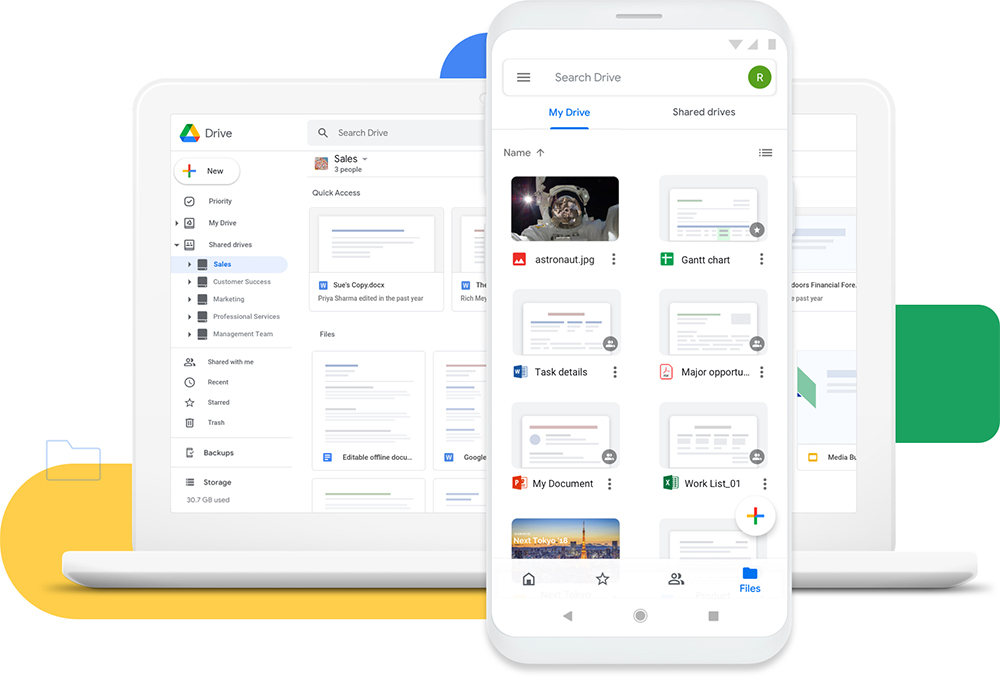
This function has been pushed to all Google Workspace users, as well as G Suite Basic and enterprise users – in fact, it should be fully pushed, because the author’s general Google account can also play it. The method of use is very simple, that is, the thousand and one tricks: enter keywords in the search bar.
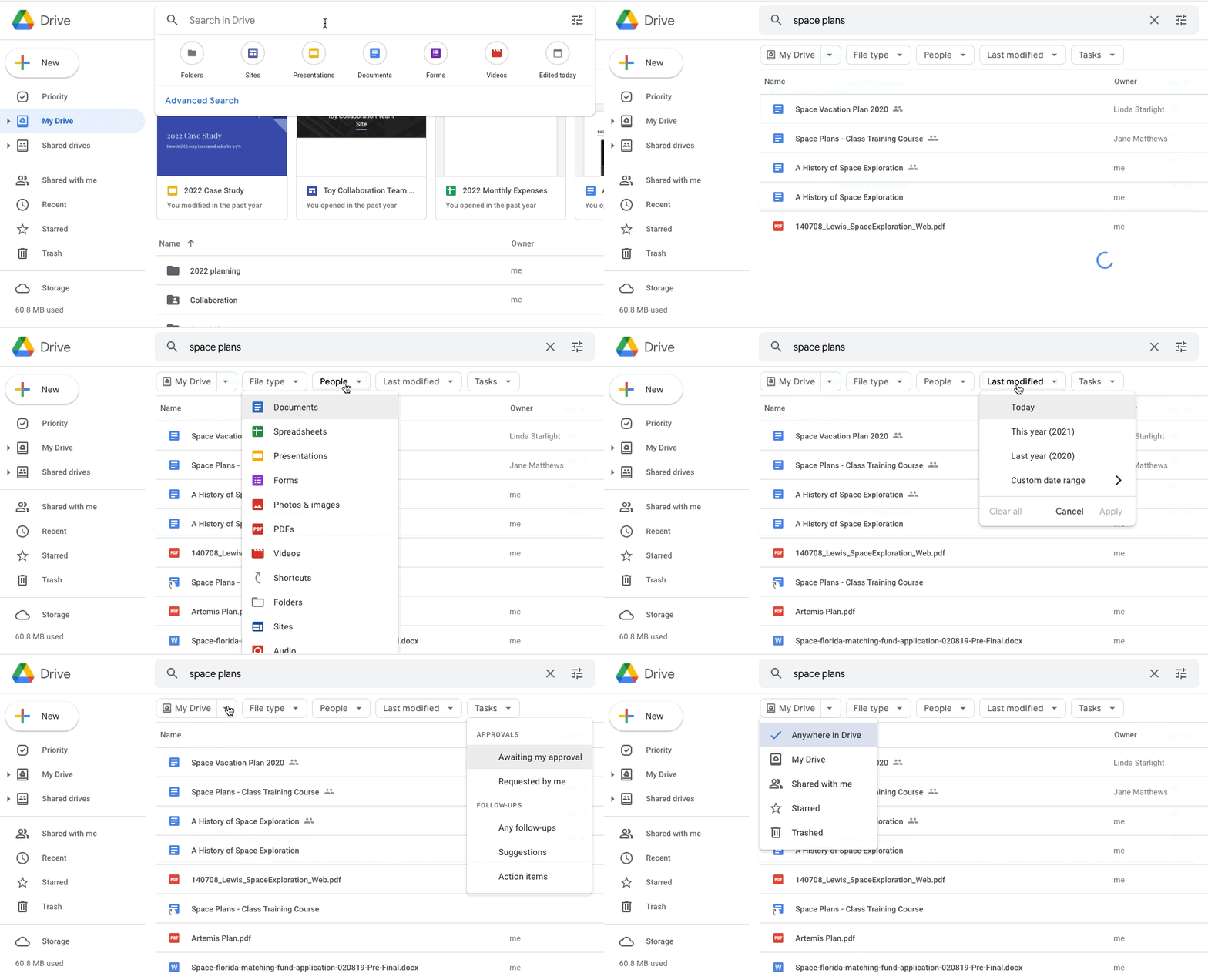
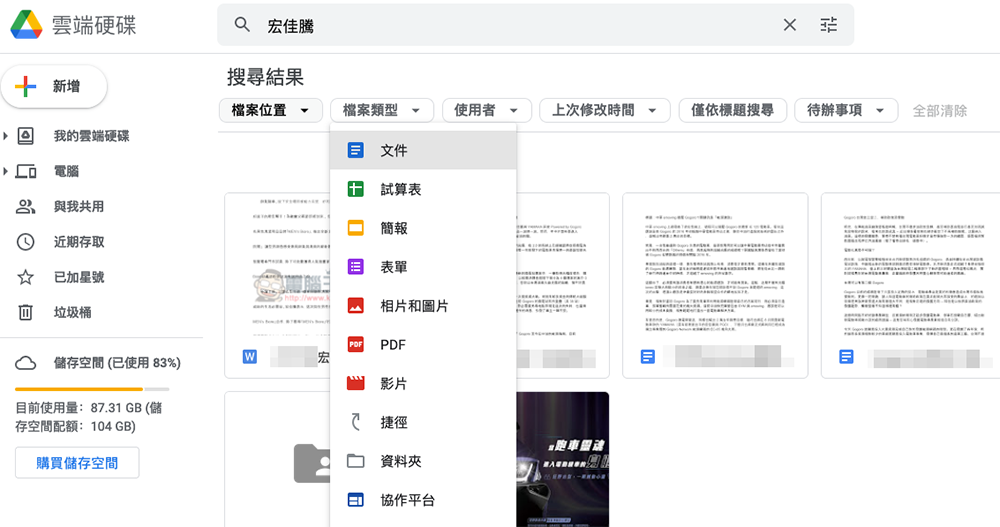
You will then enter a search interface very similar to Gmail – under the keyword search field, up to six “chips” drop-down menu buttons are brought in. Taking the author’s Google Drive search interface as an example, they are “File Location”, “File Type”, “User”, “Last Modified Time” and “Search by Title Only”.
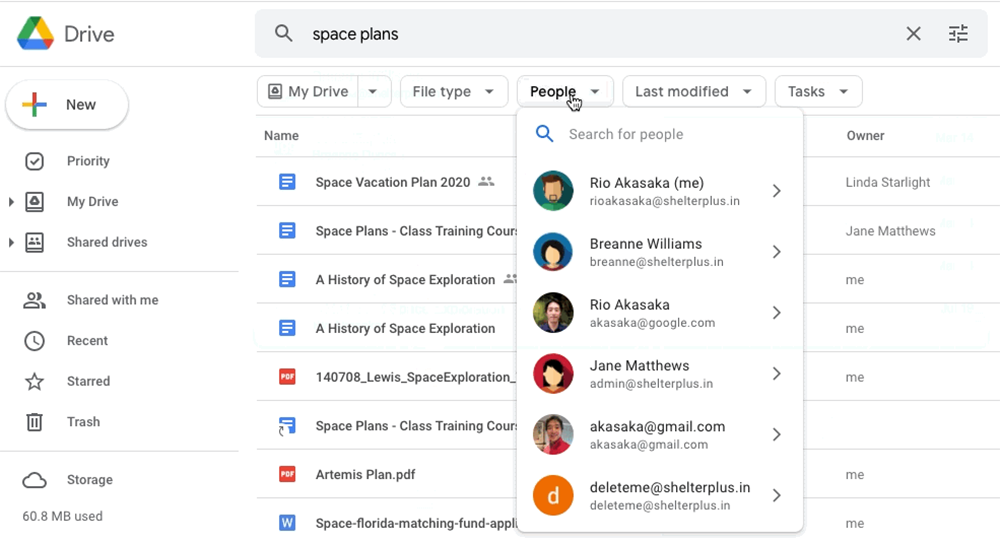
“File location” will allow you to quickly filter out your own cloud files or files shared with you by others. You can also filter out files that have been thrown into the trash; “User” is a similar concept, allowing you to specify files uploaded by a specific account.
“File Type” is terrible, there are unexpectedly many types in it, and in addition to the three treasures of Google Docs: documents/presentations/spreadsheets. It also includes terms such as “form”, “collaboration platform” and “drawing” that seem to be less common in general searches. The last thing to mention is the “To-Do List” which is a little bit neat and will be searchable by approval stage. Cloud archive files that are in tracking status can also be searched.
It has to be said that for Google Drive, which can currently be subscribed to up to 30TB. Work with associated cloud files in collaboration with other users. The Search Chips search card function, which is indeed more sophisticated than services such as Gmail, will be a feature that Google Drive fans will welcome. Now, it’s officially in your search bar! Are there any files that you couldn’t find through previous searches? You can try to use this new function to find it.
Further reading:
Chrome OS Flex lets you easily turn your old MacBook into a Chromebook!
Source: KOCPC Chinese