


Microsoft is very confident in its own Windows Defender, and it has been highly recognized recently. It received particularly high rankings and scores in AV-TEST in December 2021 and October 2021. However, the evaluation of Defender in AV-Comparatives is much worse, and there is a considerable gap with some alternatives such as McAfee.
Major Windows Defender improvements make it harder for malware to bypass scans in excluded folders
Although there are score differences in the two rankings, one thing is certain in both evaluations. Windows Defender’s scores have gotten better in the second half of 2021, which means that Microsoft has made good and significant progress in this area. As time enters 2022, it continues to improve and does not stop here.
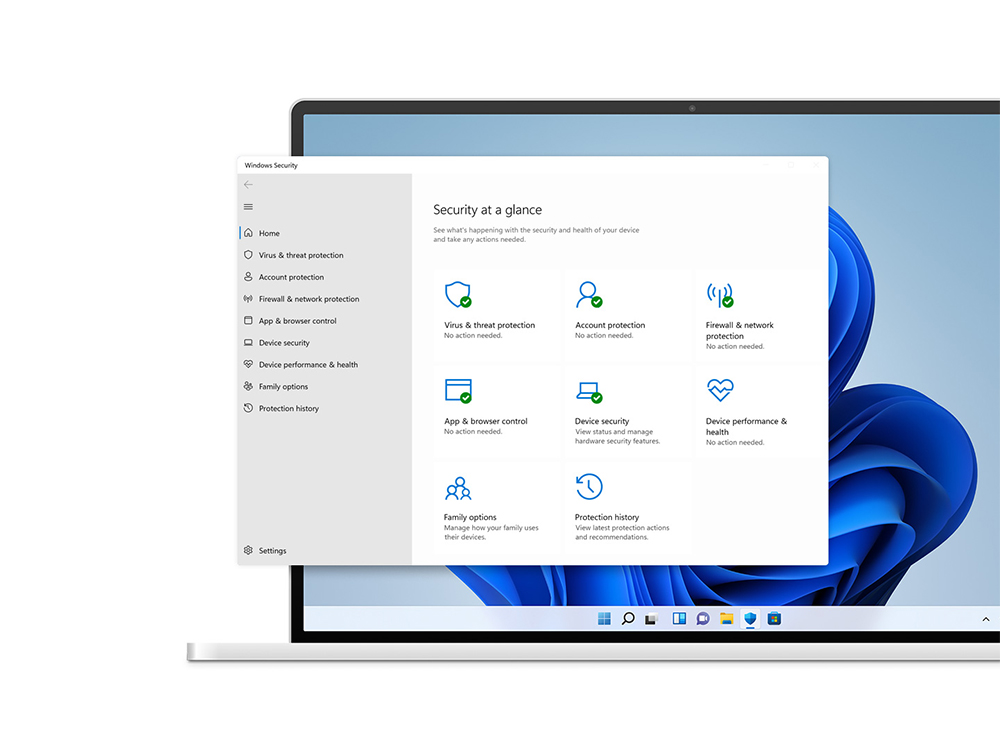
A security researcher named CISOwithHoodie said on Twitter that Microsoft has recently made very important changes to Windows Defender’s exclusion project permissions. In the past, folders and directories set to be excluded were visible to everyone and could be easily obtained from the registry address “HKLM\Software\Microsoft\Windows Defender\Exclusions”. However, after this modification, only those with administrator rights can view which folders and files are set to be excluded from scanning (as shown below).
No, this is fairly new though. I also have to enter Admin credentials to get the Exclusions within the Virus and Threat Protection console. This was certainly not the case last week. pic.twitter.com/QJl7vtc66P
— CISOwithHoodie (@SecGuru_OTX) February 10, 2022
In the past, you could try to query the registry with commands to find exclusions. After Microsoft’s change, using the same method to search will also result in an error message stating that access is denied, as shown in the figure below:
— CISOwithHoodie (@SecGuru_OTX) February 10, 2022
CERT vulnerability analyst Will Dorman also confirmed on Twitter that registry-based policy changes are now protected as well.
Assuming you meant HKLM\SOFTWARE\Policies\Microsoft\Windows Defender\Exclusions
, that is also protected. pic.twitter.com/2yUZPIgHY6— Will Dormann (@wdormann) February 10, 2022
If you’re wondering why this change is so important, let me help you figure it out. When exclusions are visible to everyone, an unscrupulous person can easily sneak a malicious payload into one of your excluded folders, completely bypassing Windows Defender’s scanning. As of now, it is not known when Microsoft will provide the update, but it is widely speculated that it will be introduced in the recent February Tuesday update.
Source: KOCPC Chinese