


September 8,Meta launches a personal AI agent called Muse.It first launched on iPhone, Android, and web, only in the U.S. market. Nine days later, on September 17, Meta Chief AI Officer Alexandr Wang on XAnnounceMuse for Mac has officially launched, and this agent can finally get moving directly on your desktop computer. Unlike ordinary chatbots that passively wait for questions, Muse is designed to actually perform tasks on users’ behalf (similar to Codex), and with the addition of the Mac version, it can for the first time directly reach the files and applications already on your computer.
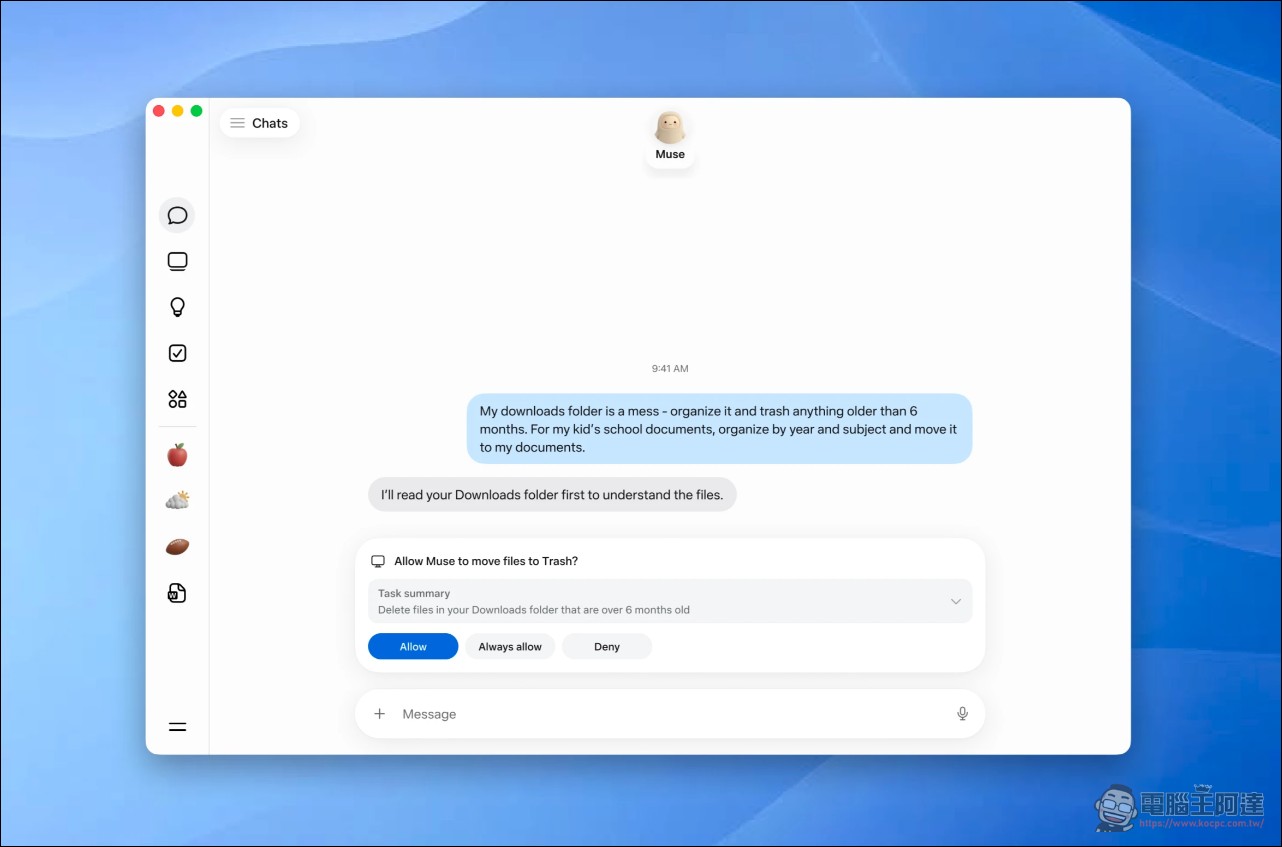
From mobile to desktop, Muse has finally arrived on Mac.
When Muse debuted on September 8, it was positioned as a “secure, private personal AI agent,” emphasizing that it can take action and actually carry out tasks on the user’s behalf. At launch, it was available in the U.S. market on iOS, Android, and the muse.ai web version, and could be used directly within WhatsApp.
The official download page shows that the Mac version is offered as a direct download in the form of a Muse-1.0 disk image, alongside the free iPhone and Android apps. In his announcement tweet, Alexandr Wang emphasized that this agent can now “get things done on your computer,” covering files, messages, calendars, and notes. When Zuckerberg himself announced on X that Muse for Mac was live, he wrote that this agent “works across the apps, files, calendars, notes, and messages on your computer,” and emphasized that “you control what it can access, and the team is shipping new features quickly.”
muse for mac is HERE!! your agent can now get stuff done right on your computer — files, messages, calendar, notes, all of it.
you’re in control of what it can access, and it always asks before doing anything sensitive.
Add it to the dock – https://t.co/bFHgBZlkLj pic.twitter.com/mecGVDzXiq
— Alexandr Wang (@alexandr_wang) September 17, 2026
What can Muse for Mac do on your Mac?
The Mac version lets Muse interact directly with information already on your computer. You can ask it to organize folders, fill out a form using information stored in your files, or compile the contents of emails, messages, and notes into an end-of-day summary. The official page also states that Muse for Mac can organize files, fill out forms, and pull content from Messages, Calendar, and Notes, all with user permission. The Mac apps it supports include Messages, Calendar, Notes, and Mail.
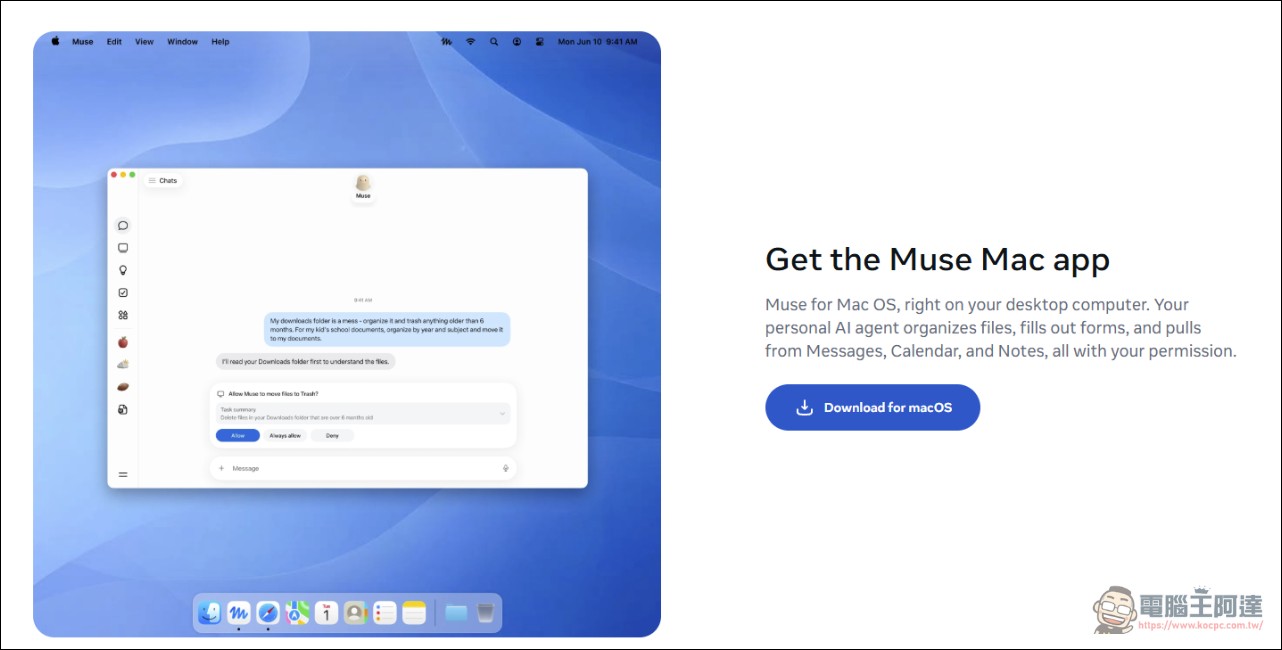
Download Muse official page
The authority is in your hands.
To make Muse work across the entire Mac, it needs access to some of the information stored on your computer. Meta says this is up to the user, including whether to grant Full Disk Access, and these permissions can be adjusted at any time through Settings. Even with these access permissions enabled, Muse won’t take every action on its own; for any more sensitive actions, such as deleting files or sending messages, it will first ask the user to confirm before continuing. Alexandr Wang echoed this point in a tweet: “You control what it can access,” and it “will ask before doing anything sensitive.”
Free but limited; subscribe to unlock more.
Muse’s pricing model is “free but with usage limits.” Users who exceed the limit can upgrade to a subscription or wait for the free allowance to reset. Muse is currently free but has a weekly limit; paying users can unlock higher access allowances, and at launch it is available only in the U.S. market, with other countries to be added gradually. The iPhone app on the App Store requires iOS 18.0 or later, has an 18+ age rating, is 116.3 MB in download size, and is free with in-app purchases. The developer’s declared privacy disclosure states that the app may collect and link data categories such as Health & Fitness, Financial Info, Location, Contacts, and Browsing History; Apple says this information has not been verified. The official product page also states that Muse is powered by Muse Spark, which Meta calls its “most powerful model to date,” and is built for real-world agentic work.
Cross-Device Continuity and the Competitive Landscape
The official page treats cross-device continuity as a key selling point of the Mac version: start a task on your phone, check its progress on your laptop, then give it a nudge from WhatsApp. Muse keeps the same conversation thread across every device, so a task you assign in the morning gets done by dinner.
The launch of Muse for Mac pushes Meta’s personal AI agent from mobile and the web onto the desktop, enabling it to directly operate files, messages, calendars, and notes. Its free but usage-limited tier, user-driven permission design, and security architecture built on isolated virtual machines and Sentinel gatekeeping are Meta’s latest answer in the agentic AI race. It is currently limited to the U.S. market, with other countries to be added gradually. Users in Taiwan will need to wait for Meta’s subsequent rollout schedule before they can actually experience this desktop agent on their own devices.
Source: KOCPC Chinese