


With the advancement of technology, it is now possible to convert images into text directly through online tools. PearOCR, which is introduced in this article, is completely free and supports recognition of multiple languages, ranging from Traditional Chinese, Simplified Chinese, English, Japanese, to Korean. The operation is also simple. Upload the image and it will start to be recognized. If there are any recognition errors, you can directly modify them. Friends who need to use OCR recognition can try it.
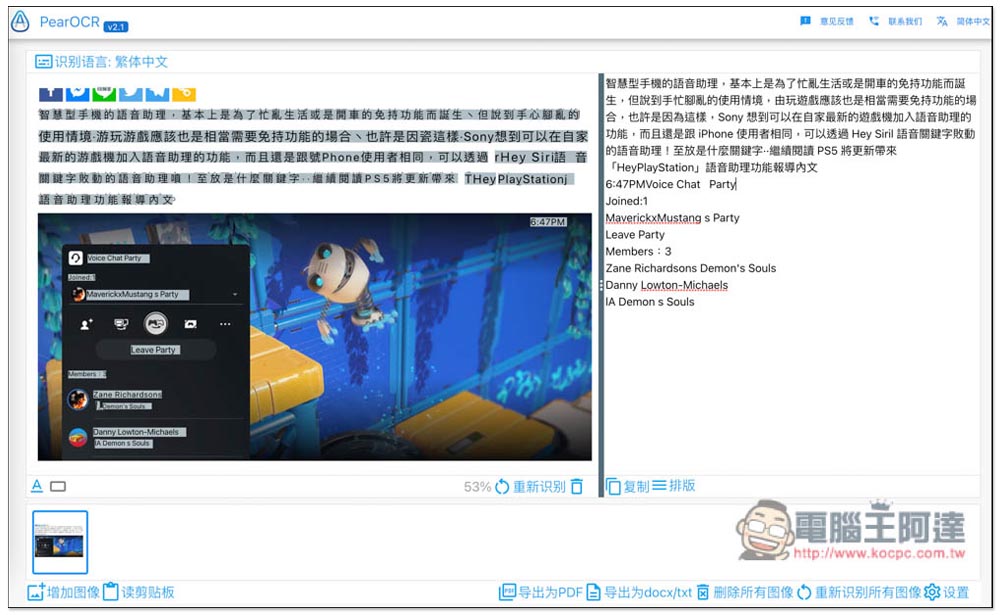
Introduction to PearOCR, a free online OCR recognition tool (image to text)
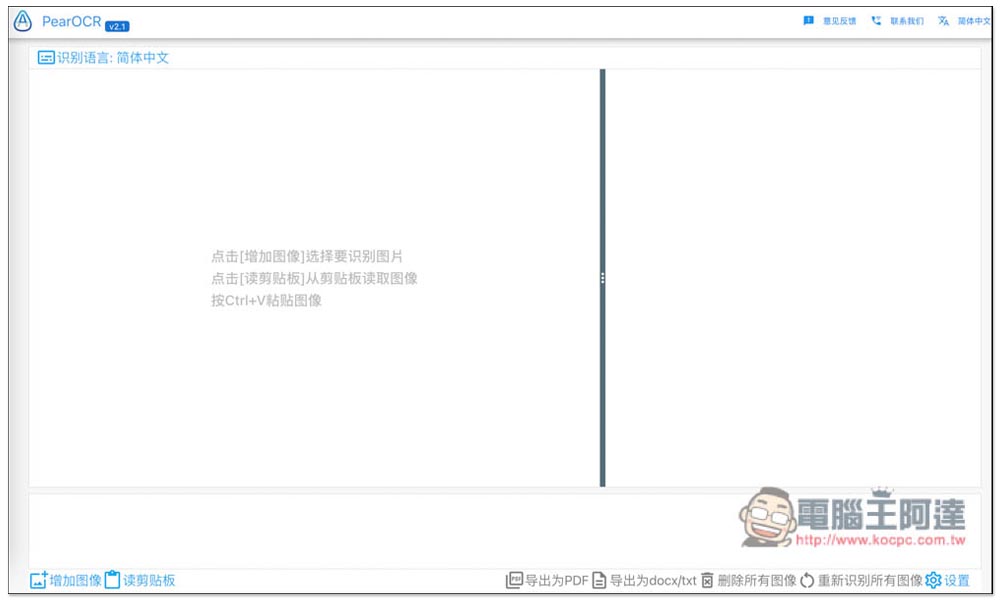
After entering the PearOCR online tool, the image upload function is located at the bottom left (add image). It also supports pasting from the clipboard, just press Ctrl+V:
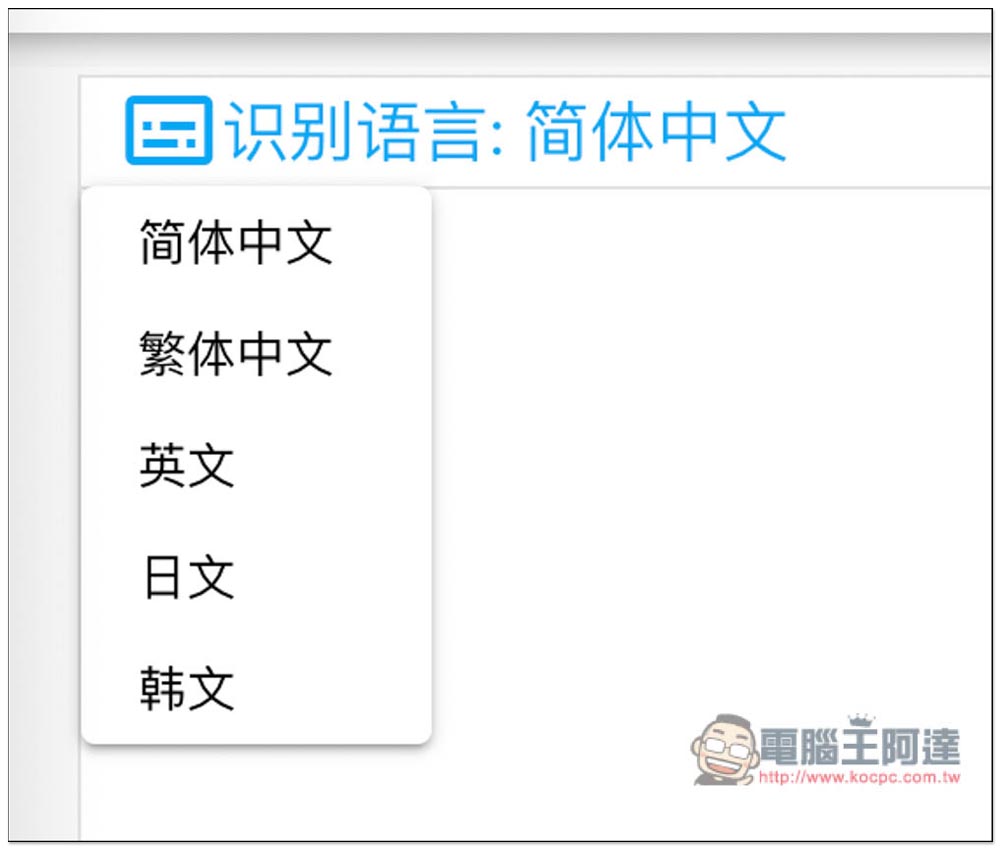
The default recognition language is Simplified Chinese. If you want to recognize other languages, just click to switch. Currently, there are five types: Simplified Chinese, Traditional Chinese, English, Japanese, and Korean:
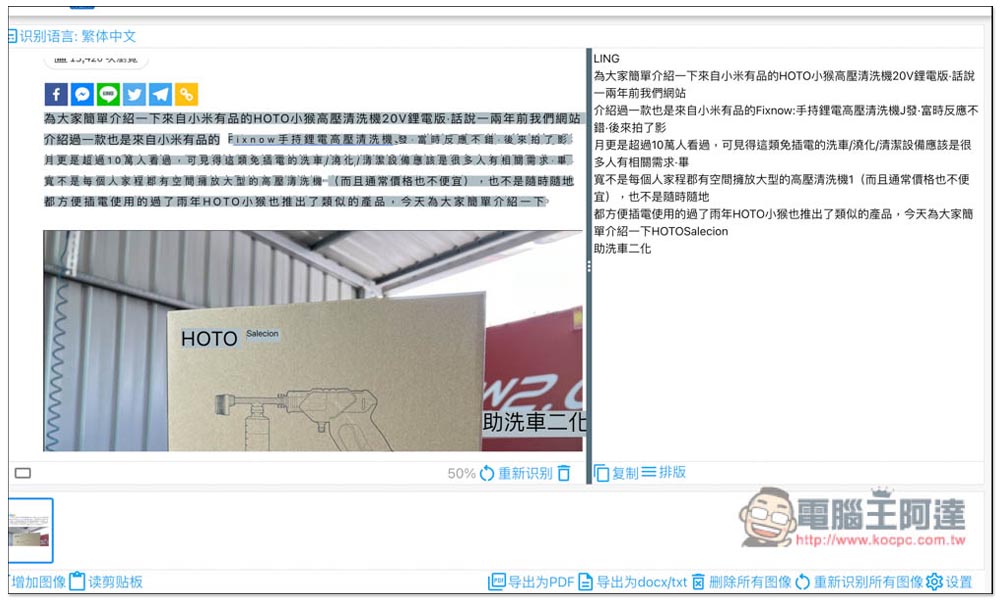
After uploading, wait for a short period of time before OCR recognition is completed and the text will be displayed on the right. In addition, this product will not only recognize a single language, so even if your picture is in Chinese + English, it will be able to recognize it, so don’t worry. However, maybe because it is a service developed in China, the ability to recognize traditional Chinese is not that strong, and there will be some errors, such as mistaking punctuation marks for English words, and mistaking traditional Chinese characters for simplified version (you -> queshuyou), so they need to be modified manually:
There are two ways to modify. The first one is to directly click on the text fragment of the picture on the left. The text file it recognizes will appear at the bottom, and then you can make modifications. After finishing, click the check mark above, and the content on the right will be automatically applied:
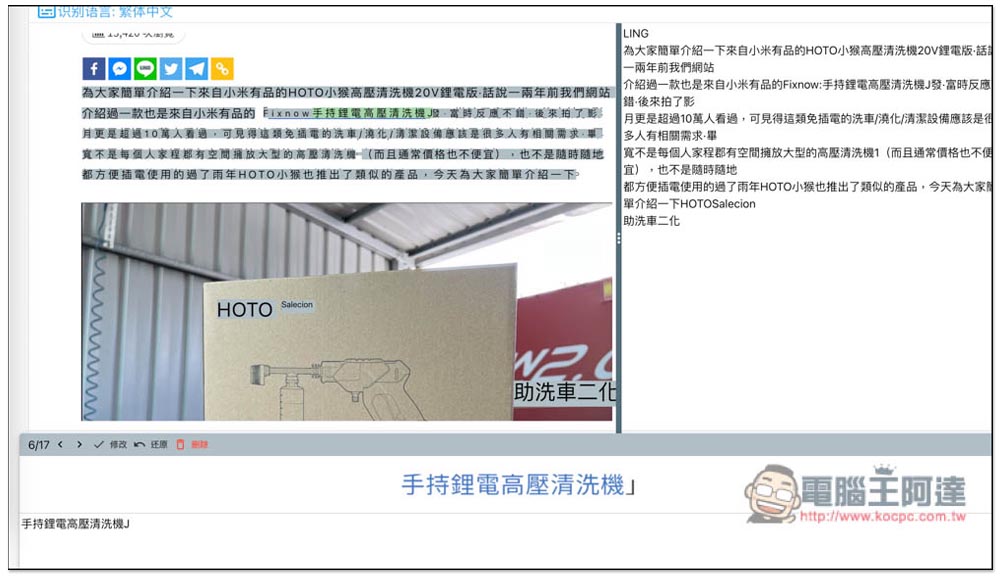
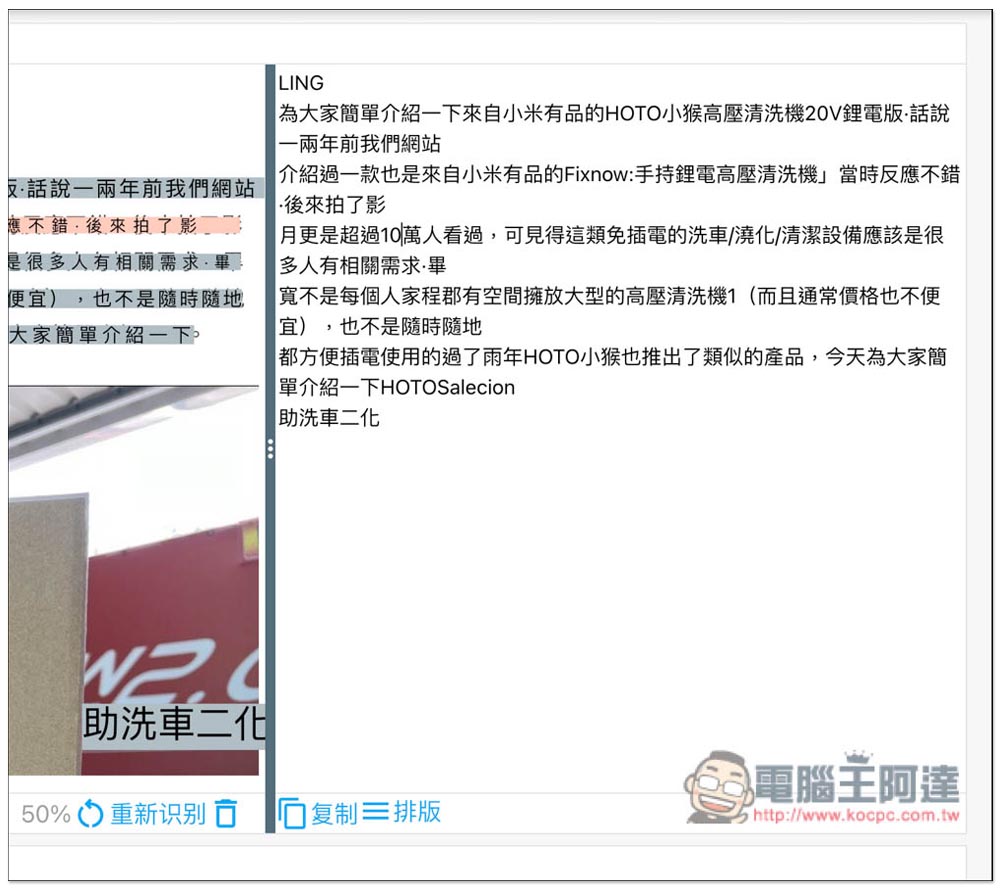
The second method is to directly click on the content on the right to modify it. You can check whether the content is correct while looking at the original picture. Remember not to look at the picture uploaded on the left, because the picture it displays is the result of identification, and the content may be wrong:
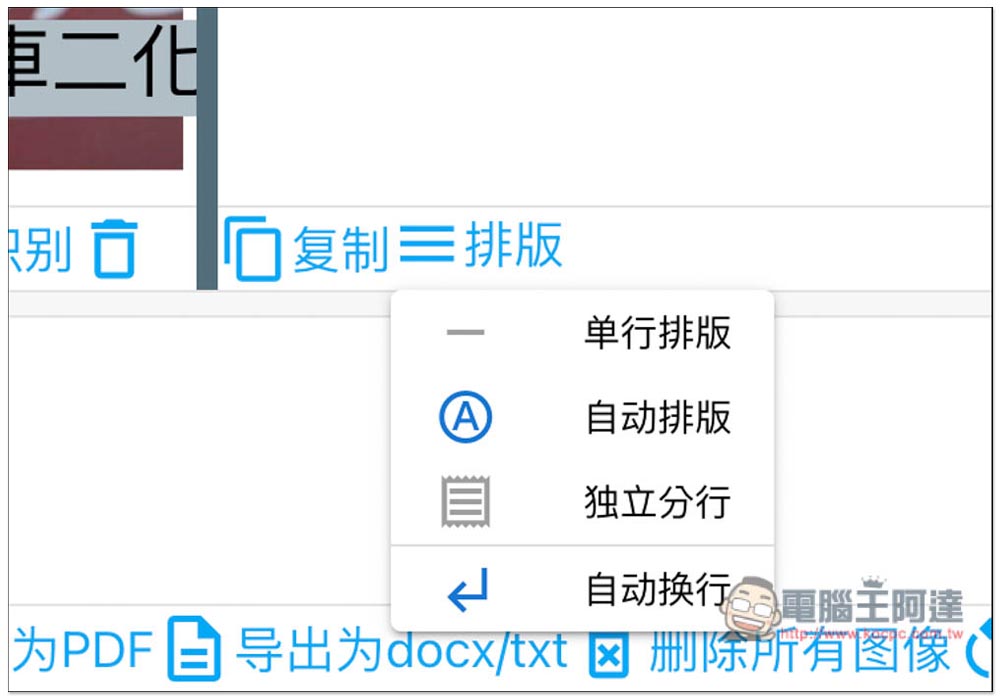
The typesetting part can also be adjusted. The default is automatic typesetting, which can be changed to single-line typesetting, independent branches and automatic line wrapping:
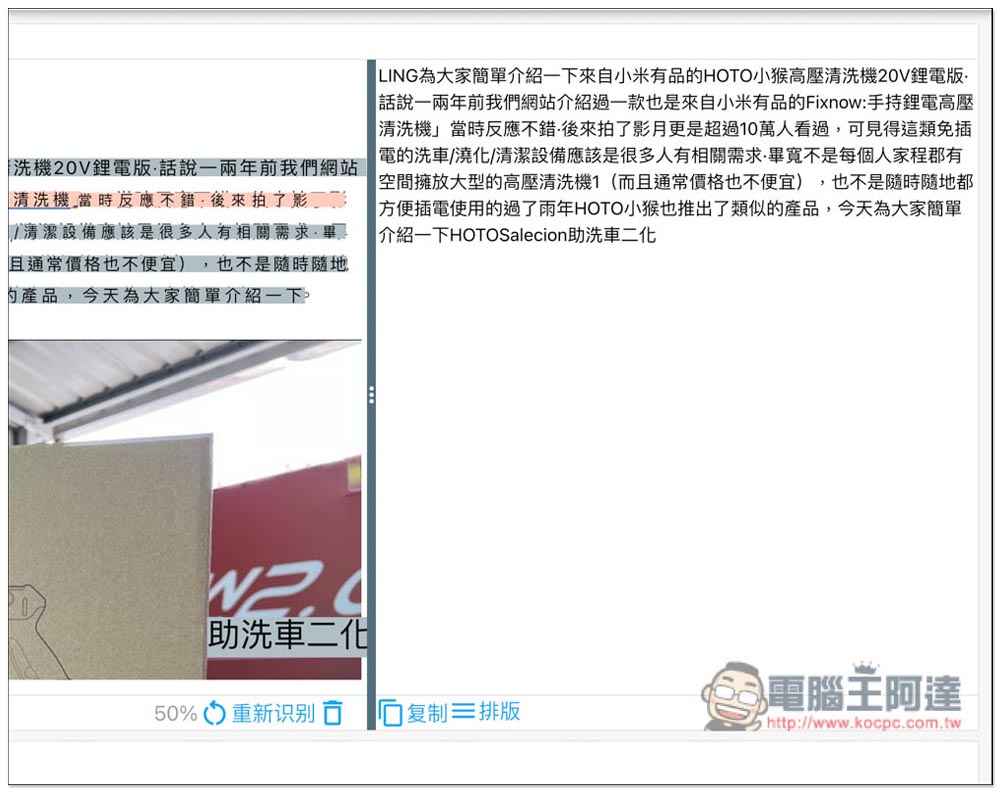
Single-line typesetting means there is no line break and the text is put together:
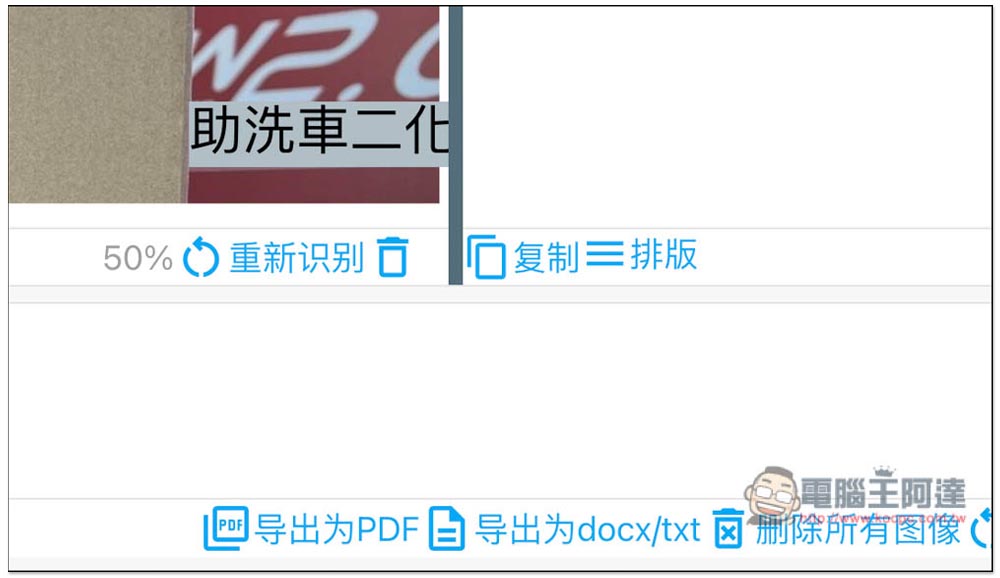
After all modifications are completed, you can copy directly to the clipboard (press copy below the content). This also provides the function of exporting to PDF, Docx and TXT files. You can find it at the bottom:
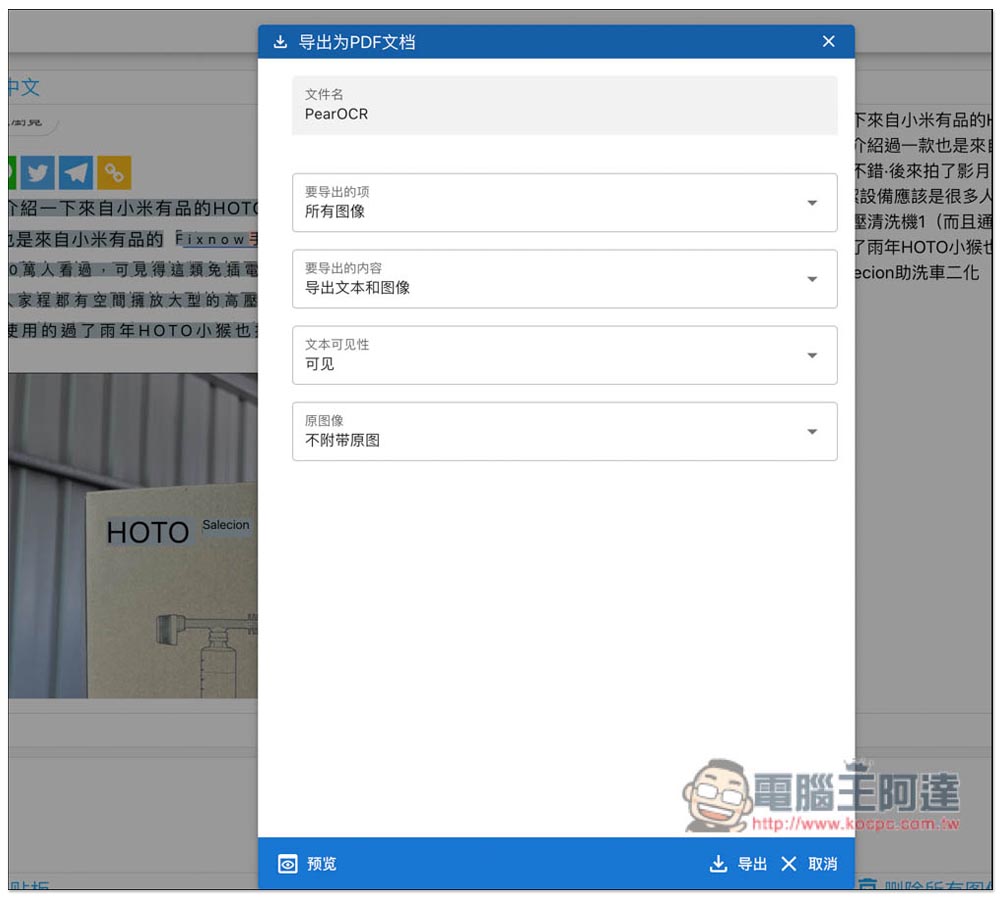
There are also some settings that can be adjusted when exporting. For example, for PDF files, you can select “Items to be exported (all images)”, “Content (export text and images)”, “File visibility (visible)”, “Original image (without original image)”:
After the recognition is completed, there is a function to delete all images on the lower right. Remember to use it, and all the images you upload will be deleted.
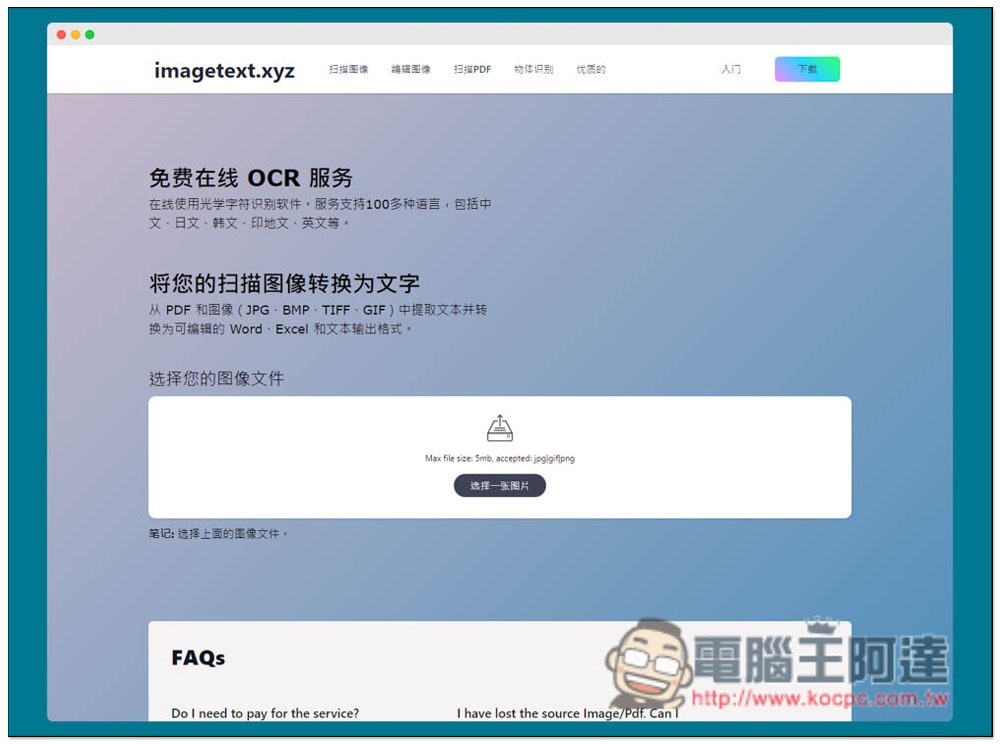
As far as Traditional Chinese is concerned, this model’s recognition capability is not the strongest, but it is good for other languages. If you need to identify images that are in Traditional Chinese, I would recommend using another one. Image to Text, which is quite good, and supports more than 100 languages, but there are some restrictions, such as: the maximum single file is 5MB, there are quantity restrictions, etc.:
Finally, I would like to remind you that even if this OCR recognition tool can manually delete images, if the content you want to convert the image to text is very important and private and cannot be seen by others at will, I personally recommend not to use it. It will be safer to use the offline version instead.
Source: KOCPC Chinese