


With this supportiOS 15.4 beta version of “True Mask Face ID”After its debut, more people dug out the details of other easter eggs in this update. Recently, a developer has shown off a trick that seems to allow the iPhone to seamlessly open other third-party camera applications directly through the lock screen camera button. Continue reading Super fast response! Automation shortcuts in iOS 15.4 will be able to “skip notifications” and report content.
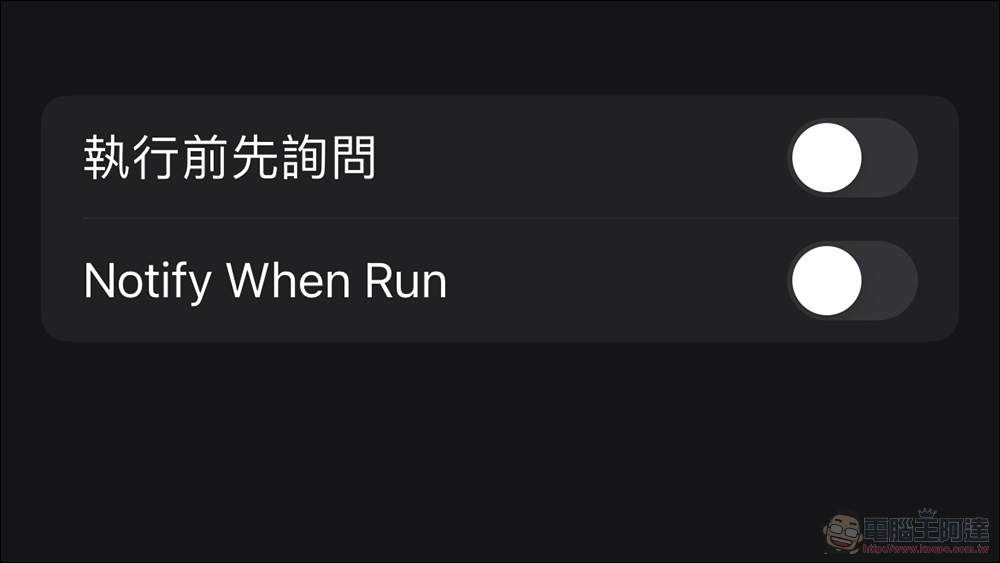
The response is super fast! Automation shortcuts in iOS 15.4 will be able to “skip notifications”
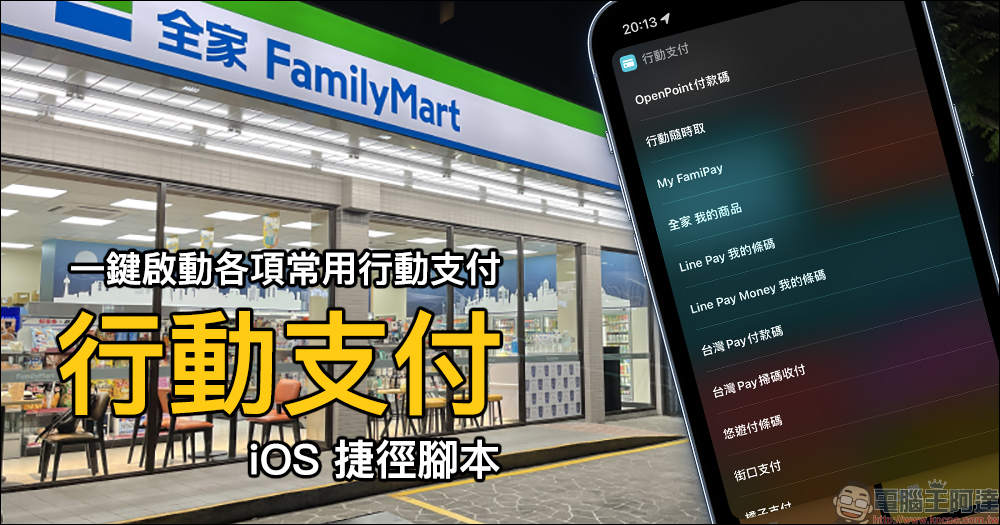
Although the iOS shortcut Shortcut still feels a bit like a tribute to the functions of Android third-party applications. However, through such “shortcuts”, iPhone users can enjoy a more automated and even more open system use and collaboration method, which is still very happy for everyone. (See more:“Mobile Payment” iOS shortcut script, activate various commonly used mobile payments for payment with one click)
With the launch of iOS 15.4 Beta 1, some people discovered that in addition to the introduction of real mask unlocking that does not need to rely on Apple Watch, Apple also included some small improvements that should make users happy. The developers who are the first to play it are not shy about telling everyone how to use these new features.
iOS 15.4 Beta allows you to remove the notification (& delay) when running personal automations via Shortcuts…
This means, opening Fjorden (or any other camera app) from the lock screen is now super quick and almost seamless 🤩 pic.twitter.com/Ez2JGeVo6l
— Florian Bürger (@FlorianBuerger) February 7, 2022
Although the above video is commonplace in Android systems that can be highly customized, I believe it will be amazing to iPhone users. Because developer Florian Bürger can actually open three-party camera applications directly from the lock page on iOS with the gesture to activate the camera.
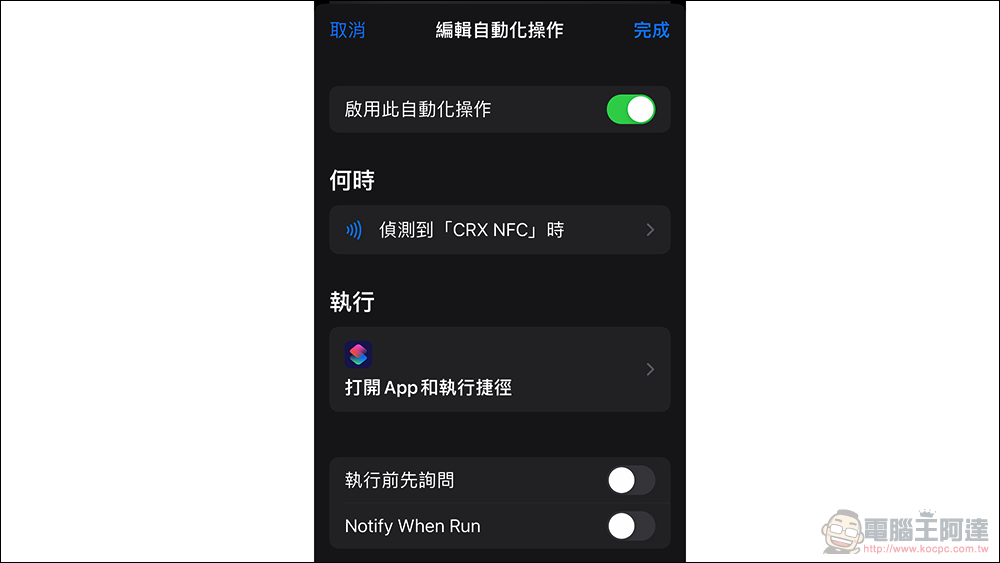
He said that this is actually because iOS 15.4 Beta has added a “Notify When Run” option for the shortcut function that can skip the notification screen. So when you execute a shortcut that launches a specific app when launching the camera – that’s what’s shown in the video. iOS will not pop up the notification screen directly, and the system seems to have no time to let you see the process of jumping to the original camera app under the locked screen. So it looks like directly launching the Fjorden app in the example.
Previously, in fact, the shortcut function across iOS/iPadOS/macOS could already skip the quick start command of clicking “Execute” the program in a specific action, and even quickly send text messages (see more:Tips for using iPhone: “Quick SMS” iOS shortcut script to quickly complete the registration of the Joint Stock Exchange with one click!) – It’s a pity that the automatic operation of connecting to Bluetooth is not yet available… Now I rely on it to activate the Aegis XD while driving.
Although it feels like a small change to be able to skip notifications this time, I believe it’s not just the camera app. Even many people will use shortcuts to create more customized iOS desktop themes, which will save many unnecessary notification pop-ups. However, it is also recommended that when you choose to turn off notifications, you should also consider the possible risks – after all, it is like sensing NFC. If the sensor performs an action without knowing it, it is not very good.
Further reading:

Source: KOCPC Chinese