


There are various online music platforms. When you want to switch from the platform you originally used to another platform due to various factors, sometimes the biggest problem you will face is that the playlists originally created on the old platform must be manually added to the new platform one by one, which consumes a lot of time. The web tool “TuneMyMusic” I will introduce to you this time can help you move playlists between various music platforms, making it a piece of cake.

Want to switch to a music platform? TuneMyMusic helps you convert your favorite playlist!
In the past, we would record our favorite music on audio tapes, CDs or MP3 players so that the music would always be with us. Music streaming services are now prevalent, and most people’s music listening habits have shifted to online. Although streaming is very convenient, if you want to switch from one service to another, there will be pain in the middle. TuneMyMusic is a good way to help you solve this pain.
【To go to TuneMyMusic, click here】
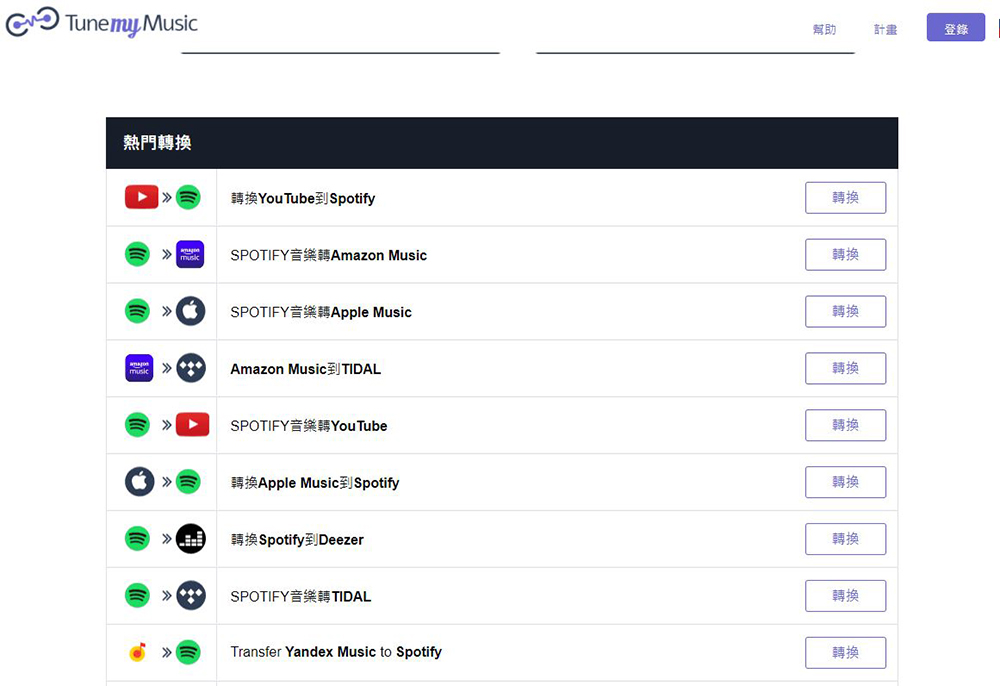
TuneMyMusic supports almost all major online music streaming services, including Spotify, Apple Music, YouTube Music, KKbox, Tidal, Soundcloud, Amazon Music, Pandora, etc. It can be freely converted. This service is divided into free and subscription-based services. The difference is that free has an upper limit on the tracks that can be converted (up to 500 songs), and there is no automatic synchronization function. However, if you do not plan to use both platforms at the same time and use the same playlist, the lack of synchronization does not seem to affect the use. For a paid subscription, the monthly payment is US$4.5, and the annual payment is US$24 (converted to US$2 per month). It allows unlimited track conversion, and there are 20 automatic synchronization quotas for each platform.

How to convert it? Let me tell you below
- At the top of the TuneMyMusic homepage, you can see the “Let’s Get Started” button, click on it!

- Choose your original music platform. For example, if you are switching from Spotify, click Spotify. In addition to the music platform options, you can also choose to convert from files or upload files.

- Next, a pop-up window will appear allowing you to log in to the selected original platform account. After logging in, you can see how you want to transfer the playlist on the web page. If you don’t have many playlists and tracks (less than 500) and want to transfer them all, you can select “Load from your XXXX account”; if you want to transfer a specified list (not limited to those created by your own account), you can select the option on the right.
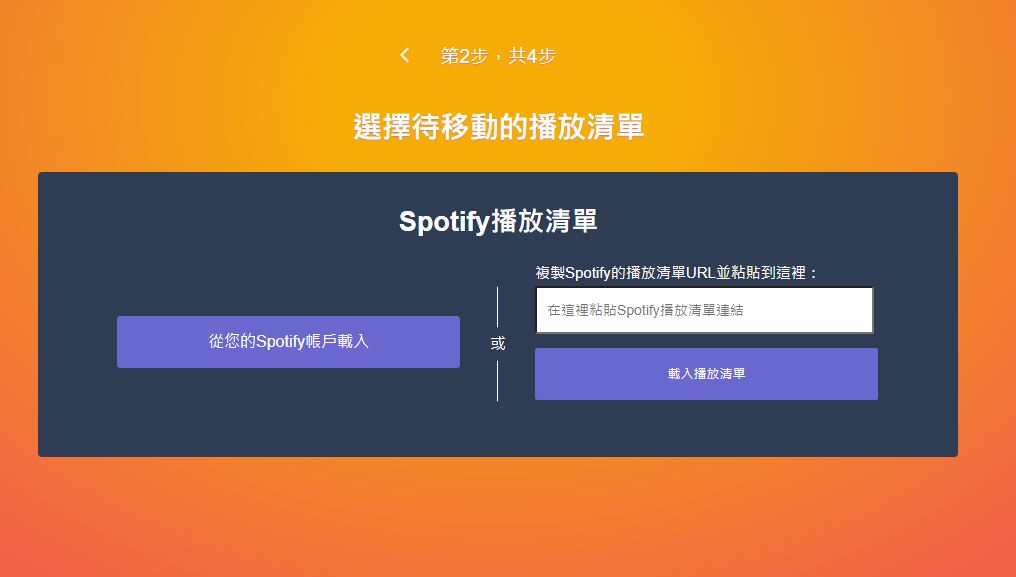
- If you choose to load from your account, in the next step you can select the items you want to transfer from all the playlists in your account.
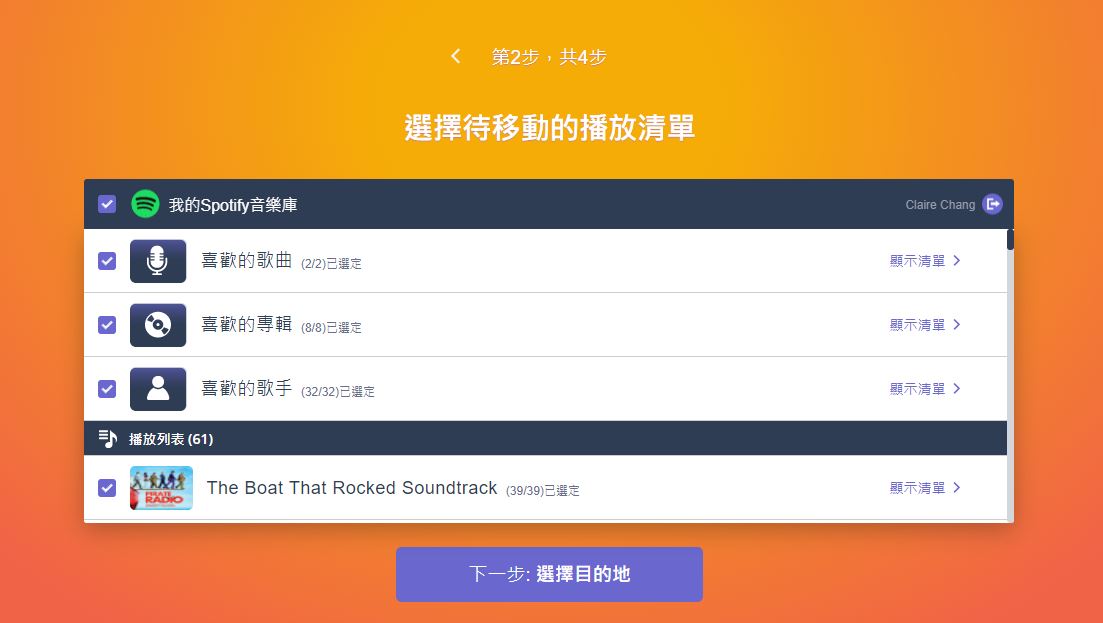
- Next select the destination you want to transfer to. In addition to the music platform, you can also choose to export TXT or CSV files and share. I would like to remind everyone that each music platform will have its own conditions for acceptance. You can first confirm whether you meet it.

- Next, confirm the list and tracks you want to transfer, and then click “Start moving my music” below.
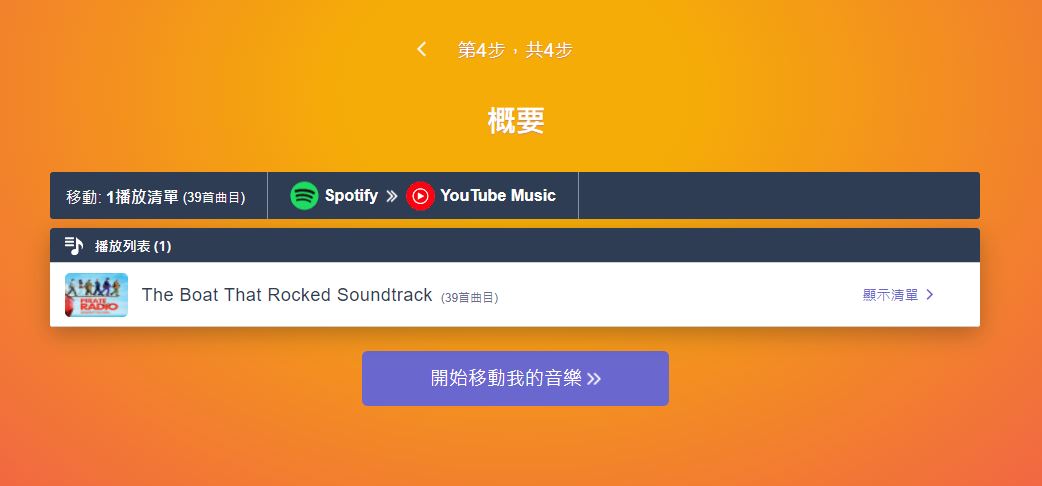
- Wait a moment and the music transfer will be done!
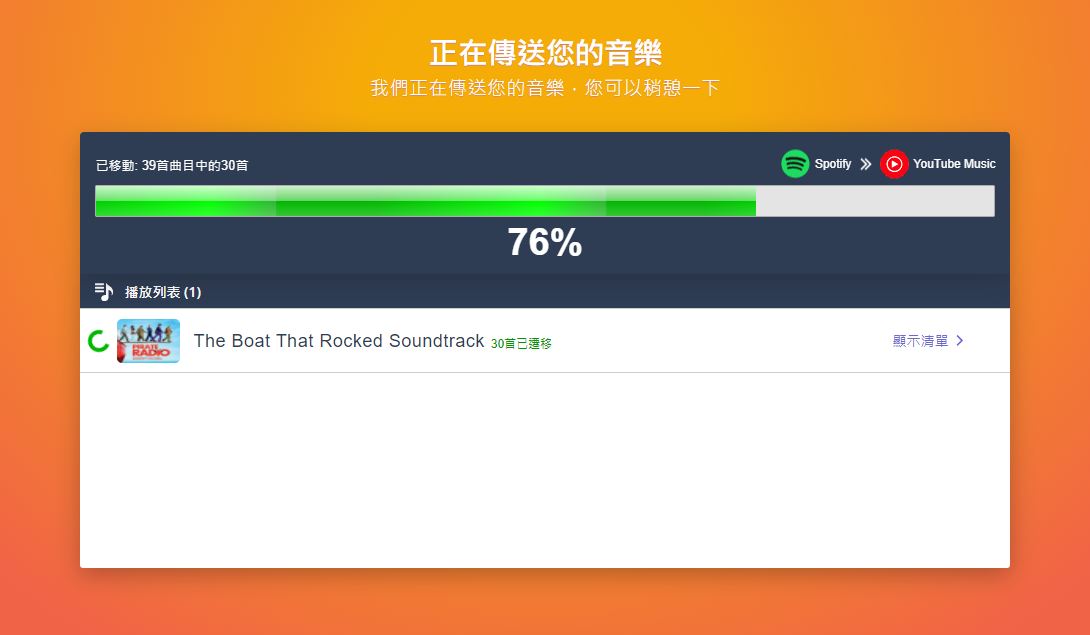
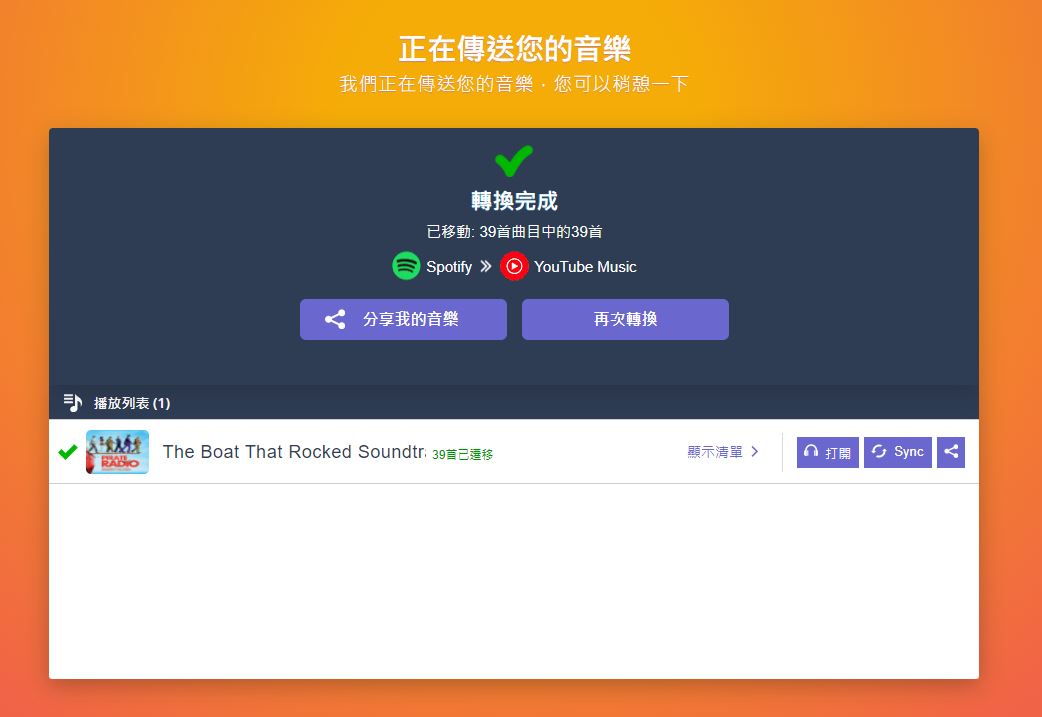
The entire conversion step is simple and fast, and the transfer can be completed in one click. Of course, this also depends on the number of tracks you transfer, but the overall user experience of TuneMyMusic is very good, you can give it a try.
Source: KOCPC Chinese