


written in front,Because I downloaded this app a long time ago, but it was also removed from the shelves a long time ago., this article is just for everyone to take a look at the screen of playing GBA emulator on iPhone (smell it). If you really want to play GBA on iPhone, you can search for “GBA Emulator for iOS” and there will be installation instructions from some foreign masters. Although the installation and usage methods are not the same as those introduced in this article, judging from the results, it can be played in the end. Interested parties can go online to research (but the source security is not guaranteed):
GBA Emu exists like a shooting star App
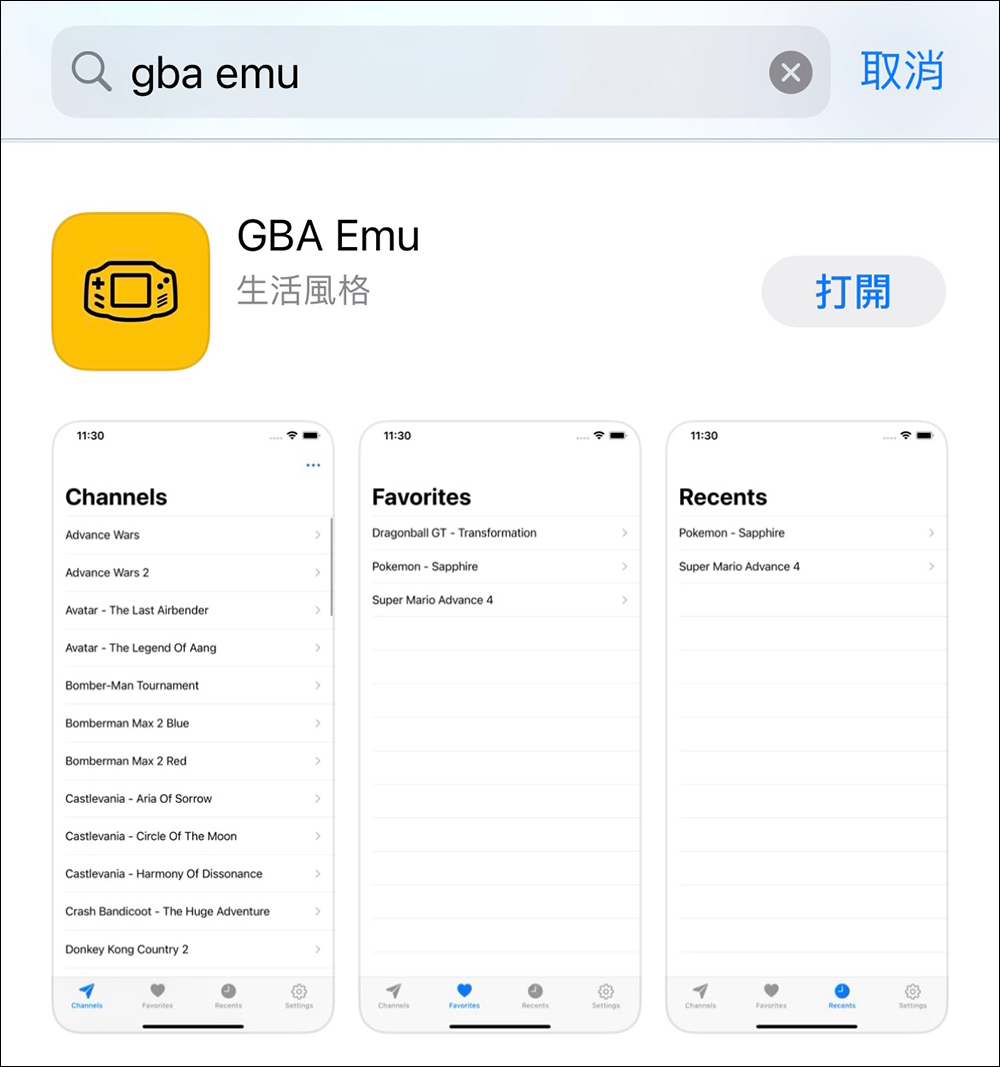
This GBA emulator app suddenly appeared on the App Store a few years ago. After downloading it, I originally wanted to write an article to share it. However, the app was immediately removed from the shelves not long after it was put on the shelves… However, after recently watching some videos of foreign masters using iPhones to play GBA emulator, I thought it would be better to write about it for everyone to see. This app has a lifespan of like a meteor:
The content of the App is also quite simple. After opening it, you will find the existing game library, and you can also make some simple program settings in the settings. Since I don’t have a Bluetooth game controller, I am not sure whether it supports Bluetooth game controllers: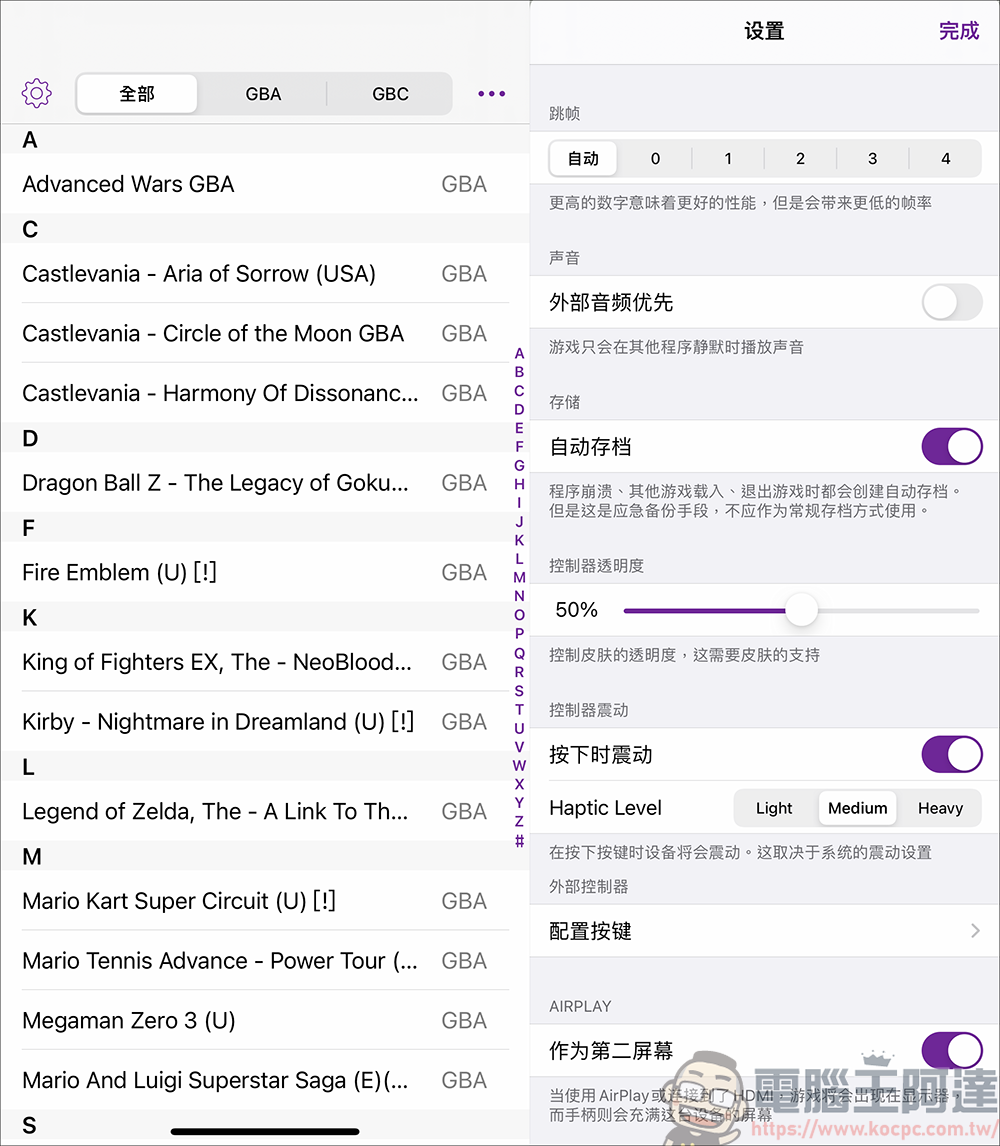
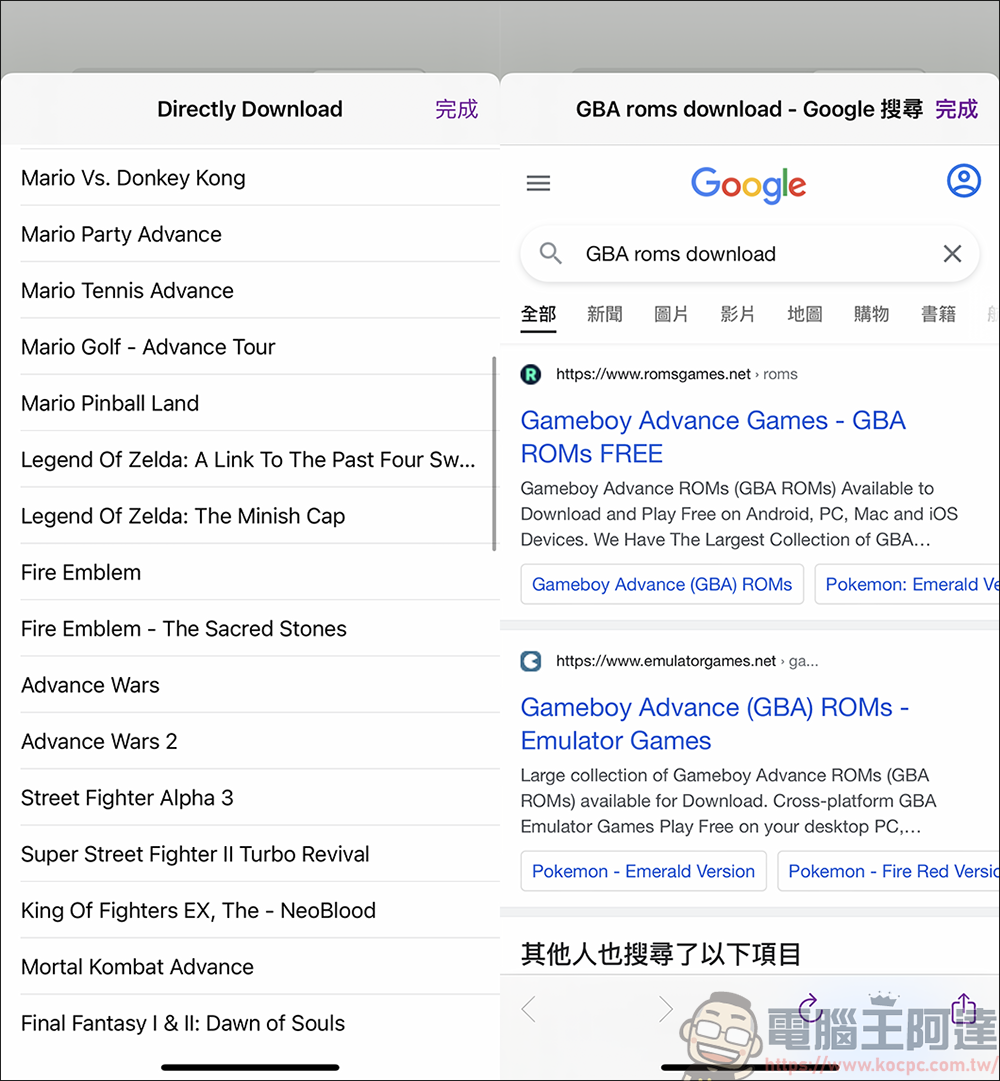
There are two types of game downloads in the App, one is from the built-in download page, and the other is downloaded through the web page. I don’t know if it’s because the App has not been updated (it can’t be updated either XD). There are only a few built-in games, but when you want to download other games through the web page, you cannot play them after downloading, so it is quite limited:
There are no problems with this app when playing, and it also has sound effects. It also has the GBA emulator functions that were used on computers in the past, such as acceleration, quick saves, cheats, etc.:
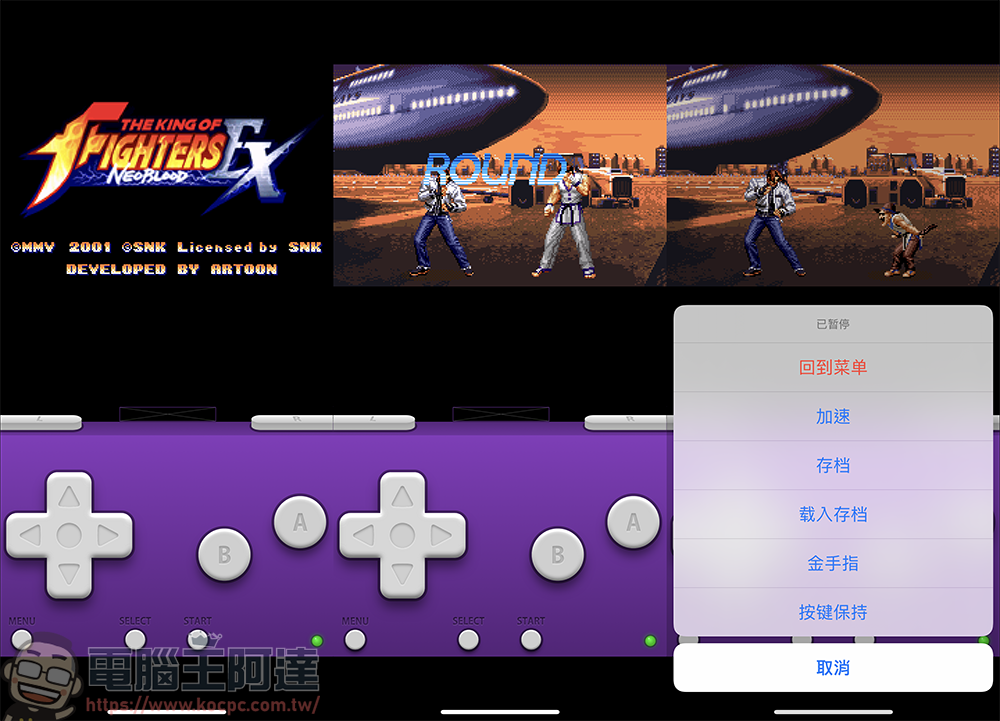
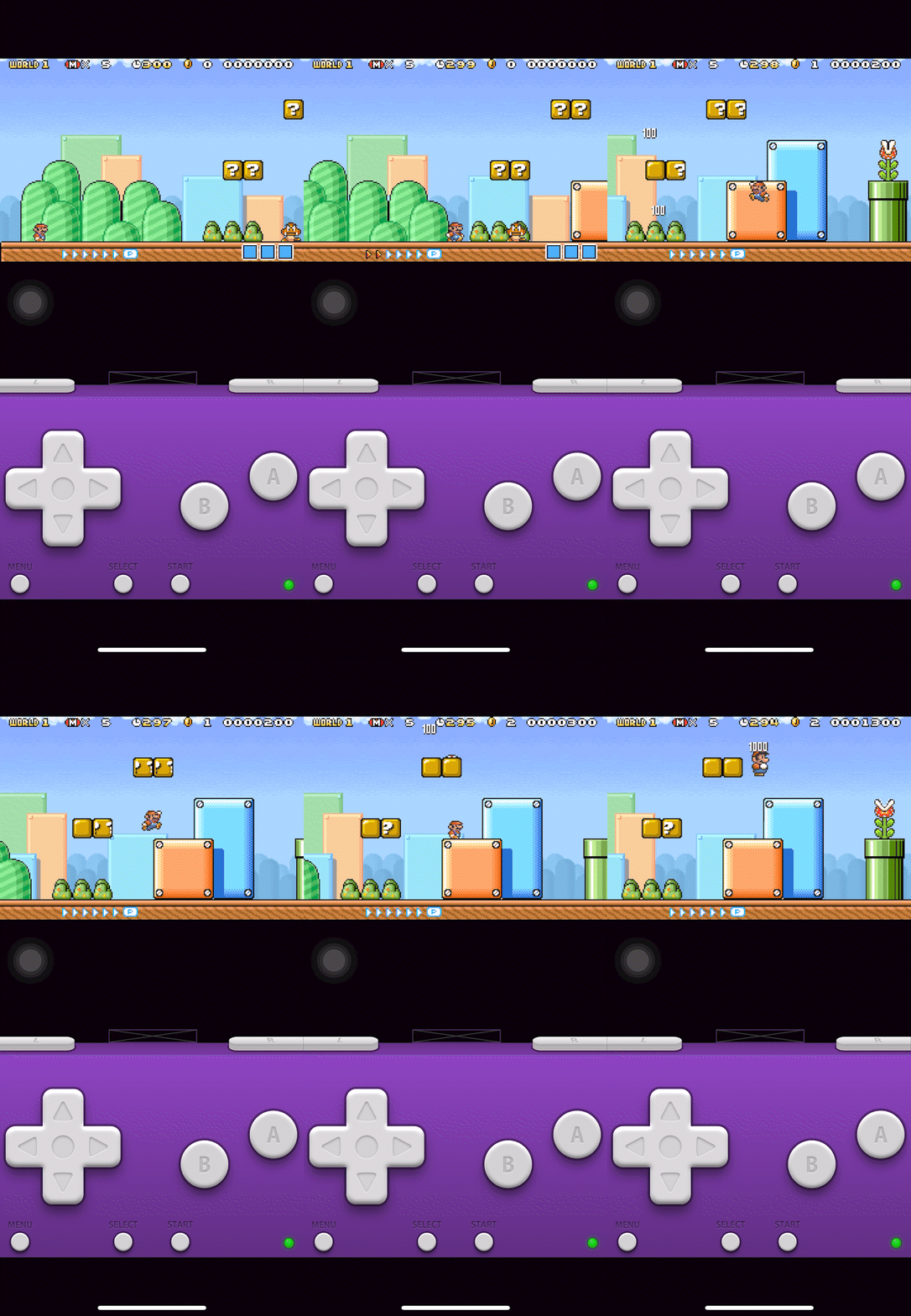
Because the sound effects have copyright issues, I recorded a simple animation for everyone to see. Although it is really cool to be able to play the GBA emulator on an iPhone, the operability is still not good, especially the L and R buttons. It is very difficult to master, but seeing this picture reminds me of the me in junior high school… ( Tears streaming down my face
Although today’s app games are quite fun, sometimes this kind of nostalgic game is still unforgettable if you play it for a long time! This way of playing is indeed in line with the “handheld era” in which we played. Last but not least, this app has been removed from the shelves for a long time. If you are really interested, I suggest you search “GBA Emulator for iOS” and see how foreign masters handle this kind of thing. I hope everyone can return to their own “handheld era”
Source: KOCPC Chinese