


Although it is a bit helpless (probably very helpless), it is in order to meet the needs of the new generation to work/study at home. The Gmail service with many users is an irresistible trend to gradually evolve as user needs change – in fact, I said that users cannot resist it (eh). Continue reading for a sneak peek at the report on the major update to the desktop Gmail interface.
▲Image source: Google
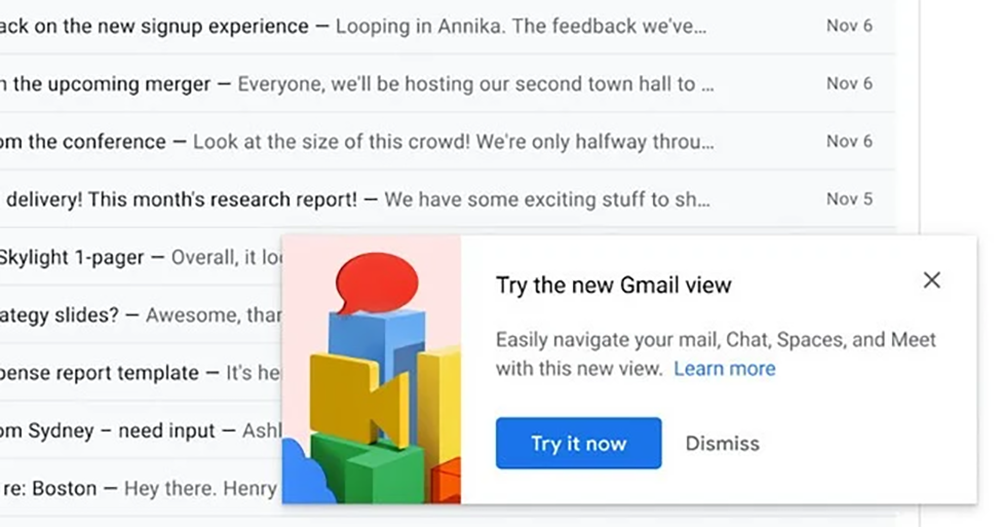
Preview of the major update to the desktop version of Gmail interface: you can join the test on 2/8, and it will still be forced to update later (eh)
During the Spring Festival, Google announced that it will soon start testing the latest web version of Gmail interface on February 8 after the holiday. Here is some new news for everyone who is preparing to start work.
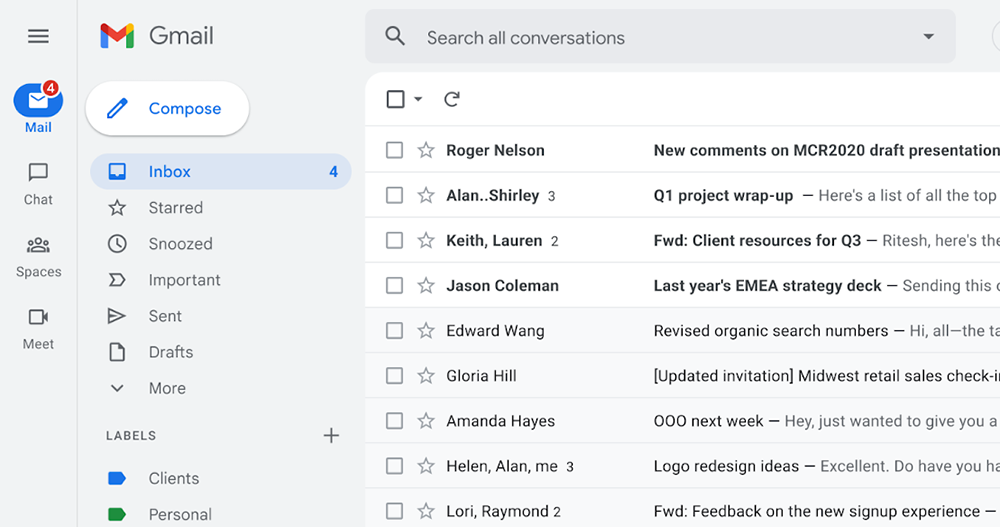
In addition to changing the color tone of this interface to blue, for computer systems that are mainly wide-screen windows, Google has integrated a mini-window sidebar on the right including Google Calendar, Keep, Tasks and Google Contacts services. I moved my mind to the leftmost column and added a new label function button for Mail/Chat/Spaces/Meet – you may want to think about what Spaces is. In short, it is a discussion board service that evolved from a chat room – you can.Refer to the official introduction。
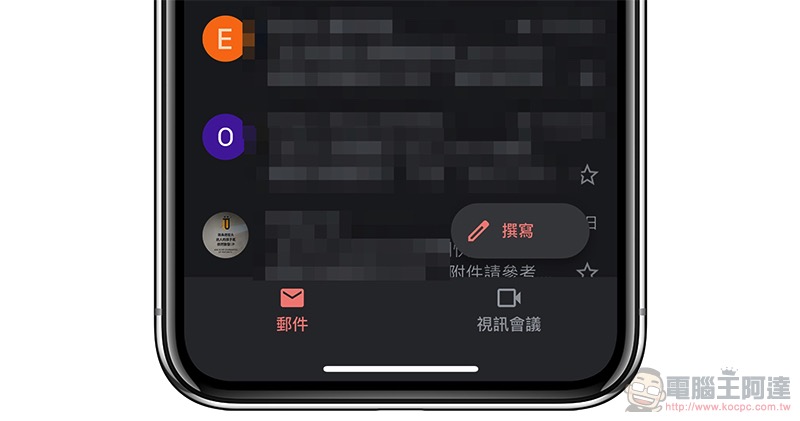
This new interface is a bit like bringing the desktop to the Gmail app experience that recently integrated Chat and Meet quick keys – speaking of it, maybe Spaces will be the focus of the next update of the mobile version?
The new interface has shortcut functions on both left and right. The right side still provides the functions of the Google Workspace Marketplace plug-in, and can be quickly hidden through the arrows at the bottom. The function bar on the left has become a double column, and can still be collapsed or expanded using “three”.
Through the leftmost column, you can quickly switch between mail/Chat/Spaces/Meet functions, and display the list in the center area or open a new window to continue using related services. Overall, the new Gmail will enable deeper integration of various Google services. You can even find content across letters and messages directly through the search function.
This new interface is expected to gradually provide switching options soon on 2/8; Google expects to make this interface the default option in April, and you can switch back to the traditional interface at this time – but this is only a temporary opportunity for everyone to finally return to the old interface to find functional locations before fully switching to the new interface in the second quarter of 2022.
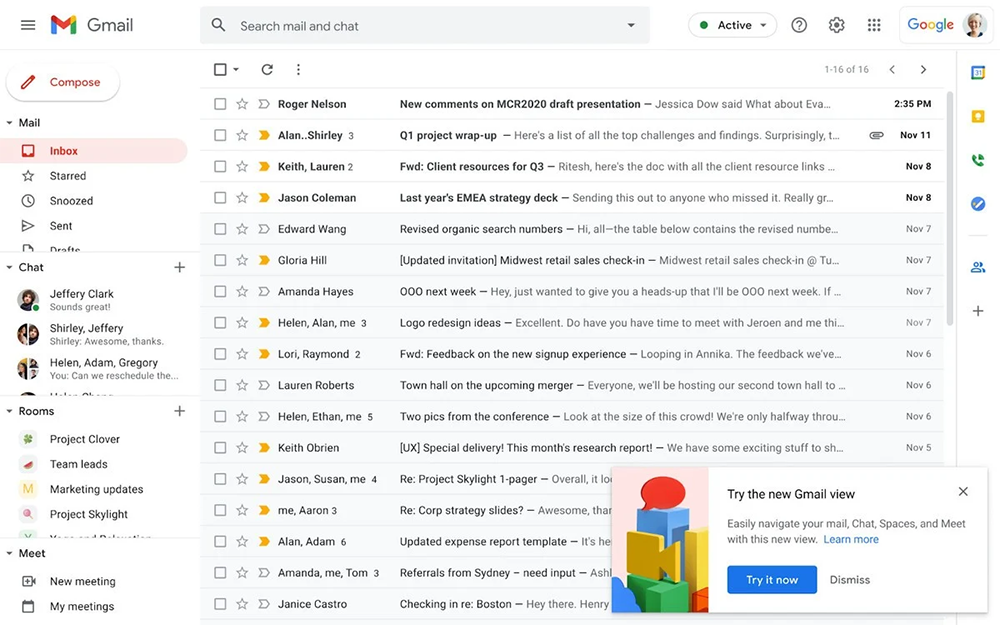
Yes, according to the official statement, no matter how much you miss the old interface, you will still not be able to go back. However, this update seems to focus on adding a new button interface. The previous interface should be condensed into the email tab, so in theory there should be less need to worry. Google also announced that a similar interface design will also be provided in the Chat interface, providing a more consistent experience across services.
Further reading:
AirPods 3 unboxing experience: transparent as usual, with better battery life
Source: KOCPC Chinese