


Google, which said it would introduce Android games to Windows in 2022, quickly took action at the beginning of the year and launched region-limited testing. The key point is that this time the scope of support supports Taiwan! Continue reading Taiwan is the first to play! Google Play Games has begun bringing Android games to Windows PC (see here for how to register). Text of the report.
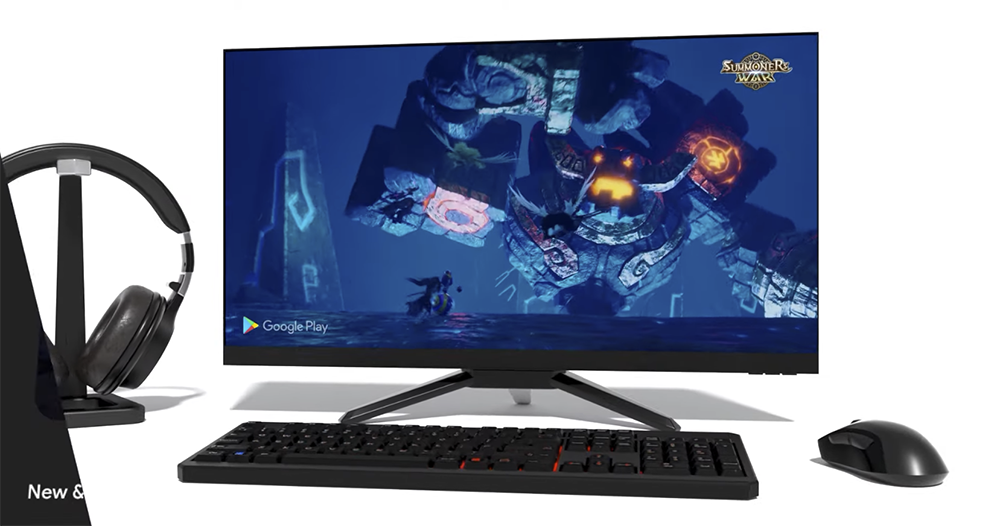
▲Image source: Google
Taiwan is the first to play! Google Play Games has begun bringing Android games to Windows PC (see here for how to register)

Last year, Google spokesman Alex Garcia-Kummert said the company had developed the Google Play Games app independently without technical collaboration with Microsoft, BlueStacks or other companies. Allowing players to experience their favorite games on more devices, they can seamlessly switch to play various masterpieces on the Android platform on mobile phones, tablets, Chromebooks, and Windows PCs.
Now, the beta version of this experience is confirmed to be opened in Taiwan, Hong Kong and South Korea first – yes, there is really Taiwan this time. If you want to register, you can queue up on this page (Come on I’ll go)。
Although it can be seen from the promotional video that there are many major games among them, the first wave of Google Play Games Android games available for Windows PC is said to only have four games, as listed below:
· Mobile Legends: Bang Bang
· Summoners War
· State of Survival: The Joker Collaboration
· Three Kingdoms Tactics “Three Kingdoms Strategy Edition”
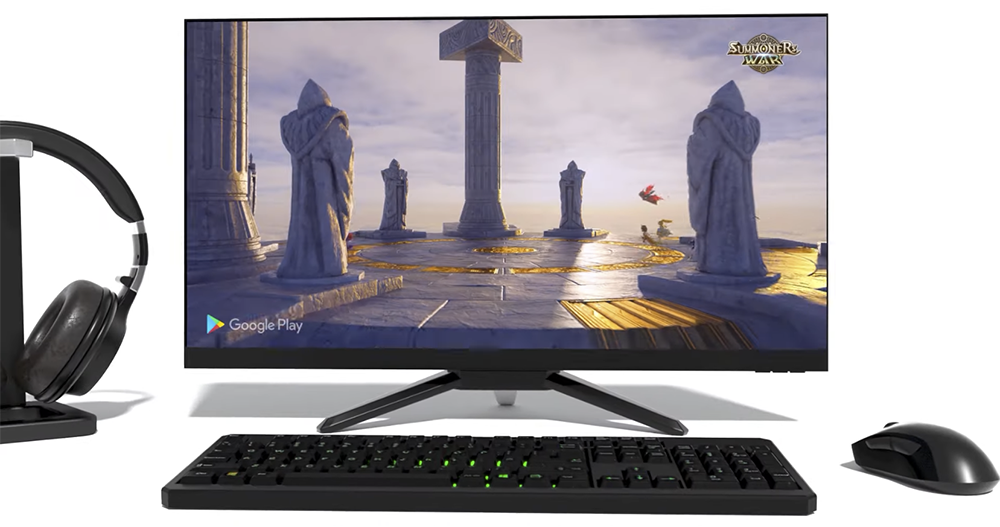
In theory, the other games that appeared in the promotional video should also be gradually released through testing? You can watch the video below, which includes well-known racing games “ASPHALT 9: LEGENDS” and “Dragon Mania Legends”.
Google Play games support for Windows is said to be able to be played through mouse and keyboard, and synchronization between mobile phones, tablets, Chromebooks and Windows systems can be achieved through the platform. The minimum system requirements will be at least Windows 10+ (V2004) and an 8-core processor, more than 8GB of RAM and SSD storage space with 20GB of remaining free space. The following are the official minimum software and hardware requirements:
· Windows 10 (v2004)
·Solid State Drive (SSD)
· Gaming-grade GPU
· 8 logical core CPU
· 8 GB RAM
· 20 GB of available storage space
· Windows administrator account
· Hardware virtualization must be enabled
· Compatible computer devices and settings

In addition to the necessary condition that “hardware virtualization must be turned on”, the more amazing thing is probably the “game-level GPU”. However, according to the description on the page, if you are qualified for this wave of Google Play Games on Windows PC experience, you will then need to download “Computer Check” to confirm. If you are qualified, you can goOfficial websiteInstall Google Play Games to start playing.
I mean, if the GPU requirements are really high, it would be more practical to just buy an Android phone in the end?
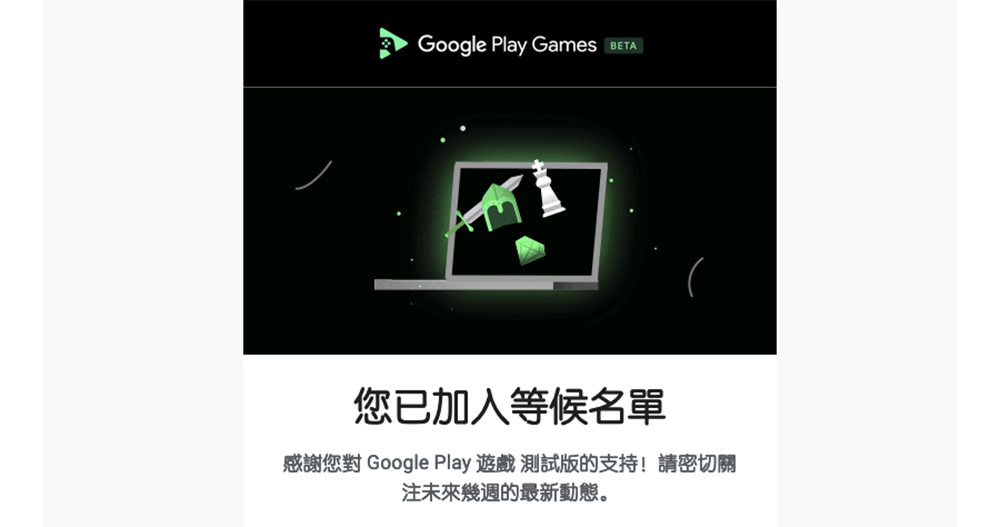
▲Picture: After the registration is completed, you will receive a confirmation email, and the next step is to wait with bated breath.
Further reading:
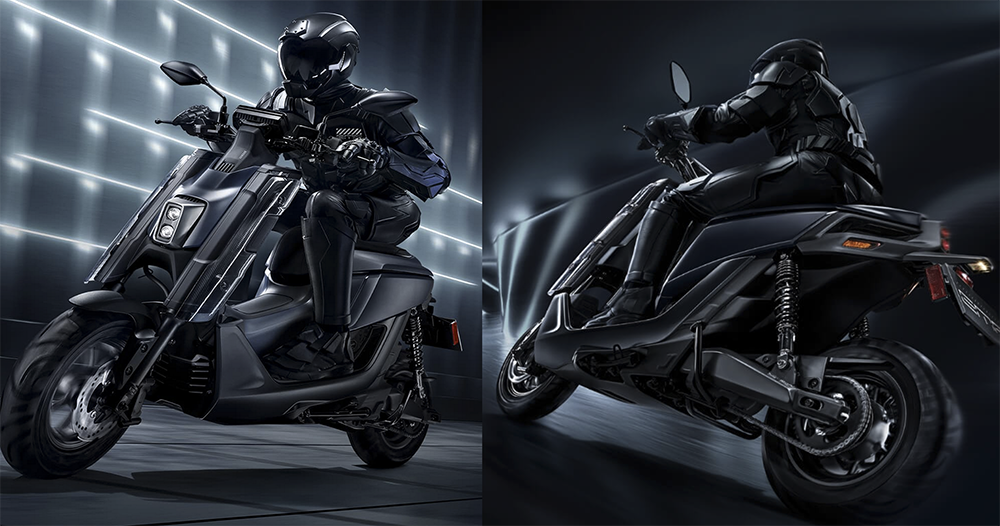
PBGN’s biggest motivation! YAMAHA EMF battery-swapping electric motorcycle debuts
Source: KOCPC Chinese