


In the new year, Apple quickly released iOS updates for various bugs, as well as important emergency HomeKit updates for specific devices, including iPhone 6s and later devices, the entire iPad Pro product line, iPad Air 2 and later generations, iPad fifth-generation and rear devices, iPad mini 4 and iPod touch seventh-generation and later generations. Continue reading CarPlay not responding to input? Then you must update the content of this iOS 15.2.1 report.
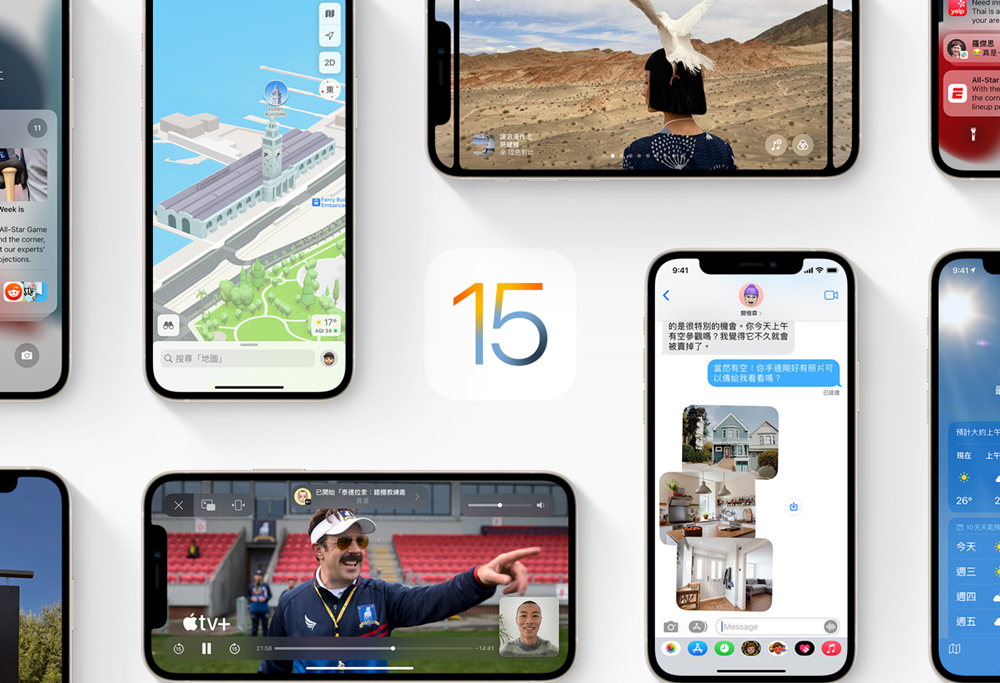
▲Image source: Apple
CarPlay not responding to input? Then you must update to iOS 15.2.1 this time
Have you received this iOS 15.2.1 update? If you often use the CarPlay car system, it is really recommended that you back up your device quickly and prepare to download updates. Because it will avoid the embarrassing unresponsive problem you may encounter when using the Apple car system while driving.
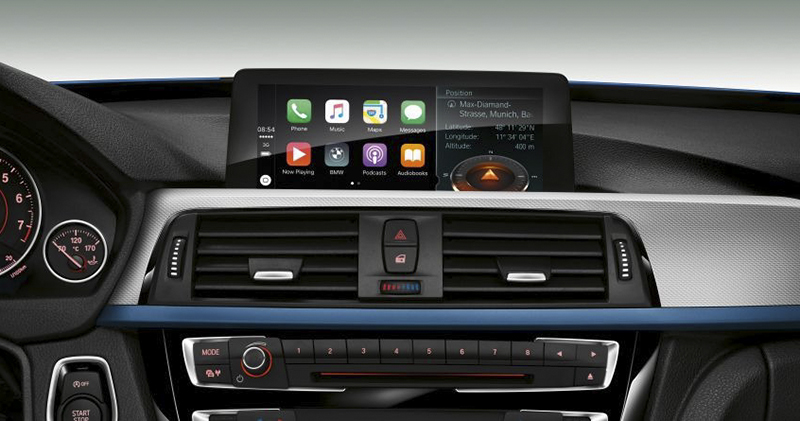
▲Image source: BMW
This latest iOS update, which is about 800MB, can be installed on iPhone 6s and later devices, the entire iPad Pro product line, iPad Air 2 rear devices, iPad fifth-generation rear devices, iPad mini 4 rear devices and iPod touch seventh-generation devices. Its locked projects include two items.
First, an issue where the Messages app may not be able to load photos sent via iCloud links has been resolved. Another issue, “Third-party CarPlay Apps may not respond to inputs,” is something that I believe will be quite troubling to anyone who encounters it. In addition, this time for many iOS and iPadOS devices, Apple may also encounter HomeKit situations where maliciously modified accessory names lead to denial of service. This update will also improve the resource exhaustion issue.
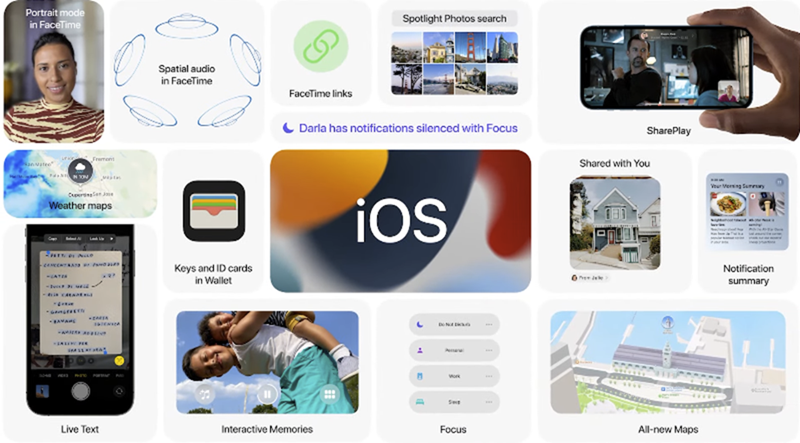
Before updating devices such as iOS, it is recommended that you complete relevant backups for safety reasons (although this is a small update, the probability of outsourcing is theoretically low, in theory…). Taking iOS updates as an example, you will need to connect to a power source when updating. Then go to “Settings > General > Software Update” to start the update installation. You can choose to download and install now, or click Install tonight to postpone automatic installation at a later time.
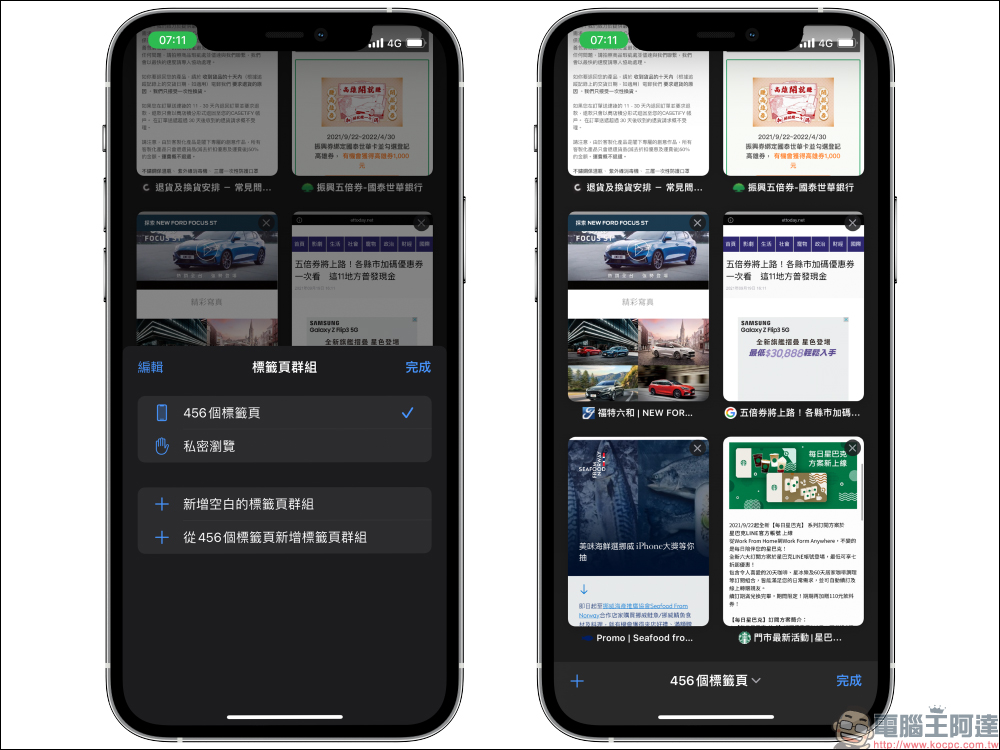
With the official launch of iOS 15 in September last year, it brought convenient features such as cross-device FaceTime, notification summaries, system translation and original text. Siri has also been improved to support offline use, and Safari’s tabs have also been changed to operate at the bottom. The Find My function provides a search function for specific devices that can still be found after they are turned off.
And as Taiwan begins to provide iPhones that can also be usedVirtual health insurance cardService, I don’t know if everyone would expect something like Vaccination card support for Apple Wallet, can it also be supported in Taiwan?

Further reading:


Source: KOCPC Chinese