


Previously wrote “No need to open a new account, teach you how to quickly switch to Japan in the App Store” teaching article, even if you only have an Apple ID in Taiwan, you can still download apps from that region across different countries. However, after grabbing an app from that region across regions, each time the APP needs to be updated, you have to cross regions to update it, which is relatively troublesome. Because it’s troublesome to jump back and forth every time, I tried to test an update method, but I didn’t expect it to work…:

Since the PAD I wrote before has both Taiwanese and Japanese versions, this time I used the Japanese version of “Yo-Kai Watch Puni Puni” as a test:
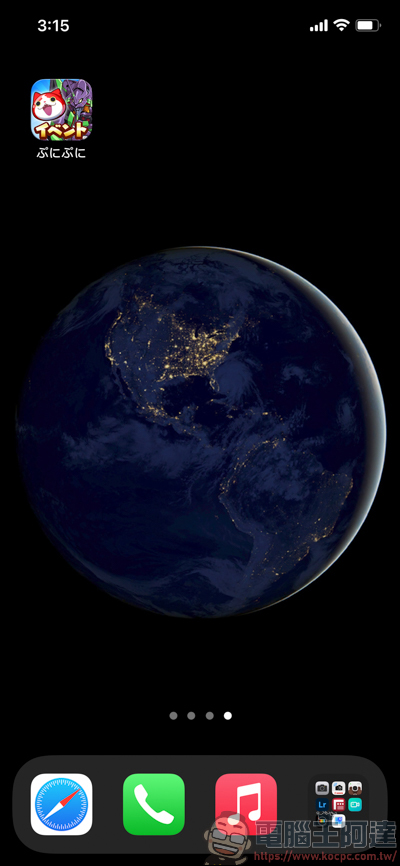
For this test, I first caught “Yo-Kai Watch Puni Puni” in the Japanese version, and then waited for it to be updated. I waited for about a month:
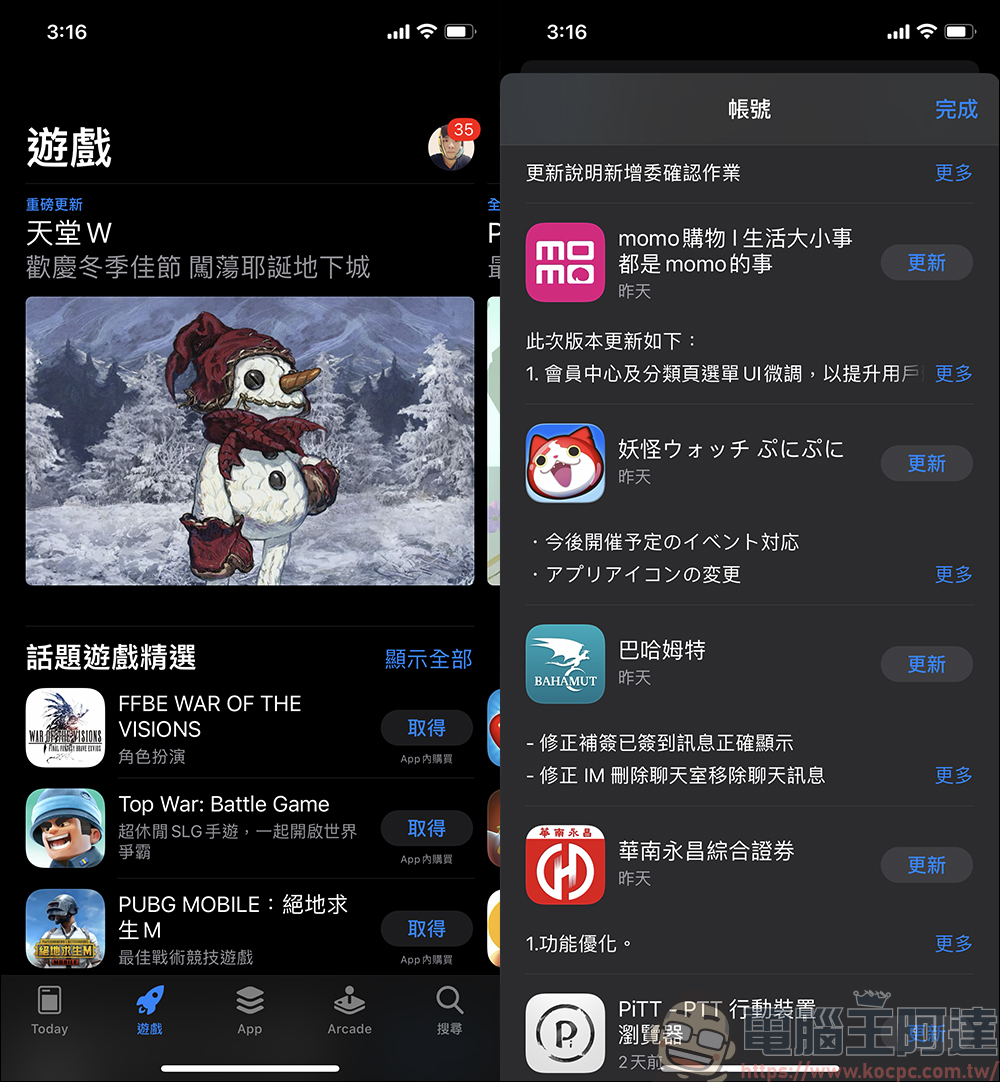
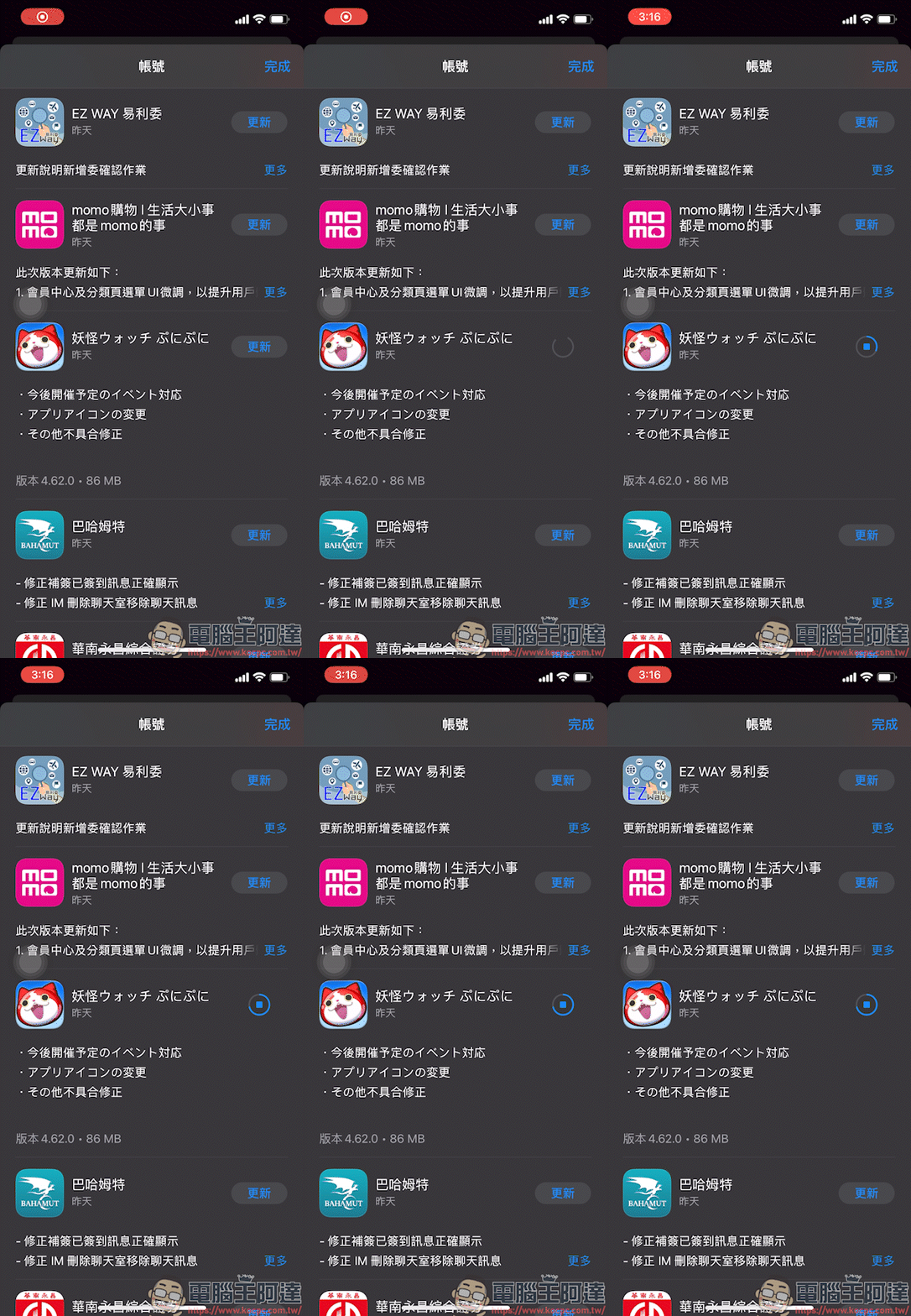
The purpose of this actual test is to see if the Japanese version of the APP can be directly updated if the Apple ID is in Taiwan. The result is that it can be updated directly without error:
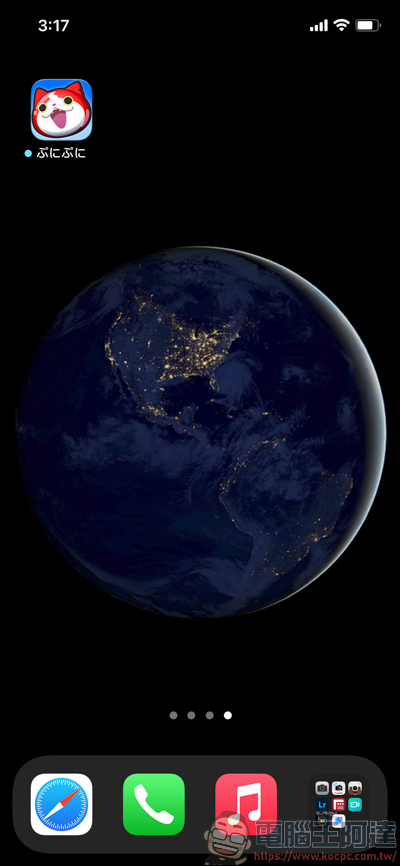
After the update, the icon originally linked to EVA disappeared, and the “Yo-Kai Watch Puni Puni” APP also showed the updated status. Simple! ?
Source: KOCPC Chinese