


When watching TV at home, you often find yourself suddenly unable to find the remote control. This is especially annoying when you are in high spirits and want to sit on the sofa and watch the upcoming programs or events. Fortunately for Android smart TV users, because of the open system, Google Home provides an alternative option that allows you to control the TV through your mobile phone, but the function is really unreliable.
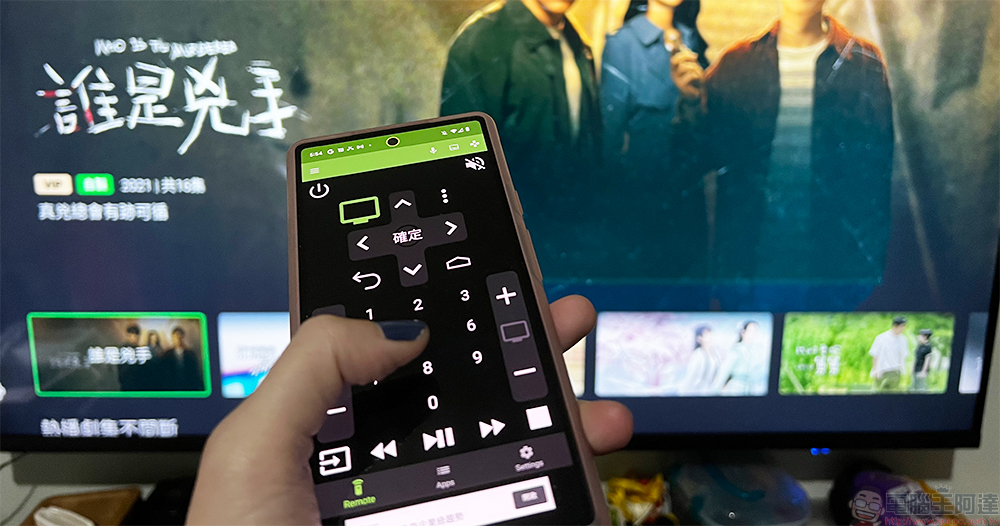
Can’t find your TV remote? Third-party Android TV Remote first
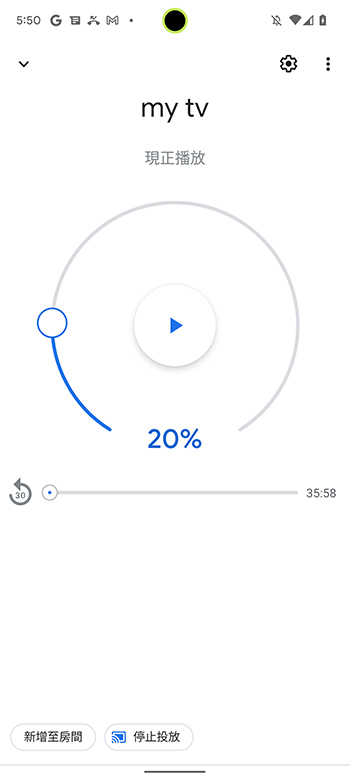
In the past, Google has provided a dedicated app to control Android TV, but the company removed the app from the Google Play Store this year and ported the feature to other apps, first in Google TV in September, and finally in Google Home a month later, but it was really simple (see picture below).
What I want to introduce to you this time is “Android TV Remote”, an application that is more complete and more comprehensive than the built-in remote control of Google Home. This application is launched by NiamorDev, a third-party developer well-known for launching many useful applications such as Freebox Remote in the past, and is suitable for Android smart TVs.
Android download:Click here
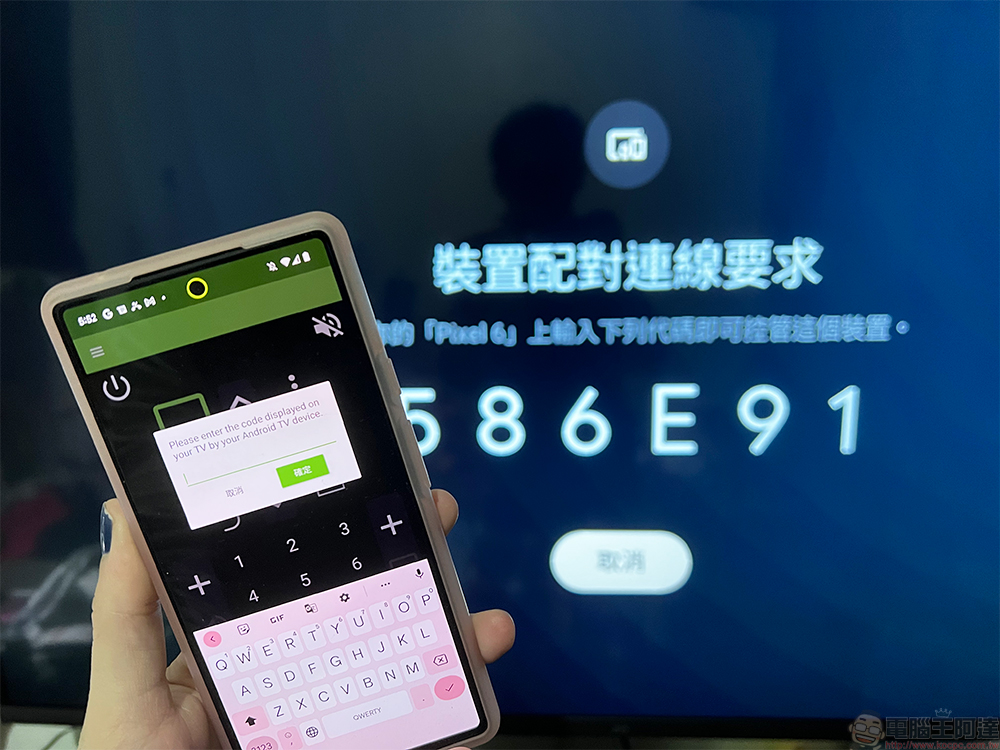
After you download and install it, open the app and turn on the TV. Then the phone will automatically search for the TV in the paired home, and enter the verification code displayed on the TV screen into the window that pops up on the phone. The whole process is simple and fast.
Android TV Remote is a very simple app that works with almost all versions of Android TV, with all the basic buttons (including the D-pad) present on the home screen. Additionally, the app has a dedicated app list that lets you launch your favorite video streaming service with just two clicks. The current version does not support Android gadgets. It is hoped that this function will be added in the future so that users do not have to open the application when controlling the TV.
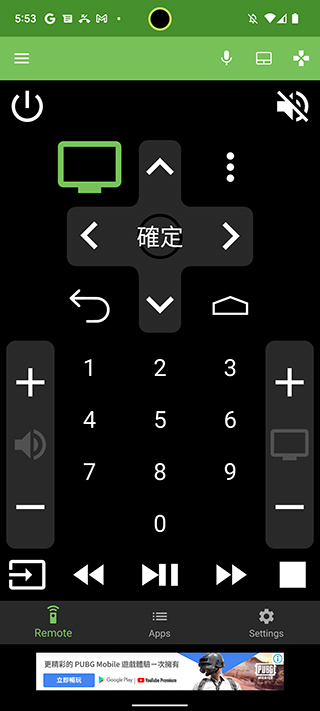
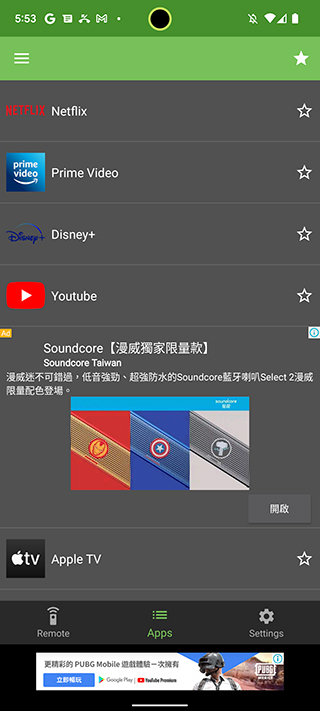
If you just can’t find the remote control, or find it troublesome to carry the remote control wherever you go, then this app is really easy to use and has more complete functions than Google Home. Basically all functions are available in the free version. If you hate ads, you can choose to pay to remove them.
Source: KOCPC Chinese