


With the release of the iOS 15.2 update, many people should have seen that Apple’s previously announced more affordable subscription music service Apple Music Voice Control (Apple Music Voice) is now confirmed to be available on Siri-enabled devices (including Mac, HomePod mini and CarPlay!). You can easily “start” the trial with voice commands.
That’s right! You literally just have to speak to start a 7-day subscription trial preview. The key point is that this special subscription plan currently only supports Apple devices. There is no need to log in payment information in advance, and you will not be asked to cancel the subscription when the trial period ends.You can still try it for multiple months with full functionality (but you have to remember to cancel the contract) – It’s the most painless subscription plan out there. So is the “Apple Music Voice Control” subscription with a painless 7-day trial worth it? Personally, I feel that apart from the risk of not being able to go back after trying it (?), basically I can tell you at the beginning of this article that I really can’t find any reason not to try it out.
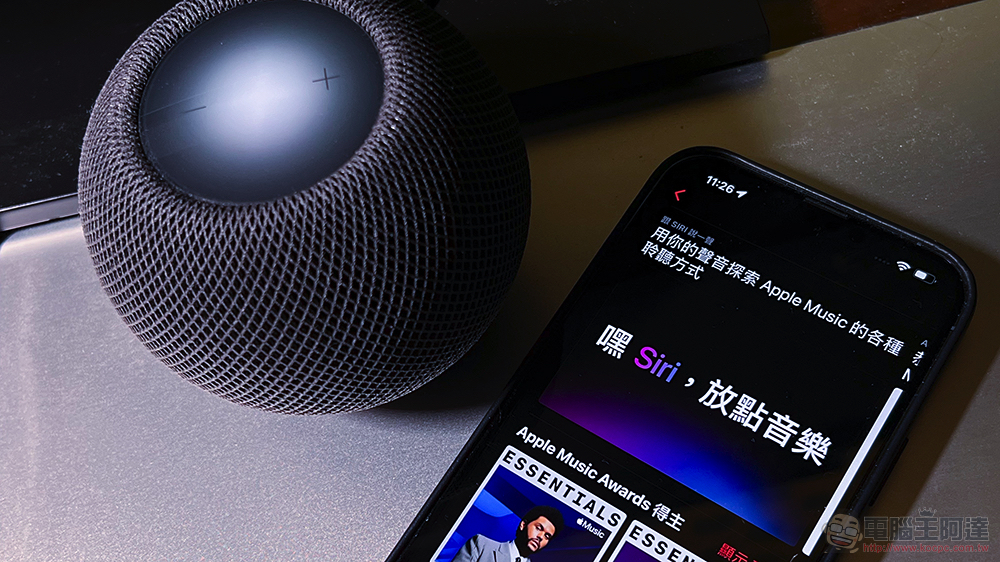
Is the “Apple Music Voice Control” subscription worth the painless 7-day trial? What are the restrictions on how to start? This article tells you
The first question that comes to many people’s minds when they see the “Apple Music Voice Control” plan is why it is so cheap as half the price of the personal plan? In fact, the Apple Music voice control solution is not too difficult to understand. You can think of it as a subscription plan centered on “Siri voice control” + “Apple Music before major upgrade” experience.
It can also be said that it is mainly a lightweight solution for HomePod smart speaker users to use Apple music subscription services at a lower cost.
Focusing on voice control, the lightest solution paired with HomePod mini
Although you can still play through the Apple Music app, professional editors create playlists for various situations or recommend songs based on your preferences. You can also perform text “search” for single songs or artists and browse the song “database” in the app. However, since it is based on voice, you cannot play a single song directly with touch. Although you can click to listen to the preview, you still need to use Siri voice control on iPhone or even HomePod to unlock the specified singer and song for playback.
These voice commands include: “Play Adele’s latest work”, “Play new songs” and “Recommend some music to me.”
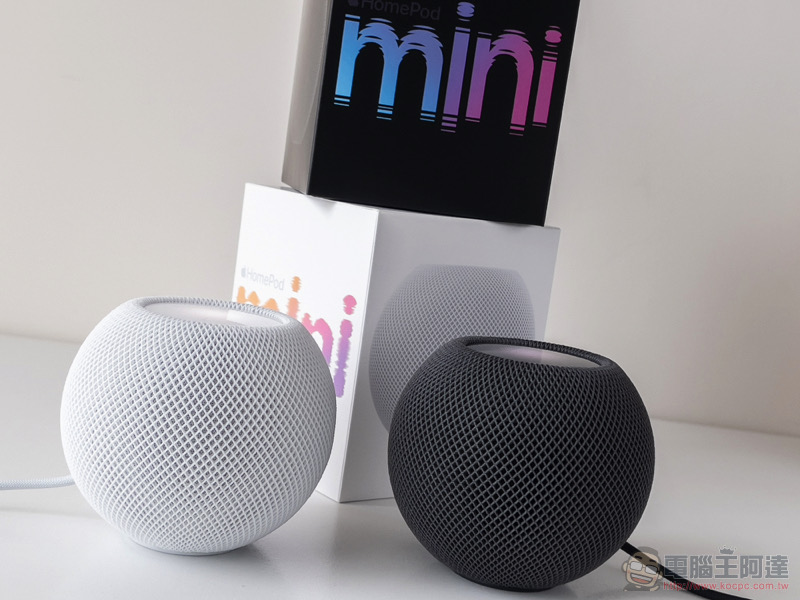
To put it simply, if you enjoy being able to directly ask the DJ for songs by just opening your mouth (Siri: Hey! Find me?), that is, you mainly use HomePod or are accustomed to using Siri commands to play music by voice on your iPhone, AirPods or Apple Watch, and you rarely encounter situations where it is inconvenient to “speak”. Then this “hands-free” voice control solution should be very suitable for you.
If you feel that it is still more similar to the “high-quality” experience of visiting a (virtual) record store and quietly searching for songs to listen to. Then the full Apple Music experience, which still retains “Browse” and the ability to add your favorite songs to the “Library” in the function tab, is more suitable for you.

The reason for the “high sound quality” mentioned in particular is that the voice control solution does not have the “spatial audio” and “fidelity compression (Lossless)” audio options brought by Apple Music’s previous major upgrade. If you have higher requirements for music quality, you hope to use the highest quality sound performance of HomePod and various Apple devices. Or maybe you can’t accept that it doesn’t support customized playlists, offline playback, and dynamic lyrics. Then you can only subscribe to the original plan.
If you ask me, who else would you recommend as a suitable voice control solution?
Speaking of which, despite Apple Music’s previous fidelity compressionNo extra charge for upgradeThe approach is really very Buddhist. But frankly speaking, no matter how you listen, you still feel that you can’t hear the difference after upgrading, or your main listening device does not support true fidelity compression specifications. If you can accept the other minor restrictions mentioned above and don’t mind if you mainly use your mouth to request songs. Then think of “Voice Control” as a Lite plan with a somewhat limited use. It is a worthwhile option to enjoy the freedom of listening to more than 90 million songs at a cheaper subscription price.
如何启动? Is it useful?
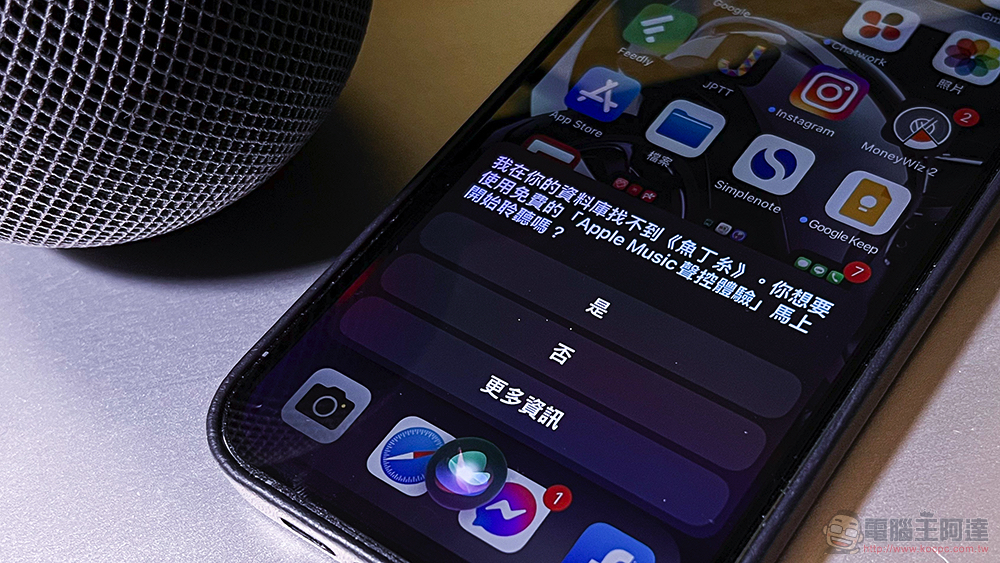
The most interesting thing about Apple Music voice control is that the startup process is very easy and simple. Just open your mouth and “apply” to Siri to activate the Apple Music voice control solution – and You don’t have to cancel your 7-day trial and you don’t have to worry about being charged., and because of this, you can start the trial only through HomePod without confirming through the mobile phone screen.

The activated voice commands include: “Start Apple Music voice control”, “Register me for Apple Music preview” or “Start 7 days of Apple Music voice control”, etc. Even if you ask Siri to ask for a song, it will suggest whether you want to start a seven-day preview trial – answer “yes” at this time and you can start using this voice control solution. In the app, you can see the countdown to the end of the trial.
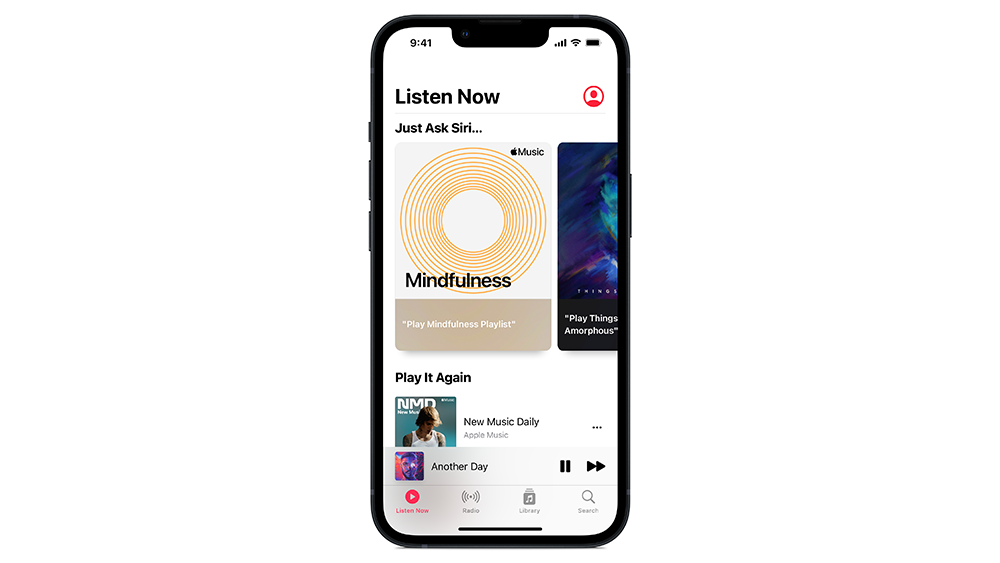
In terms of usage experience. In fact, I have already seen a new button for requesting songs with Siri in my CarPlay before – I didn’t expect it to be a new shortcut button corresponding to the voice control function.
This time, “Just ask Siri…” in the voice control solution interface can be felt. Apple hopes to allow users to use Apple Music in a simpler, touch-free way – although after searching for songs through the magnifying glass, they still have to use voice control to “request songs” which seems a bit troublesome for users (XD). But since it is really cheap, and it is mainly used for smart speakers.
So if you really can’t stand this experience, but you really love the Apple Music service. Anyway, you can also choose the general solution that supports higher sound quality.
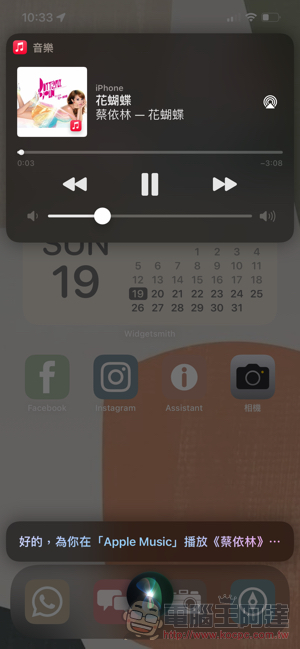

That is to say, after using the Apple Music voice control solution for a while, I also found it. In fact, it’s not like Apple doesn’t allow you to use it purely with touch in a quiet environment (eh).
On the one hand, I just mentioned that in the “Just ask Siri…” field on the homepage of the app, you can directly select the recommended playlist to play music; and in fact, the “albums” you have played will appear in the “Play Again” list below. Here you can still use touch controls to play – you can even select songs from the song list (this feels a bit cheating, I wonder if it will be removed in the future XD).
By the way, if you are playing a playlist or album recommended by the editor. The voice control scheme will default to playing the album tracks in order; if you want to play them randomly, you can click to select directly in the playback interface.


Conclusion
In all aspects, the Apple Music voice control solution is focused on a lightweight experience that requires as little screen viewing and touch as possible. It improves Apple Music’s competitiveness in music subscription services at a lower price point by slightly lite it in terms of sound quality and immersive experience. It can also cope with the listening experience of passively receiving recommended songs like mainly using smart speakers or preferred radio.
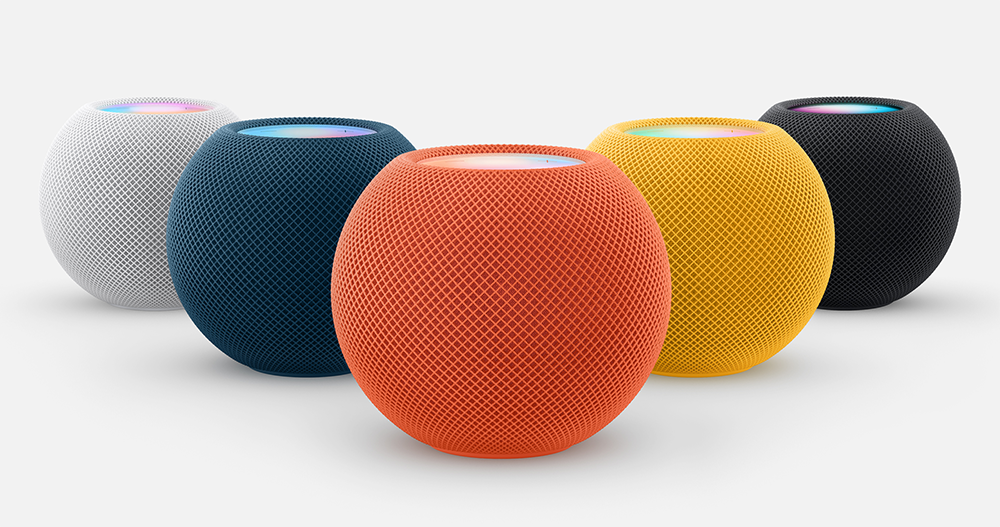
▲Picture: If you want to buy a HomePod mini as a gift during the holidays, it can be paired with a voice control solution to make it easier to enter the world of Apple Music (Source: Apple)
Although for the author, I should still prefer the freedom of being able to click (touch) and play (after all, considering that commuting or classroom libraries and other occasions may not dare to speak…). In addition, the personal plan can also ensure the highest quality sound effect experience – it is really cool when you occasionally feel the sound quality or super immersion! However, as long as it is half the price, it does make people hesitate to switch to this lightweight music service that focuses on “voice on demand”.
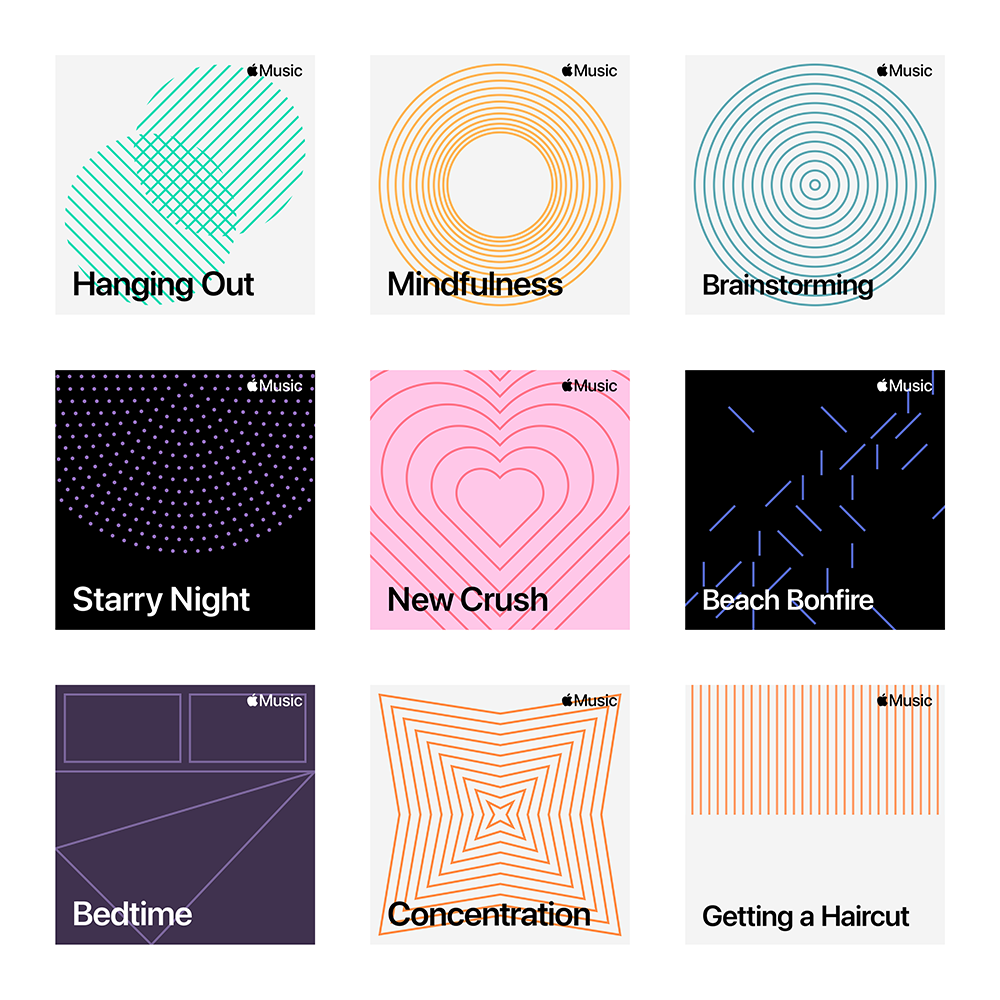
▲Image source: Apple
I would personally recommend the “Voice Control Solution” to friends who usually listen to music in fixed places, or who don’t like to choose songs and customize playlists by themselves. But seriously, since Apple provides a fairly ample trial period for the plans that are mainly divided into two categories (friends who have already subscribed can also downgrade the plan to experience it). After all, you still have to rely on your own personal experience. I suggest that everyone try it out before making a decision.
Further reading:
The AirTag app for Android is here to help you scan for unknown Find My trackers
Source: KOCPC Chinese