


This year’s WWDC preview will be launched, pushing the concept of “make your own app” to a new level and turning it into an iOS/iPadOS applicationAll you need is your iPadSwift Playgrounds 4 is now officially available on the App Store. Continue reading Swift Playgrounds 4 is officially here: a great tool that makes it easy to learn to write programs and even publish apps directly using iPad.
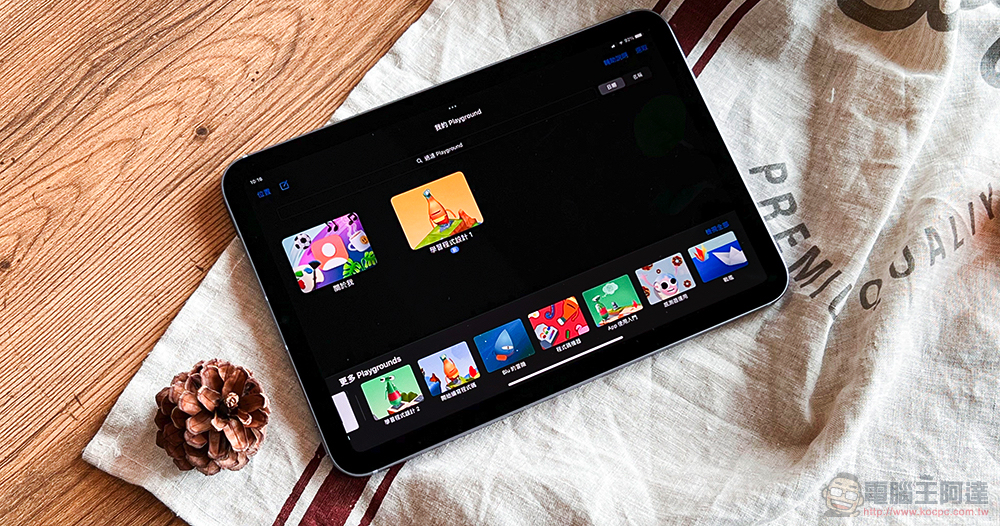
My own iOS app, Swift Playgrounds 4, written for iPad, is here!
asApple thinksSwift Playgrounds, “the best and easiest way to learn to program”, has arrived in its latest version. Its strongest point is probably that it allows users to skip the computer directly and use an iPad tablet to use their programming creativity to write apps. They can even put iOS/iPadOS apps directly on the App Store – don’t forget, as long as developers are willing, the current M1 Mac can also use Apple mobile device apps!
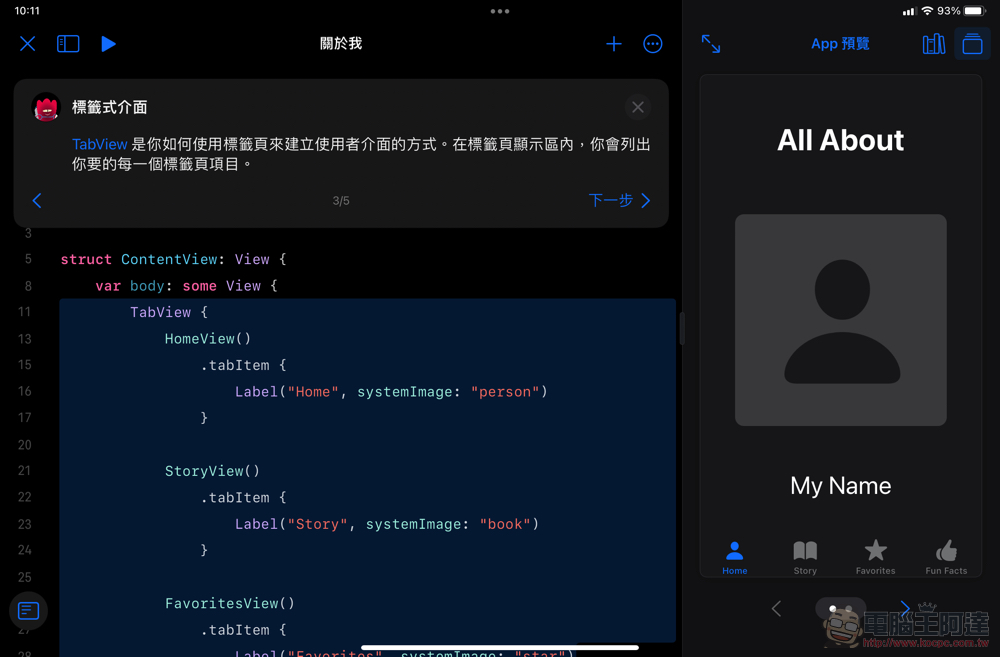
Even such a lightweight programming tool can actually be used to exchange files with the more professional Xcode (after version 13.2) through AirDrop and other methods. It’s a bit like the relationship between the iOS/iPadOS video editing software iMovie and Final Cut Pro. To a certain extent, professional users can also make more use of this convenient tool provided by the original manufacturer. After all, there is an app on the iPad that can respond to single-line code changes and quickly see the results in the side preview window – and it’s free!
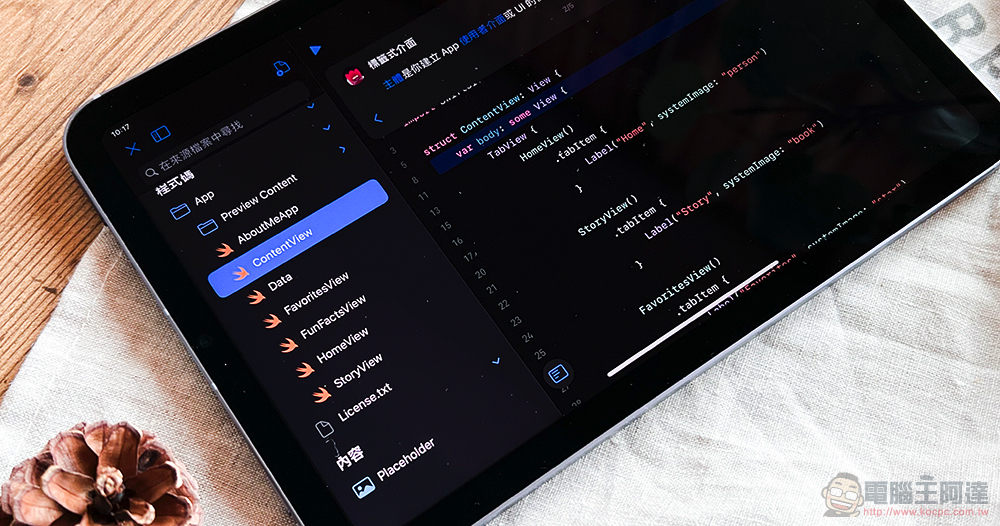
Even as it becomes more and more powerful, Swift Playgrounds 4 has not forgotten its mission as a tutorial for learning Swift coding. Basically, as long as you have an iPad and the Internet, you can use this app to teach yourself or use it as a teaching tool. Perhaps, I just downloaded a simple sample application from the “App Gallery”. It really started with a short one-line code modification, gradually creating your own first application, and uploading it directly from the iPad to the App Store for release. The infinite development possibilities.
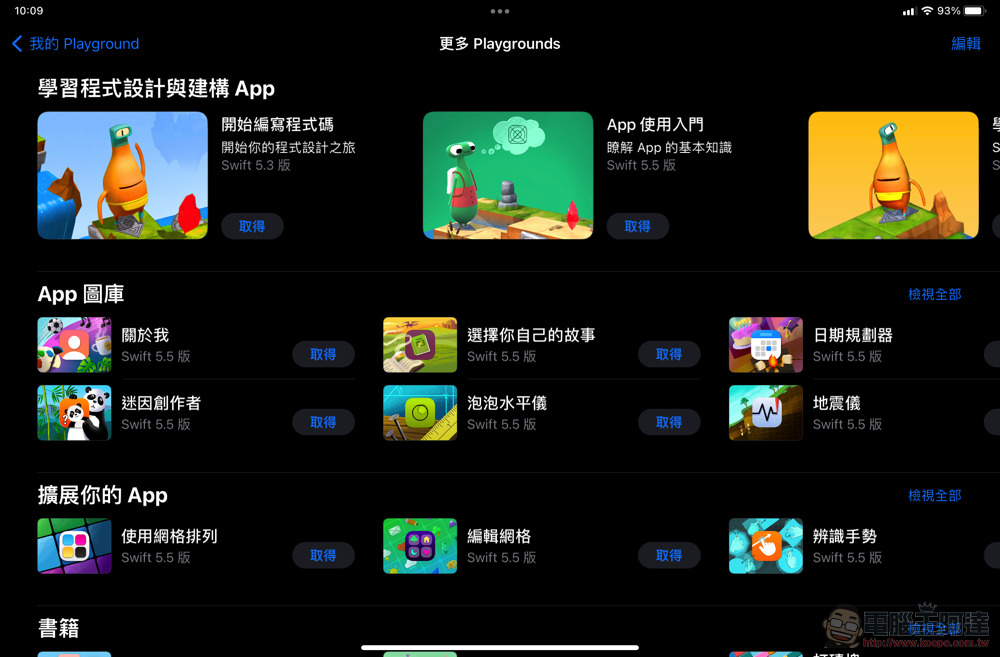
By supporting the new SDK for iOS, iPadOS and even M1 Mac that can execute mobile applications, Swift Playgrounds has really greatly lowered the barriers to learning programming languages and publishing Apple device applications – By the way, did I mention that the Swift Playgrounds app, which has been translated into 14 different language applications, also supports Traditional Chinese? (Bizan)
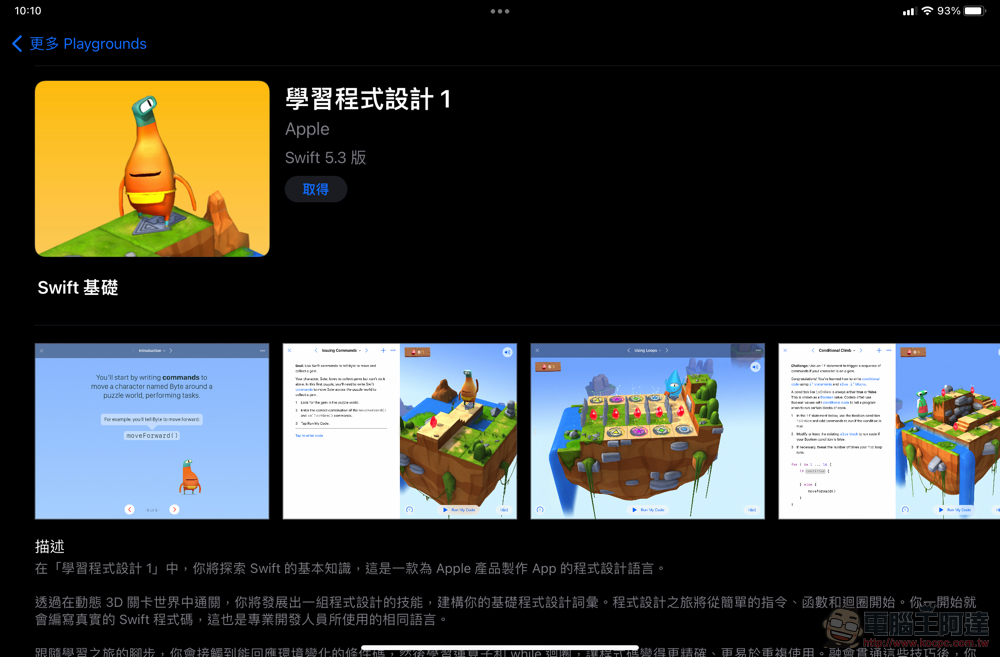
The author also downloaded Swift Playgrounds to try out. I feel that it is not only suitable for preliminary learning and programming, but also very suitable for teachers to use as a teaching tool in the classroom. According to the Computer King Ada team, Apple’s teaching and learning center also has relevant teaching guide resources available – although it is currently only available in English, just… Teachers should be more responsible for practicing English before more language systems appear (XD).
Swift UI is quite user-friendly, and when writing, it will actively provide writing suggestions based on the entered code like a professional program application – there are also many officially provided widgets available. Not only can you learn how to take advantage of various sensors on your mobile device through downloadable built-in courses, but you can also learn how to modify your code more flexibly through various instructions in the Swift Playgrounds app.
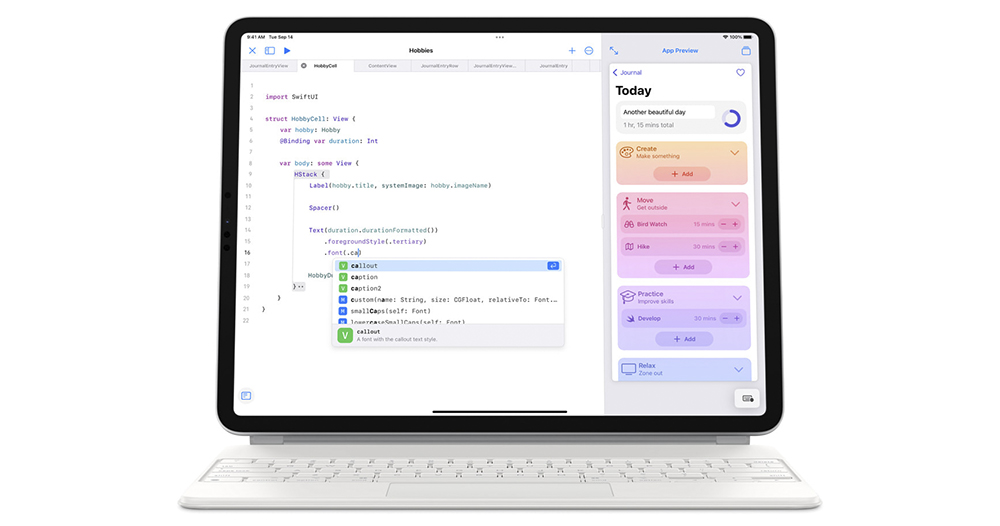
▲Image source: Apple
Swift Playgrounds 4 opens the way for direct uploads to App Store Connect. It makes people feel that as both iPad and iPadOS move towards the “Pro” development direction that is more convenient to support keyboard and mouse operations, it may encourage more young program engineers to learn to write code from mobile devices, and complete innovative ideas that many people cannot imagine from a thin tablet.
Of course, as long as you are willing to download Swift Playgrounds and give it a try, no matter how old you are, you can start learning Apple device applications instantly!Link here (supports Mac and iPad)You’re welcome!
Further reading:
Finally, Chrome officially supports long screenshots in Android 12!

Source: KOCPC Chinese