


If you’re a Pixel owner who’s recently been looking forward to upgrading to Android 17, you may have to wait a little longer. It is not uncommon for new system versions to occasionally have bugs, but the situation with Android 17 seems to be more troublesome than before, and has even affected the most basic operating experience of the phone.
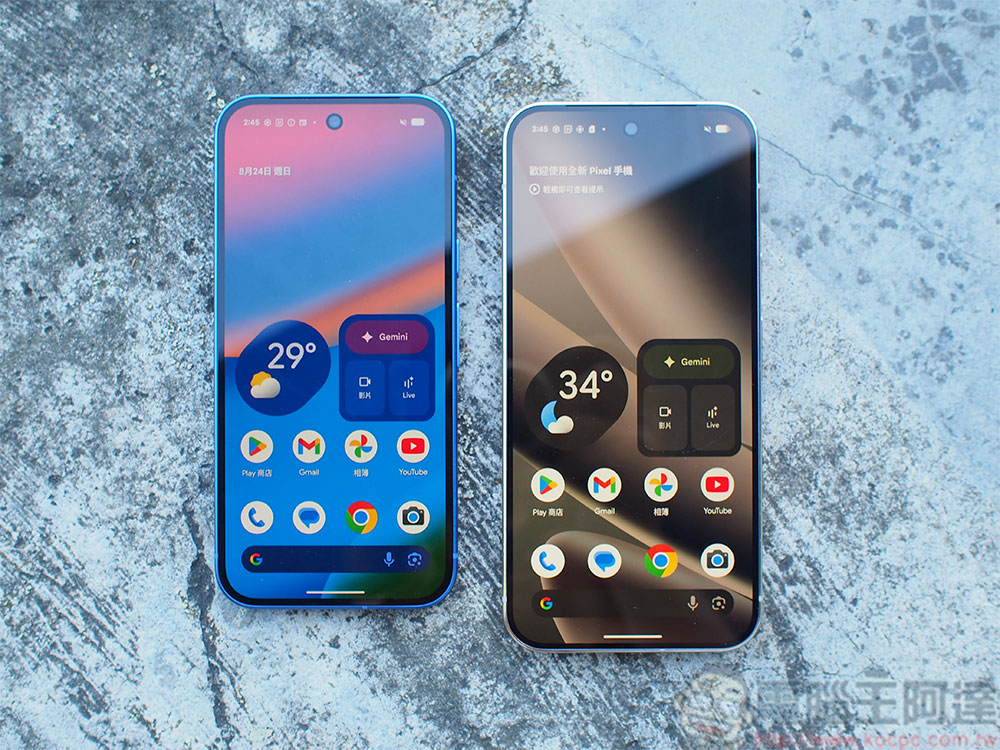
Pixel users report strange touch screen bug after Android 17 update
Previously, I had problems with Android 17, such as Wi-Fi connection abnormalities and widgets disappearing from the home screen. Although these bugs are annoying, at least there are alternatives: if the Wi‑Fi is broken, you can use mobile data first, and if the gadget disappears, the phone will not be completely unusable. However, the latest problem to emerge is much more serious, because it directly destroys the core interaction method of smartphones: the touch screen.
according to Android Authority According to reports, several Reddit users reported that their Pixel phones began to exhibit “strange touch behavior” after upgrading to Android 17. These anomalies include: the screen detects more or fewer touches than the actual operations, the up and down sliding direction is misjudged, or even the touch cannot be recognized at all. In other words, the phone might mistake you for ten taps, mistake a swipe up for a swipe down, or simply not respond to your finger.
To make matters worse, these problems are not limited to one or two models, but are suspected to affect the entire Pixel series. For smartphones that rely on touch operations, this is almost equivalent to functional paralysis.
Touch Screen Issues After Android 17 Update
by u/jpwillz in GooglePixel
Currently, this touch bug has been submitted to Google’s IssueTracker, and Google has confirmed receipt of the relevant report. The official provided a temporary troubleshooting method in the reply: Go to “Settings” > “Apps” > “View All Apps” > “Pixel Launcher” > “Storage & Cache”, and then clear the cache. In theory, this should resolve some of the anomalies.
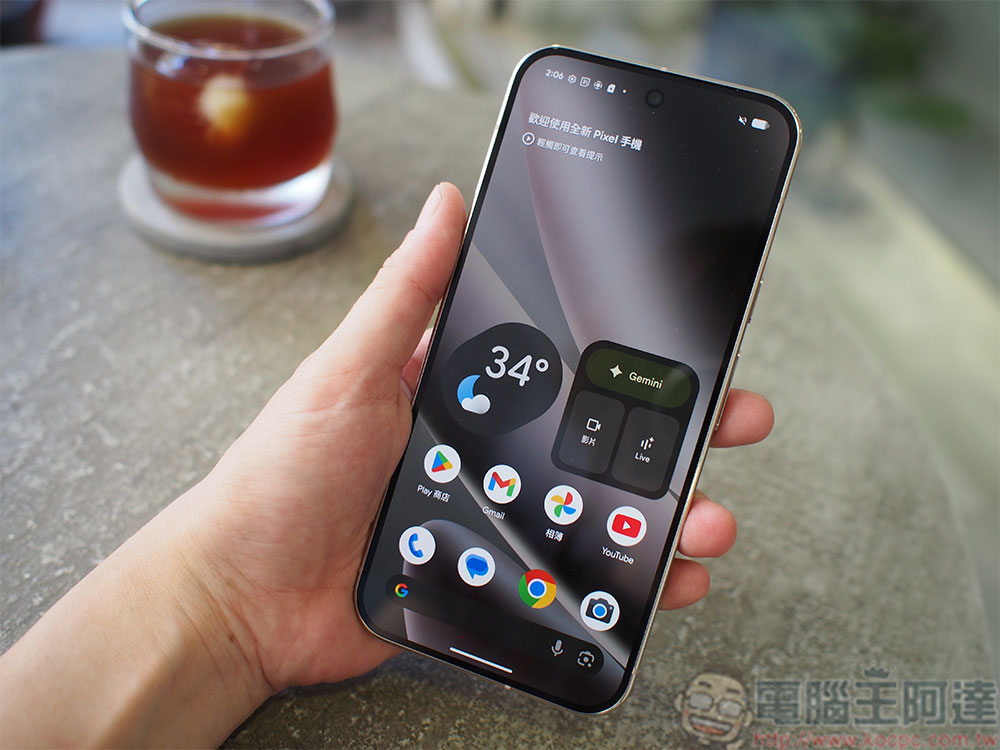
However, the actual situation was not as expected. Many users said that the problem still persists after clearing the cache, or even does not improve at all. Some users shared another temporarily effective method: disabling “Smooth Display”. What’s more interesting is that after he re-enabled the function, the problem did not reappear. However, the effects of these solutions vary from person to person, and there is no universally proven stable solution.
Before Google launches official patch updates, these workarounds can only be regarded as temporary measures that “just work”. If you have encountered touch abnormalities, you may wish to try the above methods, which may temporarily improve the user experience.
But if you are still stuck on Android 16 and haven’t pressed the update button yet, then the wisest thing to do is to sit still. Considering the multiple known vulnerabilities, especially the severity of the touch problem, it is recommended that you postpone the upgrade and wait for Google to launch a more complete patch update before installing it to avoid affecting daily use.
Source: KOCPC Chinese