


At present, people have a variety of payment methods to choose from for daily consumption. Different stores support different mobile payments, or mobile payment activities launch more good rewards, which will affect consumers’ choice of payment methods. Some PTT villagers used FamilyMart FamiPay before, but the built-in startup process was too slow, so they designed it as an iOS shortcut and shared it with everyone.
Later, other villagers also responded and made improvements, adding more mobile payment methods, allowing everyone to open commonly used payment methods for payment according to their current needs with one click.
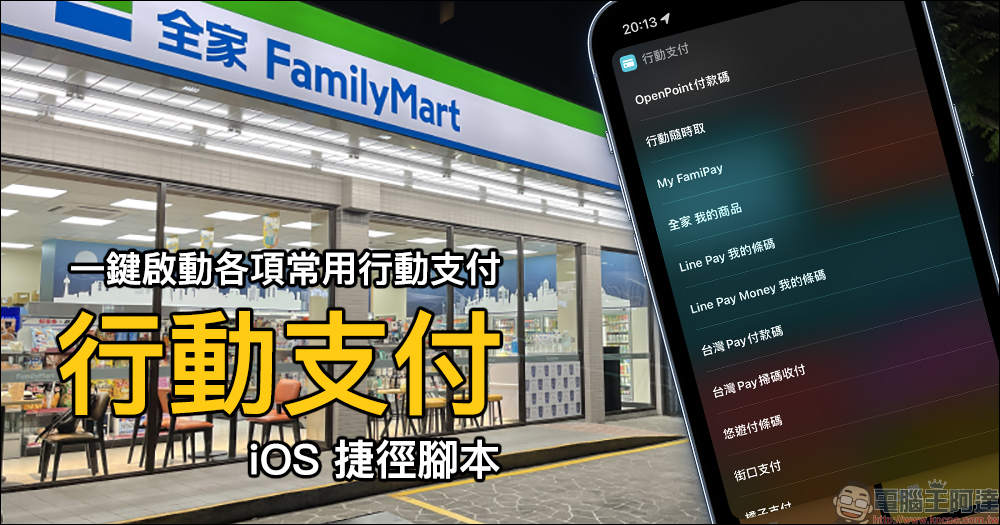
“Mobile Payment” iOS shortcut script, activate various commonly used mobile payments for payment with one click
In addition to cash and credit cards, there are currently quite a variety of mobile payment options in Taiwan. There are a dazzling array of mobile payment channels, the opening experience of some payment methods is not as expected, it takes a lot of time to open a specific mobile payment, and even the payment channel will only be opened in specific stores. Many other reasons have reduced people’s willingness to use mobile payment.
Some time ago, a villager in PTT shared a “mobile payment” shortcut script that he made. It was originally to solve the problem that the startup process of FamiPay in FamilyMart convenience stores was too slow. Later, other villagers modified his script and added functions including OpenPoint payment code, mobile anytime access, My FamiPay, LINE Pay my barcode, LINE Pay Money my barcode, Taiwan Pay payment code, Taiwan Pay scan code recovery, EasyPay barcode, etc. to help enable payment.
In addition, there are also mobile payments such as Jiekou Pay, Orange Pay, Quanlian, Carrefour, etc. Although the payment page cannot be opened, they can still help open the App.
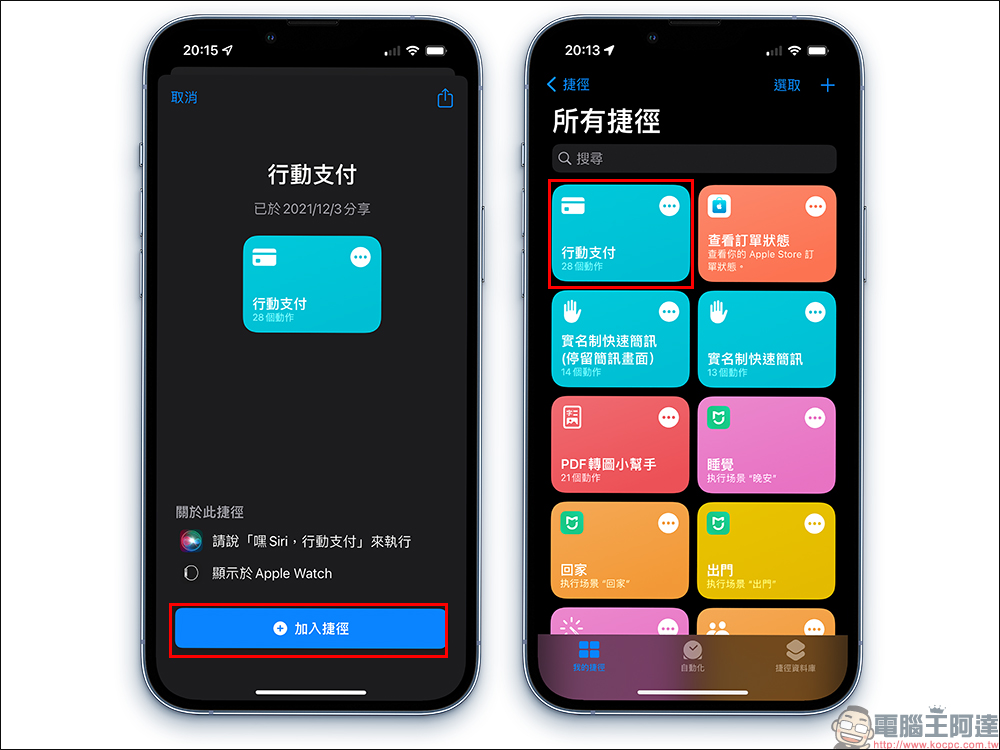
After downloading the “Shortcut” App, then click the “Mobile Payment” shortcut and select the mobile payment method you want to use. When you open it for the first time, you must first allow the usage permission, and then you can directly open the payment page of the mobile payment. This change also allows users to quickly select various mobile payment methods by simply opening a shortcut, and also saves people a lot of tedious processes of swiping their mobile phones, finding payment methods, and opening the payment page when making checkout payments.
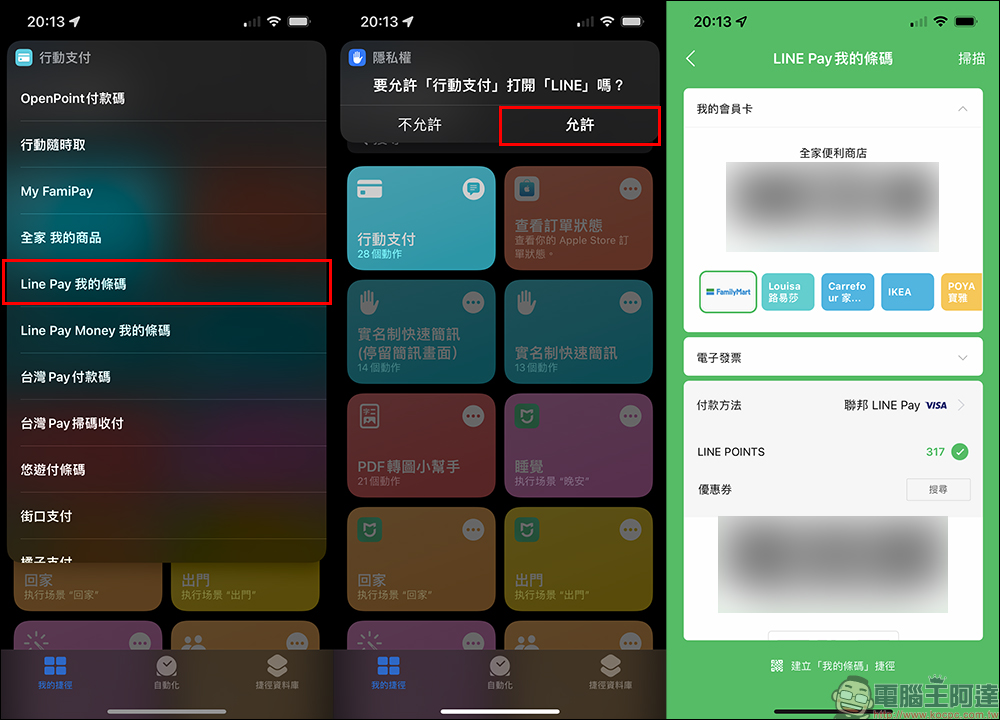
Mobile payment iOS shortcut script download:Click here to go
Source:PTT
Further reading:
Xiaomi Youpin launches the ultra-compact Fixnow dual-purpose car cleaning machine, which weighs only 2.4 kg and supports a variety of water supply modes and usage scenarios
Source: KOCPC Chinese