


When faced with a new app that they just downloaded or that they think will be very useful, I believe most people will press “Allow, Allow, Allow” all the way when they see the pop-up window. You never think about how sensitive the information these apps may access on your mobile device is, or whether the information requested is necessary. Not to mention that such “generous” users will later check the settings to confirm the settings of these applications.
In this regard, Google actually launched a mechanism in Android 11 that can periodically remove the permissions of idle applications. Not only can it help save electricity, but it also has a certain chance of helping you protect your private information. Subsequently, the official announced that such good functions will be transferred to older versions of the system to benefit old users. Now such an update has also been confirmed on the relevant schedule. Continue reading about the “automatic removal of permissions” function of the system after the Buddha Heart is decentralized to Android 6, and confirm that an updated report will be provided next month.
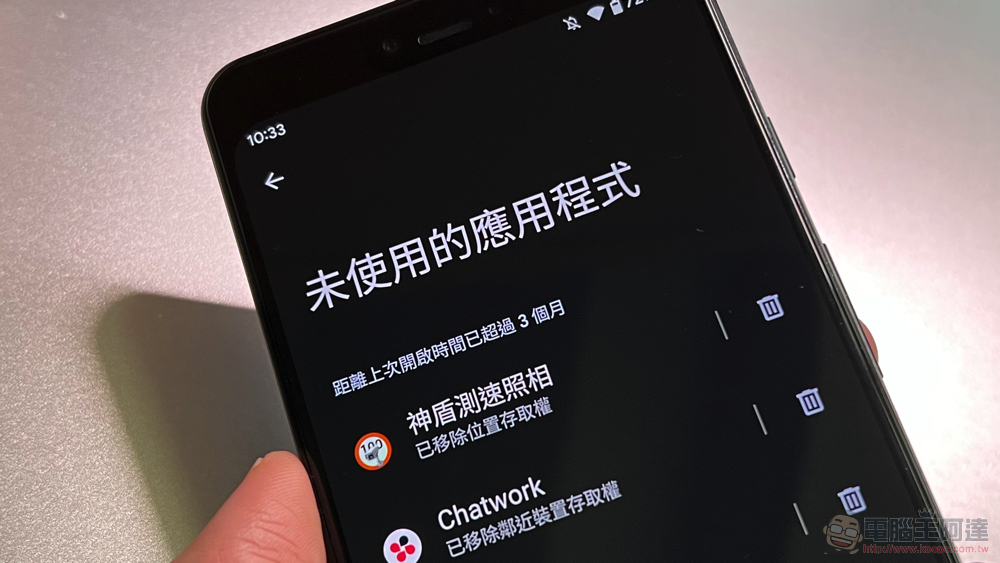
Buddha Heart has been decentralized to the “automatic removal of permissions” function of the system after Android 6, and it is confirmed that an update will be provided next month
Although it is slightly delayed than the originally scheduled time. However, for users who are currently using Android 6 to Android 10 systems, this automatic function available through Google Play Services should have the opportunity to save friends who are usually more casual and do not particularly check the necessity of permission requirements obtained by various apps – at least, if you really forget about its existence and have not used the app for a long time, you will be able to avoid the possibility of these apps silently causing mischief before you think of deleting it.
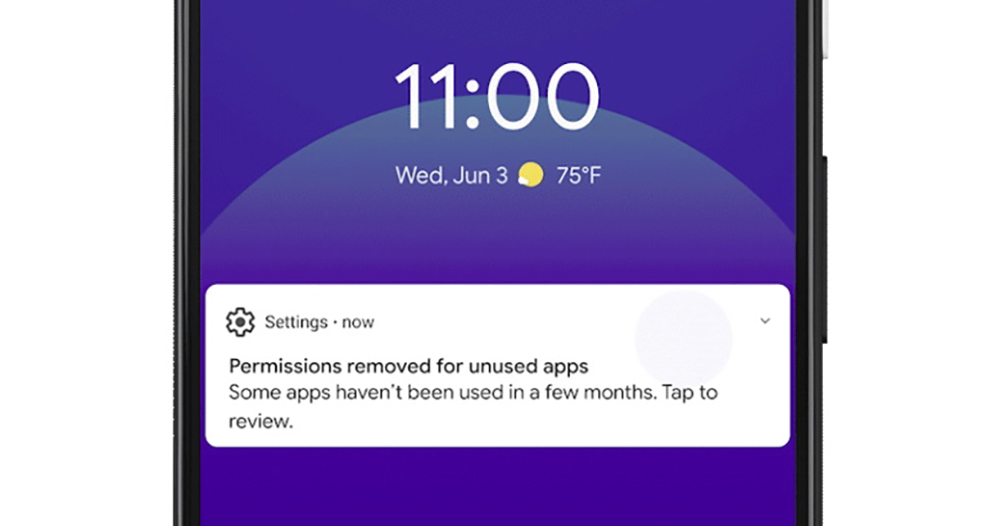
▲Image source: Google
In fact, for idle applications, some mobile systems have actively removed the applications (but retained relevant data) to free up system space. This “Permission Auto-Reset” function, which has been available since Android 11, will regularly check applications in the system that have not been used for a long time (specifically, they should not be activated for several months), and automatically remove/revoke the system permissions given by the original user.
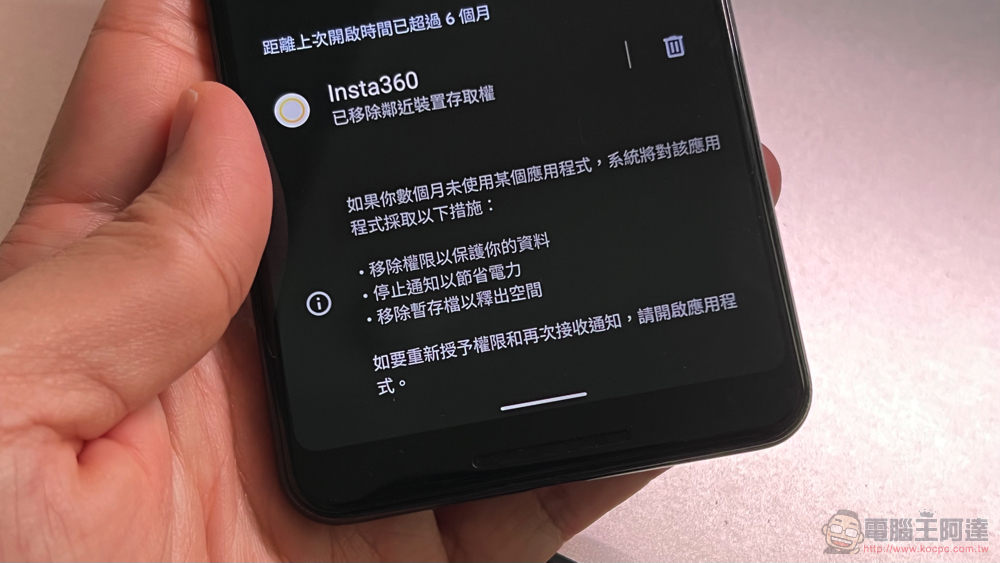
According to the system description, this function not only has the opportunity to protect your data, but also stops the notification function to ensure the battery life of the phone. Temporary files will also be removed to save space on your phone. This is useful for apps that you don’t know when to install, but never get a chance to use again. Or even applications installed on mobile phones from unknown sources provide a blocking mechanism to a certain extent to prevent user-related information from being continuously obtained by applications.
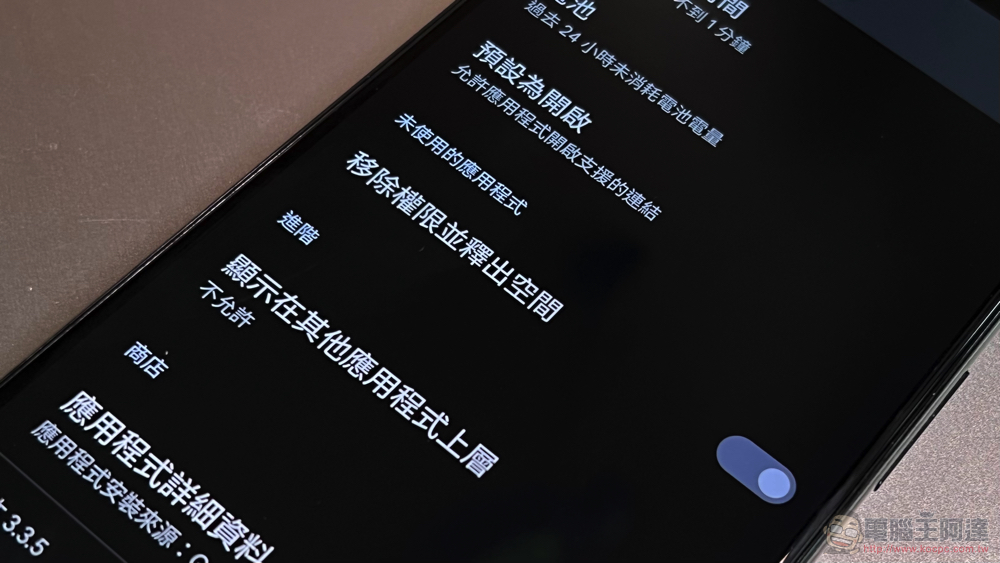
It is said that the automatic reset function will still be listed as an exception for enterprise applications; applications with specific API levels will not be started by default – they need to be started manually. As for developers whose services tend to run in the background and have less direct application interaction requirements, they can also ask users not to activate the automatic reset function to maintain a normal user experience. According to official statements, this decentralization of functions has the opportunity to benefit as many as 1 billion users. After receiving this function in the future, I also recommend that everyone check the application more often. As long as it is not an application that requires background use to operate, you can at least turn on this function to give it the best protection effect.
Further reading:
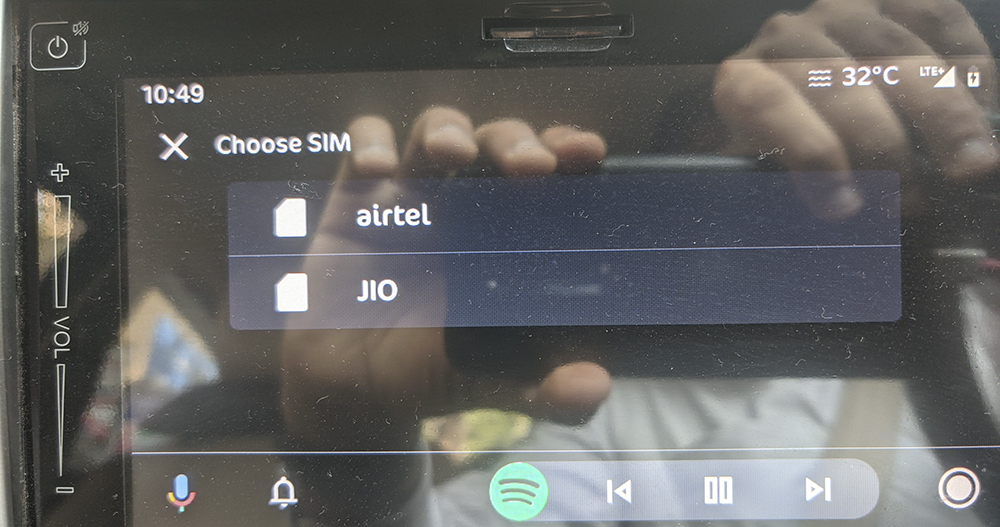
Android Auto finally adds dual-SIM call support, have you noticed?
Source: KOCPC Chinese