


When downloading YouTube videos or music, sometimes you may not need the entire video, but just a segment in the middle. In this case, you can use the SLICEYT free online tool. You can specify the start and end time before downloading, and SLICEYT will automatically cut it online for you. It also supports multiple formats, which is quite good. Unfortunately, the free version can only save up to 2 minutes of clips. If you need longer clips, you can switch to another one we introduced before.CutterTube」。
remind: Please confirm whether the content on YouTube or other websites is legally authorized before use, such as: uploading works by yourself, creating and using CC authorized content or public domain materials. If it is a music or audio-visual work protected by copyright, downloading or converting it without the consent of the rights holder may involve copyright risks and may also violate the terms of service of the original platform.
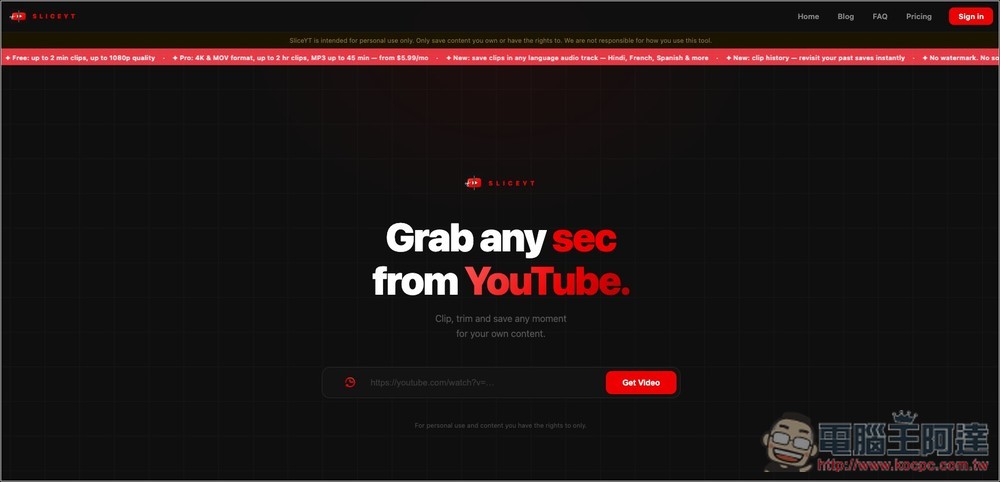
Introduction to SLICEYT, a free online tool that can directly cut YouTube specified clips and download them
SLICEYT is a simple and fast YouTube video clip extraction tool. The operation method is very simple. After pasting the YouTube video link, you can specify the clips to be saved through the timeline. It will be processed and completed on the server side. There is no need to download the entire video first, and there is no need to install additional software. This is great for people who just want to capture a certain piece of teaching, interview highlights, podcast highlights, song clips, or short video and audio materials.
It should be noted that SLICEYT is not a completely free tool. It requires logging in to a Google account. The free version can only output video clips of up to 2 minutes. However, there is no watermark and no limit on the number of daily exports, so it is sufficient for general short film needs. In terms of output formats, it supports common MP4 and MOV formats, as well as MP3 audio output and other functions.
Main features
- Paste a YouTube link to capture the specific clip
- No need to download the full video first
- You can set the start and end time yourself
- Free version supports clips up to 2 minutes long
- Free to use with no limit on the number of daily remittances
- Output video without watermark
- Supports MP4, MOV, MP3 and other formats
- Can be used through the browser, no need to install the app
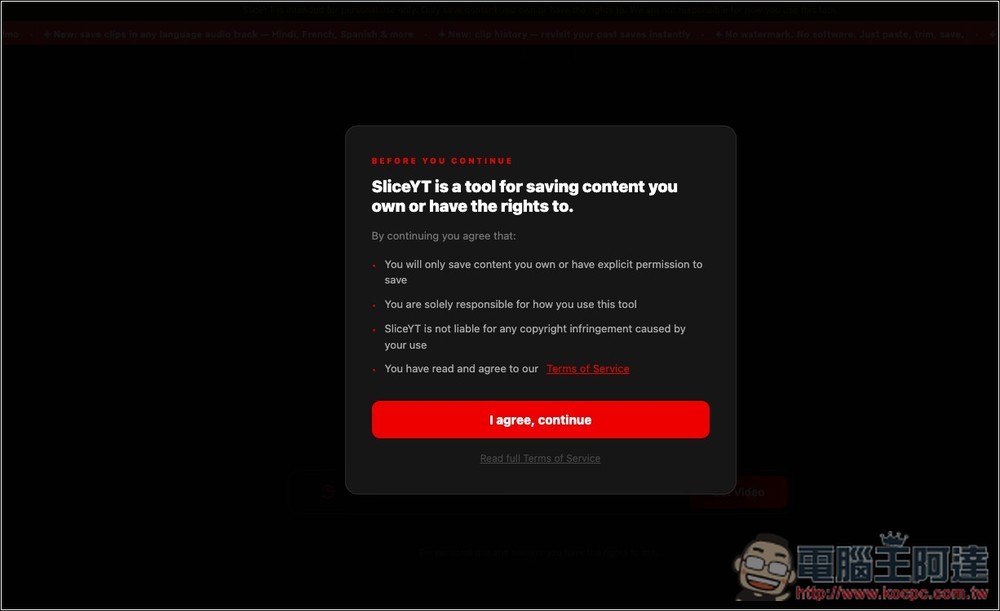
After clicking the link above to enter the SLICEYT webpage, you will be asked to agree to the terms of use for the first time. The content is basically a reminder that you must confirm that the content you save has legal rights to use. If you continue to use it, you agree to be responsible for subsequent uses. If any copyright disputes or infringement issues arise due to saving or using video clips, SliceYT itself will not bear relevant responsibilities. If you have no problem, press I agree, continue:
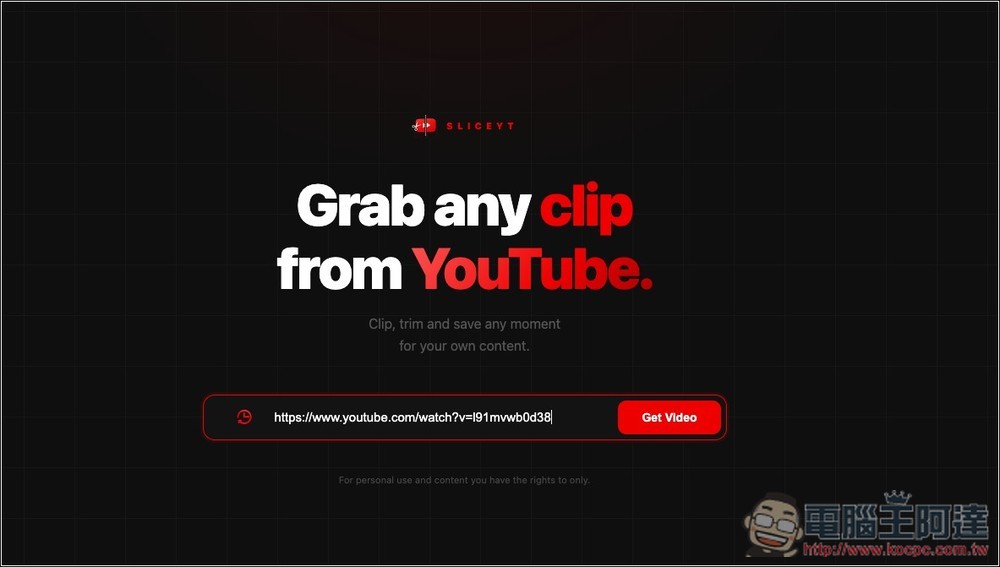
You will then go to the homepage, paste the link to the YouTube video you want to download, and click Get Video:
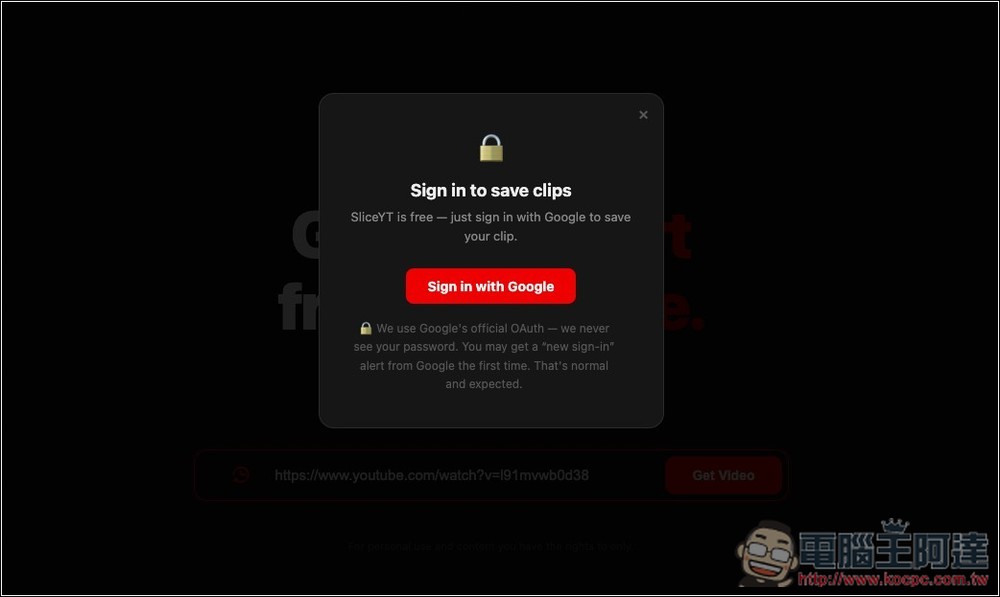
You will be asked to log in to your Google account:
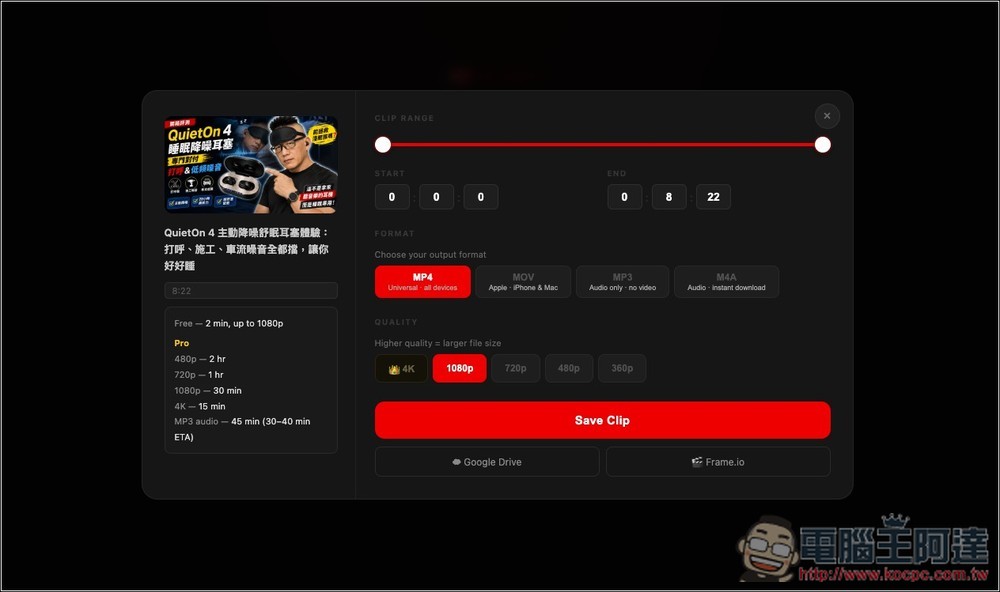
You will then enter the download settings interface. The differences between the free version and Pro are explained on the left. The free version has a maximum clip of 2 minutes and a maximum image quality of 1080p. CLIP RANGE is the start and end time of the clip, adjust it to what you want. FORMAT Select the format, then QUALITY. After setting everything, click Save Clip:
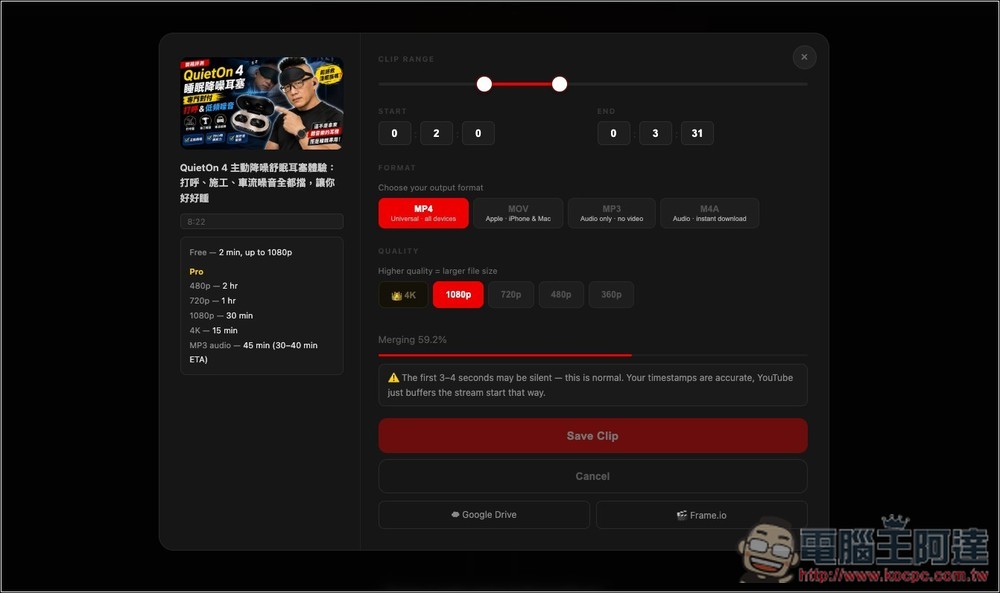
Cutting and downloading will start, and the speed is quite fast:
Source: KOCPC Chinese