• About Us
King of Computer Media
  • Home
  • Tech News
  • AI News
  • Apps & Tutorials
  • Mobile & Telecom
  • Lifestyle
  • About Us
No Result
View All Result
  • Home
  • Tech News
  • AI News
  • Apps & Tutorials
  • Mobile & Telecom
  • Lifestyle
  • About Us
No Result
View All Result
King of Computer Media
No Result
View All Result

Home - Android Software and Flashing Tutorials - Android Auto app disappears on Pixel 6? In fact, you can still find it

Android Auto app disappears on Pixel 6? In fact, you can still find it

ROSS by ROSS
November 6, 2021 - Updated on August 4, 2026
in Android Software and Flashing Tutorials

As Google announced it wouldMake Android Auto fade out of your phone screenFinally, although it seems that they do not plan to forcefully delete existing Android users immediately, they did not say that they will not start with new phones (surprise). Friends who have recently purchased a Pixel 6/Pixel 6 Pro series mobile phone, after unboxing it happily, did not know that the Android Auto that they were used to in the past disappeared directly from the application list. Fortunately, there is still a way to call up the settings. Continue reading Android Auto disappears in Pixel 6? In fact, you can also find out the content of the (teaching) report.
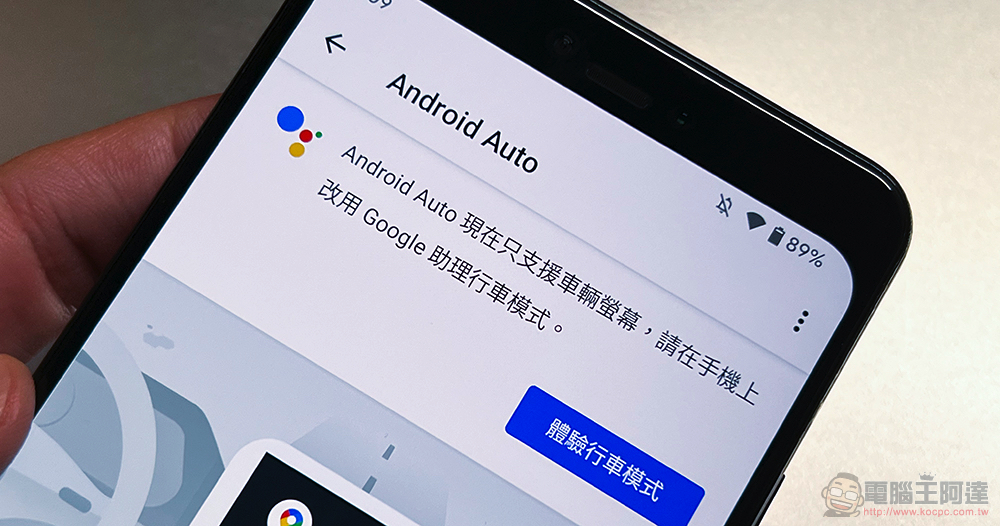
Android Auto app 在 Pixel 6 消失

Android Auto app disappears on Pixel 6? In fact, you can still find it

Although even on phones that can still search for Android Auto, it has been confirmed that the Android Auto application will only support the vehicle screen. In fact, you will still be asked to select “Experience Driving Mode” and will not let you use the previous functions. However, some people still want to set up some related car functions through their mobile phones first – I don’t know why Google directly canceled the display of the Android Auto app on the Pixel 6. If you have to guess, maybe you also hope that people will stop thinking of it as an “App”, right?
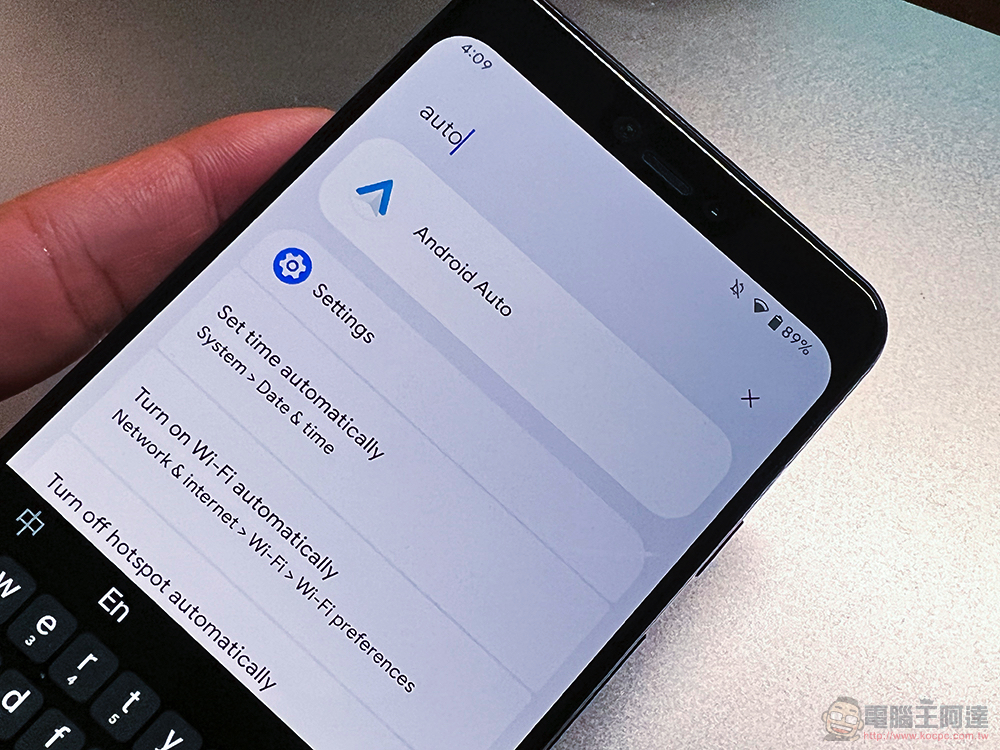
In short, if you have a phone after Pixel 6, you want to find this “settings” function that has retreated behind the scenes. Now some people have also found a way, which is to go to “Settings > Connected Devices > Connection Preferences” in Android 12. Find this settings page again. Now that it has been turned into a setting option, you can actually quickly find it in Android Auto through the search bar at the top of the setting.

I wonder if you will miss this App very much? Or do you think the Google Maps driving mode interface is very useful?
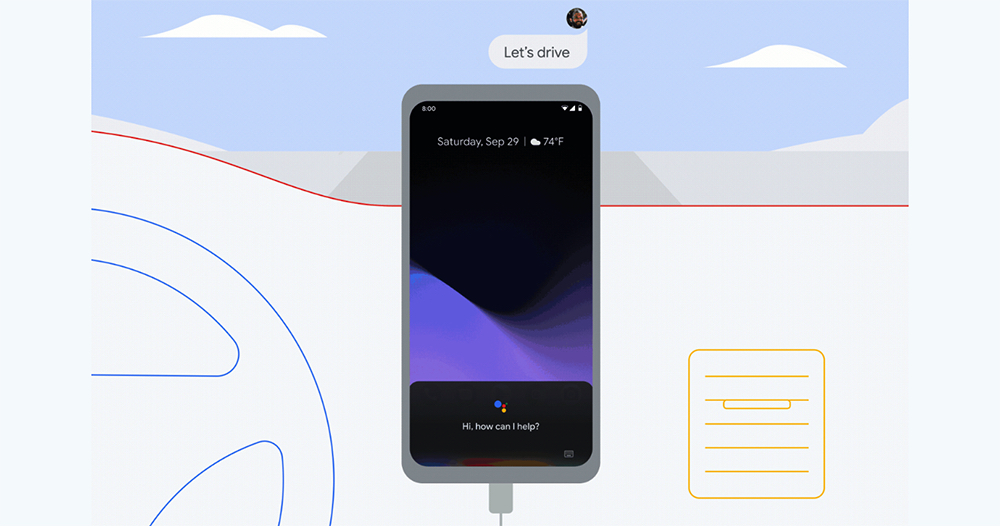


▲Image source: Google

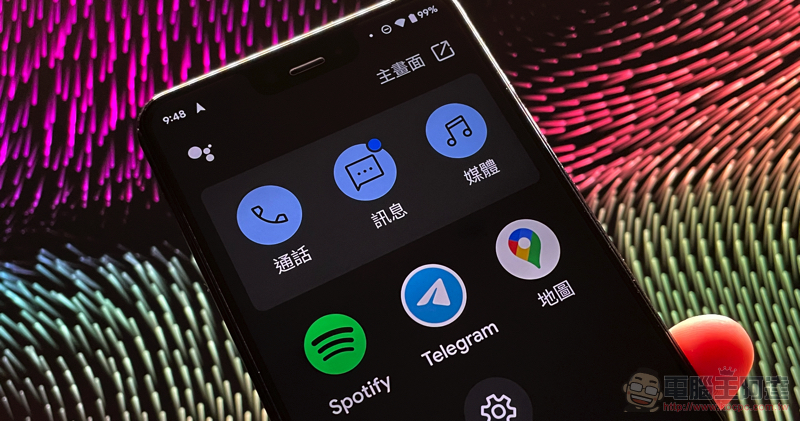
If you want to turn on the driving mode interface of Google Maps, you can go to the settings of Google Maps and find “Navigation Settings > Google Assistant Settings” to start enabling the relevant function permissions of driving mode. After navigating, you can directly use this new interface that integrates calls, text messages, and three-party apps.

Citing sources

Further reading:

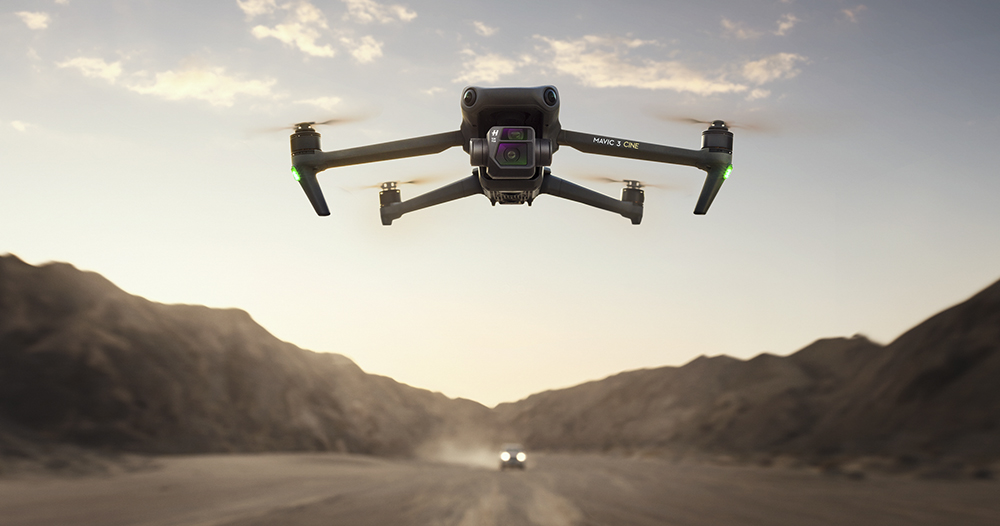
Film-level foldable aerial camera DJI Mavic 3 Cine announced: Hasselblad Color 4/3 large sensor, supports 4G module and can also shoot ProRes

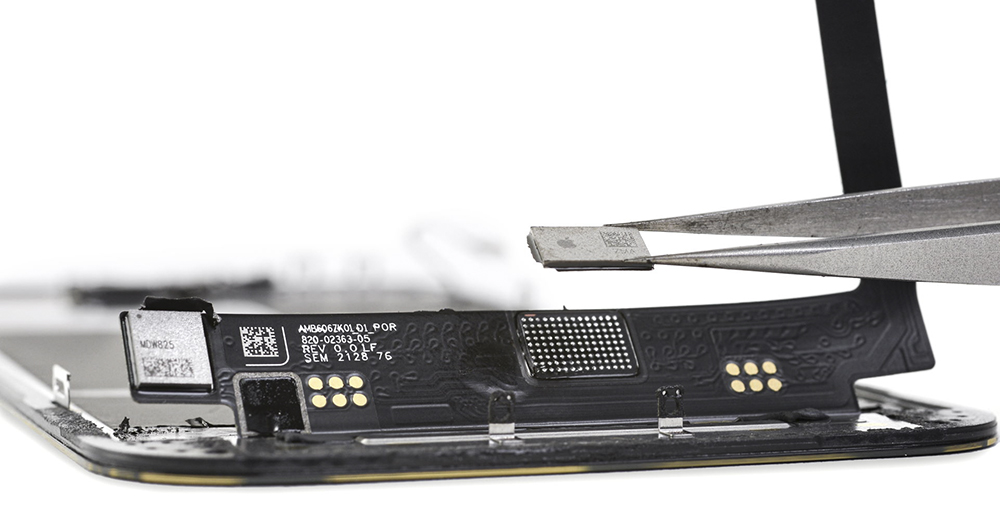
There is a solution to the problem that Face ID cannot be used due to screen replacement by a third party, but… it’s difficult

Source: KOCPC Chinese

Tags: AndroidAndroid AutocarGooglePixel 6Pixel 6 ProTeachingVehicle system

Recent Posts

  • Could Tesla HW3 vehicles with Intel chips also get a chance to use Grok? Someone online has already cracked it and gotten it running smoothly.
  • TP-Link Double 11 Money-Saving Monopoly Kicks Off: Three Strategies for Pet-Friendly Smart Homes, with Three Major E-commerce Platforms Each Offering Exclusive Deco Models
  • dlyt.io — a free, ad-free downloader for YouTube, Facebook, and TikTok
  • What happens when you hold the power button to force shut down a Windows 11 PC? Here’s what Microsoft says.
  • Not so fast! The latest news says the NVIDIA GeForce RTX 5080 24GB won’t launch even by January next year.

Recent Comments

No comments to show.
  • About Us

We welcome partnership inquiries and product review opportunities from smartphone manufacturers, iPhone accessory brands, and app developers.koc kocpc.com.tw|Privacy Policy |Hosting & Maintenance: Fast Line Taiwan, A-Chang Digital Technology

No Result
View All Result
  • Home
  • Tech News
  • AI News
  • Apps & Tutorials
  • Mobile & Telecom
  • Lifestyle
  • About Us

We welcome partnership inquiries and product review opportunities from smartphone manufacturers, iPhone accessory brands, and app developers.koc kocpc.com.tw|Privacy Policy |Hosting & Maintenance: Fast Line Taiwan, A-Chang Digital Technology