


Google Cloud Productivity, which has features that can be updated at any time, has recently added a new feature to the Google Doc file function that is quite easy to use, easy to learn, and very practical. To put it simply, basically all the files you want to add from now on can be placed in “Google Docs”. It will make it easier for people to organize a smart and versatile document file. Continue reading A super convenient new feature of Google Docs: Use “@” to add almost any file and smart component (tutorial) report text.
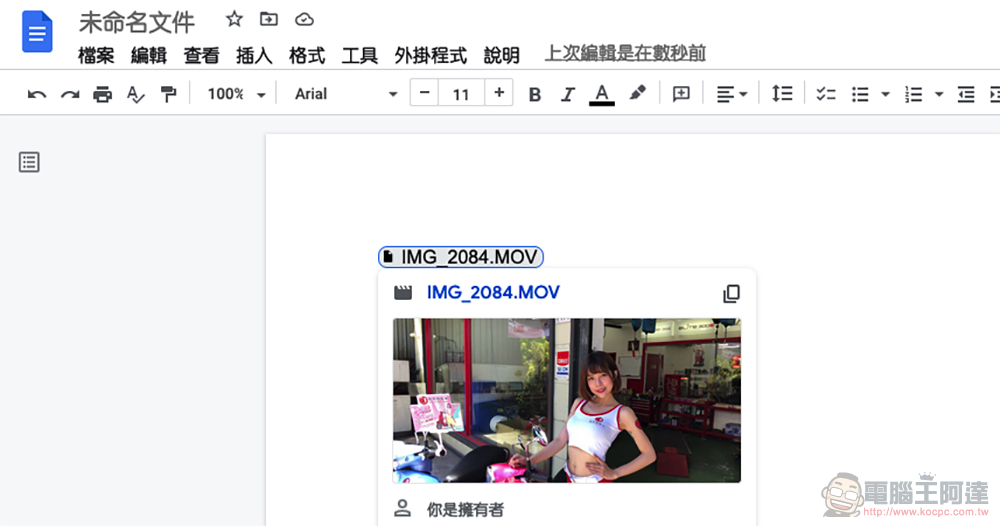
Google Docs super convenient new feature: use “@” to add almost any file and smart component (tutorial)
The ability to collaborate instantly in the cloud on Google Docs should be the reason why many people love it. Google has recently introduced more smart field components that can be introduced through the intuitive use of “@”.
As part of its efforts to build the future of work, Google has launched an extension function for typing “@” in cloud documents – you can add information including collaborating staff, contact information and even calendars, and has added cooperation with Google Drive.
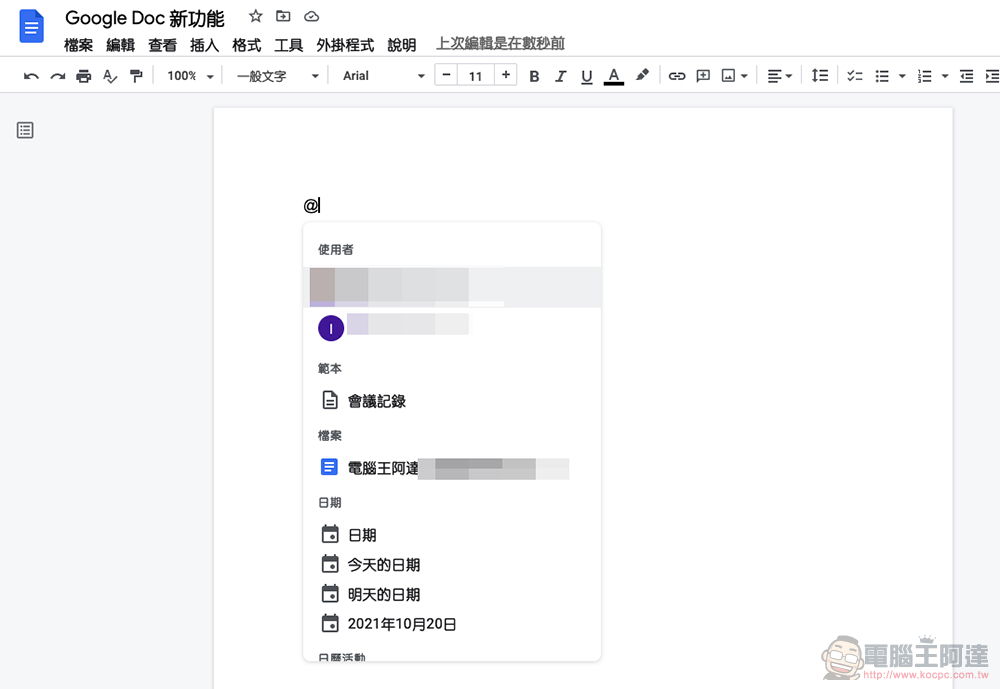
▲Picture: More and more smart information can be added through “@” in Google Docs.
That’s right, in this way, you only need to enter “@” followed by the file name to easily call the file (link) from the cloud drive. Although originally Google Docs can directly insert the image content in the cloud drive. However, through the @ method, you can share all types of files directly in the document. There is no need to open a separate folder on the cloud drive to generate a link, and then paste it into the document.
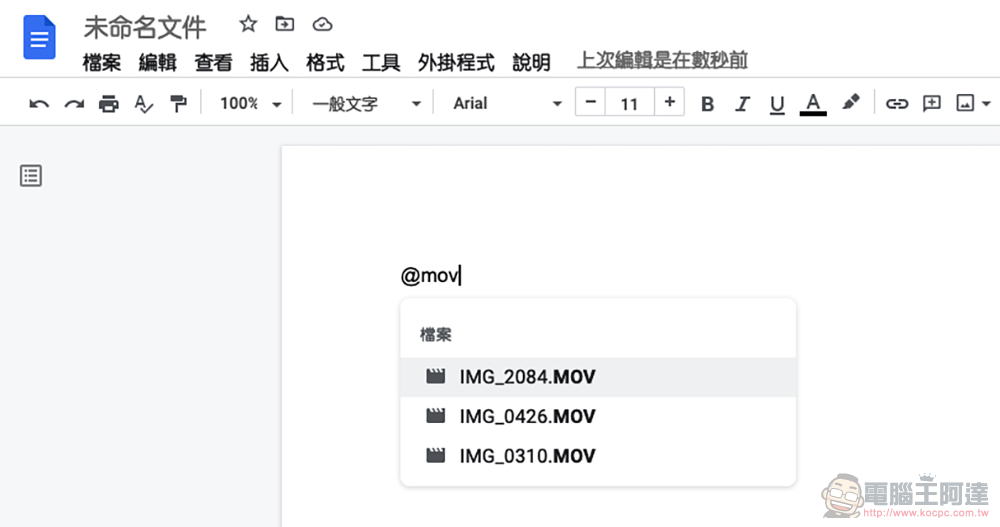
We also briefly tried out this new feature. Basically, you really only need to enter “@” in the document, and you can search for all related files or calendar information through text – you can also simply add time or document templates. This function also allows you to view a preview screen (at least for pictures) when searching for files. Overall, it is a very convenient and considerate feature. Share it here with your friends who often use Google Docs, so you can use it more!
Further reading:
The official version of Android 12 is here, and Pixel 3 and later models can be downloaded now
Source: KOCPC Chinese