


When we use computers on a daily basis, browser bookmarks often hide our truest interests and work secrets. If your home computer and the computer at work are bound to the same account, when colleagues, relatives and friends borrow the computer, or when we project the screen in a meeting, your private bookmarks will often be accidentally exposed, making the meeting awkward. In order to solve this privacy pain point, web bookmark password tools have actually been around for a long time, but some plug-ins can only store passwords in the cloud or have to spend money to purchase services. However, using cloud password storage will cause you to worry about password leakage, so some developers have referred to the password verification logic of Bitwarden, a world-renowned open source password manager, and can hide your private browser bookmarks through local password storage. The important thing is that it is completely free. This alone must give him a big thumbs up!
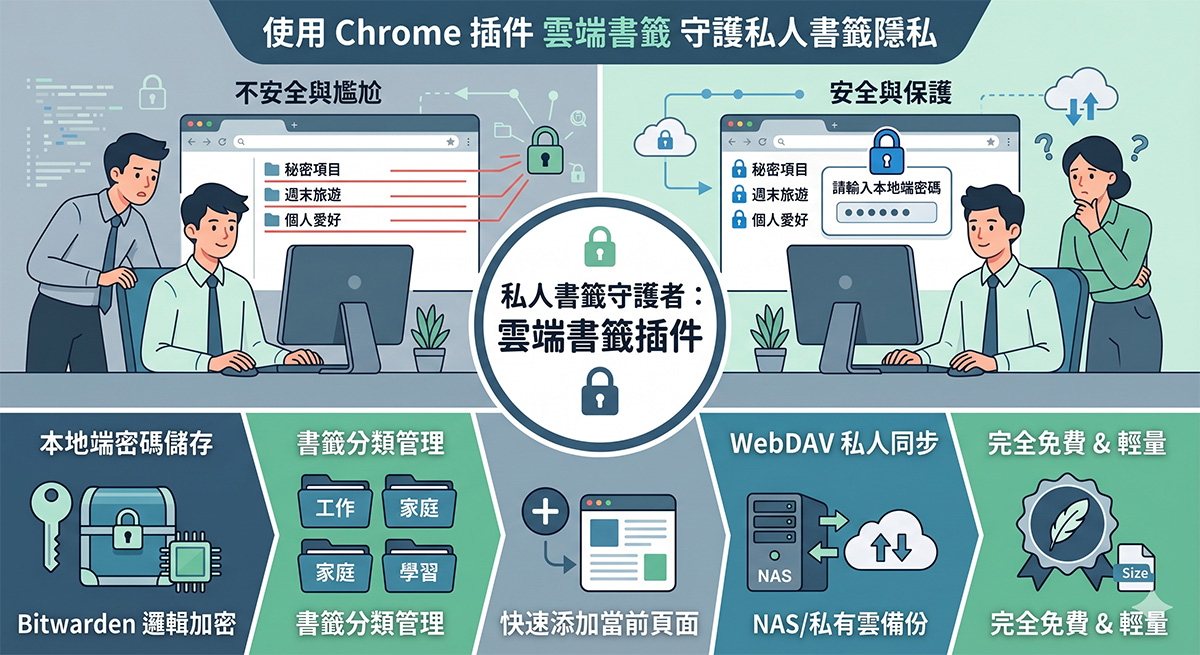
(Image source: AI generated)
Chrome plug-in-cloud bookmark download
The cloud bookmark is made by a Chinese developer, and even the title is in simplified Chinese. If you care about the other side’s software recommendations, you can close the webpage here:
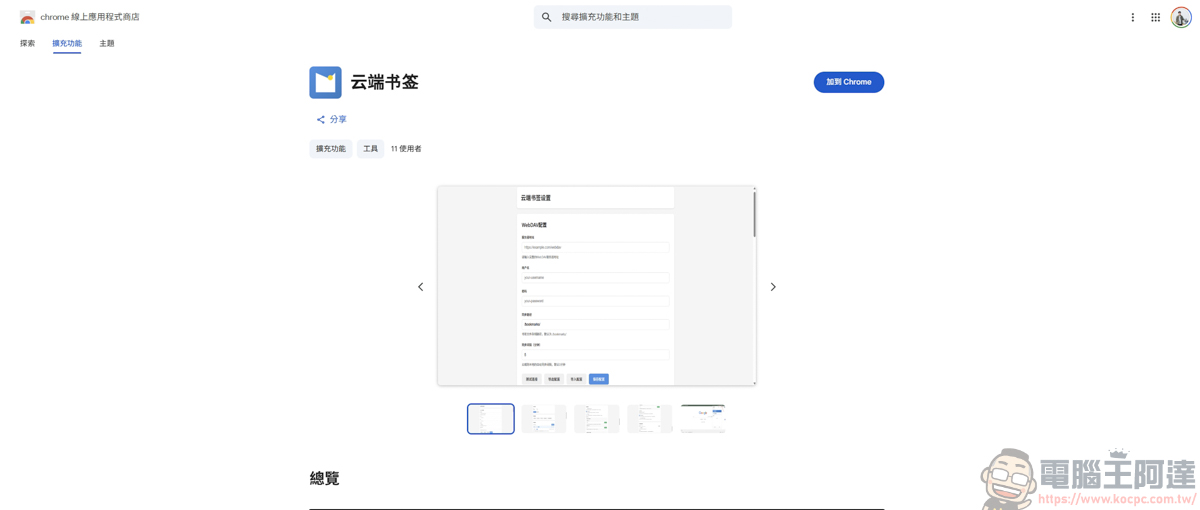
Chrome plug-in-Introduction to using cloud bookmarks
Although the built-in bookmarks bar of traditional browsers (such as Chrome, Edge, etc.) is convenient, it usually lacks independent encryption functions. Once you log in to your browser account, everyone can see it at a glance. The “password setting” function of this new plug-in allows users to set access thresholds for specific bookmarks or the entire bookmark folder. After installing the plug-in, find the cloud bookmarks and use it:
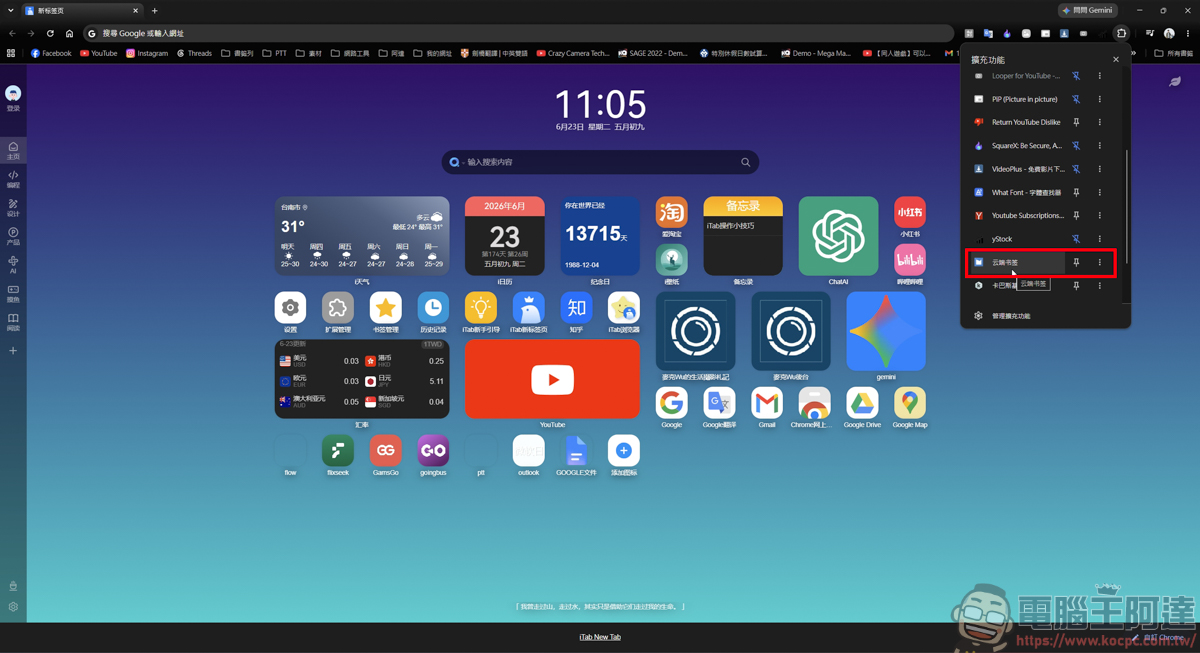
The main page has the same function as general bookmarks. You can quickly add web pages to the bookmark bar:
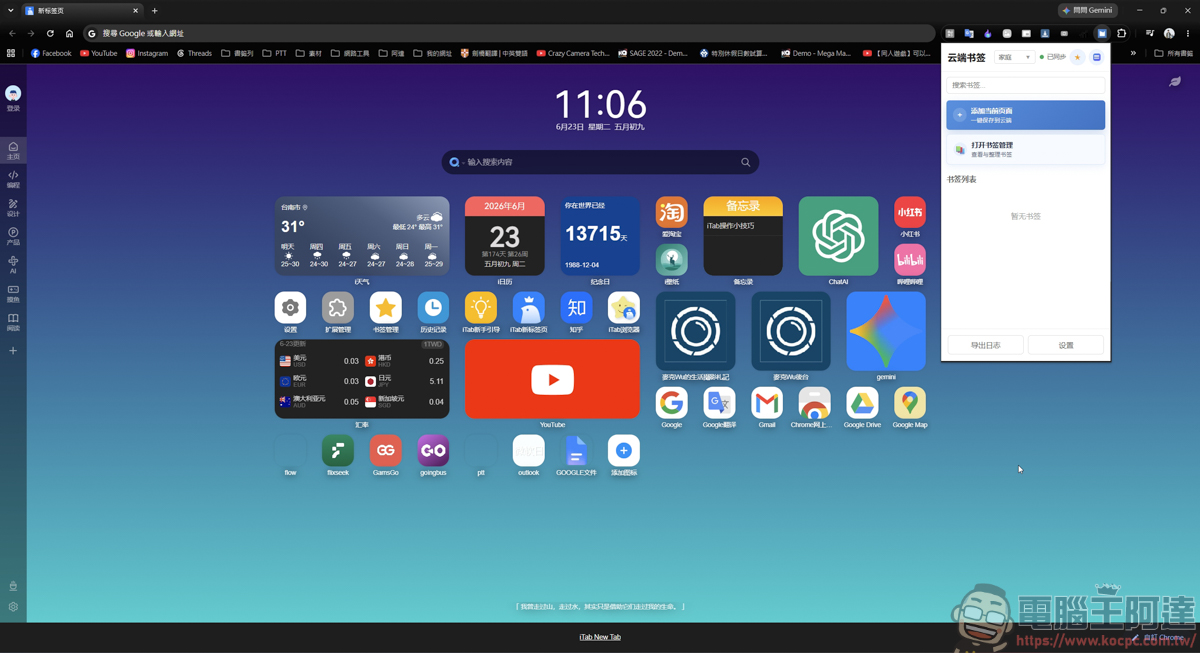
Open the page you want to save and press Add Current Page:
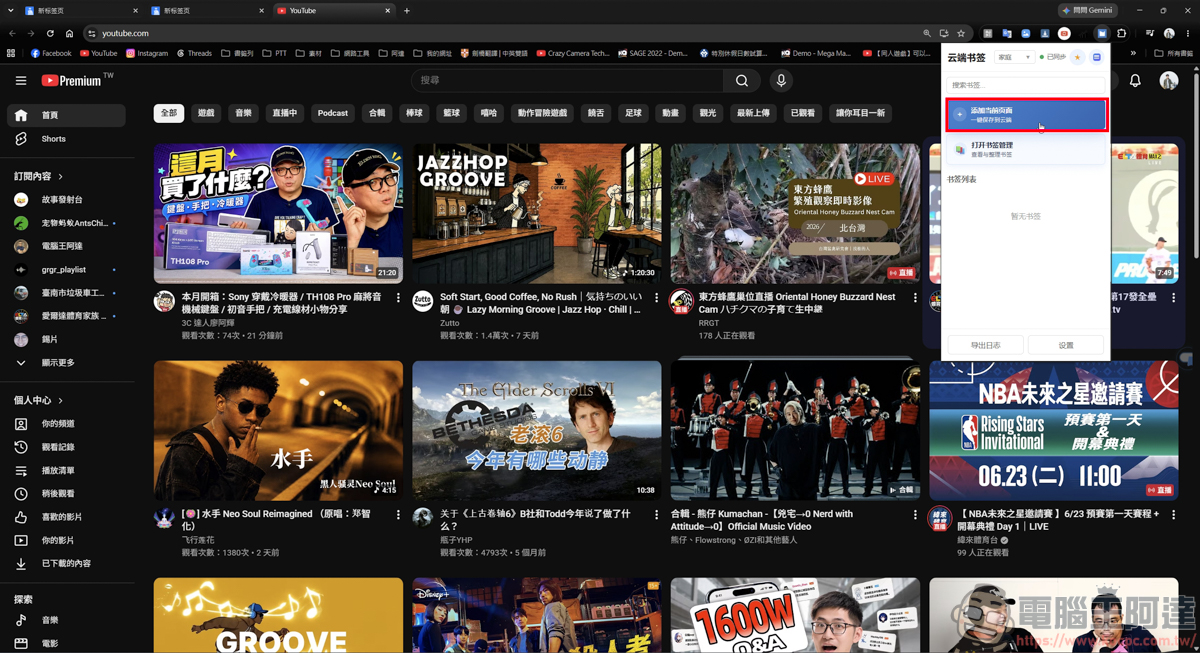
You can save the URL in the bookmarks bar and name it. The bookmarks saved at the same time will only be stored in the cloud bookmarks plug-in and will not conflict with the original ones:
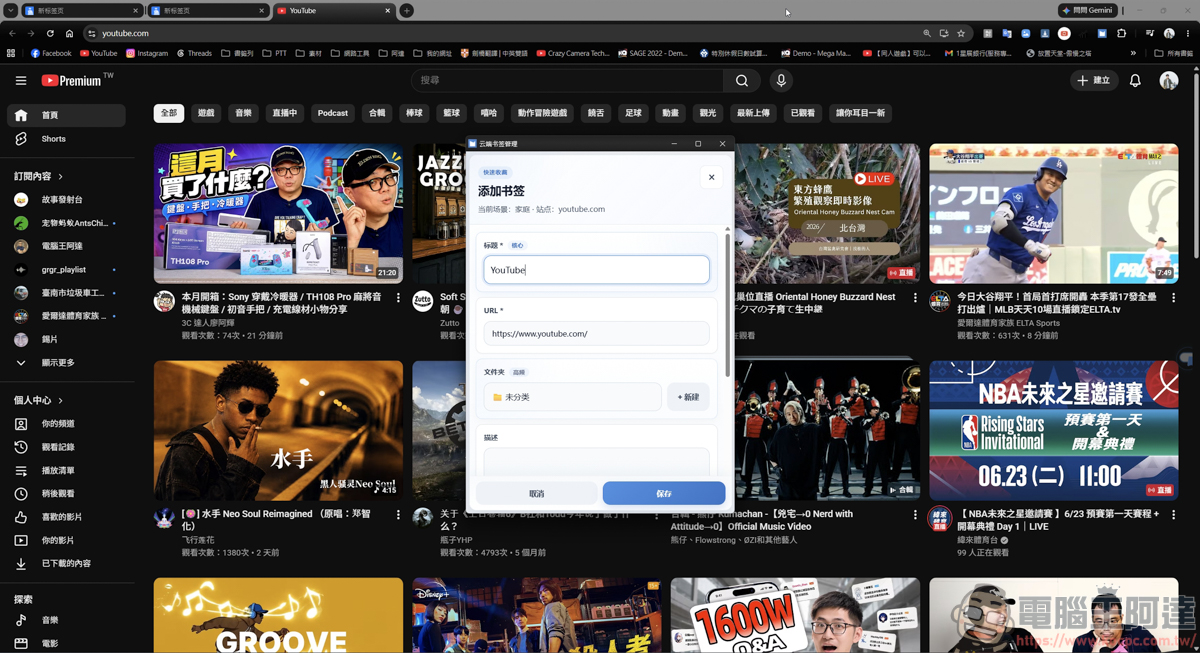
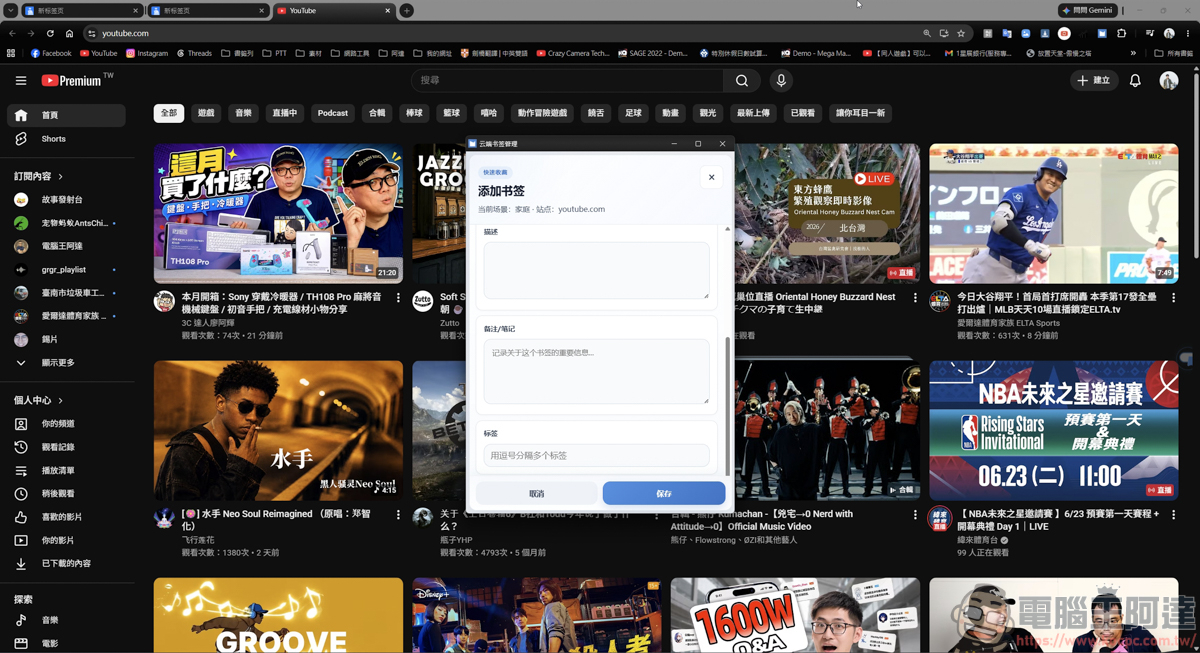
After saving, you can see your bookmark list when you open the cloud bookmark plug-in:
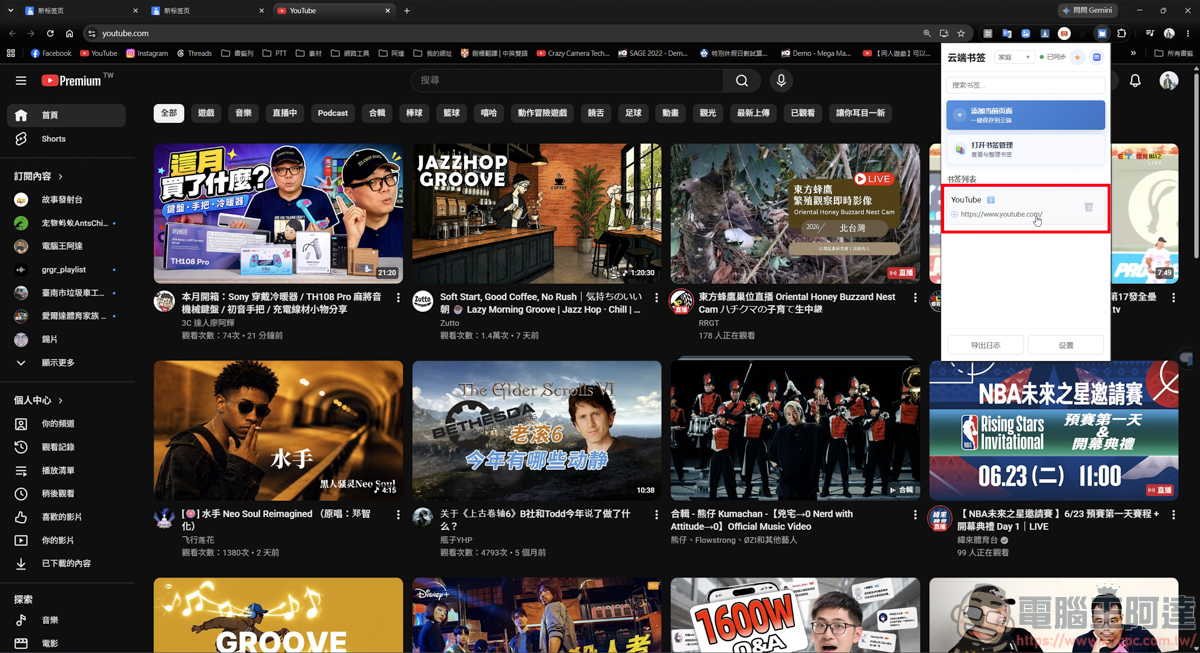
You can also open the bookmark manager in the background to classify and adjust bookmark content:
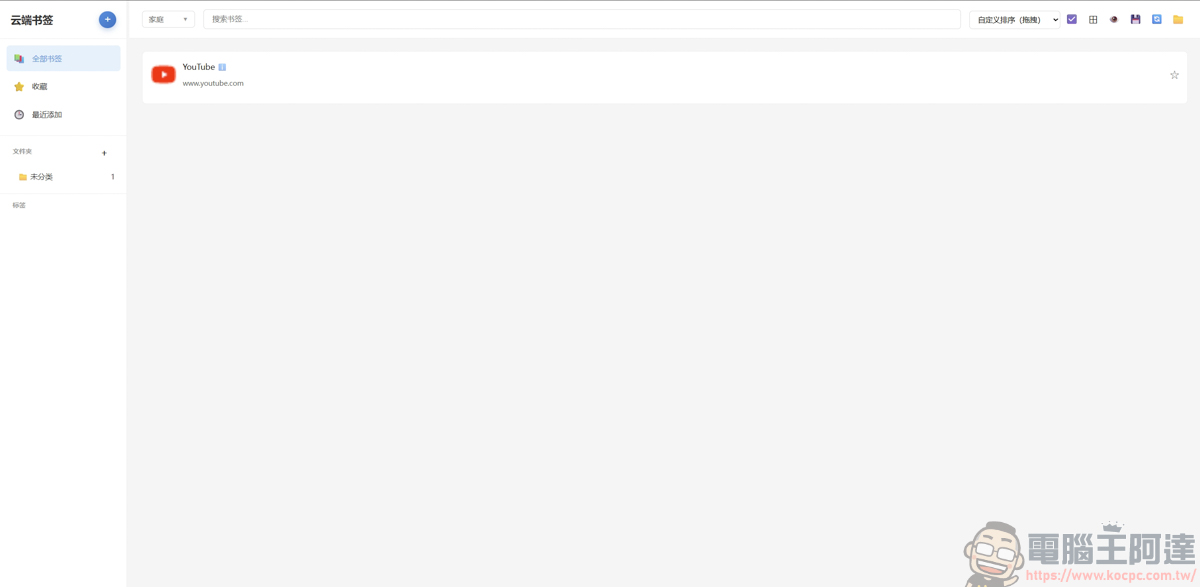
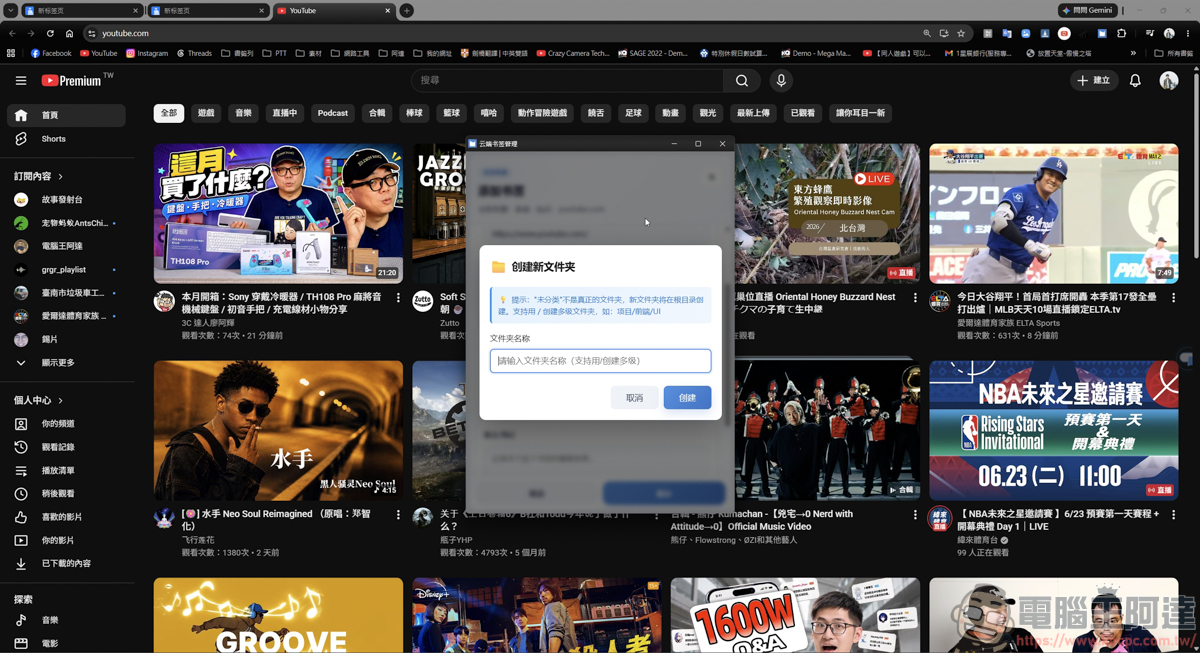
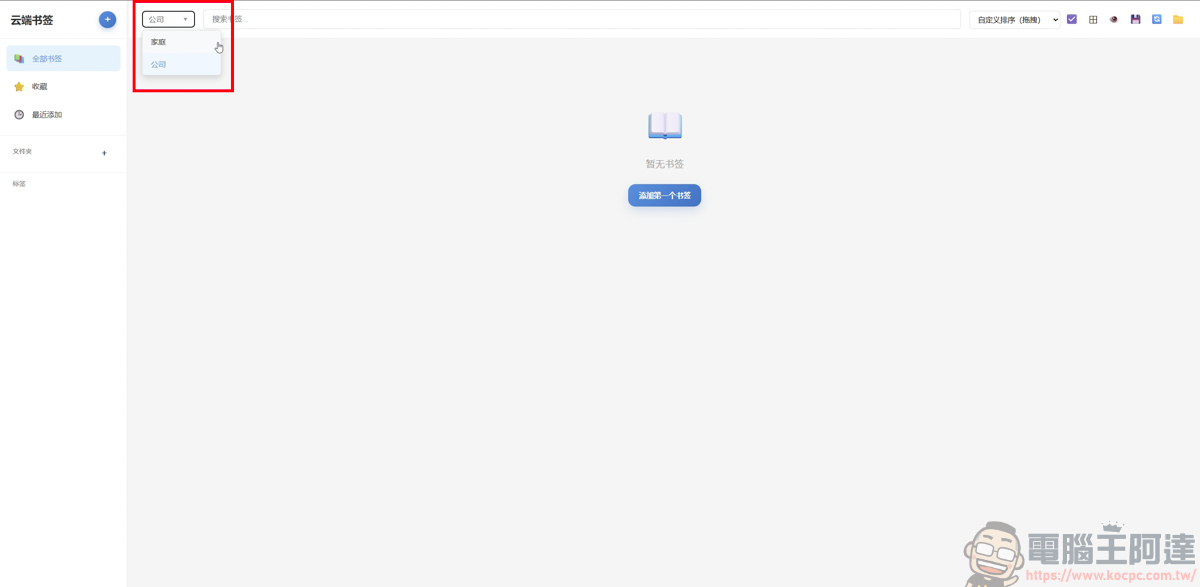
Through classification, you can also place bookmarks in different groups. Whether for home or work, you can quickly select the bookmark group you need:
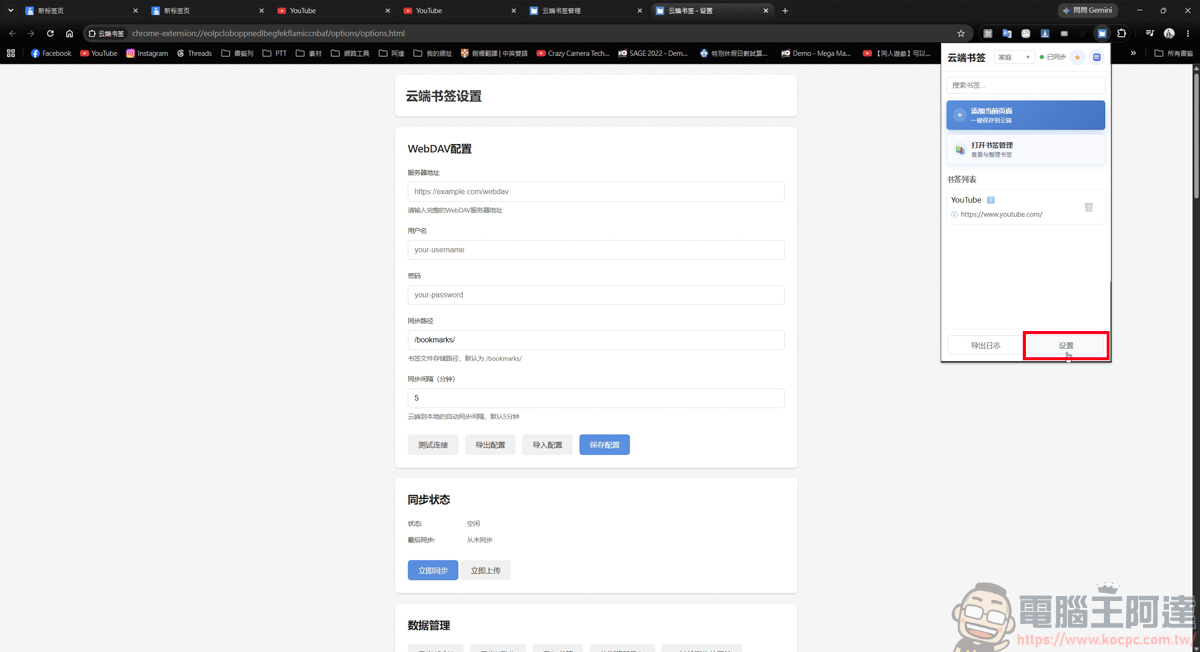
Next, let’s introduce the most practical function, which is the local password. There is a setting function in the lower right corner of the cloud bookmarks. After clicking on it, you will enter this screen. There is a WebDAV configuration at the top of the homepage. Users can use the WebDAV protocol to save bookmark data to a place you trust. For example, your own NAS at home or a trusted network hard drive:
The bookmark column group just mentioned can also continue to add new groups here:
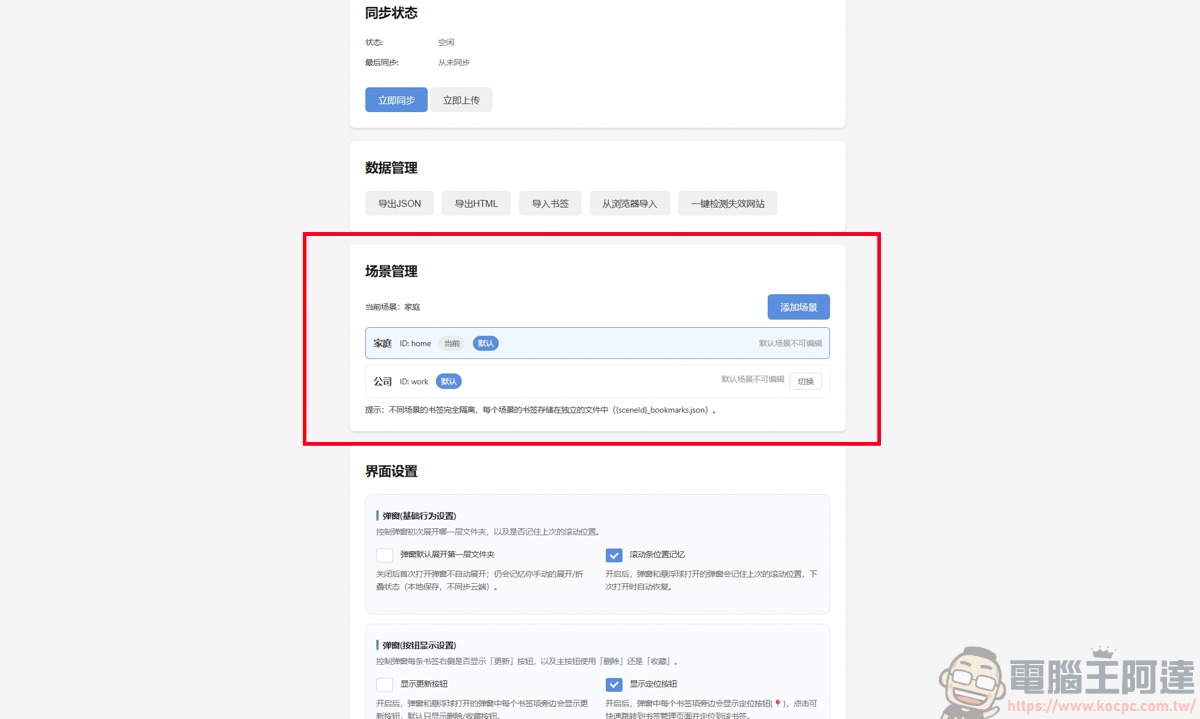
I won’t go into details about other functions. The most important function is this security setting:
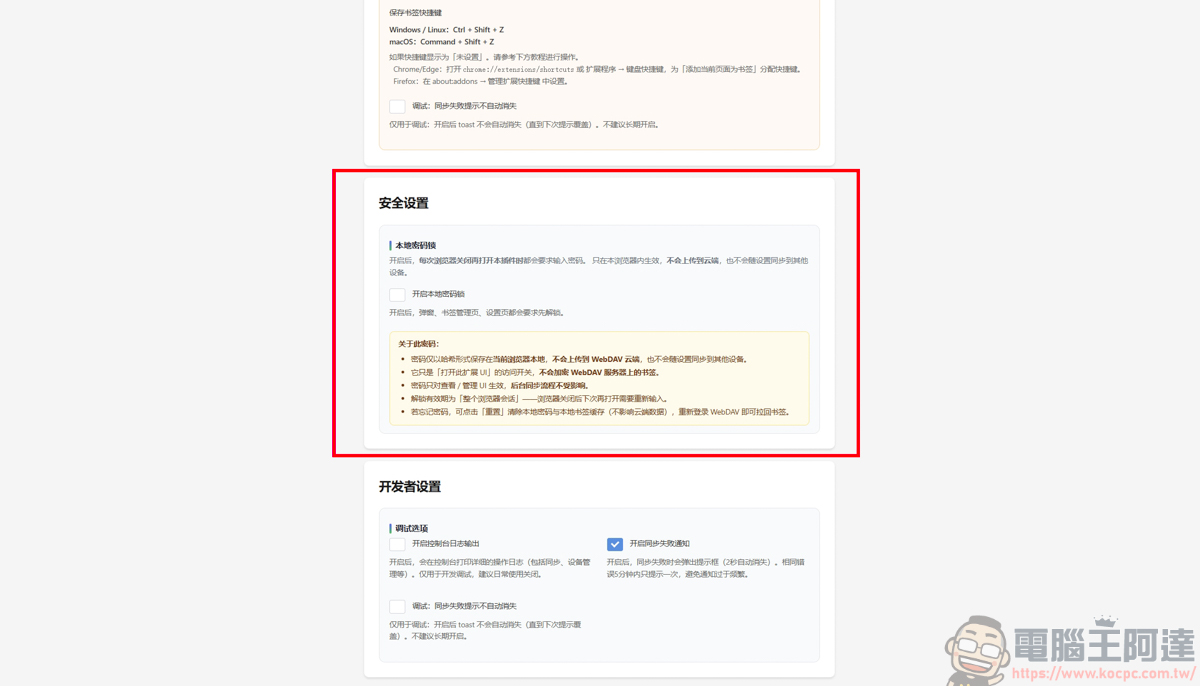
After turning on the local password function, you can enter a set of your private password:
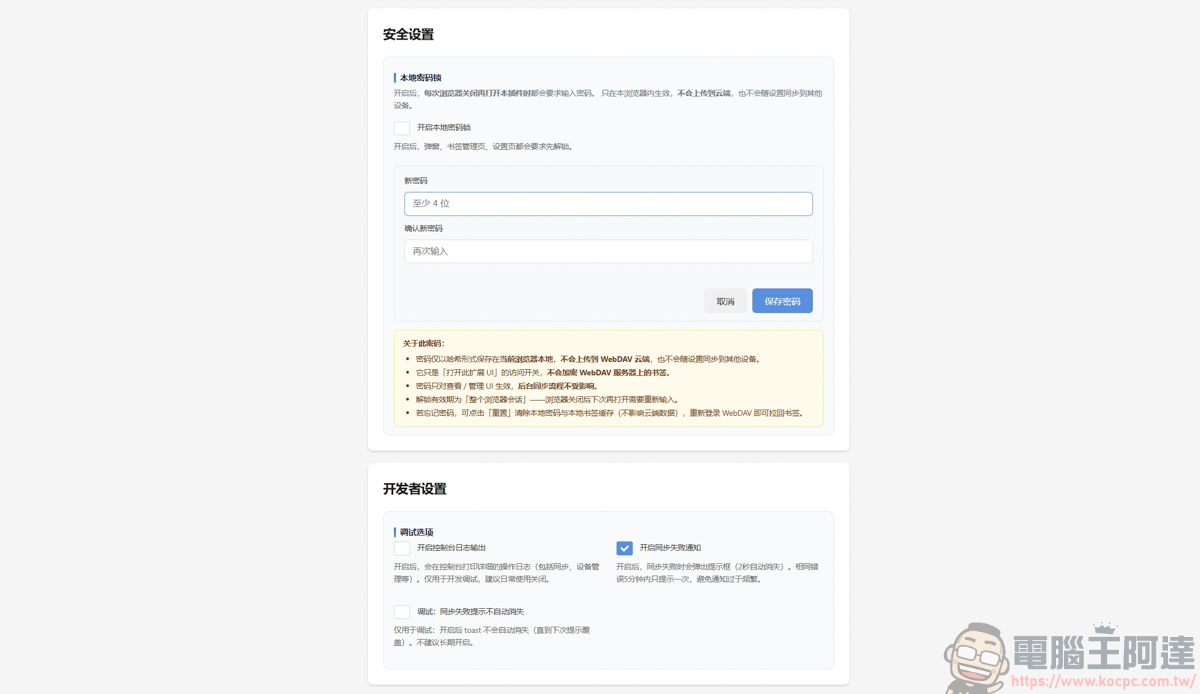
After setting and saving, your cloud bookmark local password function is set:
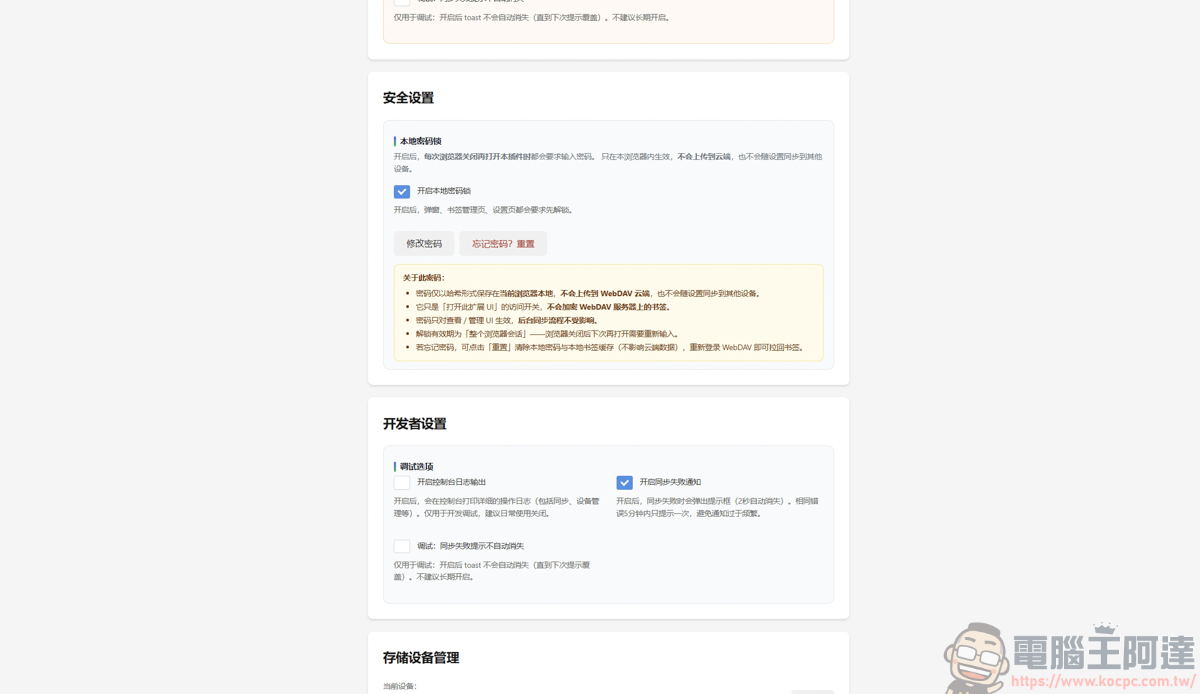
Then close all web pages and restart them:
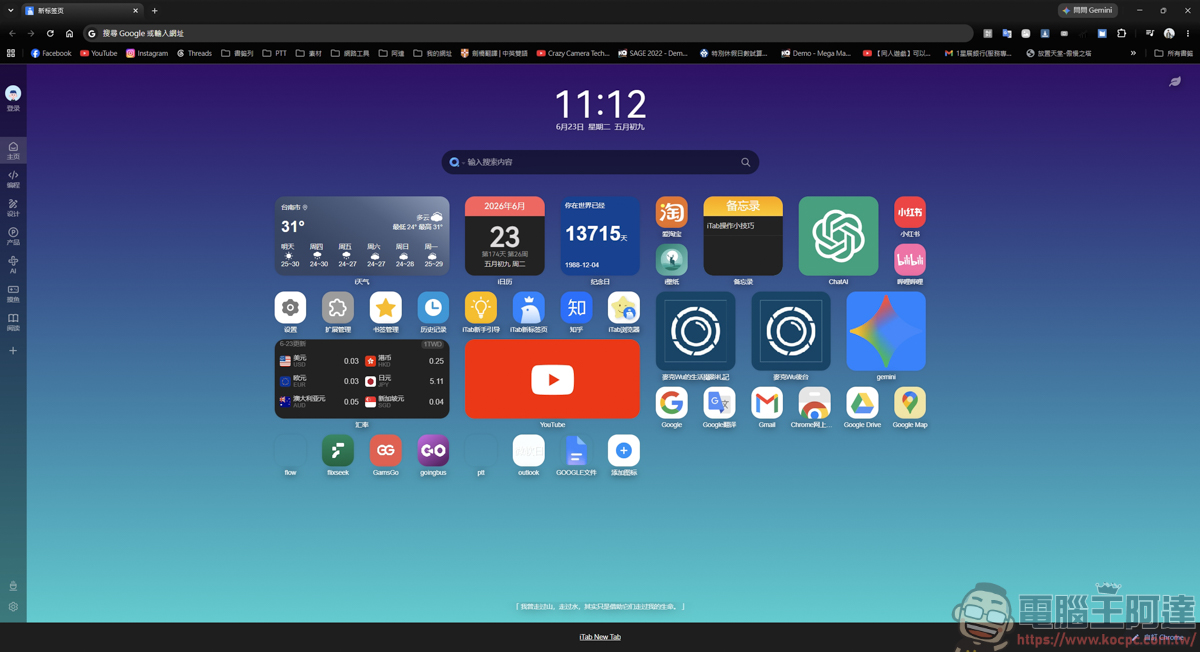
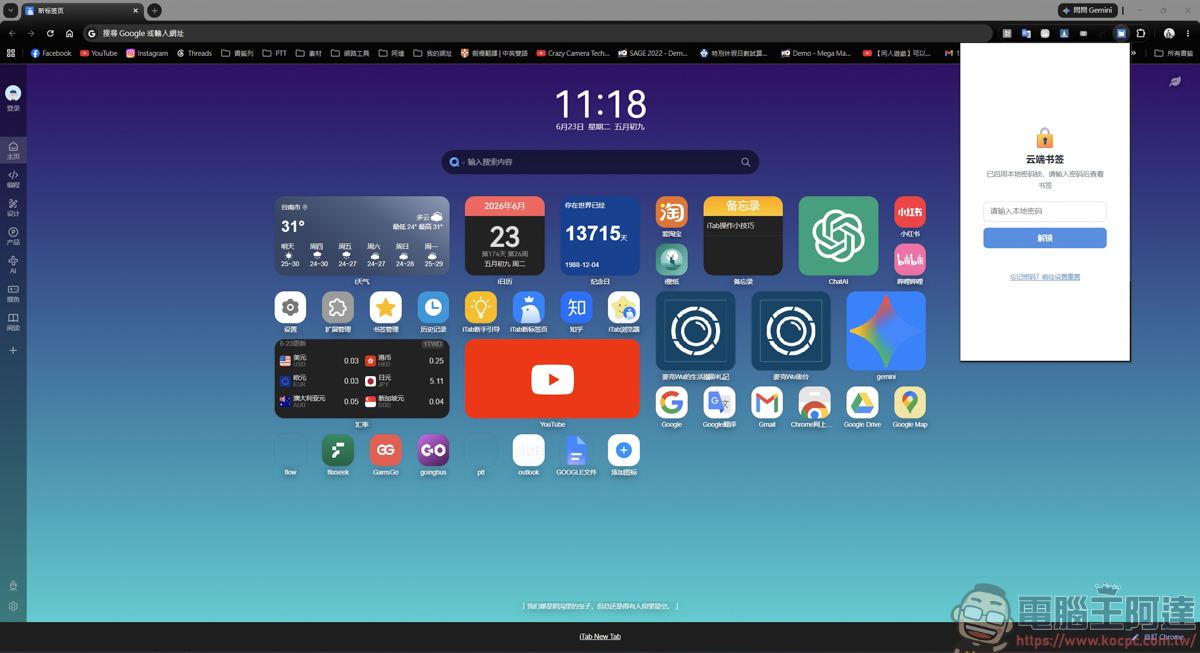
Open your cloud bookmark plug-in, then you will see the cloud bookmark plug-in that can be opened without entering a password, and then you will be asked to enter a password, so that your private bookmarks will not be seen by relatives, colleagues, and friends! If you are also suffering from the bookmarking tools on the market that are either too bloated or lack privacy protection, this lightweight and self-made plug-in that directly addresses the pain points undoubtedly provides a brand new solution:
Source: KOCPC Chinese