


In August, we introduced FLUX.1, a text-to-image model that was very popular online and free to use. Recently, we discovered another free text-to-image model called “Ideogram” whose results are comparable to FLUX.1. Today, I’ll teach you how to use Ideogram. Besides the tutorial, we’ll also use the same prompt to test the results of FLUX.1 and Ideogram. If you’re interested, let’s take a look!

Hands-On Tutorial: Ideogram’s Free Service for Ultra-Realistic AI Text-to-Image Generation
Ideogram, an AI company founded in 2023, built its own text-to-image foundation models, Ideogram v0.1 and v0.2, enabling them to turn coherent text into images. After hands-on testing by our editor, the results feel about on par with FLUX.1, another text-to-image model we previously covered. Today, we’ll introduce how to use this text-to-image model Ideogram and compare how Ideogram and FLUX.1 perform with the same prompt.

Go use the Ideogram text-to-image model.
After visiting the Ideogram website, you first need to register for an account, and you can choose to use either a Google or Apple account.
Each account has 10 points per day. It costs 2 points to generate a set of four images. You can generate up to five sets of images for free per day. If you exceed five sets, you need to wait until 7 a.m. the next day to get free points again.

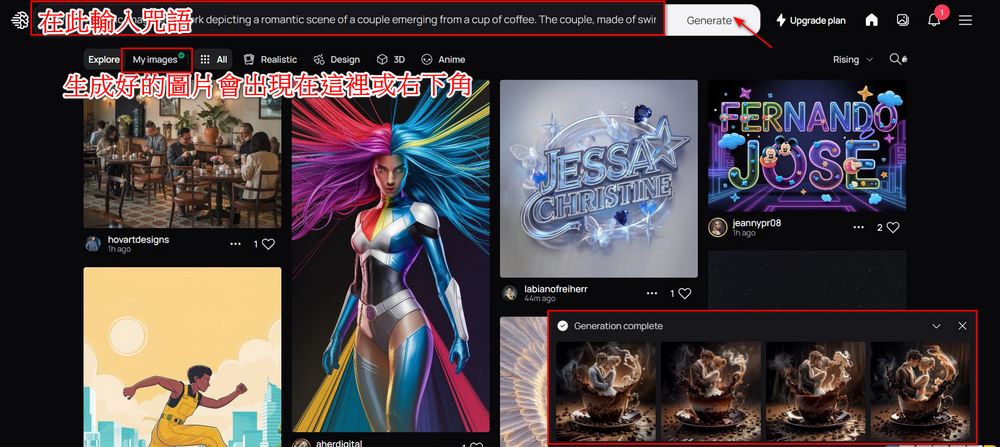
After registering, you will see the screen shown in the image below. Enter the prompt you want to use in the red box. After entering it, click Generate to start generating the image.
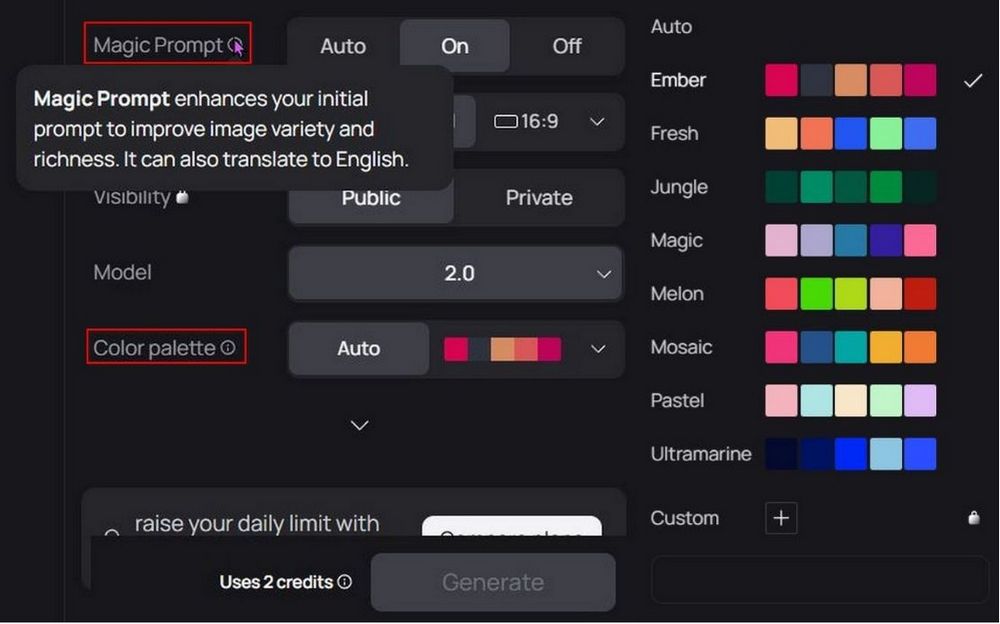
Before generating images, you can adjust settings. Turn on Magic Prompt, and Ideogram will automatically enhance your prompt and even translate Chinese prompts into English. If you have specific requirements for the images, you can also use Color Palette to limit the color tone of the generated images.
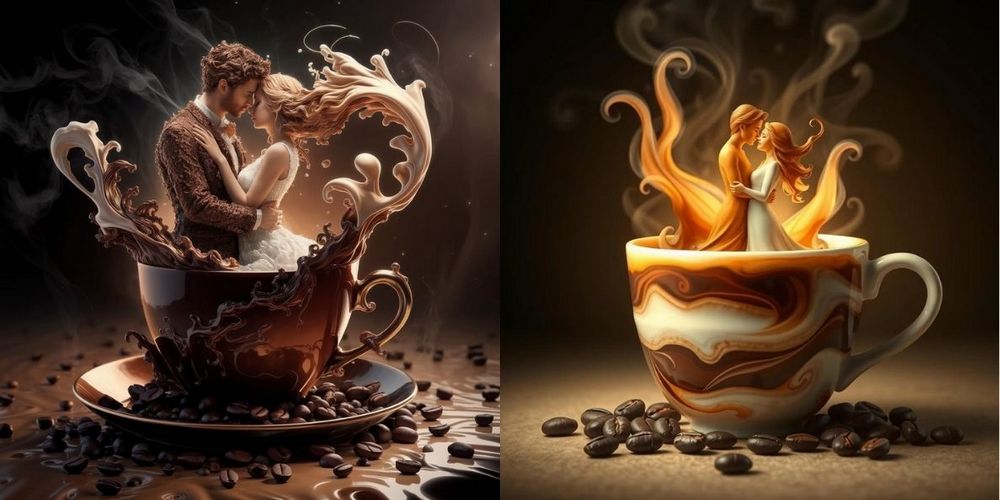
I’ve attached images generated using the same prompt with Ideogram and FLUX.1. You can see how the two models perform with the same prompt. (Left is Ideogram, right is FLUX.1)
- A hyper-realistic, magical artwork depicting a romantic scene of a couple emerging from a cup of coffee. The couple, made of swirling coffee and cream, embraces tenderly, their forms elegantly interwoven with steam and liquid patterns. The scene is illuminated by a soft, warm light, highlighting the textures and colors of the coffee and cream. Coffee beans are scattered around the base of the cup, adding to the rich, aromatic atmosphere. The background is dark and moody, enhancing the ethereal glow around the couple, creating an intimate, fairy-tale ambiance.
- 咒語:「Create a photorealistic hyperdetailed three-dimensional poly resin sculpture of Albert Einstein lying in a beach chair. He is wearing a Hawaiian shirt, sunglasses, and sipping a tropical drink. He is reading a copy of Mad Magazine.」

- Spell: “A [creature] with a leather jacket riding on a motorbike with the forest whirling past in the background. The motorbike resembles the [creature], with detailed features like its scales, fur, or wings integrated into the bike’s design. The scene is dynamic and full of motion, capturing the thrill and speed of the ride, with trees and foliage blurring into streaks of green and brown.”

Besides the comparison images, you can also check the details of the individual Ideogram images:
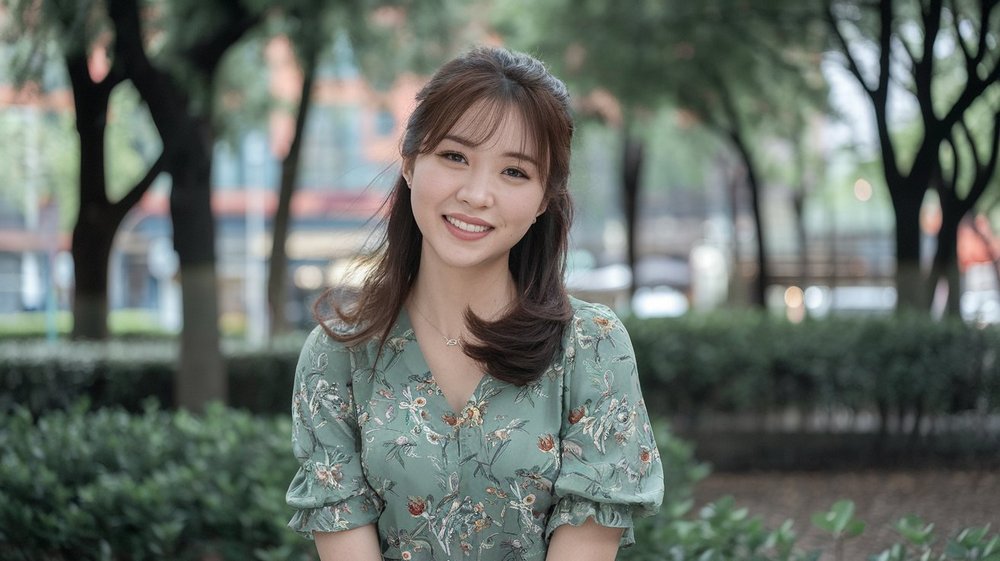
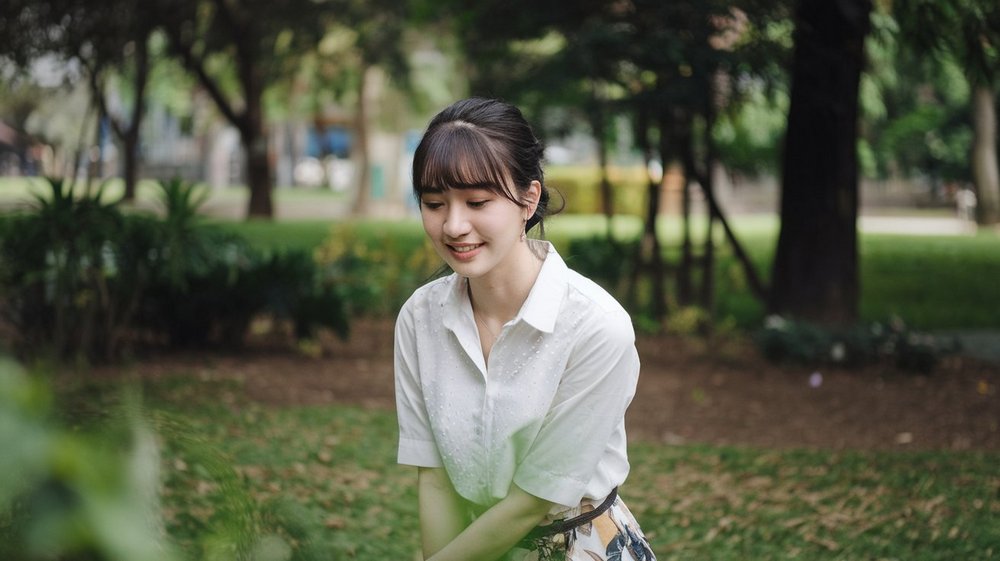
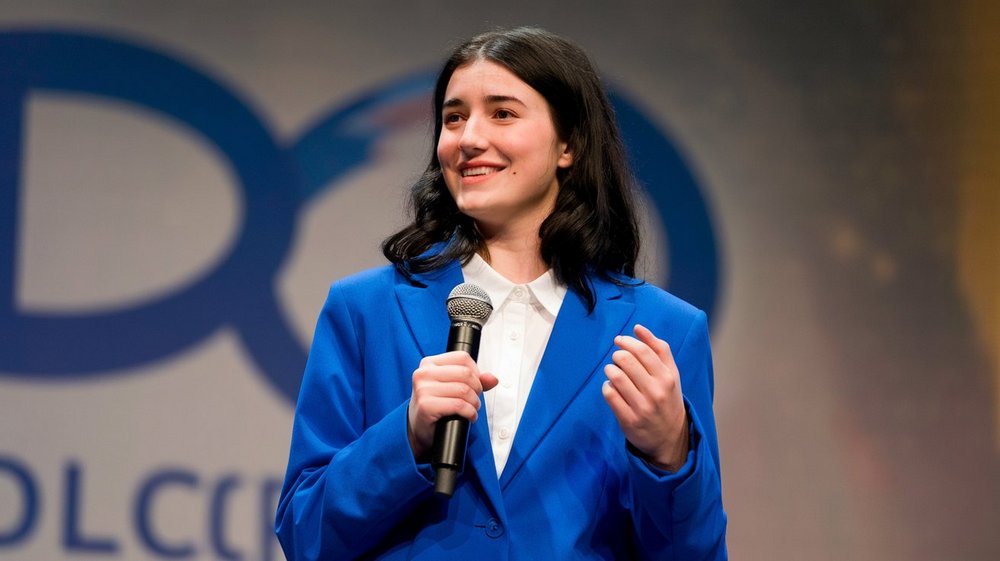

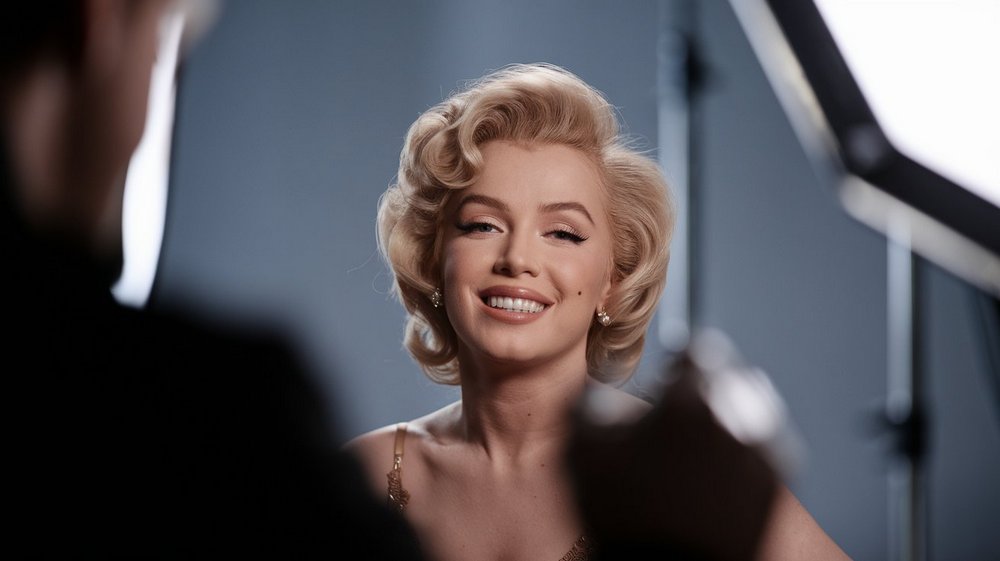
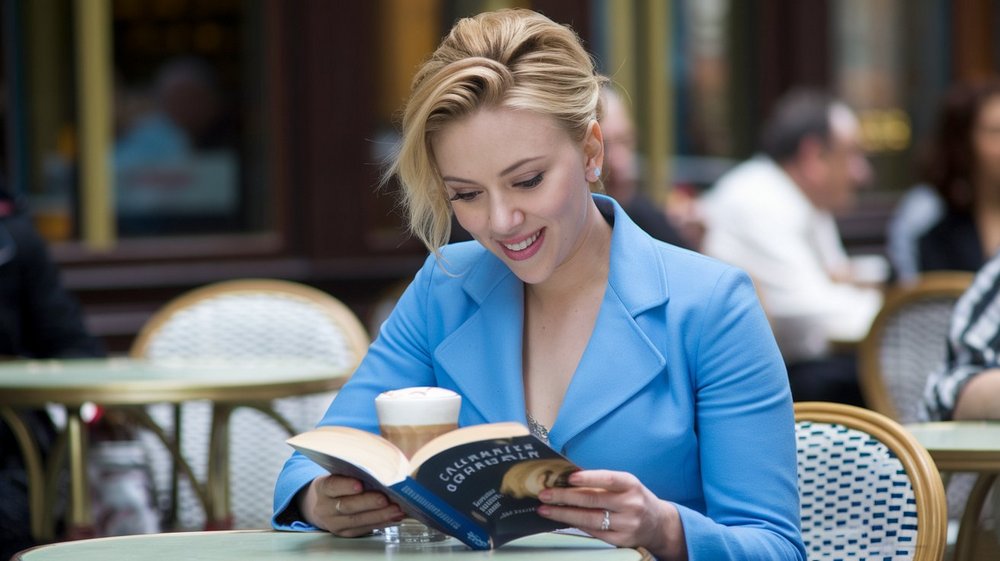
After netizens tested it, Ideogram can also generate images of celebrities, unlike Meta、Google Similarly, generating images has limitations. (Image source:HY Chan)


Go use the text-to-image model Ideogram.
Although the output generated by Ideogram is already quite good, if you look closely, you can still spot flaws in the fingers of the people in the images. It’s clear that AI still hasn’t fully figured out the finger area, but that’s not necessarily a bad thing—at least people can now use the fingers in an image to determine whether it was AI-generated.
If you’re interested in text-to-image models, you can visit the link below to read our previous introductions to text-to-image models such as FLUX.1 and Grok.
Source: KOCPC Chinese