• About Us
King of Computer Media
  • Home
  • Tech News
  • AI News
  • Apps & Tutorials
  • Mobile & Telecom
  • Lifestyle
  • About Us
No Result
View All Result
  • Home
  • Tech News
  • AI News
  • Apps & Tutorials
  • Mobile & Telecom
  • Lifestyle
  • About Us
No Result
View All Result
King of Computer Media
No Result
View All Result

Home - Cross-platform App - The web version of Google Drive can be used offline and supports all file types!

The web version of Google Drive can be used offline and supports all file types!

ROSS by ROSS
September 5, 2021 - Updated on August 4, 2026
in Cross-platform App

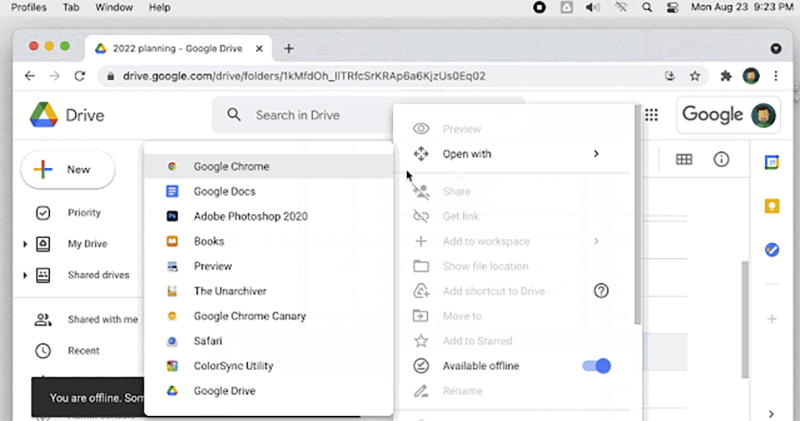
If you are also a fan of Google Drive, you should be looking forward to launching the beta test in 2019, which will allow you to directly select the “offline access” offline file function from the right-click menu for all files when using the web version of Google Drive. Now, the official has officially announced that this feature has begun to be pushed to all users (Spreading Flowers). Continue reading The web version of Google Drive can be used offline and supports all file types! Report text.
網頁版 Google Drive 雲端硬碟離線使用支援全部檔案類型
▲Image source: Google

The web version of Google Drive can be used offline and supports all file types!

Although you still need to install the corresponding Mac / Windows application of Backup and Sync. However, this feature that supports offline access to the web version of Google Drive has now been confirmed to support offline use of all file formats including PDF, Office or images (previously only Google-related files were supported). I believe that more people will think of preparing for offline use in advance when they want to use computers in areas where there is no network or the connection is unstable – or when they want to disconnect directly to avoid being disturbed during a presentation.
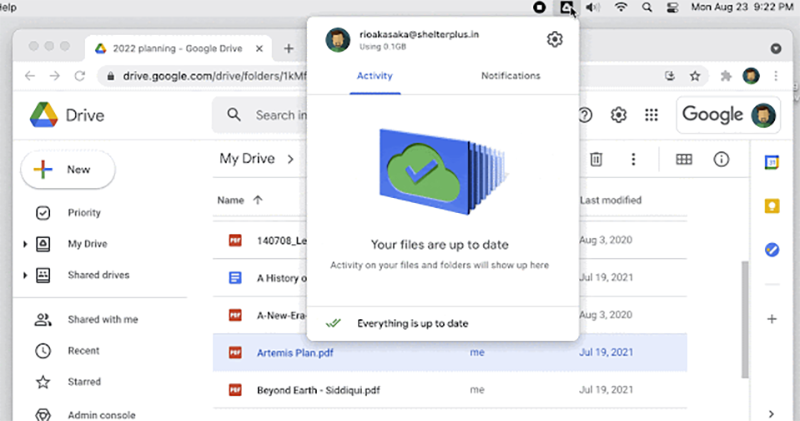
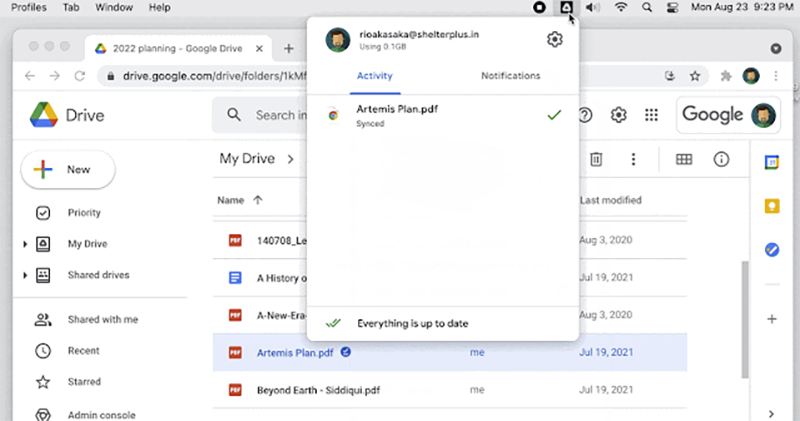
This feature is very simple to use. As long as you have installed the corresponding Backup and Sync application, you will see a synchronization-specific icon in the system taskbar after startup. After completing the installation settings, as long as you right-click on the file on the Google Drive web page, you can select “Offline Access” and see a prompt that Backup and Sync is synchronized, so you can easily access it offline.
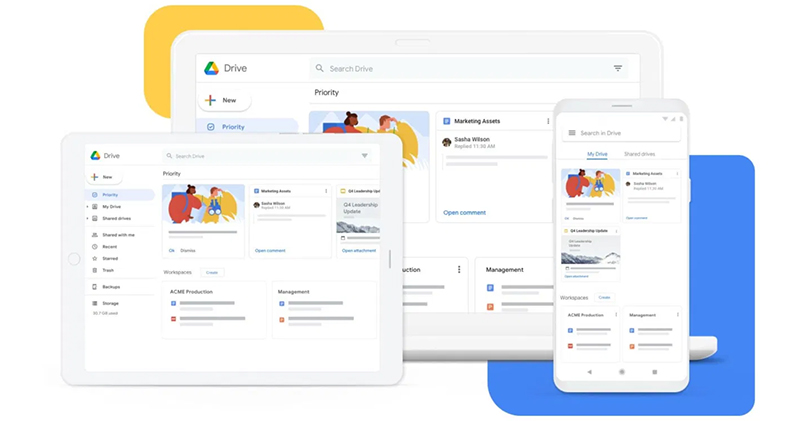
This time, Google has also enhanced the offline access options for Google documents, spreadsheets and presentation files in the Files app on Chrome OS devices. There is no need to jump to individual Drive or Doc services to start. The two changes mentioned in this article are officially expected to be gradually rolled out to users in the next few weeks, so you can look forward to it.
Pictures/sources cited in this article

Further reading:
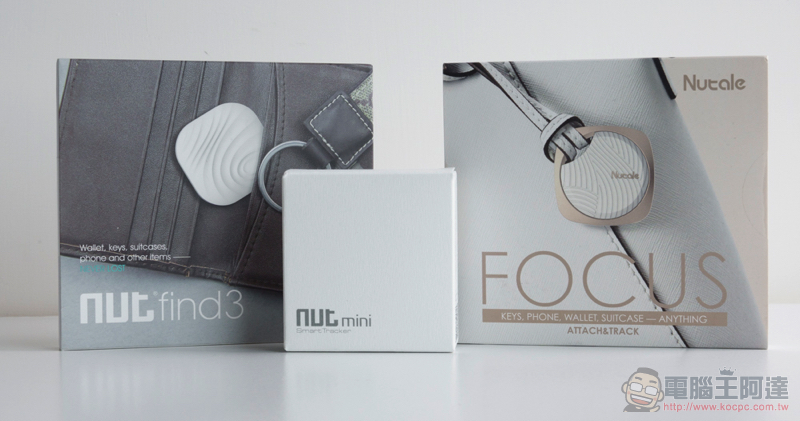
An affordable, stylish and lightweight anti-lost device! Camino Nut 3/Nut mini/Nutale Focus unboxing and hands-on play (evaluation review unboxing experience)

“Free battery replacement” is a great deal! Gwangyang launches the national electric car Ionex with the craziest three discounts (a summary of electric car purchase discounts)

Source: KOCPC Chinese

Tags: Cloud DrivefileFilesGoogleGoogle DriveOFFICEOfflinePDFpictureword

Recent Posts

  • The Xiaomi Pad 8S Pro has passed network access certification and will debut with the self-developed XRING O3 chip.
  • The entire Google Pixel 11 lineup has been leaked! Official promotional renders of the Pixel 11 Pro XL have also surfaced
  • Are Chinese phone battery capacities falsely labeled? A brief look at the “capacity locking” phenomenon in Chinese silicon-carbon batteries.
  • NCC is leaderless, recklessly sending out national-level alert messages!?
  • What does “QR” in QR Code mean?

Recent Comments

No comments to show.
  • About Us

We welcome partnership inquiries and product review opportunities from smartphone manufacturers, iPhone accessory brands, and app developers.koc kocpc.com.tw|Privacy Policy |Hosting & Maintenance: Fast Line Taiwan, A-Chang Digital Technology

No Result
View All Result
  • Home
  • Tech News
  • AI News
  • Apps & Tutorials
  • Mobile & Telecom
  • Lifestyle
  • About Us

We welcome partnership inquiries and product review opportunities from smartphone manufacturers, iPhone accessory brands, and app developers.koc kocpc.com.tw|Privacy Policy |Hosting & Maintenance: Fast Line Taiwan, A-Chang Digital Technology