


Although Windows 10 has a built-in scrapbook gadget, it is very simple and has no other additional functions, which may not be enough for some users. The CopyQ open source gadget recommended in this article is another good choice. It can not only record text, links, pictures and other contents, but also provides many practical functions, such as labels, action commands, customized shortcut keys, and a Chinese interface. It is supported by Windows, Mac, and Linux. I will share it with you below.
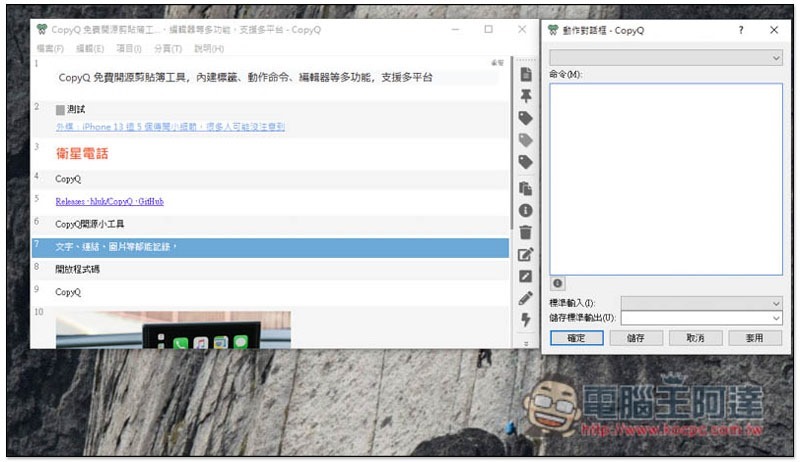
Introduction to CopyQ open source free scrapbooking gadget
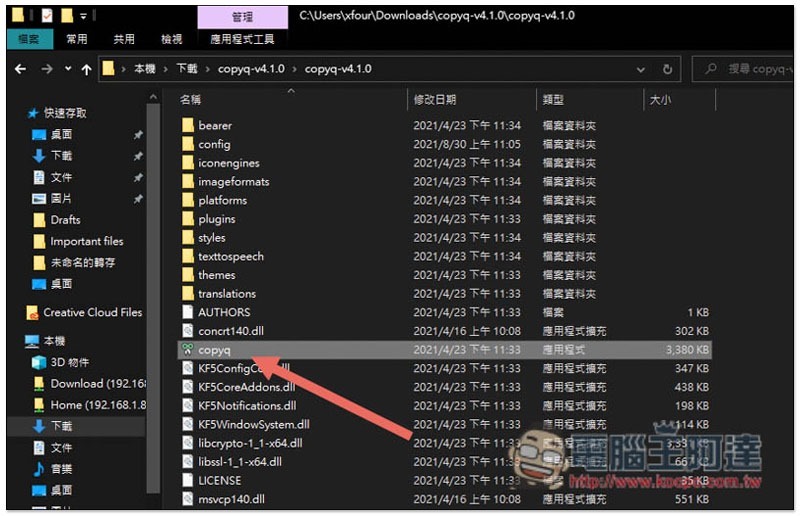
The Windows version of CopyQ has two versions: installation version and installation-free version. It depends on which one you prefer. I will use the installation-free version as an example. .exe is the installation file, and .zip is installation-free.
After downloading and unzipping, click copyq twice to open the file:
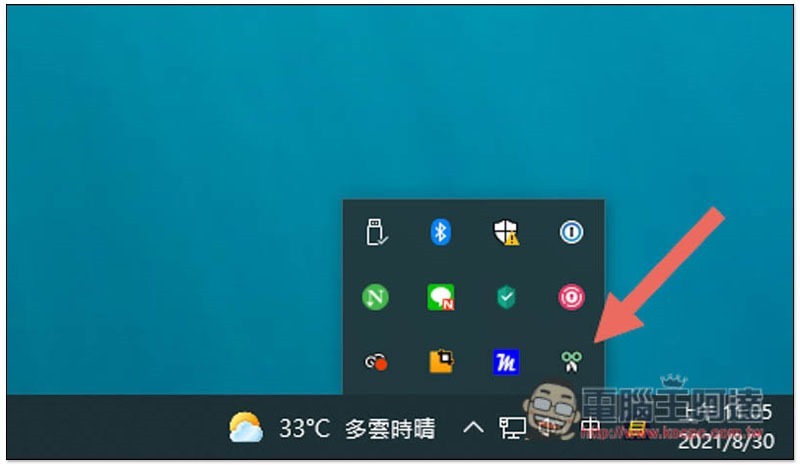
It will be hidden in the gadget menu in the lower right corner:
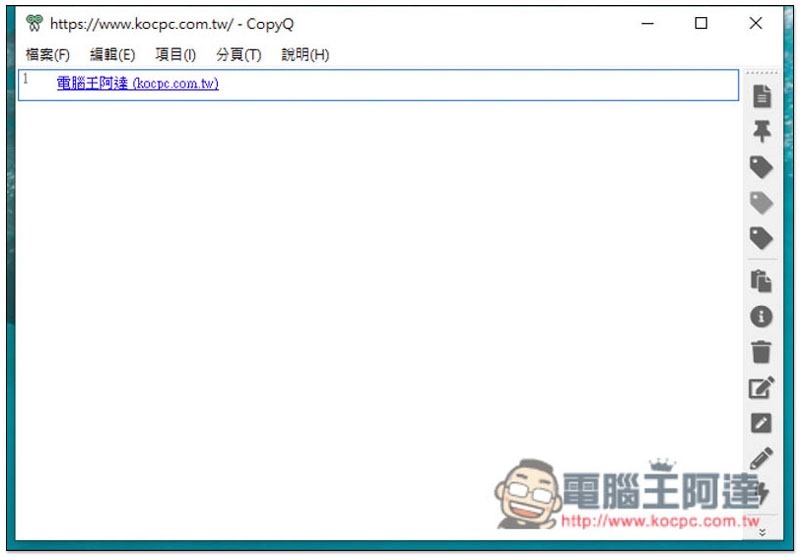
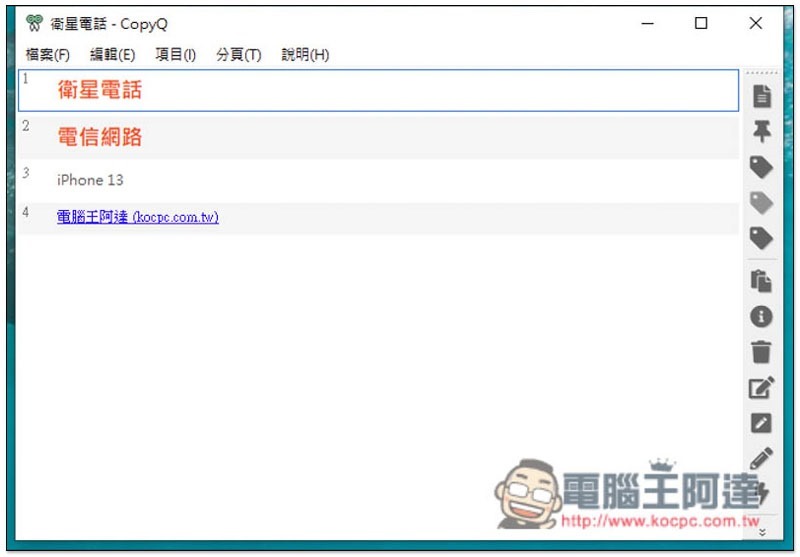
Then basically everything you copy will be recorded, and it will also be recorded according to the format at that time:
As shown in the picture below, when I copied “Satellite Phone” and “Telecom Network”, the text was in H2 format and the color was red, so it was completely recorded. In addition, after double-clicking, in addition to automatically copying the text, the format will also be copied, which is very good:
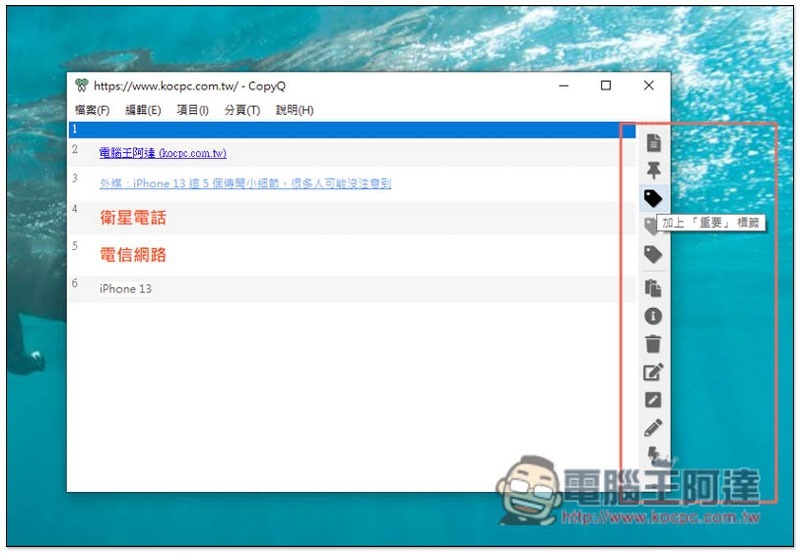
There are many functions available on the right side, such as adding tags, adding notes to an item, etc.:
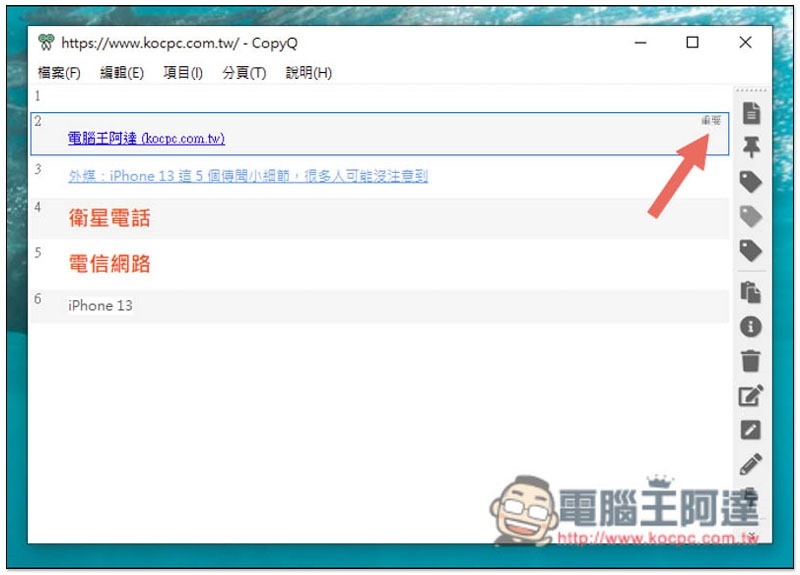
The tags will be displayed at the end, so that when you copy more and more things, you don’t have to worry about not being able to find your frequently used or important content:
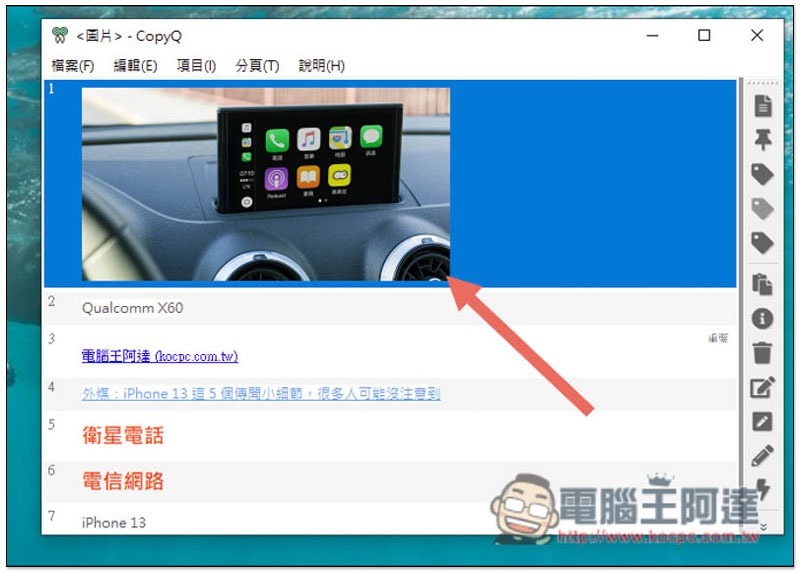
Pictures can also be recorded, which is much more powerful than the built-in clipboard in Windows 10:
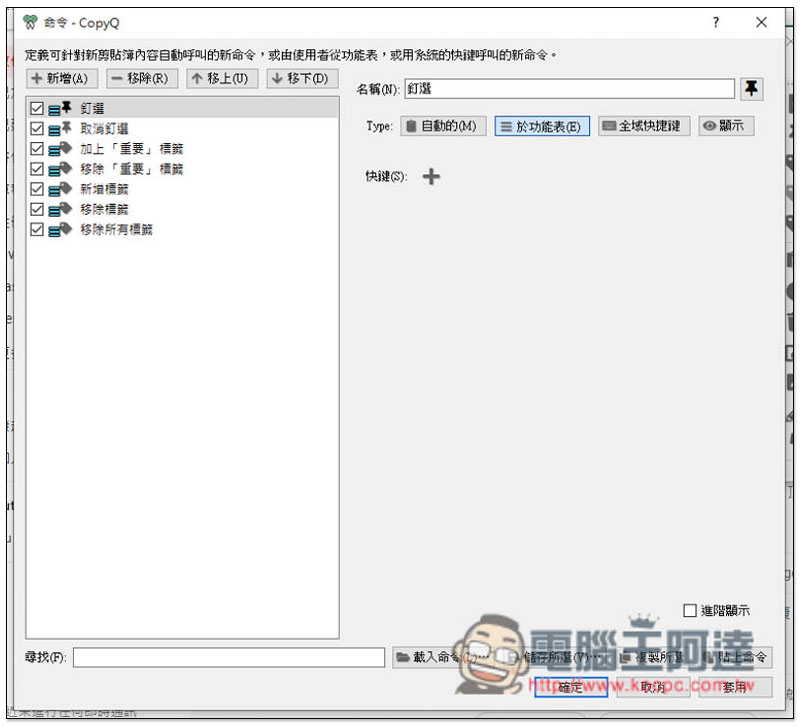
It also has a built-in command function. You can add commands such as automatically opening an application after clicking on a copied item, or set up a certain type of content to be copied and automatically stored in a specified label, etc. It is quite useful. I highly recommend trying it:
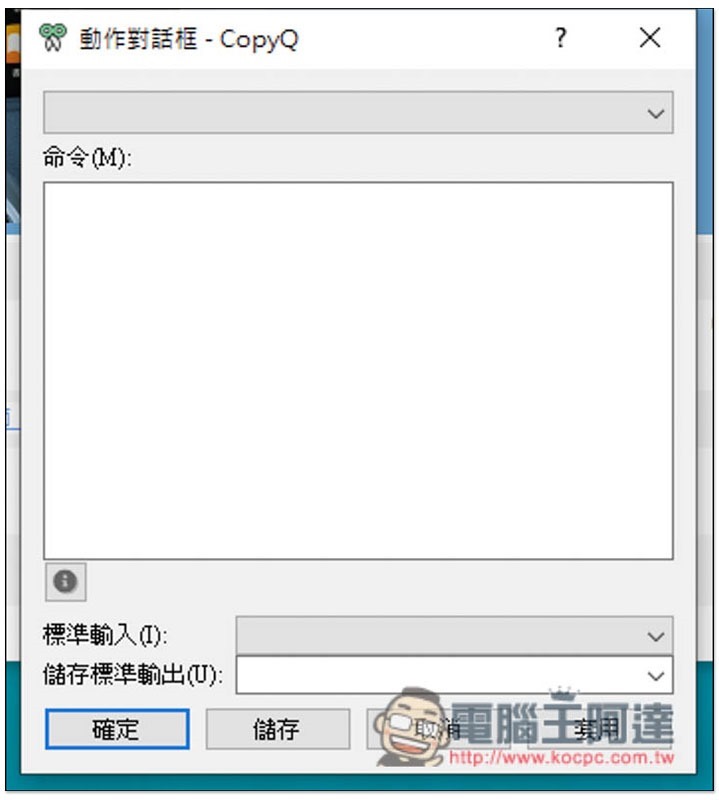
There is also an action dialog box:
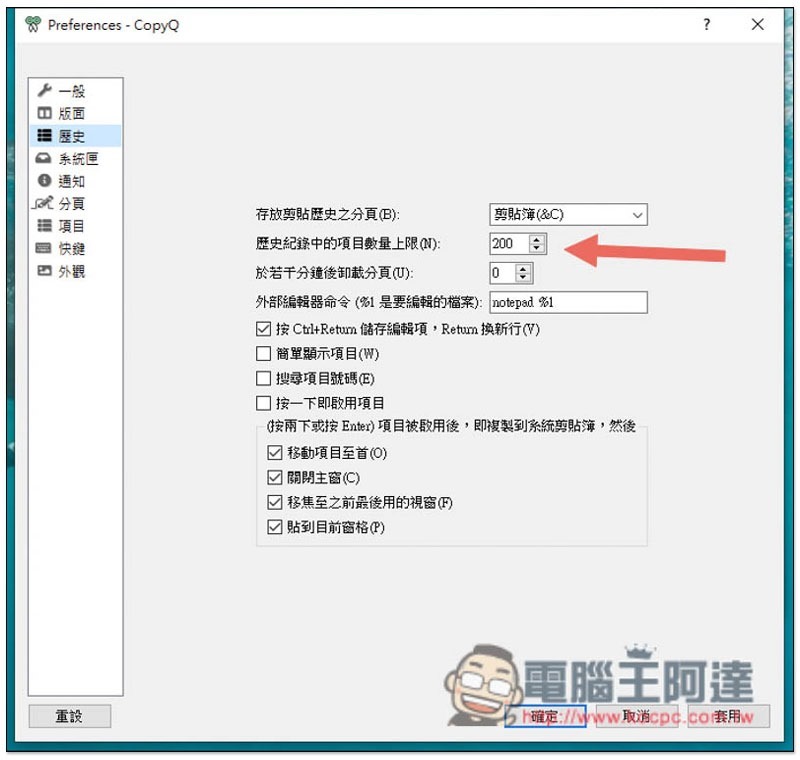
The default maximum number of recorded items is 200, and you can increase or decrease it yourself:
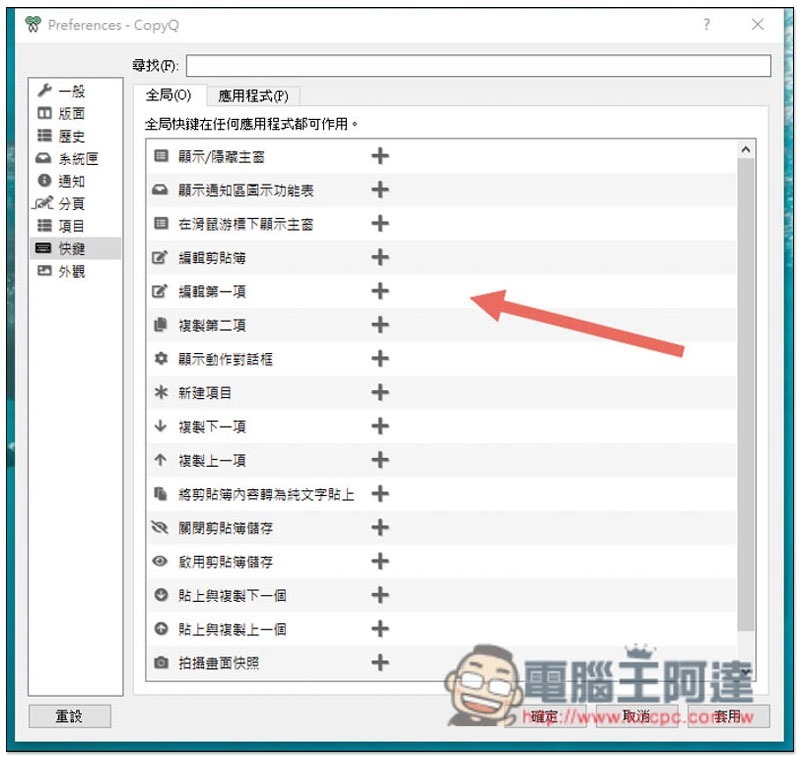
Shortcut keys can also be customized:
This tool also has other good functions, such as program manager, editing with an editor, or manually adding content to the clipboard, etc. The rest is left to the readers to play around.
Source: KOCPC Chinese