


When making videos, you’ll always need some sound effects. Although there are many free sound effect libraries online, they take time to search through, and sometimes you might not find something 100% satisfactory. As AI gets more and more powerful, AI-generated sound effects have become really useful too. For example, the “Free AI Sound Effect Generator” launched by PopPop AI is quite good. It supports Chinese descriptions (prompts) and generates two sound effects at once for you to choose from. If you’re satisfied, you can download directly—no registration required, and it’s completely free.
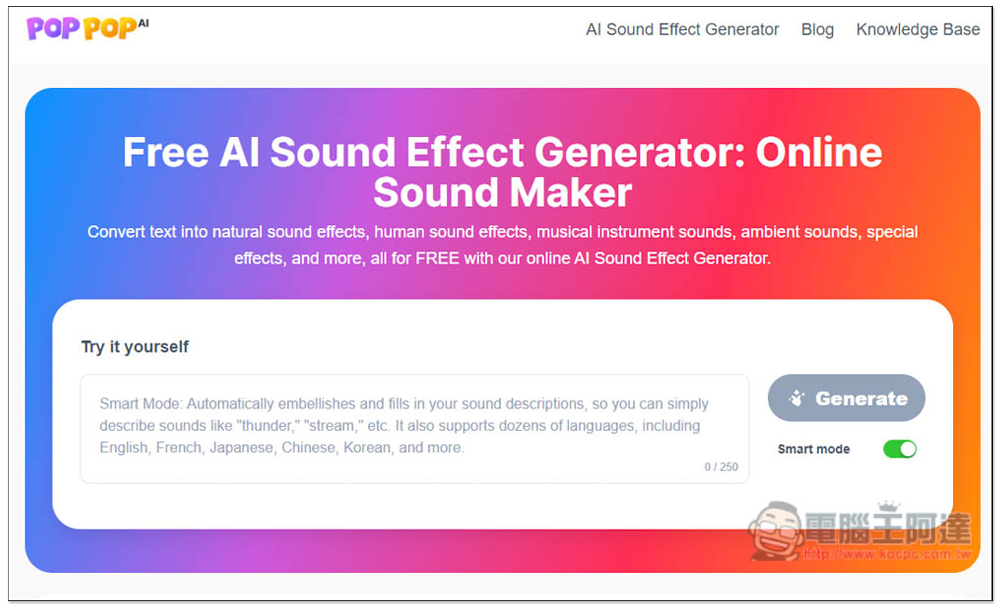
Free AI Sound Effect Generator – generate and download directly, no registration required.
The Free AI Sound Effect Generator is very simple to use. Once you’re on the website, you can enter a description of the AI sound effect you want to generate. It’s best to be as detailed as possible—for example, if you just type “mountain stream water,” the result might not be exactly what you had in mind. You can add other sounds you’d also like to appear in the effect.
For example: located in the mountains, with the sound of a small stream flowing, occasionally the calls of birds and silkworms, a slight breeze, and so on.
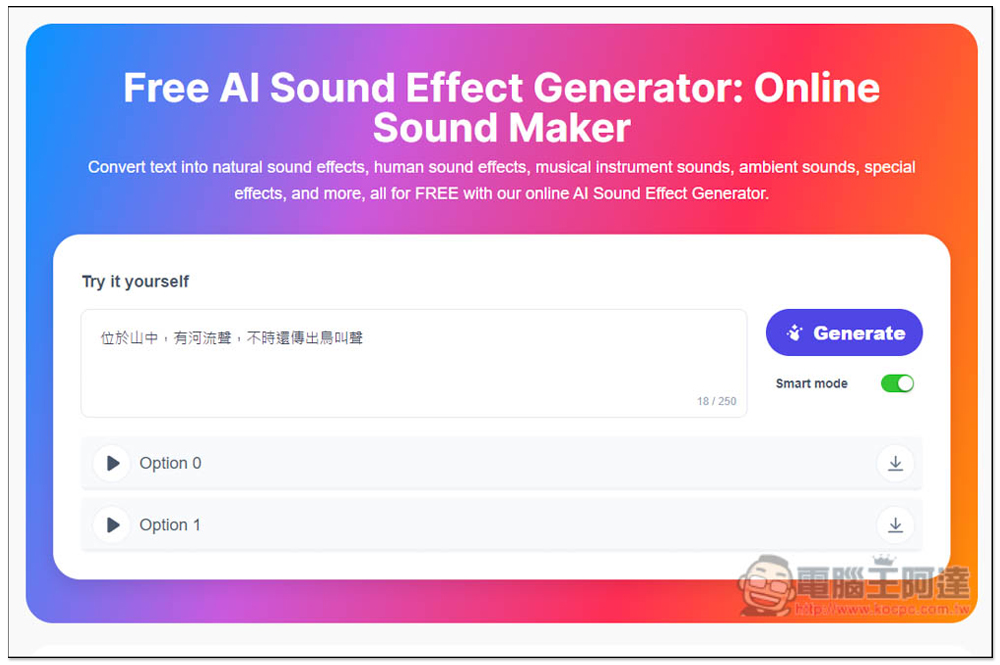
Each generation produces 2 AI sound effects, with online preview available. You can download them if satisfied. It also supports creating links, making it easy to share with others or download.
Click the link above to go to Free AI Sound Effect Generator, enter the description of the sound effect you want to generate in the box, then click Generate on the right:
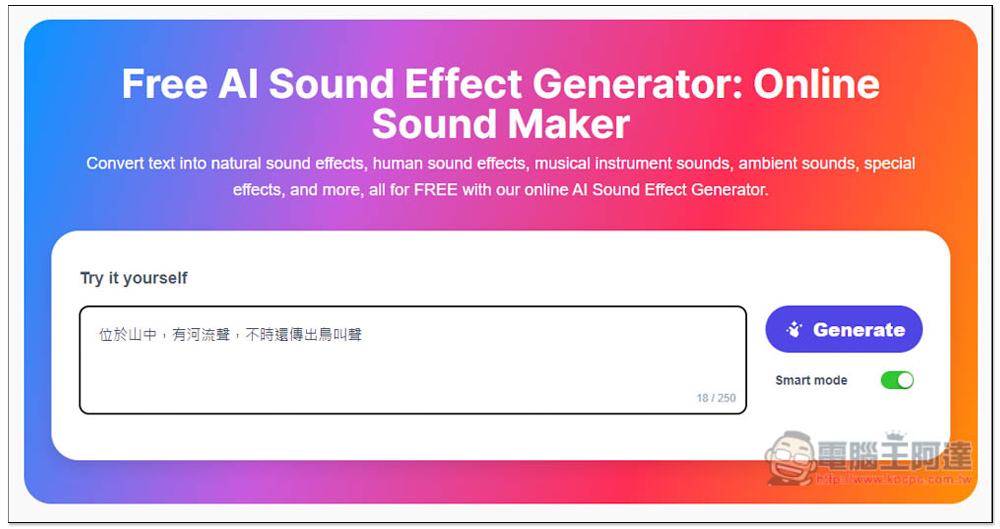
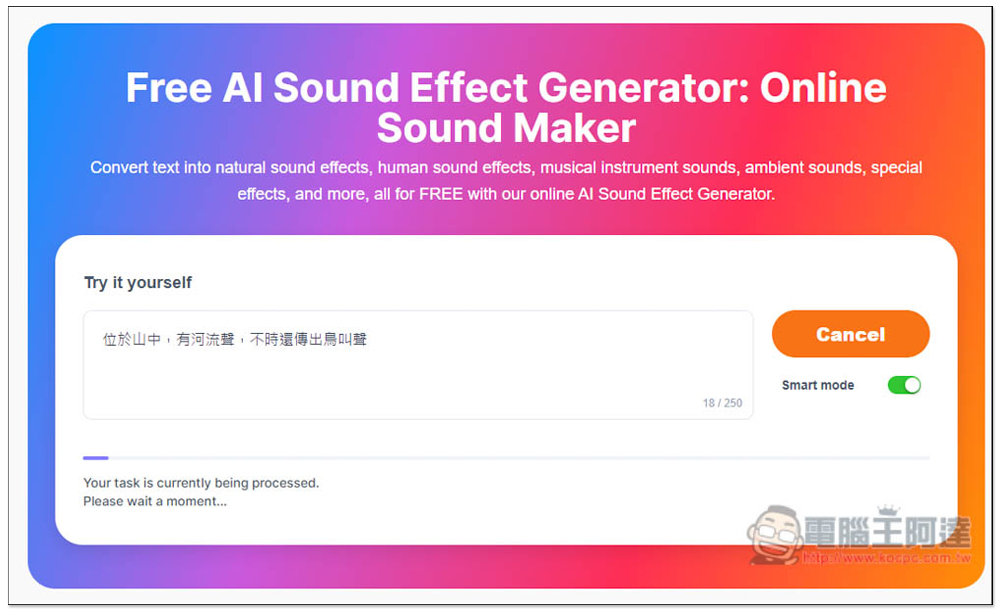
It starts generating pretty quickly—about ten-plus seconds to finish. But I’m not sure if it’ll slow down as the number of users grows:
After generation, two AI audio clips will appear below. Click the play button on the left to preview.
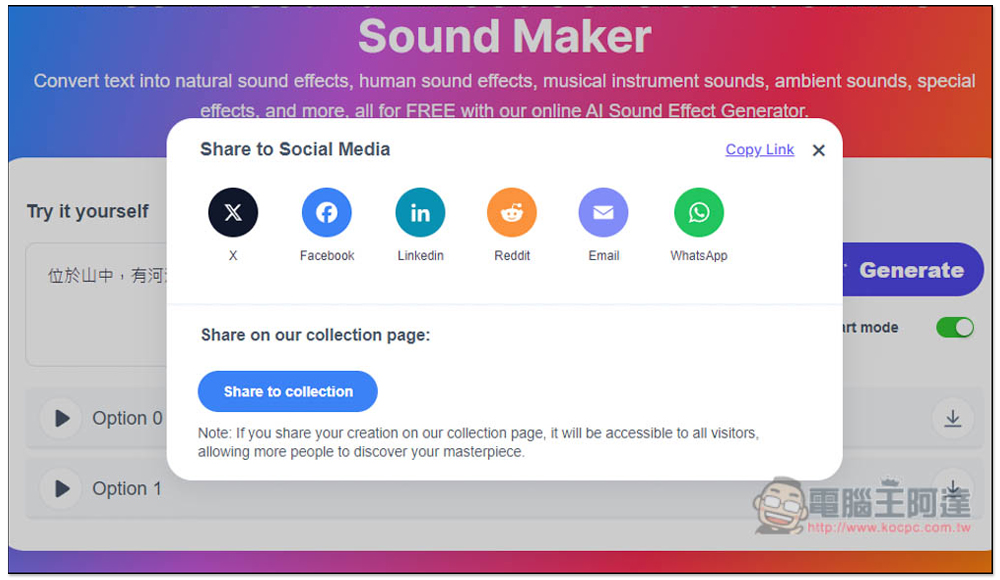
If you’re satisfied with one, clicking the download button on the right will bring up this screen. The Copy Link in the top right corner copies the link to this AI sound effect, so you can decide whether to share it to social media or share it to a collection (public to others). If you don’t want to, you can also press X to close, then click the download button again to download the sound file:
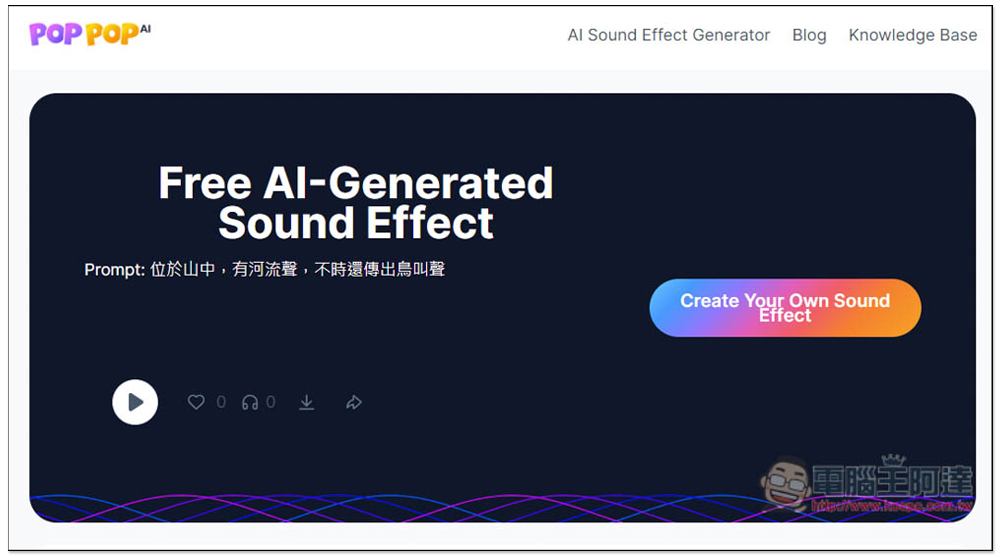
The image below is the interface for opening an AI sound effects link. In addition to previewing, you can also download, meaning you can use this tool to generate AI sound effects for others and then send them the link to download:
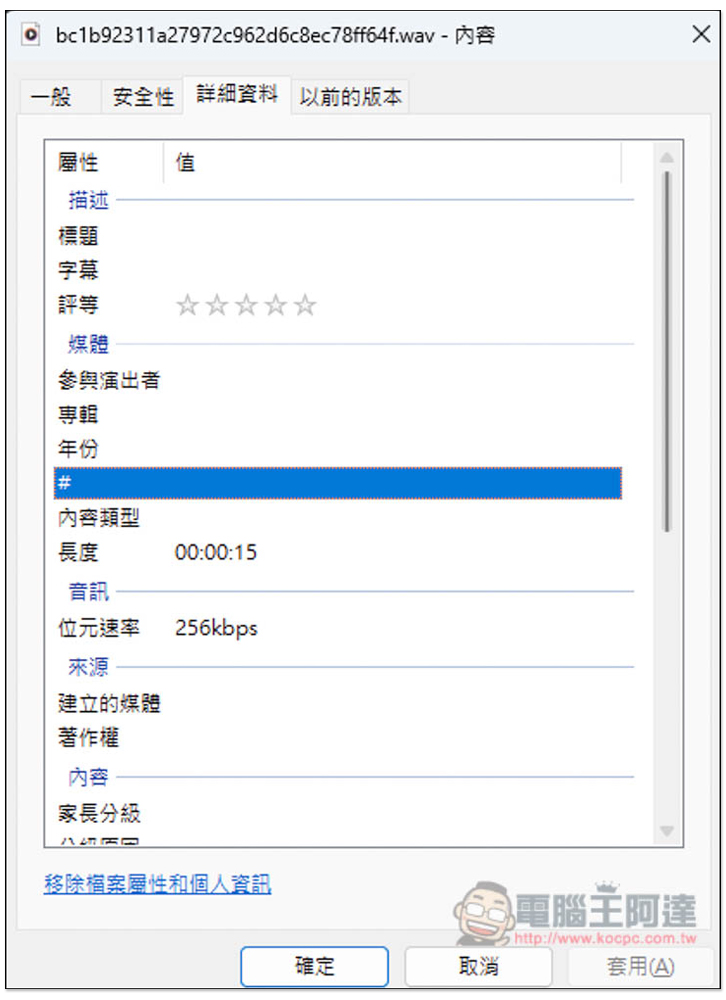
The file format after download is .wav, and the bit rate is 256kbps:
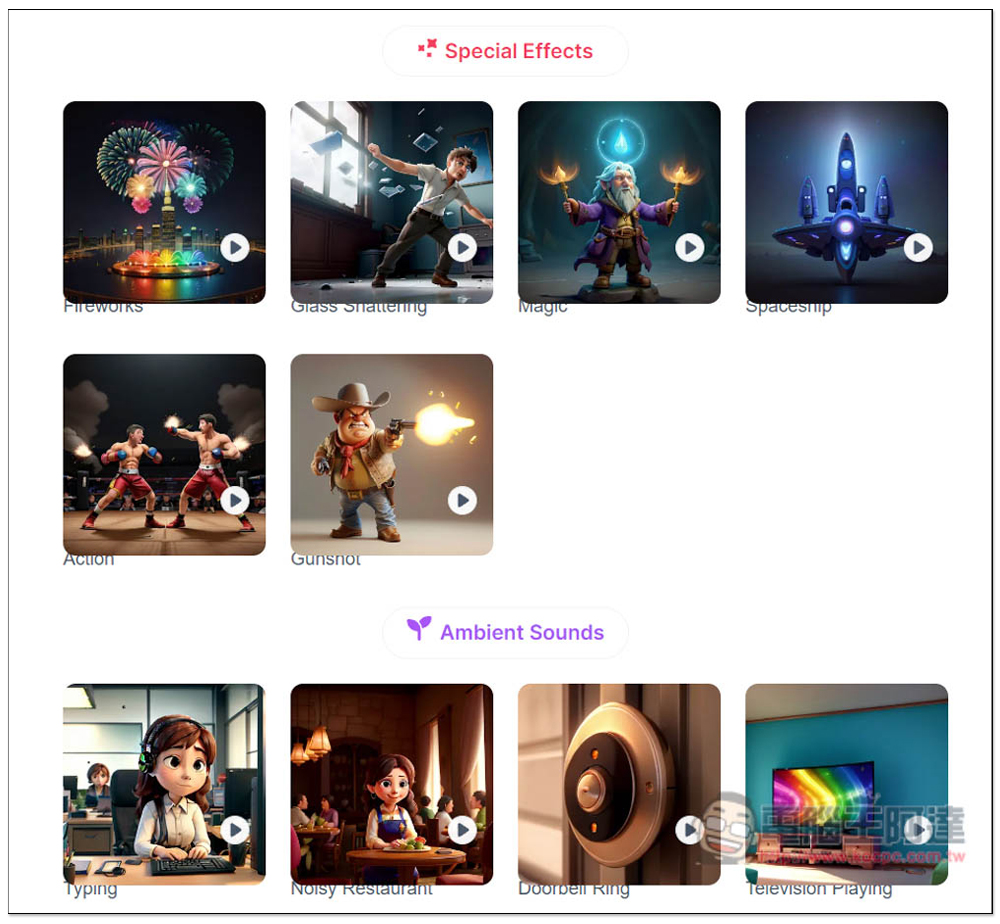
Additionally, at the bottom of the generation tool’s webpage, the official also provides some AI sound effects generated through this tool, but they can only be previewed, not downloaded, which is a bit unfortunate. It would be even better if they could provide the prompts used.
If you want to find public AI sound effects shared by other users, you can go to this “Discover Our AI Sound Effects Collection“View the page, and this one here can be downloaded.
Besides this one, we’ve also introduced another model before. Image to SFX You can try AI sound effect generation tools too.
Source: KOCPC Chinese