

• About Us
King of Computer Media
  • Home
  • Tech News
  • AI News
  • Apps & Tutorials
  • Mobile & Telecom
  • Lifestyle
  • About Us
No Result
View All Result
  • Home
  • Tech News
  • AI News
  • Apps & Tutorials
  • Mobile & Telecom
  • Lifestyle
  • About Us
No Result
View All Result
King of Computer Media
No Result
View All Result

Home - Internet and software applications - PDFCandy provides more than 40 free online tools for PDF editing and conversion functions

PDFCandy provides more than 40 free online tools for PDF editing and conversion functions

Rocky by Rocky
August 16, 2021 - Updated on August 4, 2026
in Internet and software applications

Whether you are an office worker or a student, you will definitely come across files in PDF format. Sometimes you may need to convert, edit, even lock or compress, etc. PDFCandy is a very good free online tool that provides more than 40 functions. Basically, it has everything you will use, and it can be used without registration. It has a Chinese interface.
screely-1629091942591

Introduction to PDFCandy free online PDF editing tool

  • Click here to go to the PDFCandy website

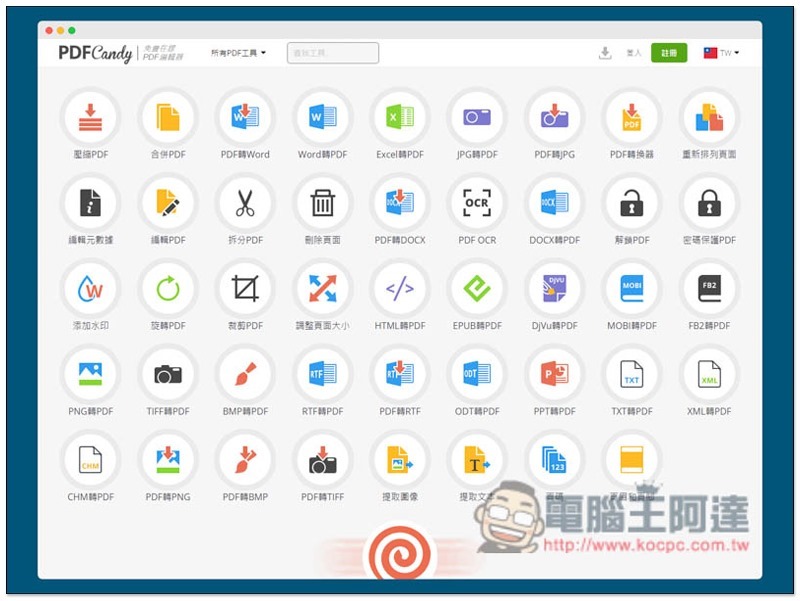
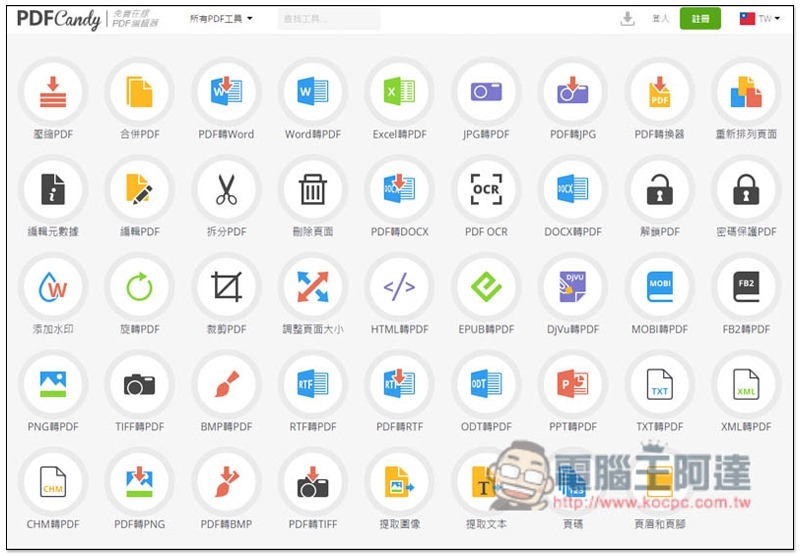
After entering the PDFCandy website, you can see various functions, including compression/merging, converting (Word, Excel, JPG, EPUB, MOBI and other formats are supported), editing, rotating, encryption/unlocking, etc., there are many:
2021-08-16_142400

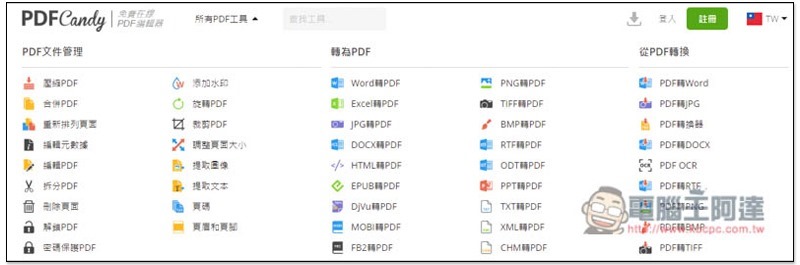
If you find it difficult to find the small icons, there is also a function list above, which is divided into three categories: “PDF file management”, “Convert to PDF” and “Convert from PDF”, making it easier to find:
2021-08-16_142416


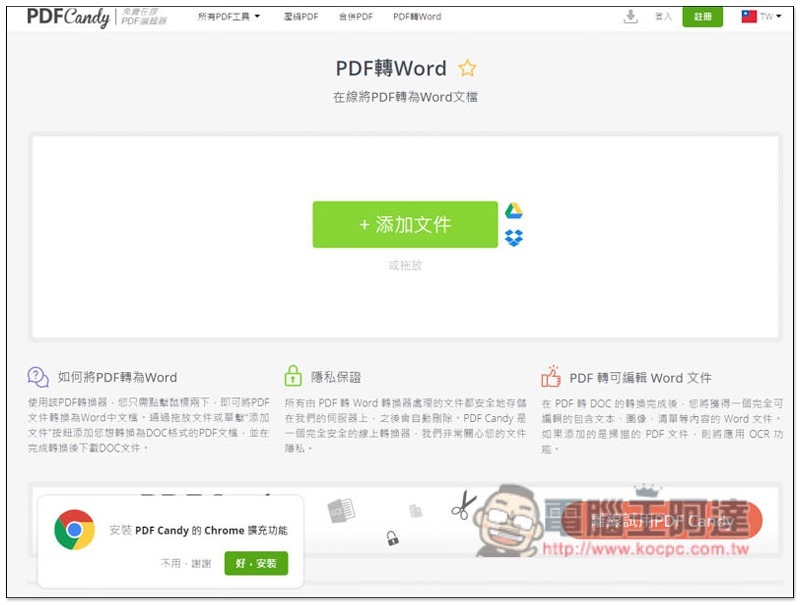
There are operation instructions at the bottom of each function page. The conversion function requires uploading the PDF to their server. Although the website states that it is completely safe and will be automatically deleted, if it is an important PDF, it is recommended to use offline tools. In addition to uploading files from the computer, it also provides Google Drive and Dropbox cloud space connection:
2021-08-16_142456

After the conversion is completed, the download point will be displayed, and it can also be stored directly to Google Drive or Dropbox cloud space. There is also a trash can function on the far right. If you are sure that you have downloaded it and will not use it again, it is recommended to click Delete:
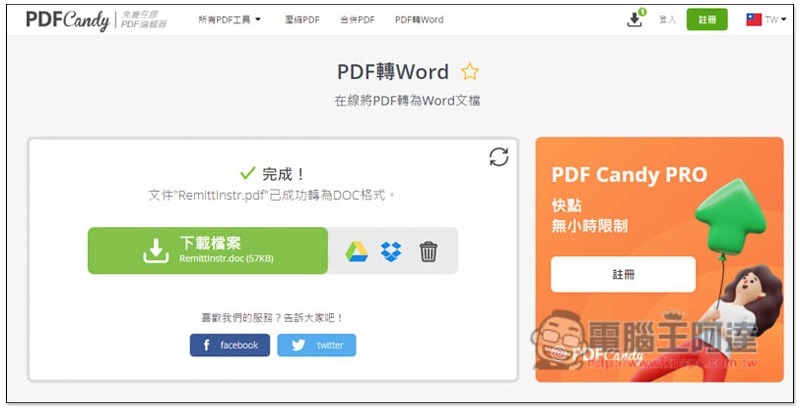
2021-08-16_142532

You will be asked if you are sure you want to delete the file from the server? Click Yes, delete:
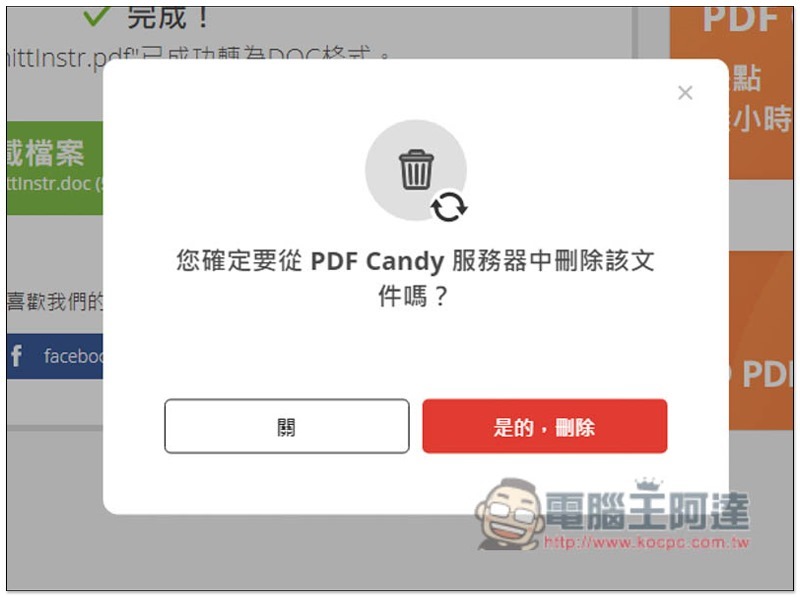
2021-08-16_142616

The download point for this file will disappear and there will be no way to download it again:
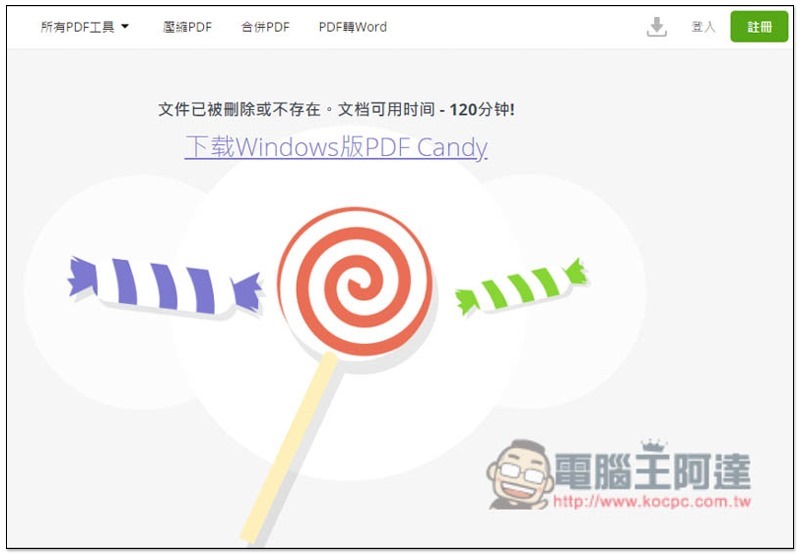
2021-08-16_142632

Another thing to note is that free users can only use the PDF function once per hour. For example, I have converted PDF to Word. If I want to process other PDF files, I need to wait an hour, no matter which editing function. Of course, there are ways to solve this, just use another browser or clear the Cache:
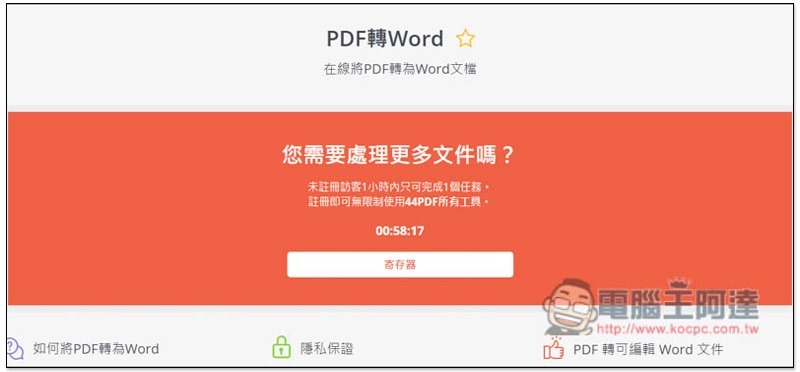
2021-08-16_142712

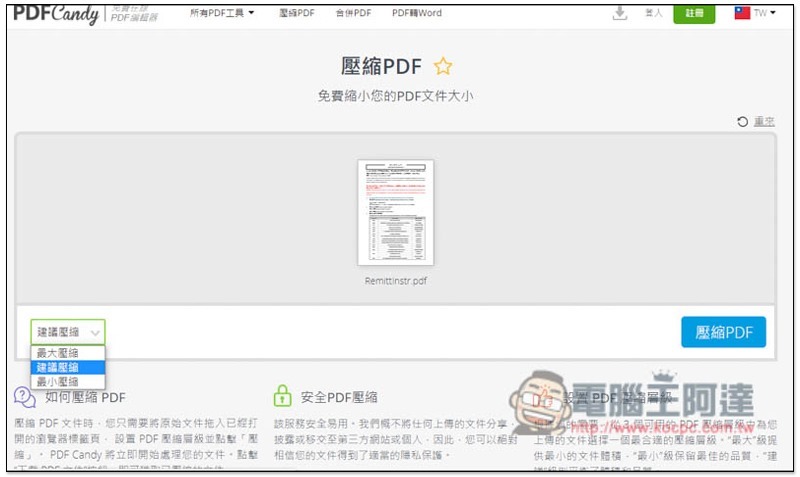
There are three levels of compressed PDF options:
2021-08-16_142823

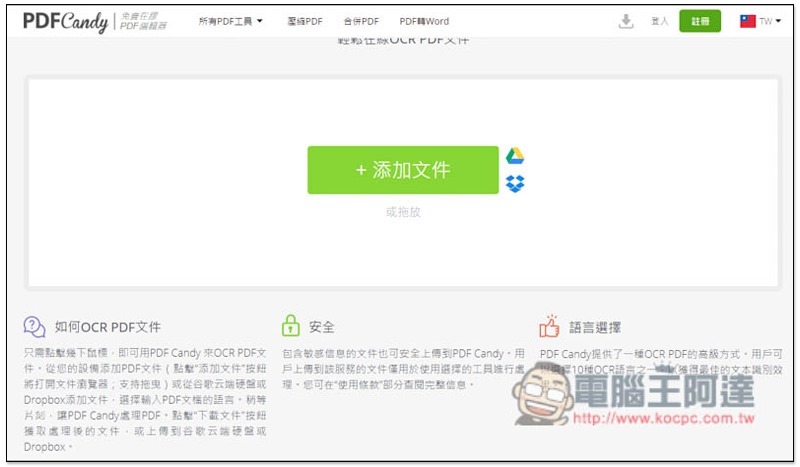
There is also OCR text recognition function:
2021-08-16_142853

Adobe Acrobat 線上服務 可在任何瀏覽器中快速完成 PDF 作業

Source: KOCPC Chinese

Tags: PDFPDF conversionPDF online toolsPDF tools

Recent Posts

  • Meta Muse Lands on Mac: Personal AI Agent Begins Operating Your Files, Messages, and Calendar (Muse for Mac)
  • First oMLX performance results for M5 Ultra Mac Studio leak: prefill speed 3-4x faster than M3 Ultra, data taken down after exposure.
  • After the iPhone 17, the frame material was changed back to aluminum alloy. Is it better than titanium?
  • The iPhone 18 Pro series, Apple Watch Series 12, Apple Watch Ultra 4, and AirPods 5 are now on sale—a first look, with warm “Burgundy Red” and striking “Glacier Blue.”
  • The battery replacement cost for the iPhone 18 Pro / Pro Max has gone up again! Compared with 5 years ago, the increase has doubled.

Recent Comments

No comments to show.
  • About Us

We welcome partnership inquiries and product review opportunities from smartphone manufacturers, iPhone accessory brands, and app developers.koc kocpc.com.tw|Privacy Policy |Hosting & Maintenance: Fast Line Taiwan, A-Chang Digital Technology

No Result
View All Result
  • Home
  • Tech News
  • AI News
  • Apps & Tutorials
  • Mobile & Telecom
  • Lifestyle
  • About Us

We welcome partnership inquiries and product review opportunities from smartphone manufacturers, iPhone accessory brands, and app developers.koc kocpc.com.tw|Privacy Policy |Hosting & Maintenance: Fast Line Taiwan, A-Chang Digital Technology