


Google is also leveraging its advantage in English with generative AI technology, directly offering users an intuitive way to practice English speaking through Google Search, the service many people know best. Continue reading: Practice English right in Google Search! AI-powered speaking practice features help with English learning! Full article.
▲Image source: @howfxr
Practice English right in Google Search! Introducing an AI speaking practice feature to help you learn English!
Even though generative AI’s ability to support Traditional Chinese is already much better than previous AI, it’s still clearly a far cry from the language capabilities these large language models show when used in English – after all, most tech companies probably have English as their native language…
Now Google is also leveraging the advantages of generative AI technology in English, directly through Google Search, the service many people are most familiar with, to intuitively offer opportunities for English speaking practice.
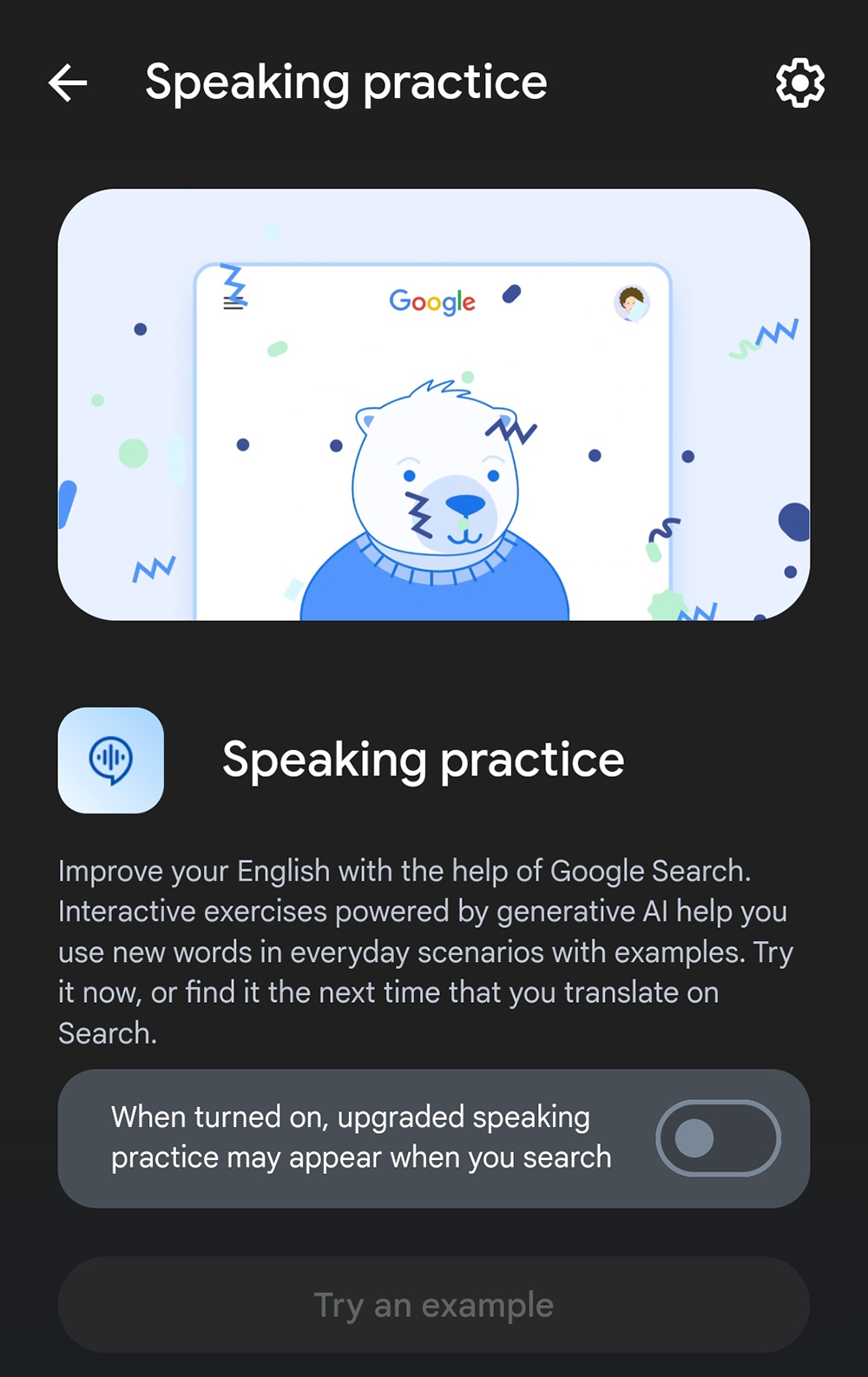
「Improve your English with the help of Google Search. Interactive experiences powered by generative AI help you use new words in everyday scenarios with examples. Try it now, or find it the next time that you translate on Search. After enabling Search Labs, click on Try an example. The activity can also be found by translating to or from English on Google Search using an Android device. (透過 Google 搜尋提升您的英文能力。由生成式 AI 提供的互動式體驗,可協助您在日常情境中使用新單詞,並提供範例。立即試用,或下次在 Google 搜尋中進行翻譯時尋找此功能。)」
▲Image source: @howfxr
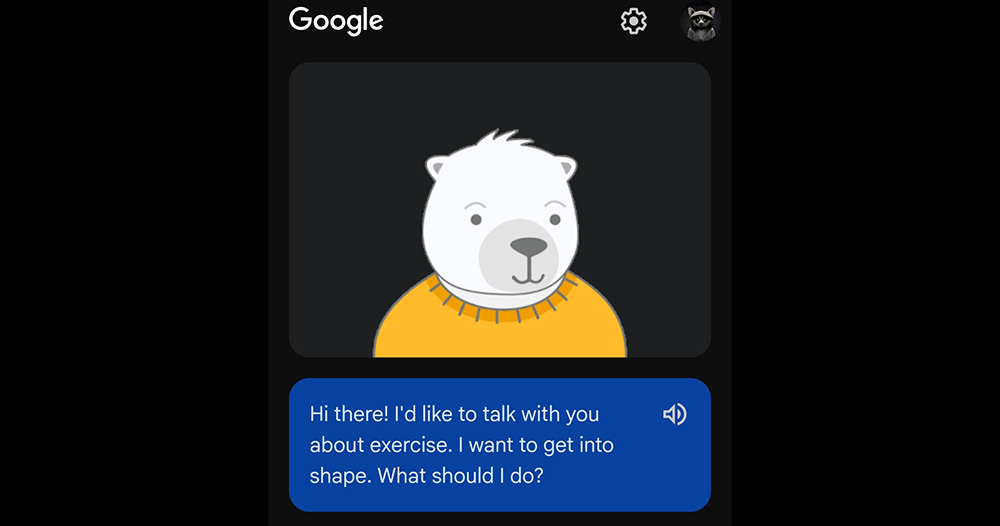
According to a post shared by @howfxr on social media, this feature, which can currently be enabled through Google Search Labs, will be available on Chrome for Android or the Google app. When you use Google Search, you may see a little bear appear in the interface that can practice AI English speaking with you.
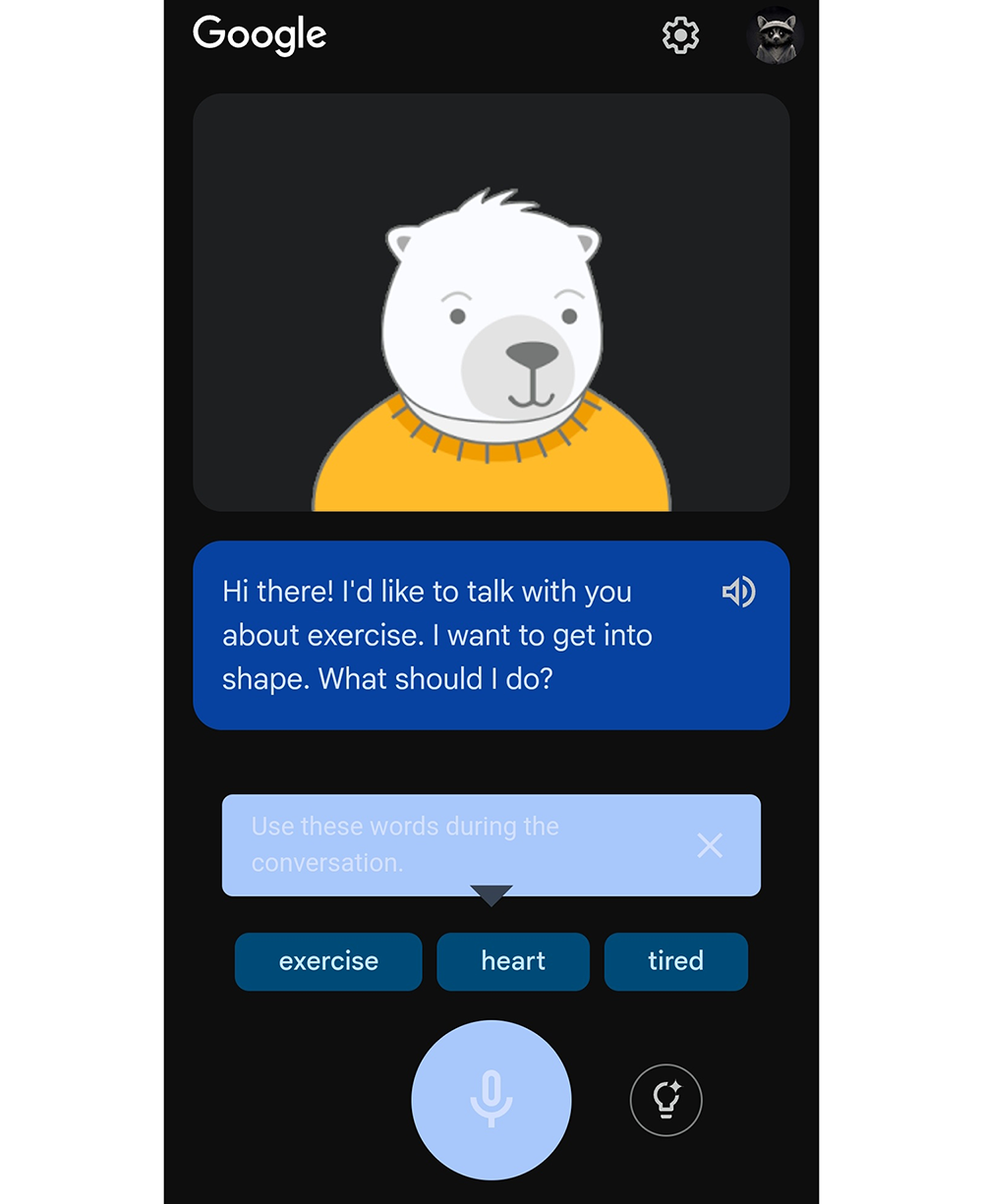
This English speaking exercise will ask you questions in English based on real-life examples. At the bottom of the interface, three words are provided, and you are expected to use them in your answers to complete the conversation – as for the AI, I believe it is used to determine whether your responses are correct and to generate questions, right?
▲Image source: @howfxr
Unfortunately, at this stage, getting to try out this fun English-speaking practice feature requires not only access to the experimental feature in Search Labs, but it’s also currently only supported in certain countries and regions (seems like it’s only available in Argentina, Colombia, India, Indonesia, Mexico, and Venezuela for now).
However, personally I think that as long as no really weird issues come up, I believe Google will likely make this feature available to users in other countries and regions pretty soon – after all, it seems like it’s an almost entirely English feature, right?
▲Image source: Microsoft
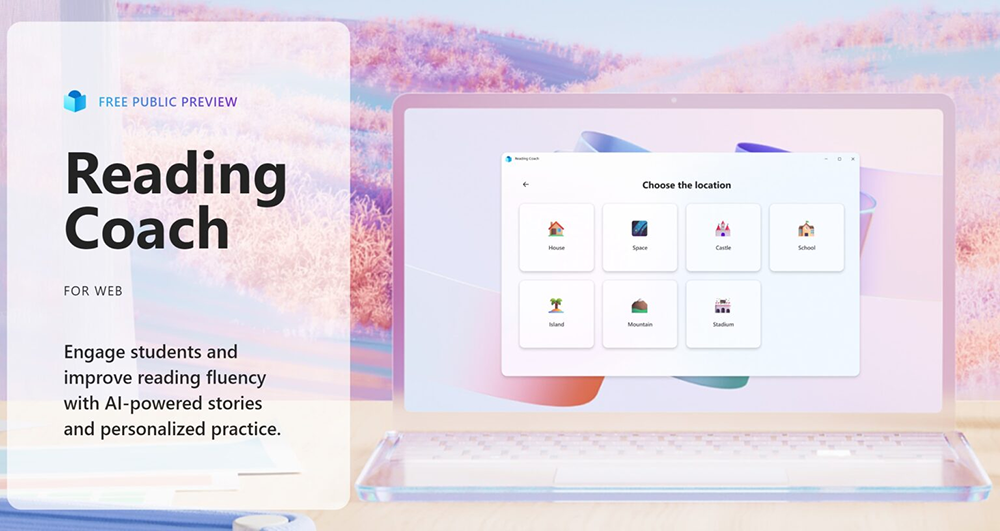
At this stage, it’s not just Google—actually, earlier in the year, Microsoft had already taken Reading Coach, originally built into Microsoft Teams as a supplementary tool for classroom/workplace learning for English speaking practice, and transformed it into a standalone Windows app and web-based online application, by incorporating more powerful responsible AI capabilities. This essentially provides an AI tutor with unlimited patience to benefit people around the world interested in learning English speaking.
So if you can’t access Google’s version yet, don’t be upset—start training with Microsoft’s Reading Coach first. See more:AI works with you to practice English and correct your accent! Microsoft’s free English speaking practice coach Reading Coach usage tutorial (available on both App and web versions!).
Further Reading:

Source: KOCPC Chinese