


Another service called Udio has emerged that can use the power of AI to generate music and even vocal songs – not only are there already many songs on the website that people have “created” through this service and can listen to, but you can also create and generate new songs yourself at any time! Continue reading the full article: Another music generation service Udio is here! Quickly generate music and even sing (free trial tutorial).
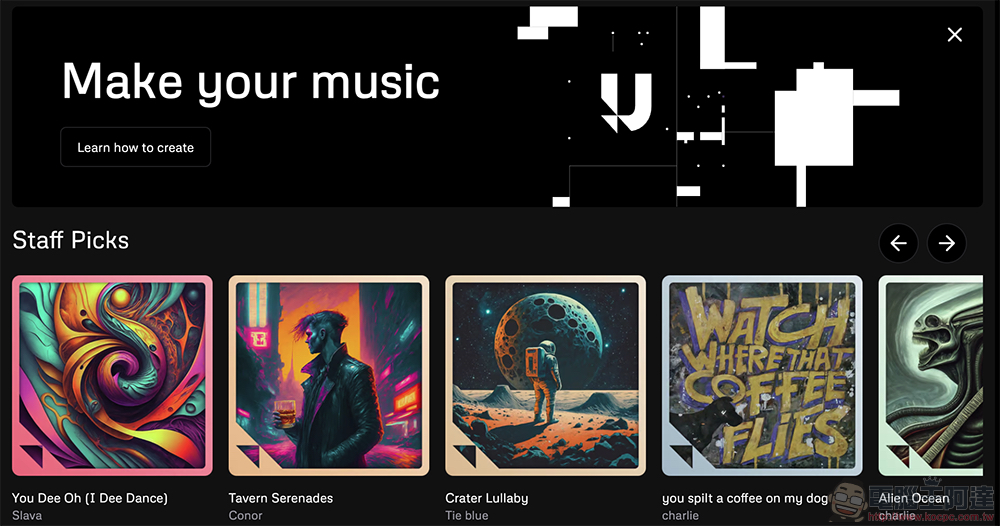
Another music generation service Udio is here! It can quickly generate music and also sing (free trial tutorial)
After the generative AI craze left many text workers anxious, little did they know that the anxiety sparked by subsequent developments in generating images, audio, and even video would truly ignite discontent and protests among those who make a living from these fields. However, while further protections for labor rights and copyright are still under discussion, the development of these technologies has not prompted as many calls to slow down as when ChatGPT first went viral.
Now, another service called Udio has emerged that can harness the power of AI to generate music and even vocal songs – You can go through this link (portal).On the webpage, there are already many things that people have through this service.CreateThe song can now be listened to. And from the image below, everyone has likely noticed that, like Suno, this music generation service also allows adding lyrics for AI to arrange and sing.
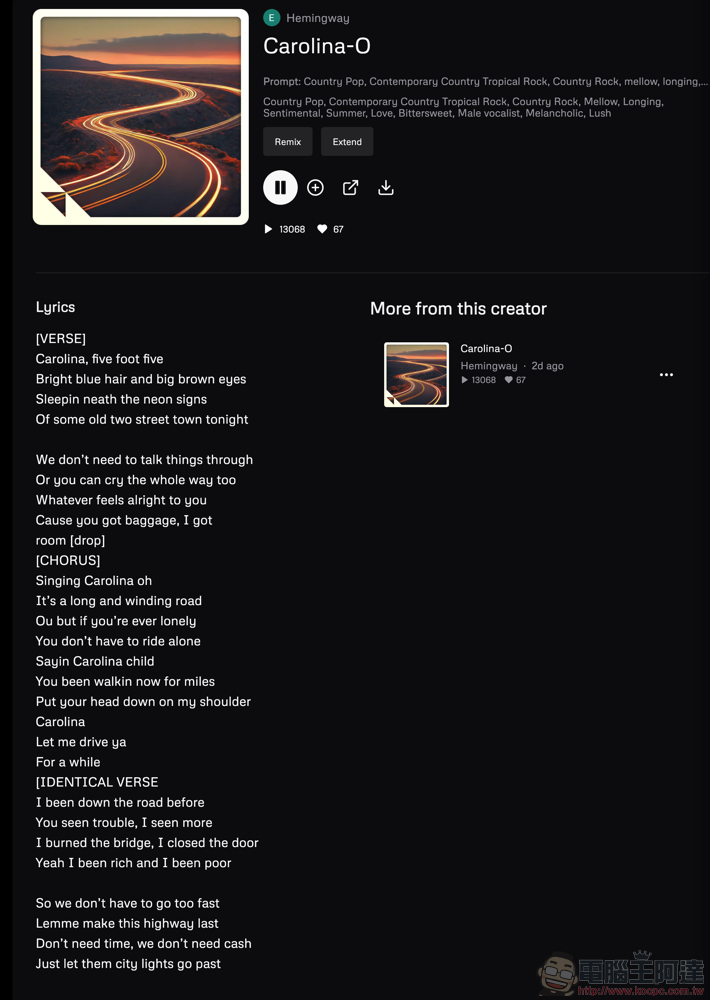
This music generation service, reportedly created by former Deepmind employees, is still in beta testing, so it offers free trial use (the limit, based on system notifications, seems to be 1,200 songs per month). So, as is customary, this article gives it a quick try for your reference.
To start creating your first Udio track, you’ll need to sign up for an account (supports Google, Discord, and Twitter/X). If you only want to listen to songs, you don’t need one.
Udio’s interface is very simple. Click the text box at the top and basically enter your “incantation” command describing the style of music you want, and you can start creating AI music. Below, the official also provides some common command tag buttons; clicking them will automatically separate them with commas. If you want to add lyrics, you can find the input block button in the bottom-left corner.
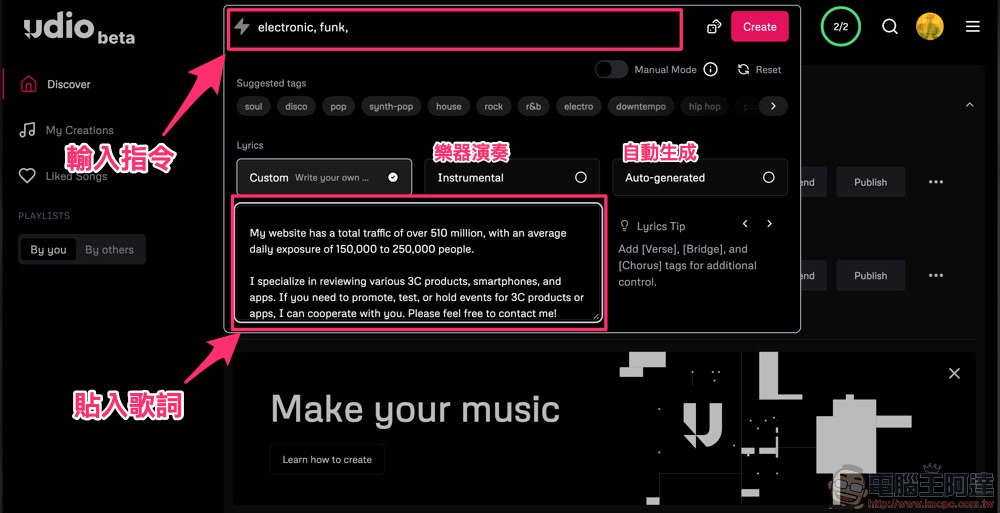
I briefly tested the music generation effect – I directly copied the introduction from Computer King Ada and found that Chinese doesn’t seem to be supported, so I switched to English and generated a song that’s more like RAP (Portal)。
Honestly, this is just a simple test of the results. If there’s deeper research into the official music generation feature…Technique Instructions PageIf that were the case, you’d probably get better results – you can mark specific sections of the lyrics like the verse, chorus, hook, and guitar solo by adding tags such as [Verse], [Chorus], [Hook], and [Guitar Solo], so the overall song can better fit your needs. As for the chanting/prompt commands, feel free to experiment with those on your own!
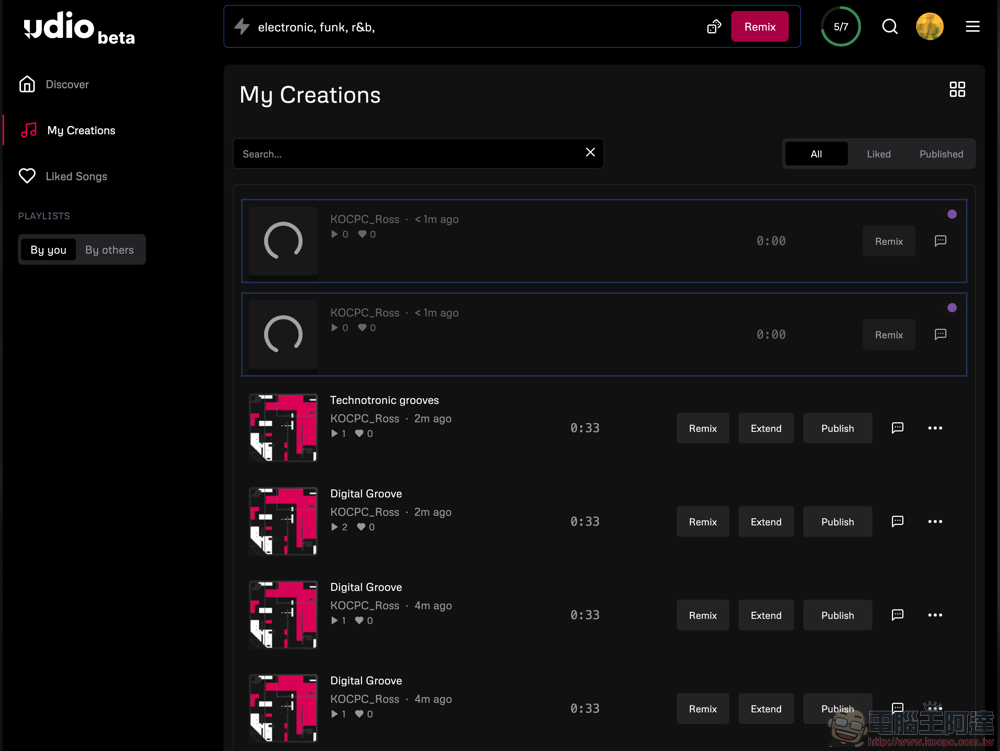
The Udio music generation service, currently in beta, produces two songs of about 30 seconds each time you press the “Create” button – they can then be extended or remixed (you can also remix other people’s songs). Songs are basically generated within a few minutes – though if one later goes viral, it might take longer, right?
As for the effect of the music it produces… for now it seems to be slightly inferior to Suno. But after all, it’s AI, and I believe there’s still plenty of room for improvement over time with further training. I’d recommend everyone to experiment and try it out more during the Beta period!
via|
Further reading:

Source: KOCPC Chinese