


DeepAI is an AI online tool I recently discovered and find quite useful. It has both chatbots and image generation, and you can use it without registering. Registering gives you access to more advanced models or features. The chatbot can converse in Chinese, and it also has many built-in AI characters. This means that if you have relevant questions, you can directly ask an AI character to get more professional answers. Below is a quick introduction for everyone.
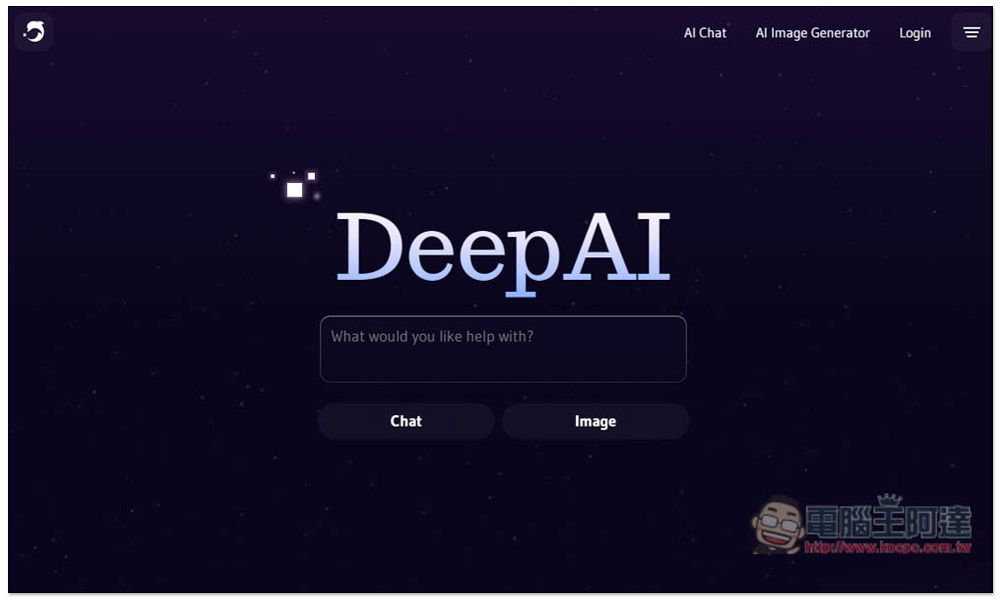
DeepAI offers free online tools for AI chatbots and AI image generation, usable without registration.
DeepAI primarily offers two AI services: “AI chatbot” and “AI image generation.” Both are free to use and require no registration.
AI chatbot
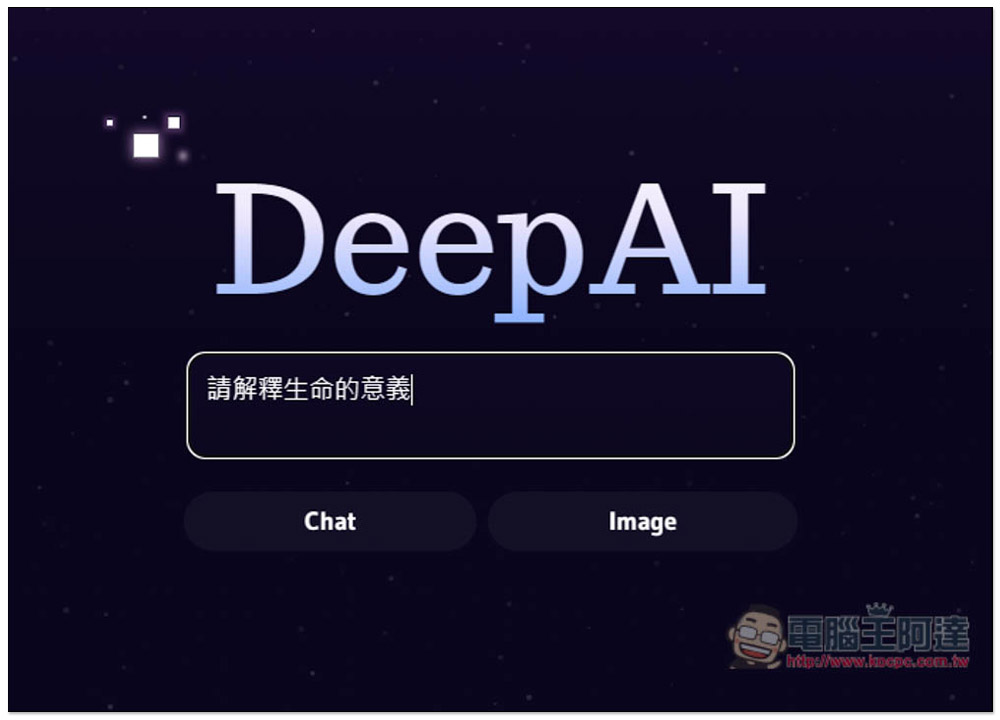
After clicking the link above to enter the DeepAI website, type your question into the box. I entered “Please explain the meaning of life,” then pressed Chat.
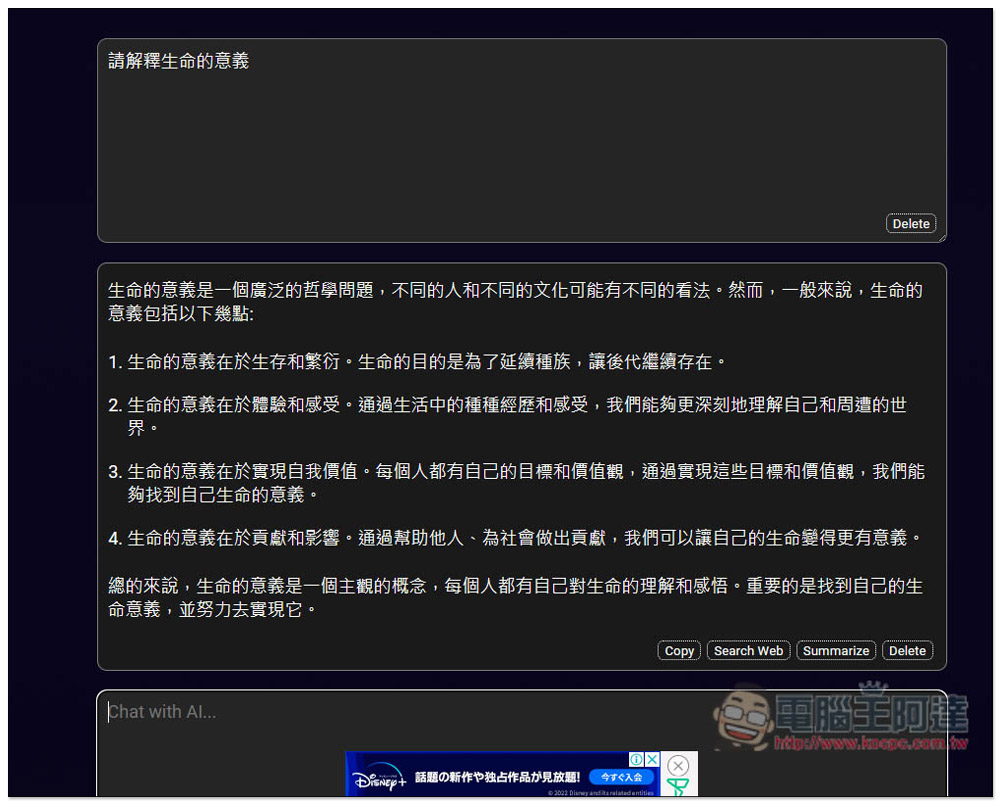
Then you will receive a reply, and if you ask in Chinese, it will answer in Chinese. At the bottom right of the AI reply box, there are some function buttons, including copy, search the web, summarize, and delete:
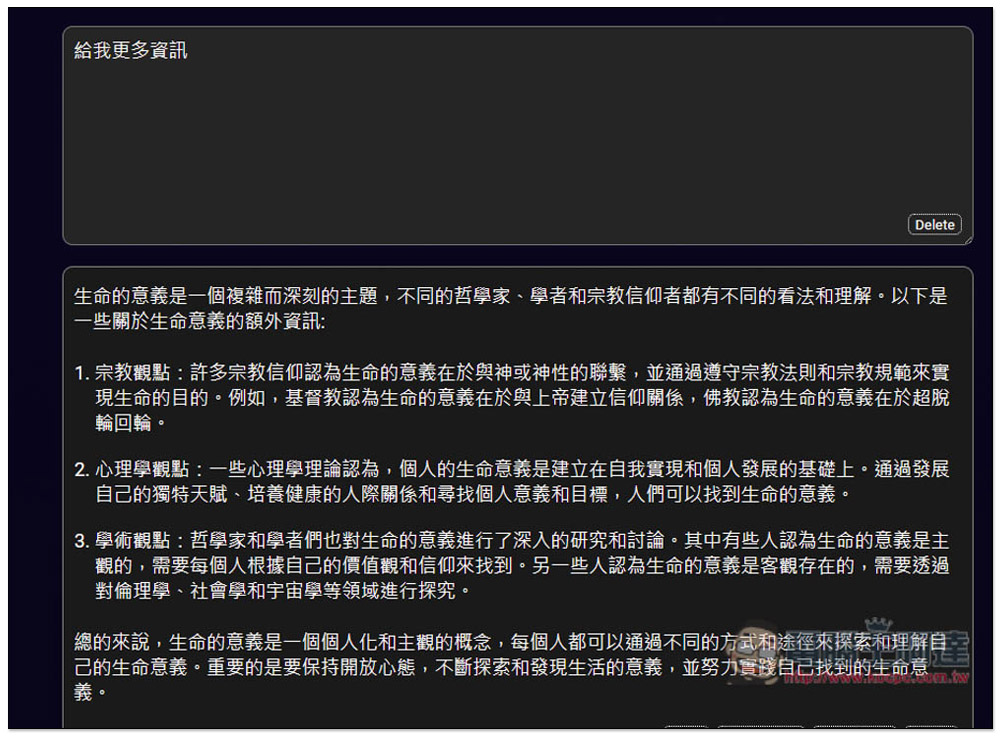
I tested that you can continue asking follow-up questions on the current topic, and the replies are also very lengthy, which is quite different from other free AI chatbots:
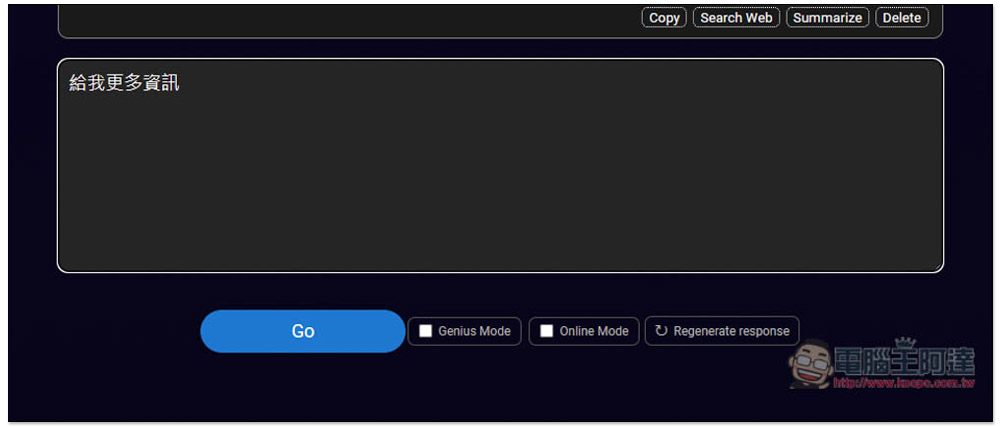
Three functions at the bottom right of the input box: Genius Mode is only available in the paid version, Online Mode requires member registration to use, and Regenerate response is for regenerating.
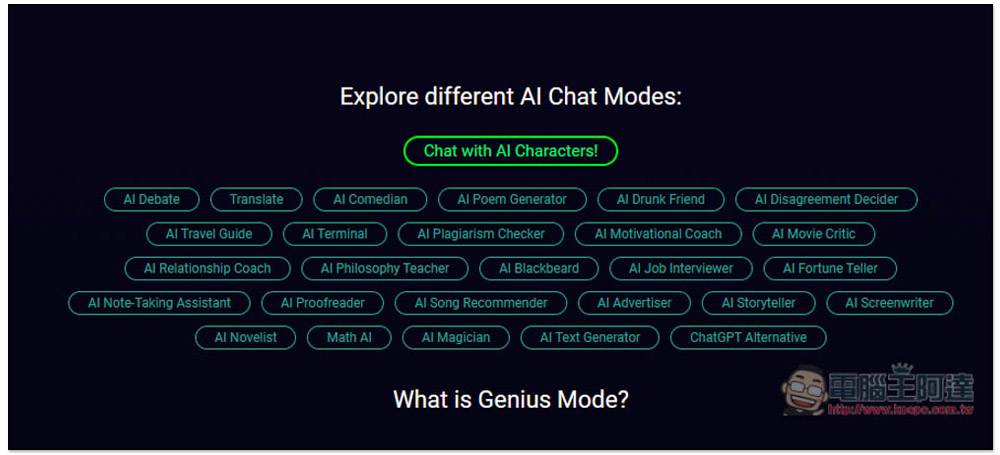
Scroll down on the chat page, and you’ll also find DeepAI’s preset AI characters. There are currently about 30 or so types, ranging from debate, translation, comedians, poetry generation, travel guides, text generation, to ChatGPT alternatives. If you have time, you can also try them out:
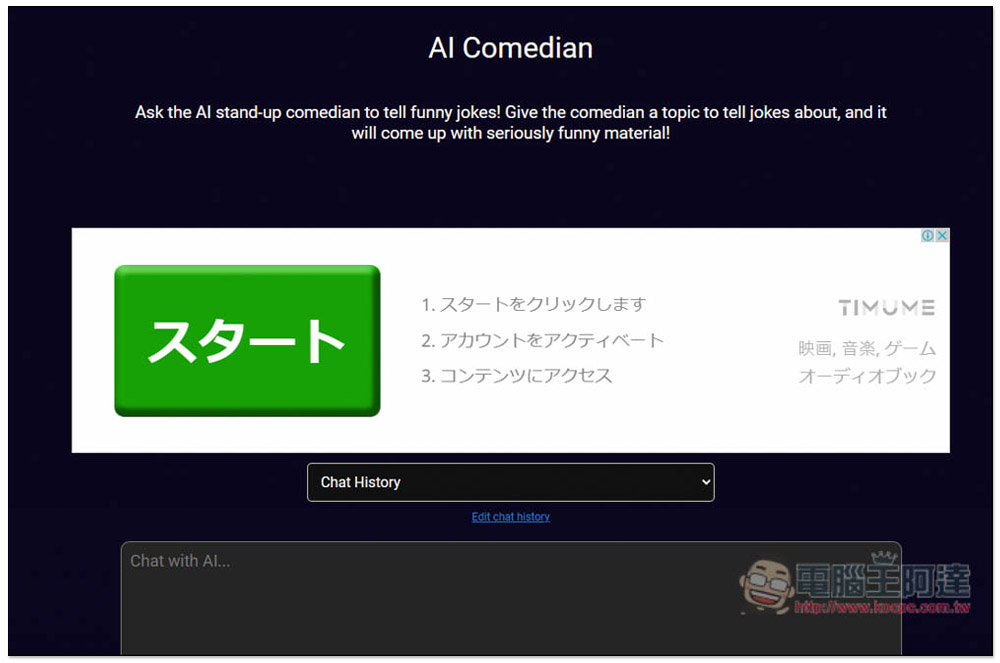
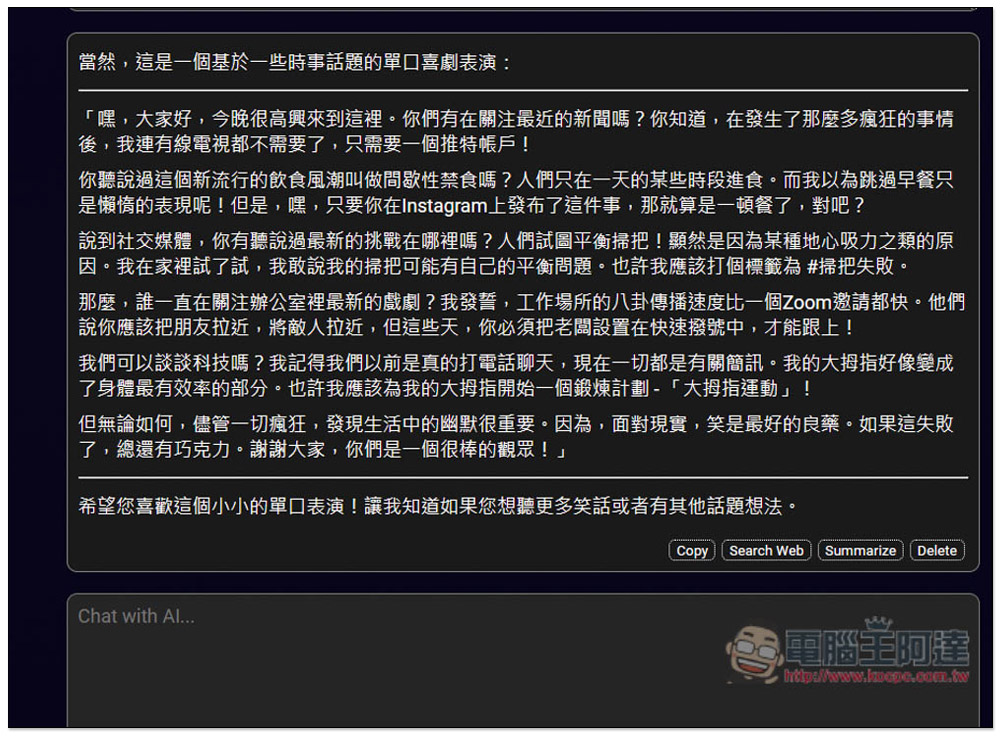
After clicking on any AI character, you’ll enter its dedicated chat window, like when I tested the AI comedian:
You can ask in Chinese, but the default replies all seem to be in English. I tested several and they were all like that:
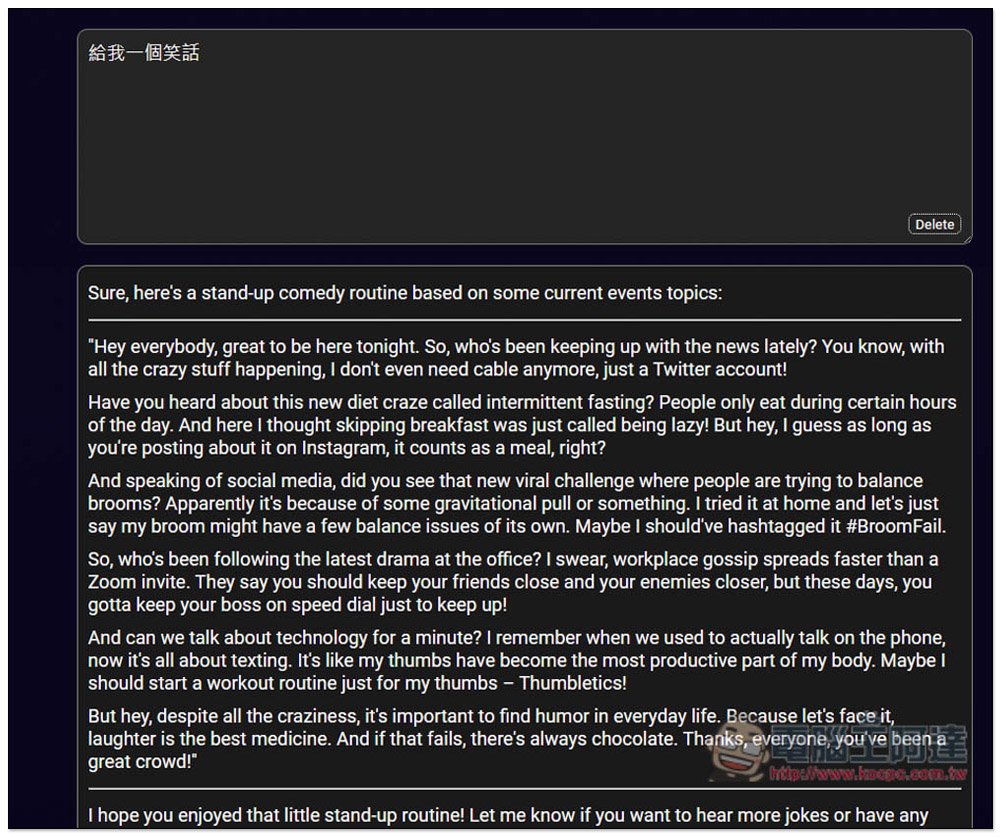
If you can’t understand it, you can also ask it to give you a Traditional Chinese version:
AI image generation
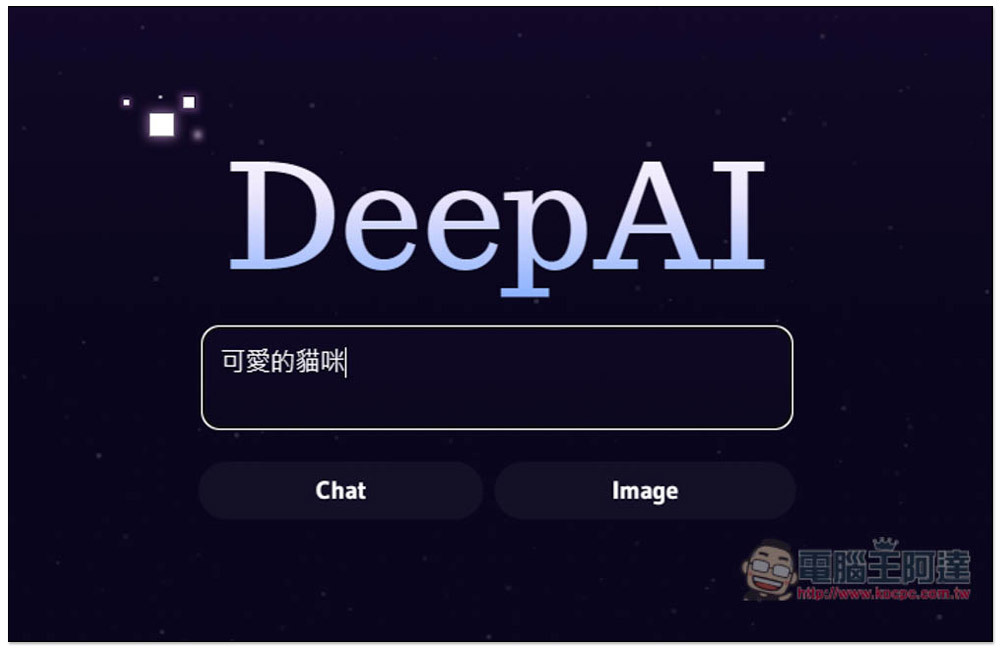
Using AI image generation works the same way. Once you’re on the website, enter the description of the AI image you want to generate, then click Image.
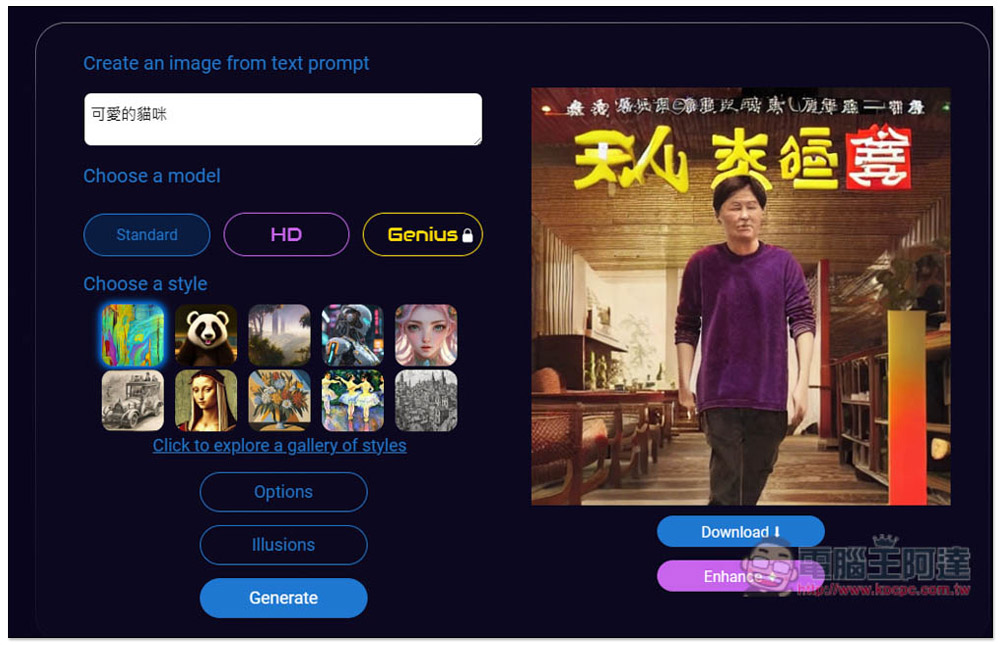
However, unlike chatbots, the current AI image generation feature doesn’t seem to support Chinese, and it randomly generates weird images. I clearly typed “cute cat” but got something that looks like a movie poster:
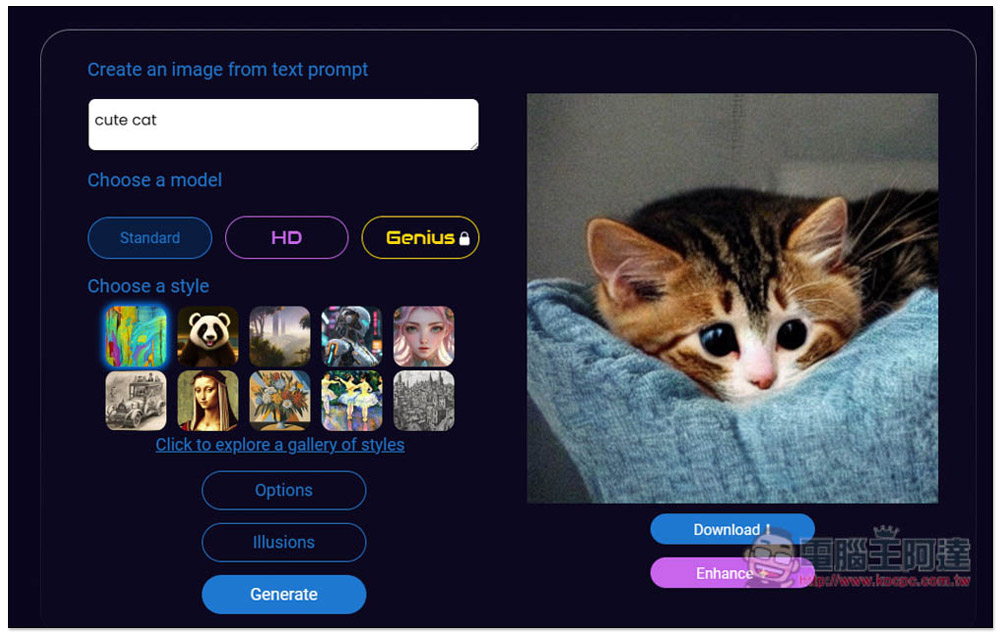
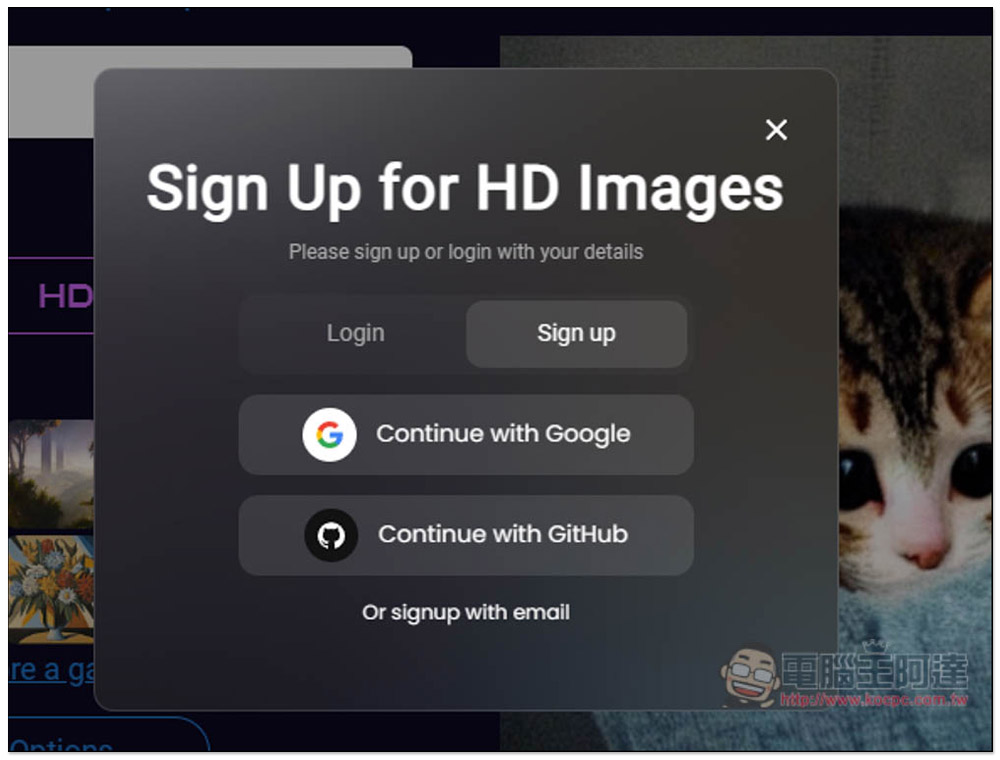
After I changed it to the English “Cute cat,” there were no more problems. The default model used is standard Standard, and I don’t think the quality of this one is very good. I’d recommend using the HD model instead. Genius is only available to paying users. HD requires registration to use—free sign-up:
Support quick registration with Google and GitHub accounts:
After logging in, change the model to HD, then click Generate below to generate:
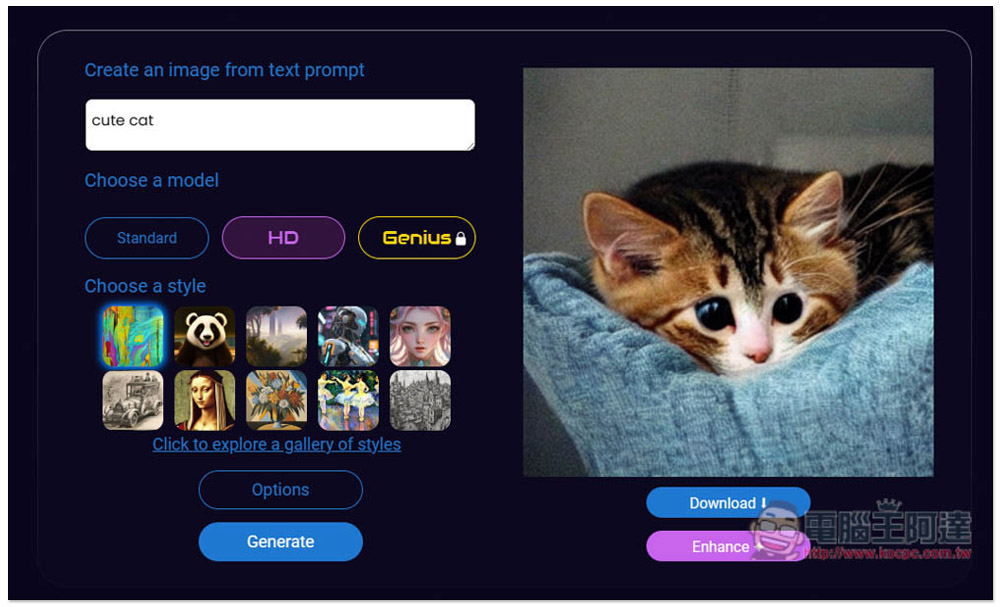
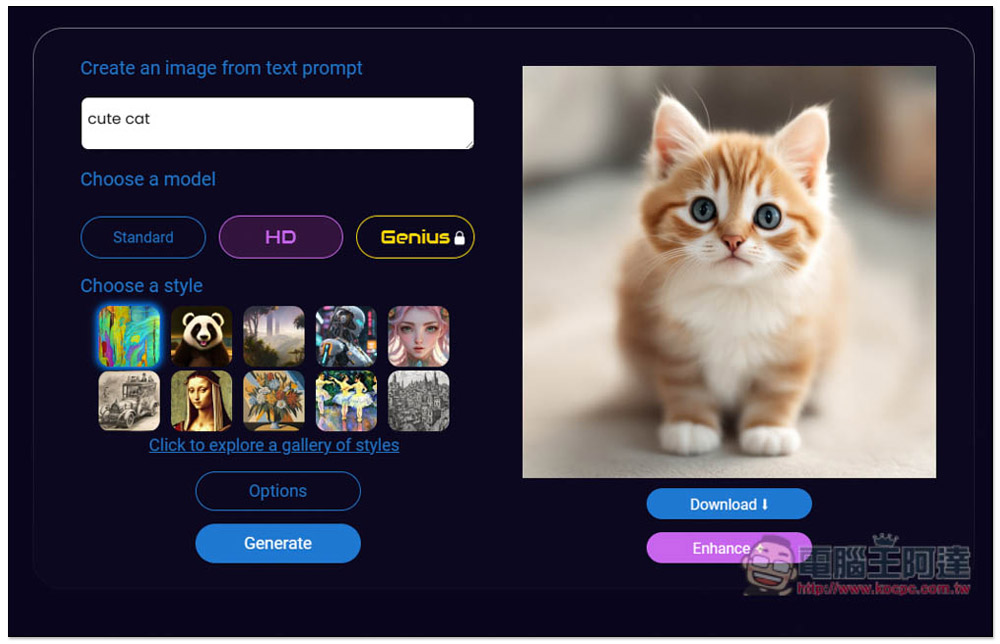
You’ll get the result in a few seconds—the quality is way better than Standard. If you’re satisfied, just click Download in the bottom right corner to download:
Additionally, there are multiple style options (Choose a style), with the default being Realistic. You can switch to other styles and generate again—for example, I changed it to Cyberpunk style, and the cute cat image it produced had a very Cyberpunk vibe:
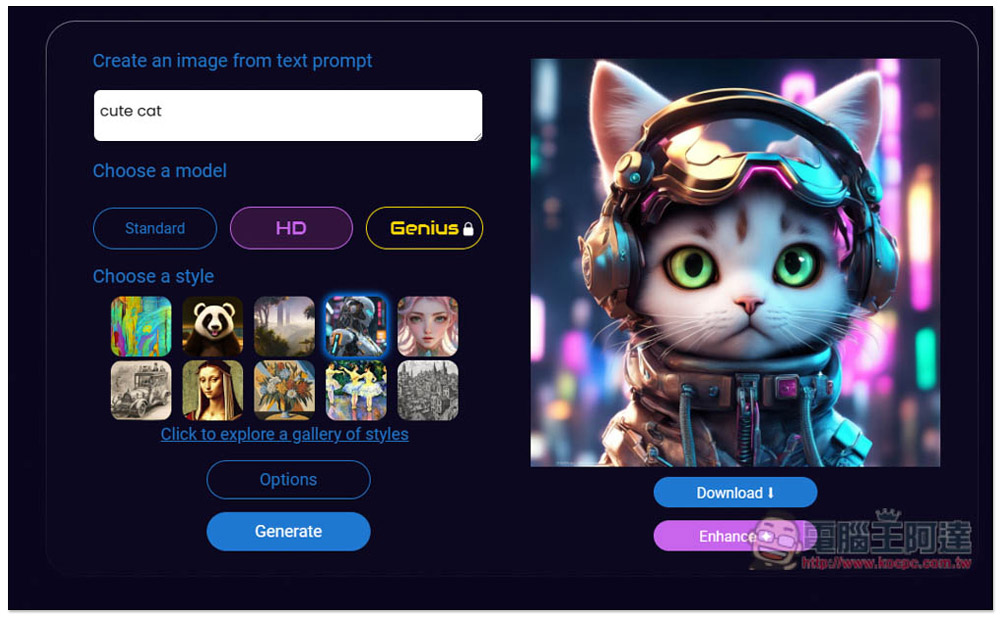
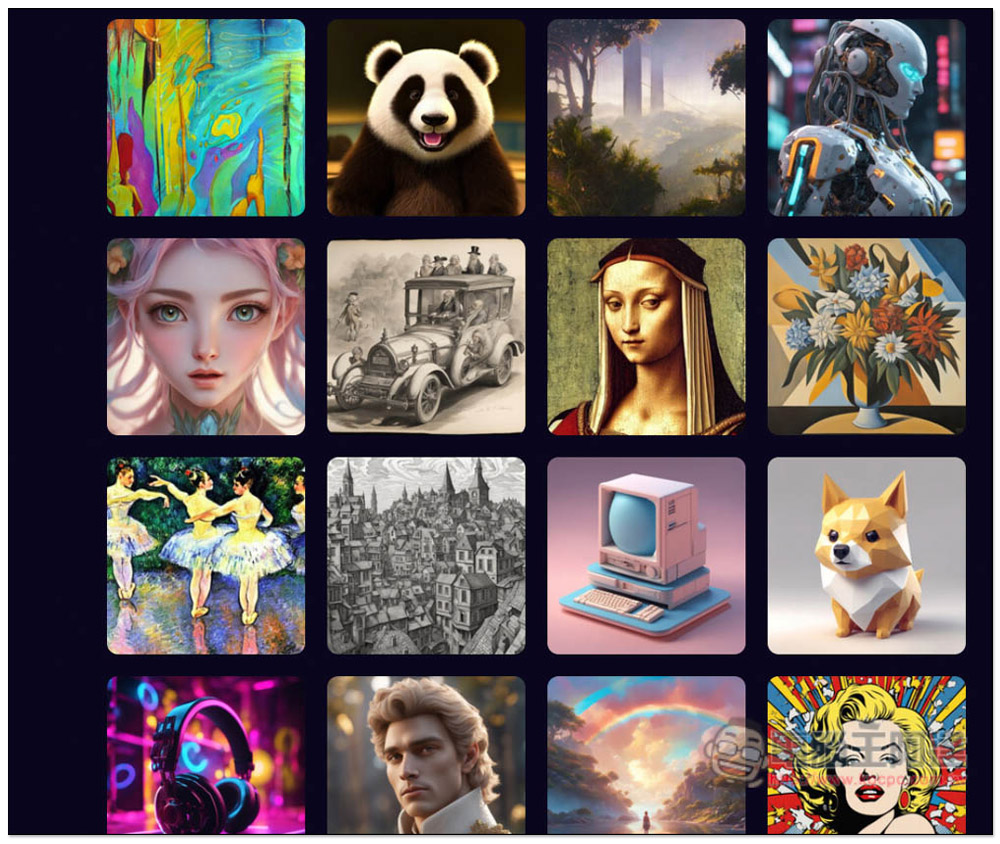
Click “Click to explore a galley of styles” to browse more available styles:
Compared to ChatGPT, DeepAI’s paid version is also much cheaper, so if you’re satisfied with both the chatbot and the image generation, it’s actually worth considering.
Source: KOCPC Chinese