


Android 12 will be launched in a few months, which means that Android 11 is almost a year old, plus ZenFone 7 / 7 Pro, which was launched later than ROG Phone 3,The Android 11 update was pushed out 4 months ago, I believe many ROG Phone 3 users were surprised at the time. Could it be that this phone cannot be upgraded?
Of course not. Before the launch of Android 12, Asus has finally officially released the Android 11 update file (version WW-18.0410.2105.133) for ROG Phone 3. Now go to the system update option and you should be notified.
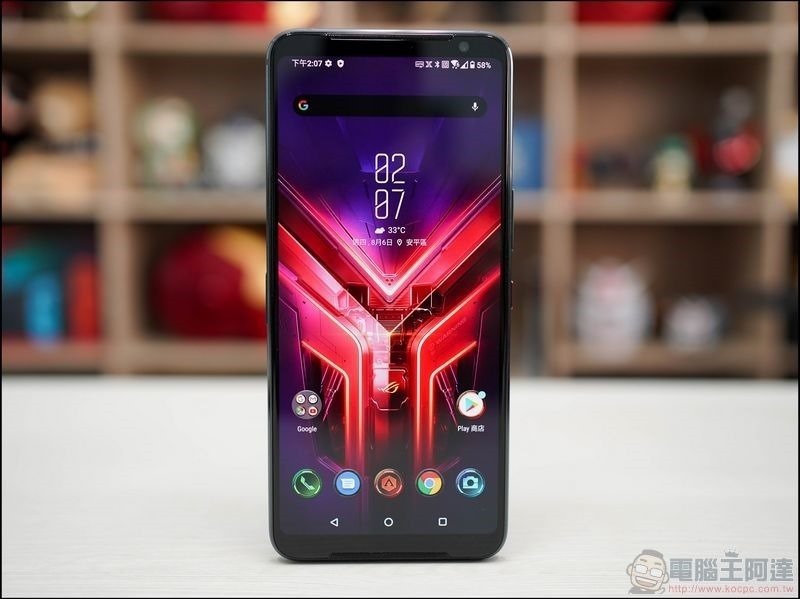
ROG Phone 3 officially receives Android 11 update
recentlyASUS official forumOn, it was officially announced that ROG Phone 3 (ZS661KS) would be upgraded to Android 11. If you have not received the notification, please go to [Settings] –> [About] –> [System Update] and you should be able to update manually:
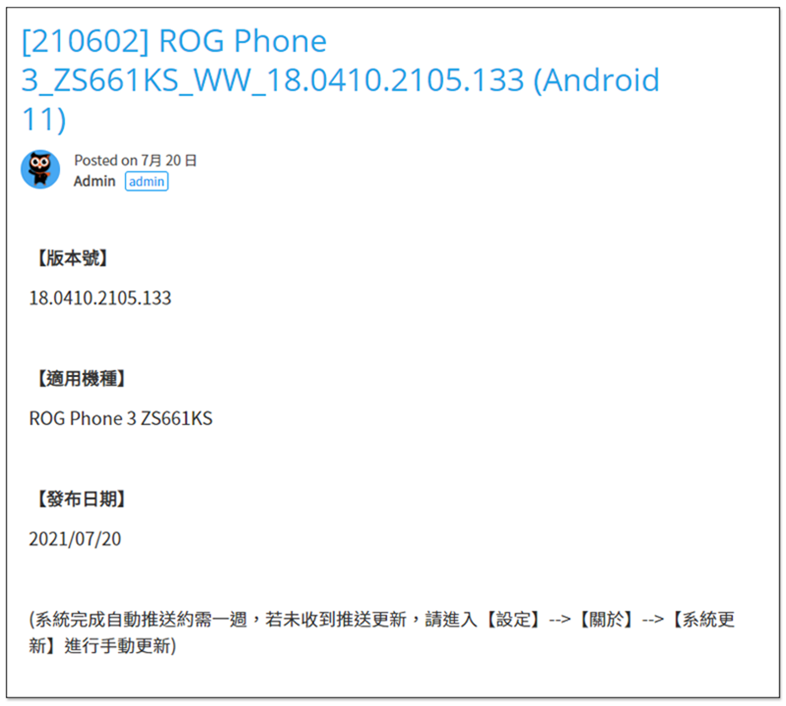
If it still doesn’t work, go to ASUS official website now ROG Phone 3 pageYou can also download the WW-18.0410.2105.133 software:
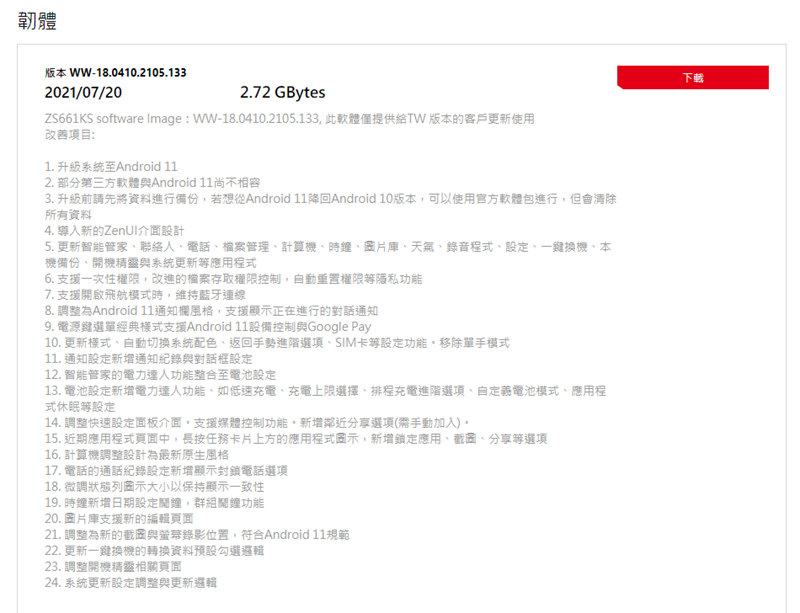
Here is also a reminder: when performing this type of system upgrade, remember to back up your mobile phone data first to avoid some emergencies that may cause the data to be unrecoverable. If you don’t like Android 11 after upgrading and want to downgrade back to Android 10, ASUS also provides an official software package, but it will clear all data, so be careful.
The following are the new features and precautions of this ROG Phone 3 update to Android 11
- Some third-party software is not yet compatible with Android 11
- Import new ZenUI interface design
- Update applications such as smart housekeeper, contacts, phone, file management, computer, clock, photo library, weather, recording program, settings, one-click device replacement, local backup, boot wizard and system update.
- Supports one-time permissions, improved file access control, automatic reset of permissions and other privacy features
- Supports maintaining Bluetooth connection when turning on airplane mode
- Adjusted to Android 11 notification bar style, supports display of ongoing conversation notifications
- The classic style of the power button menu supports Android 11 device control and Google Pay
- Update styles, automatically switch system colors, return to gesture advanced options, SIM card and other setting functions. Remove one-handed mode
- Notification settings add notification record and dialog box settings
- The power expert function of the smart housekeeper is integrated into the battery settings
- Battery settings include new power expert functions, such as low-speed charging, charging upper limit selection, advanced charging options, customized battery mode, application hibernation and other settings
- Adjust the quick setting panel interface. Supports media control function. Added proximity sharing option (needs to be added manually)
- In the recent applications page, long press the application icon above the task card to add options such as locking the application, taking screenshots, and sharing.
The computer is adjusted and designed to the latest native style - The phone’s call history settings now have a new option to show blocked calls
- Fine-tune status bar icon size to maintain display consistency
- The clock adds date setting alarm clock and group alarm clock functions
- Image gallery supports new editing page
- Adjusted to new screenshot and screen recording positions to comply with Android 11 specifications
- Update the conversion data default check logic for one-click phone switching
- Adjust boot wizard related pages
- System update settings adjustment and update logic
大尺寸好、小尺寸更好!華碩年度誠意雙旗艦 ASUS Zenfone 8 / 8 Flip 開箱評測(文末有購機專屬優惠)
Source: KOCPC Chinese