


Following the launch of the Arc Search app last month, which can replace iOS’s default browser, a new feature update was quickly rolled out. The mobile version of Arc browser is also actively incorporating more AI features. Continue reading the report on “Pinch” for an ultra-intuitive gesture — the new AI webpage summary gesture for the mobile Arc browser (feature update hands-on).
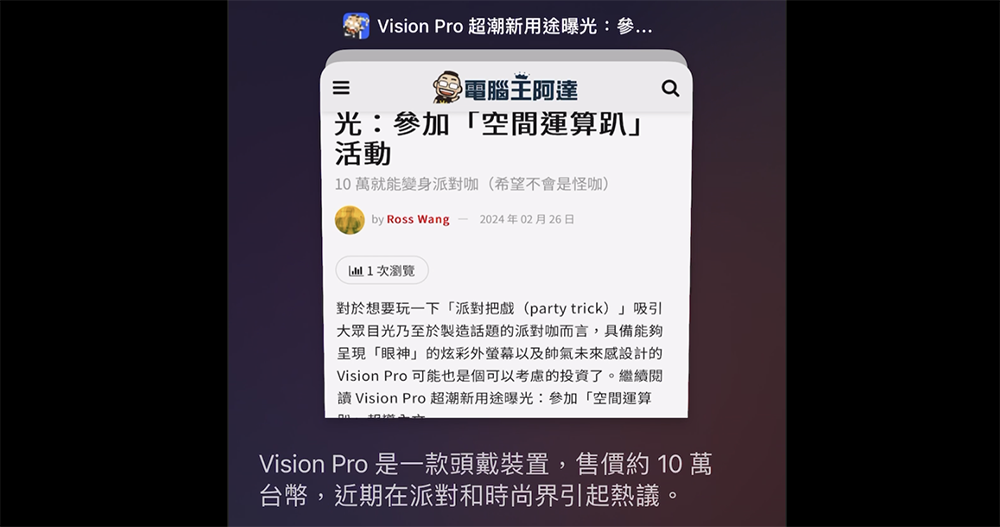
Image source:
A quick “pinch” is super intuitive — the mobile Arc browser launches a new web page AI summary gesture (hands-on with the feature update).
Have you all tried out the various innovative experiences of the Arc browser, which gained widespread recognition by fully capitalizing on the generative AI trend?
The Browser Company, which is actively building a browser experience unlike any before, has been very aggressive lately. Shortly after launching the Arc Search app at the end of last month to replace the iOS default browser, it quickly rolled out its latest feature update. It’s also actively bringing more AI features to the mobile version of the Arc browser.
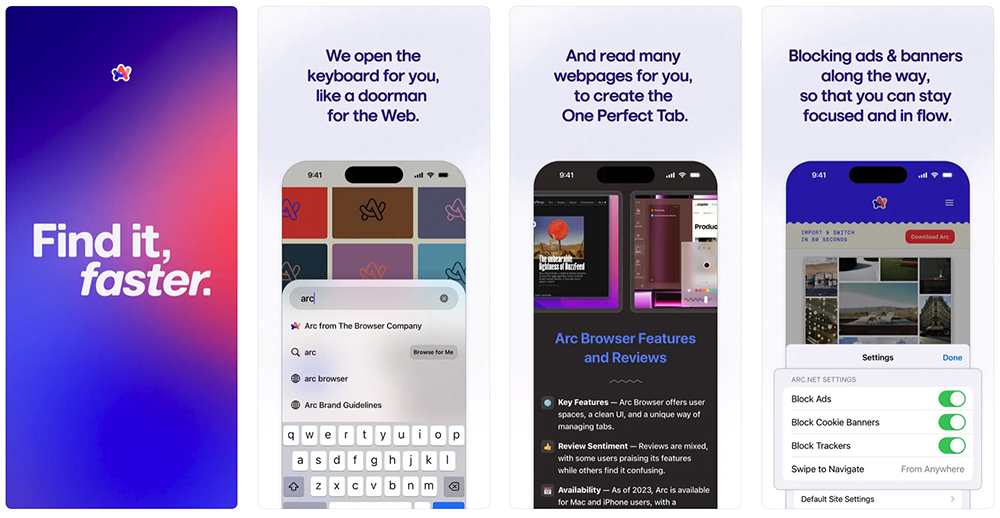
By using the rectangular “Browse for me” button, the previously monotonous search experience of slowly flipping through web pages can be transformed into one where AI quickly summarizes key points and lists reference pages — of course, if you don’t select “Browse for me,” it remains the regular search method.
Now, with the latest update to the Arc Search app, the development team has introduced a feature that uses the familiar two-finger pinch gesture to trigger AI summaries of the webpage you’re viewing.

This feature is as simple and intuitive as it looks on screen (very easy to get the hang of!). It quickly organizes summaries into a clear list.
We briefly tried out this feature and found that its summary function currently displays in the language of the webpage — English pages are summarized in English. However, we also noticed that the Arc Search app now appears to support Traditional Chinese display as well.
So I also tried out whether “Browse for me” can now support Chinese. I also found that if you ask in Chinese, “Browse for me” can now support Chinese – as shown below, though it’s currently in simplified Chinese…


For those interested in the page we’ve put together for this feature, you can also check out our inquiry.Example page I personally think it’s really good, but I still hope the official team can fix the Traditional Chinese display issue as soon as possible.
Also, in the previous version we had an issue where scanning a QR code wouldn’t redirect properly. It looks like that’s been resolved now (at least I can scan the QR code from the desktop version of the LINE app to log in).
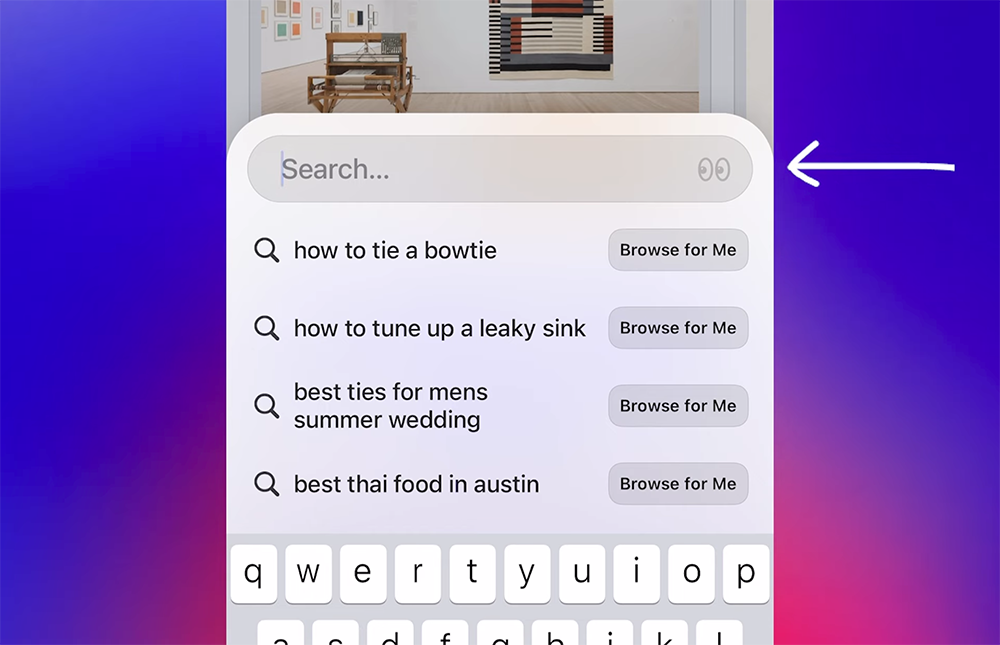
Image source: The Browser Company
This update means that if you set Arc Search as your default browser on iOS, you can enjoy an intuitive experience that includes built-in ad blocking and a simple pinch to view summaries — oh, and did I mention there’s also a new private browsing feature? Just tap the glasses icon on the right side of the search bar to activate it.
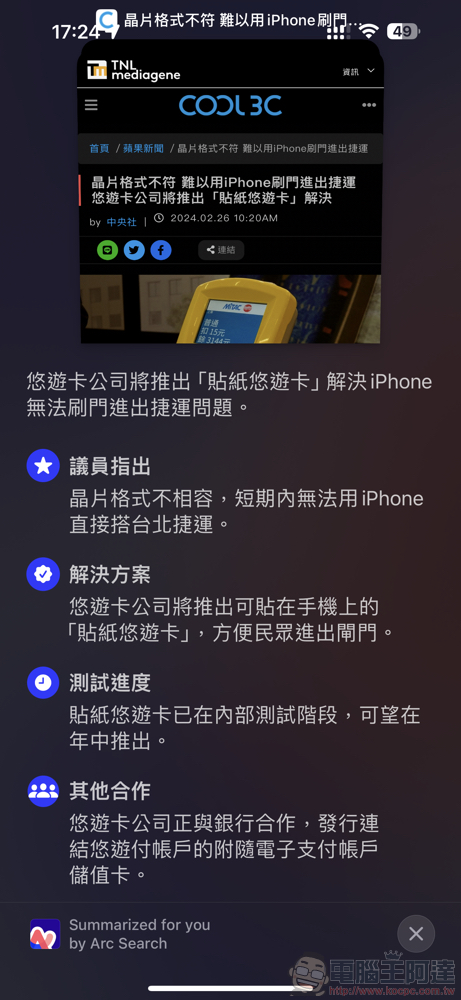
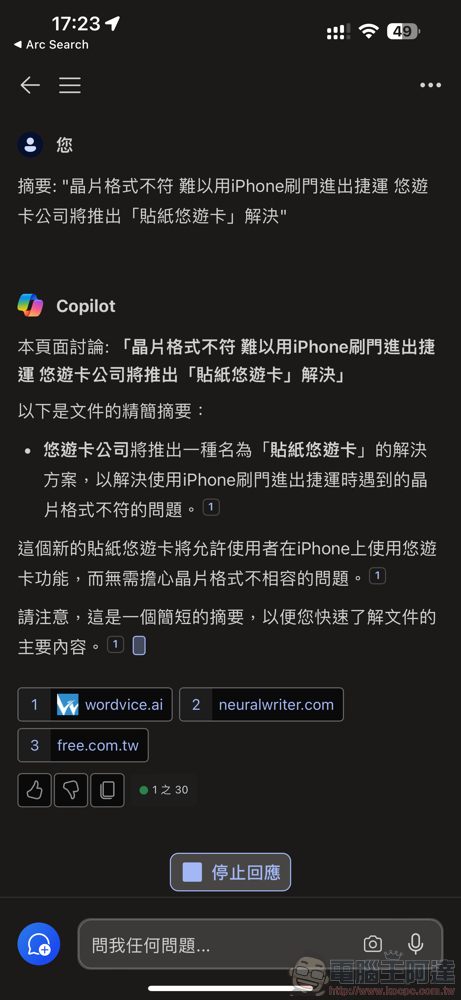
Above, we also compared the Bing AI experience, which can organize summaries through the built-in “Actions” feature on iOS, against the summary results on the same page. Basically, after this update, I’ve already set the Arc Search app as the default browser on iOS – so far, the impression is good, and I’ll try it out to see if there are any issues.
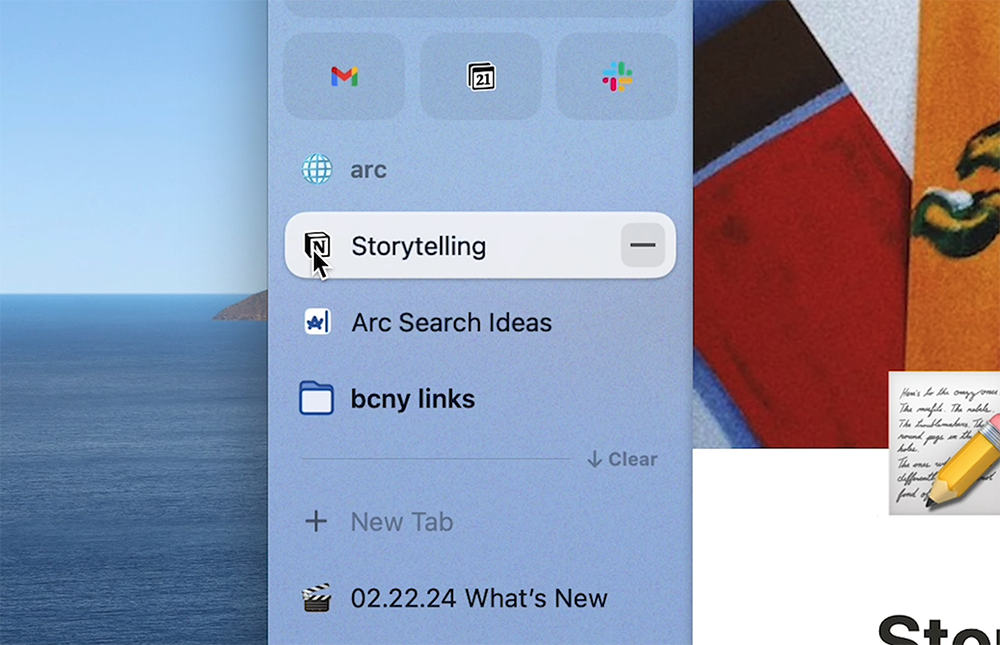
Image source: The Browser Company
This update also brings subtle feature adjustments to the desktop version. For example, after you pin a webpage and browse for a while, if you want to save subsequent links, you can now hold CMD and click the page icon to detach the page – it will restore the original URL and add the current page to the bottom. According to the official statement, the macOS version of the Arc browser has also introduced Metal support updates expected to improve stability. For more update details, refer to the official video below.
Arc Search Download page (portal)
Further reading:
Vision Pro’s ultra-cool new use case revealed: attending “spatial computing parties”

Source: KOCPC Chinese