


In the past period, we have shared several tutorials on how to play YouTube videos and view Aegis speed photos on Android Auto, so that you can use your free and root-free phone to get more applications in your car. At the same time, many people are wondering if they can only play YouTube videos? So if there are some video files saved on the phone, how to play videos from online video websites? What if you want to browse the web directly from your car? Come share it with everyone today!
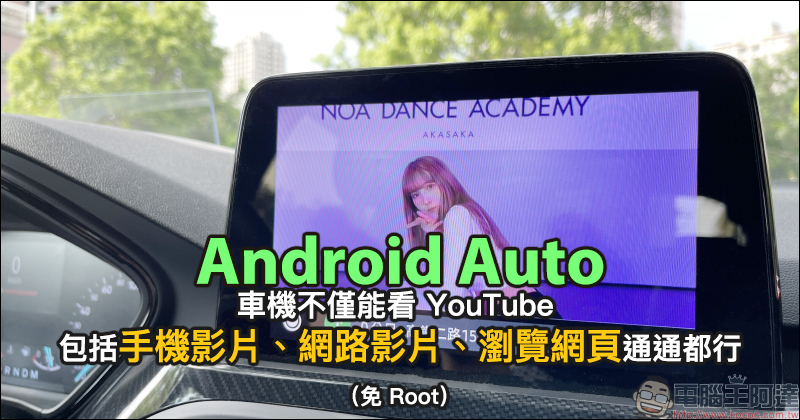
Android Auto cars can not only watch YouTube, but also mobile videos, online videos, and browse the web! (Root free)
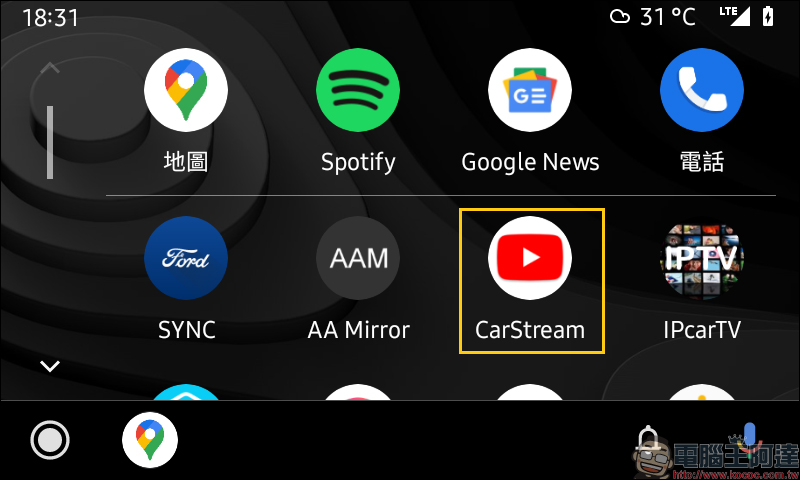
Before we start, this time we need to use the “CarStream” App. It is recommended that everyone who is reading this series of Android Auto car-machine tutorial articles for the first time can read the previous tutorials first.
Extended reading (click the link below to review):
Watch YouTube video tutorials on your Android Auto car for free! Root-free phone! Vol.1
Use Android Auto “Screen Mirroring” to watch YouTube video tutorials for free, and your phone does not need to be rooted! Vol.2
Android Auto car display “Aegis Speed Camera” setting tutorial and advanced display techniques are revealed! (Root free)
Get started: Create Google search bookmarks, conduct Google searches
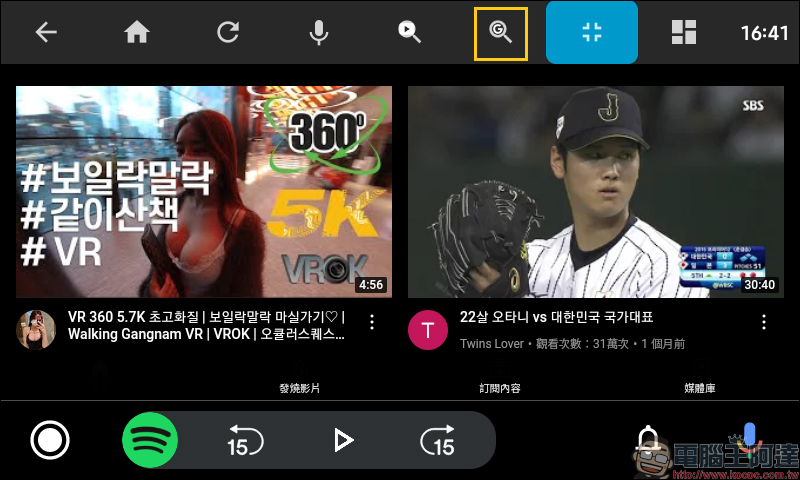
First of all, the first episode of the tutorial uses the “CarStream” that can play YouTube directly in the car and can be operated by touch. We first need to create a bookmark for the Google search engine. First, click the “G” word search button in the function menu at the top of the screen.
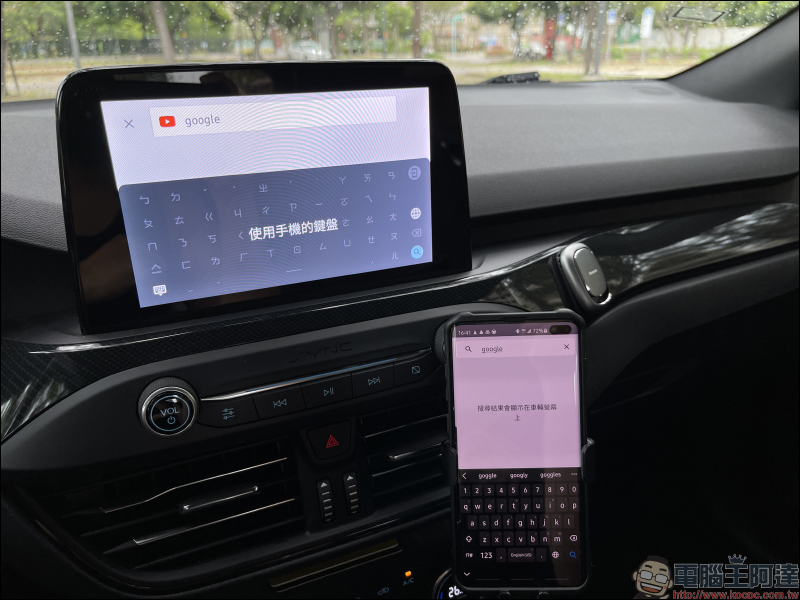
A search window will pop up, click “Search”.
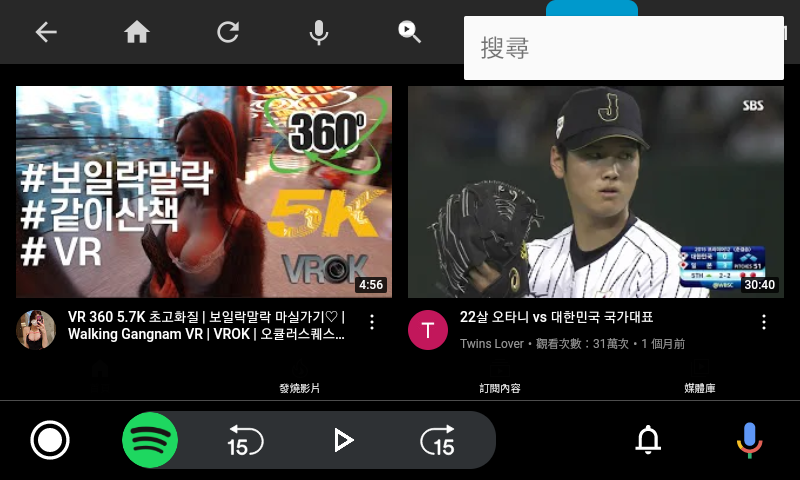
At this time, you need to use the mobile phone’s keyboard for input. At this stage, it is recommended to enter a piece of text (such as Google) on the mobile phone’s keyboard and press search.
For safety reasons, if the vehicle is moving, the mobile phone keyboard will be temporarily unable to input, and you need to wait until the vehicle is stationary before executing it.
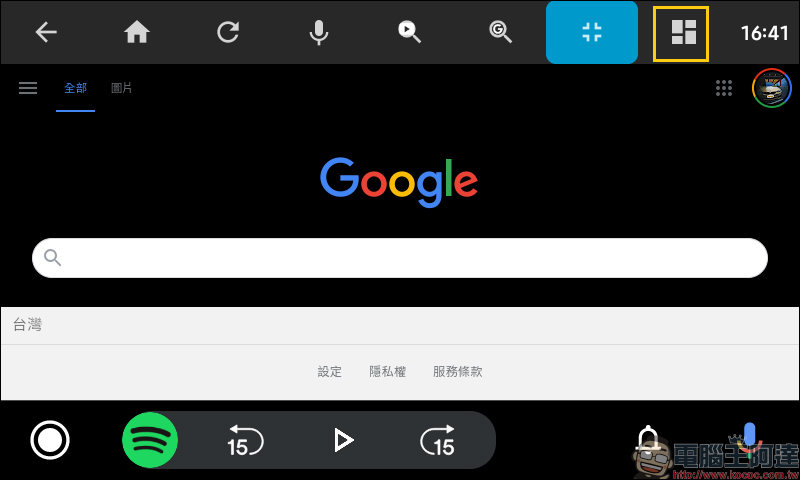
At this time, the main screen of Google search will be displayed. In order to facilitate faster use in the future, we need to create it as a bookmark first. First, click the bookmark bar button in the upper right corner.
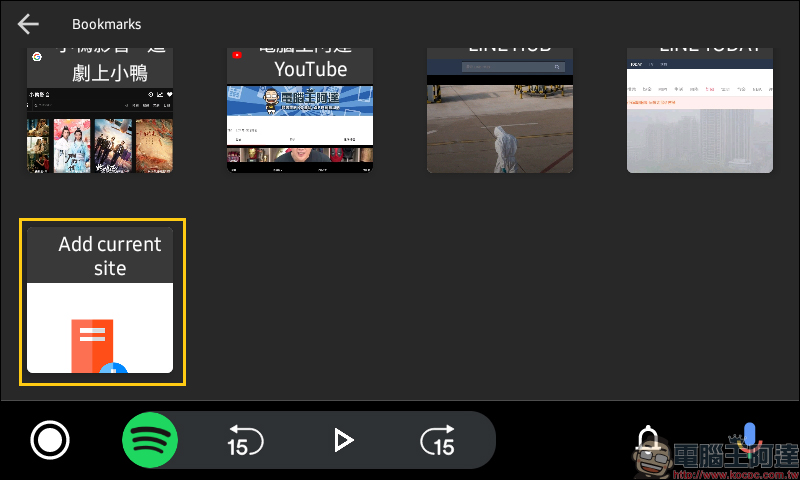
Then click “Add current site” to directly create a new bookmark for this page.
The created bookmarks will be displayed in the bookmark column.
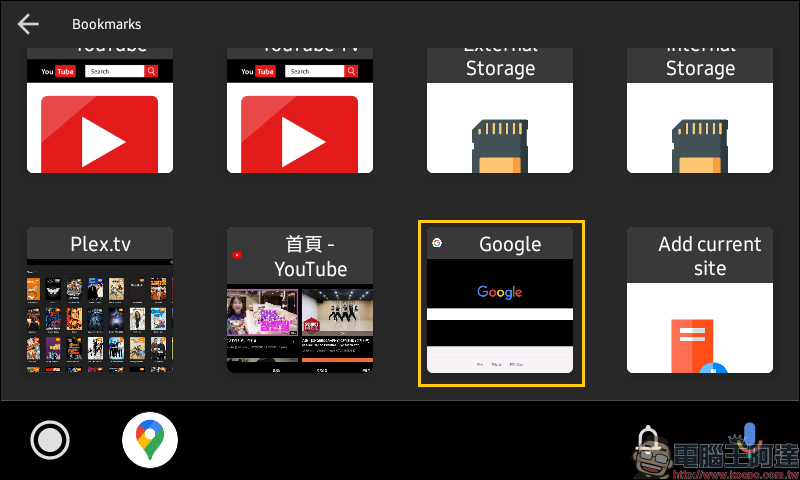
You can also use the same steps to quickly create bookmarks for other commonly used web pages. The complete operation demonstration is as follows:
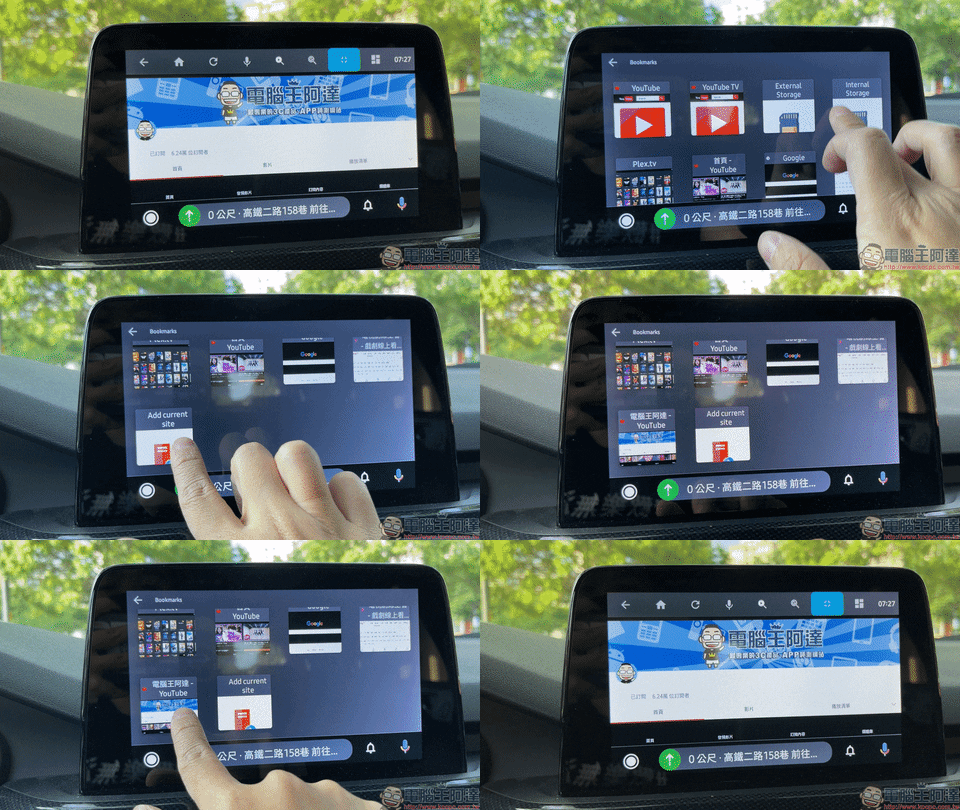
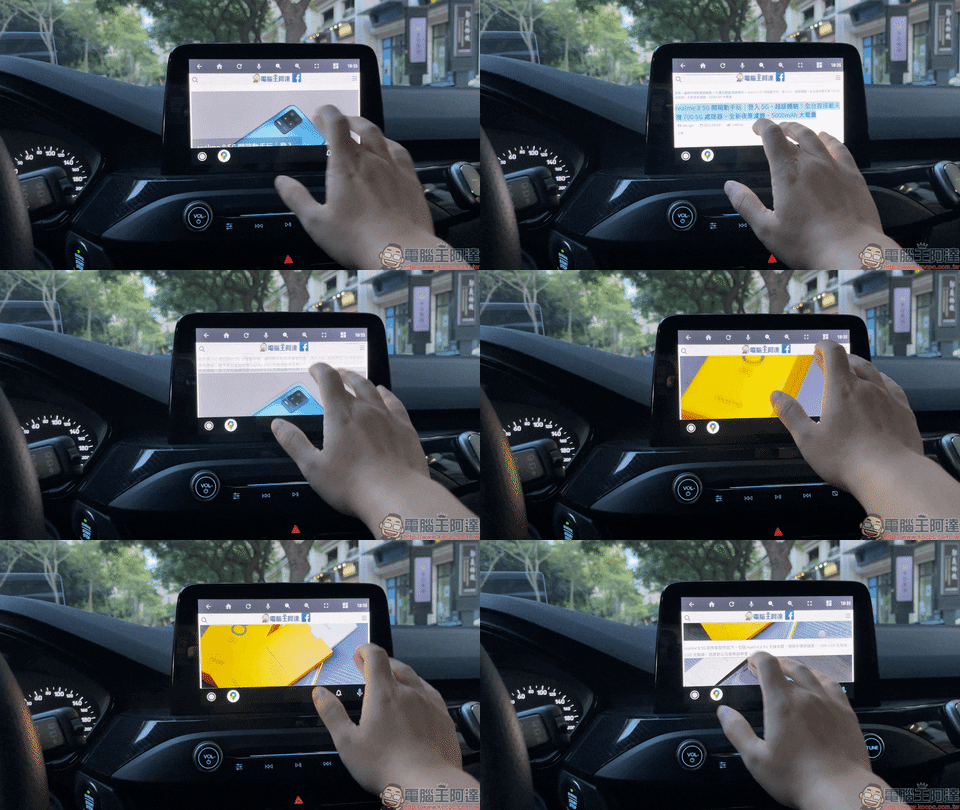
Touch operation to browse the web and watch online videos
After successfully creating a bookmark, it will be very convenient to use Google to search for various content in the future! Like searching for weather information.
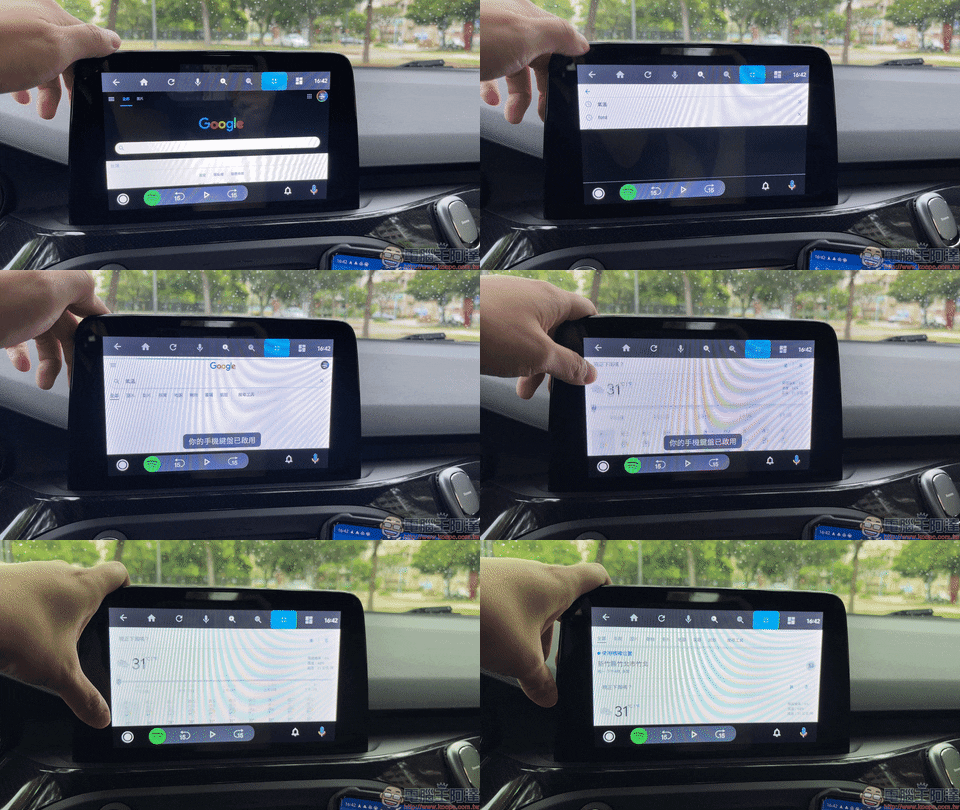
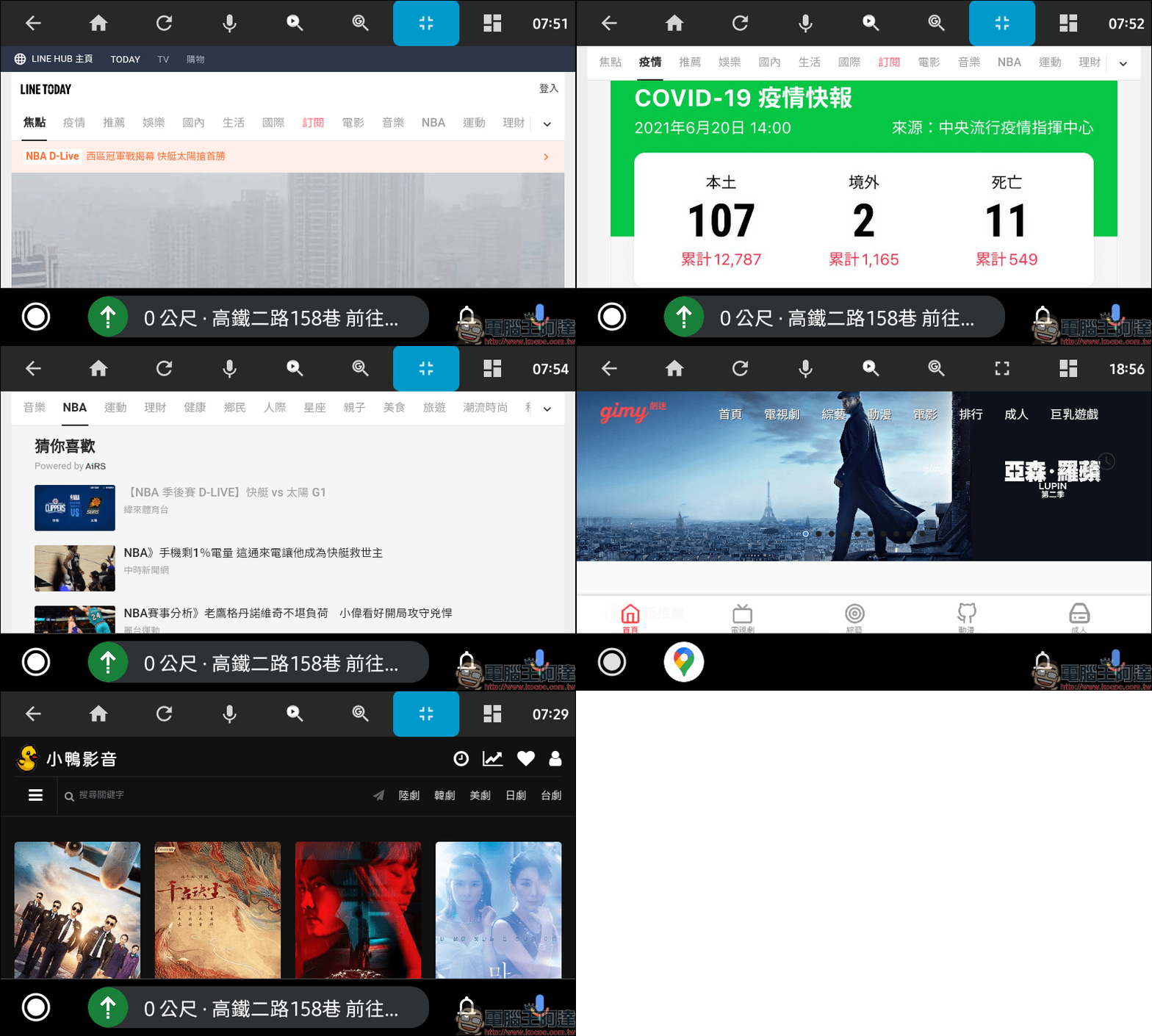
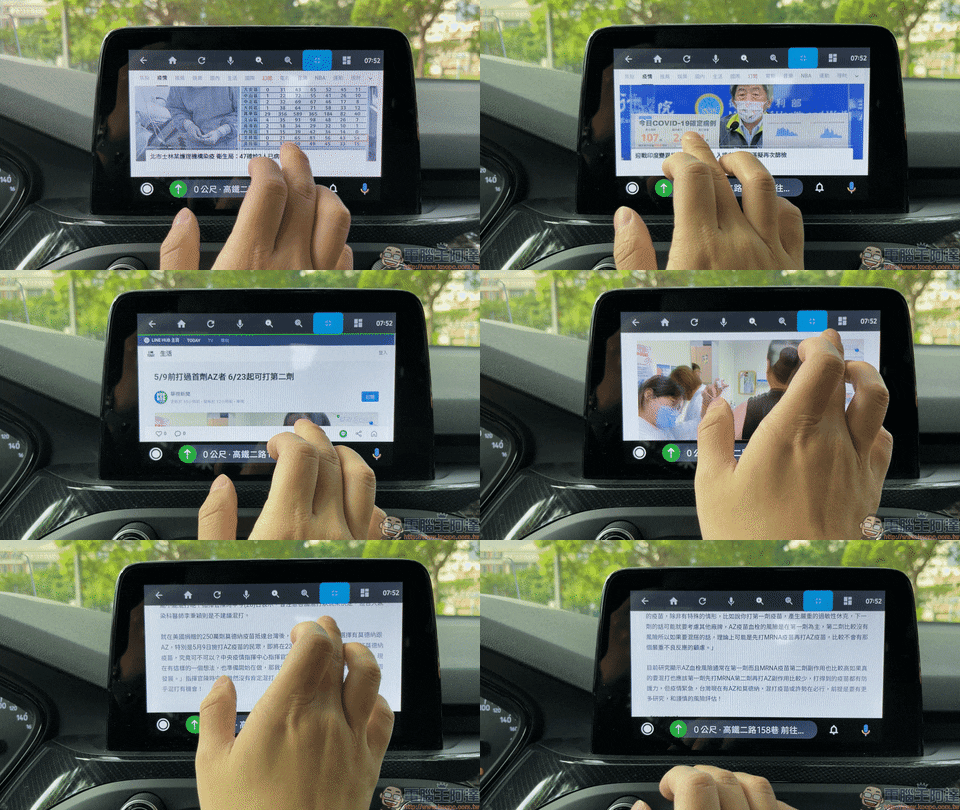
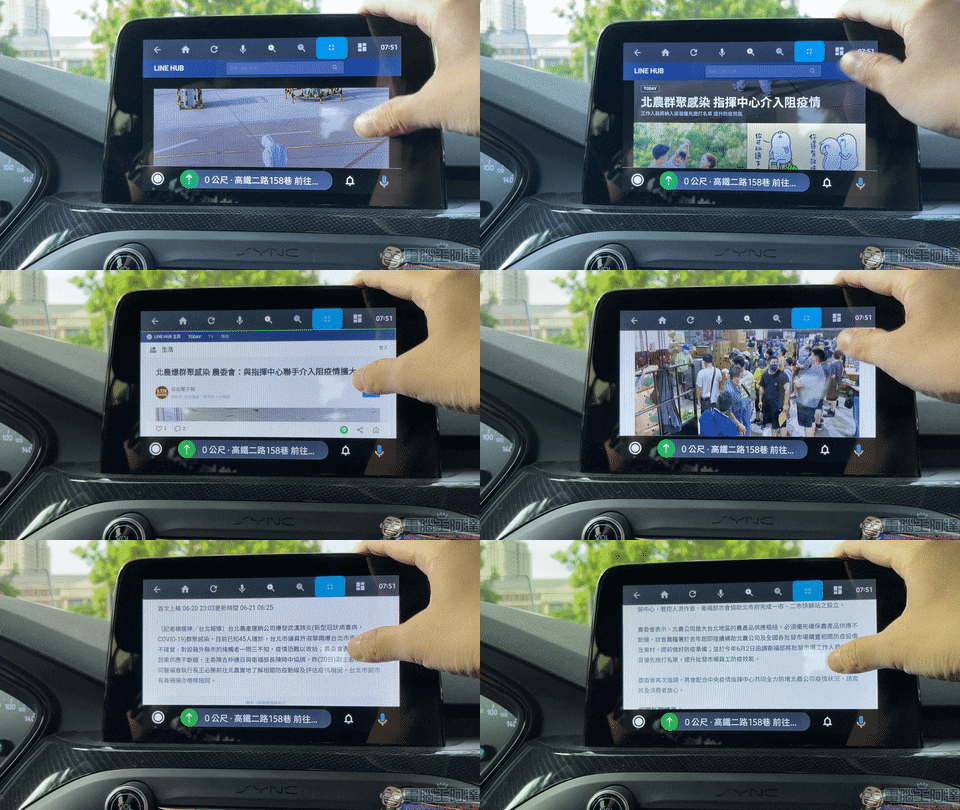
Or search on Google to find commonly used websites, such as those introduced beforePortal LINE HUB It is a highly recommended platform. LINE TODAY on the platform collects the latest news information of various types at home and abroad, which is very convenient for people who want to check news quickly.
In addition, if you want to watch the video content of some online video websites, you can also watch videos through this method. As for which websites there are, it is up to you experienced players to use them freely. I will not recommend them here.
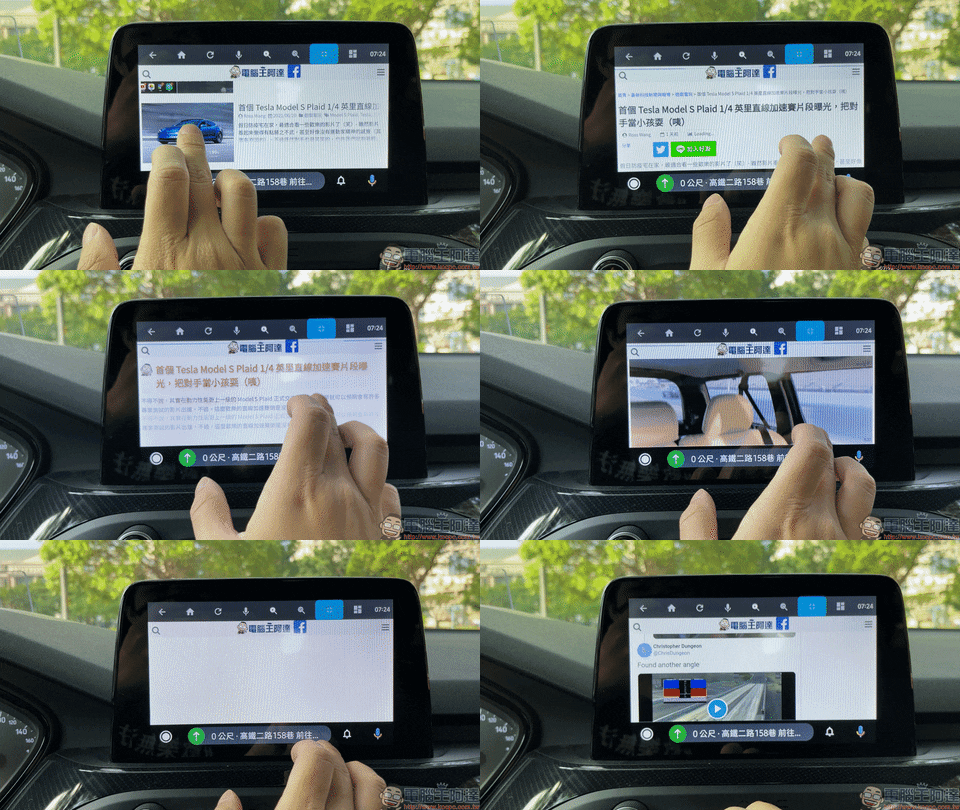
Using this method, you can browse the web directly on your car, such as checking the latest articles from Computer King Ada.
You can also read various news reports compiled by LINE TODAY.
Play videos stored on mobile phone
If you are worried about poor network signal and unable to watch online videos such as YouTube, you can actually use CarStream to play video content stored on your phone. For parents with children at home, it is highly recommended to store their children’s favorite cartoons on their mobile phones, so that they can open and play them for their children to watch at any time in the car! Of course, if adults have favorite videos, they can download them to their mobile phones and watch them at any time.
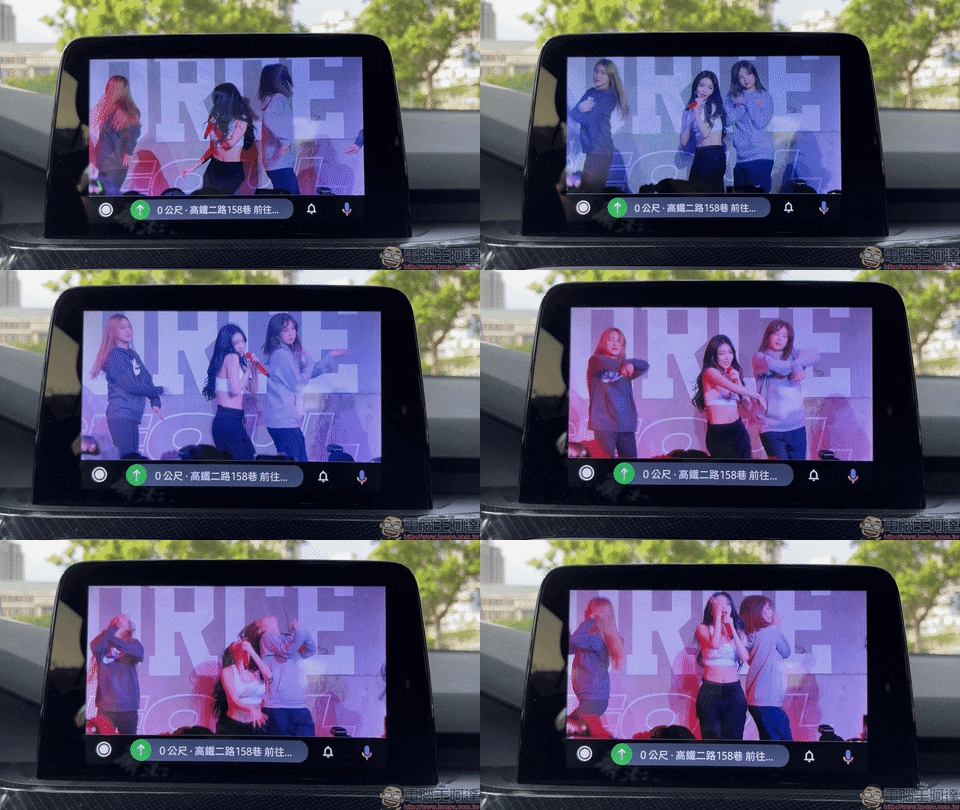
In the bookmark bar of CarStream, you can see External Storage (external storage, usually the external memory card of the mobile phone) and Internal Storage (internal storage, the storage space of the mobile phone itself). Here, the author has stored the video files in the mobile phone memory card in advance, so I need to select External Storage to open the memory card.
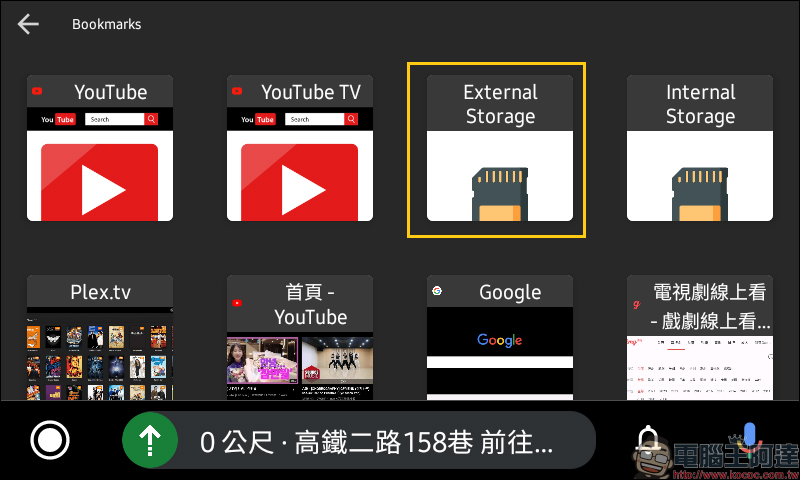
Then find the folder where you store your videos!
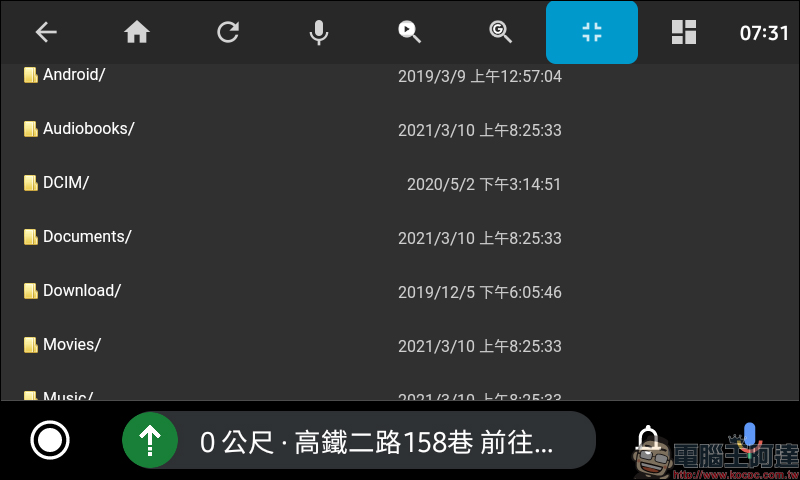
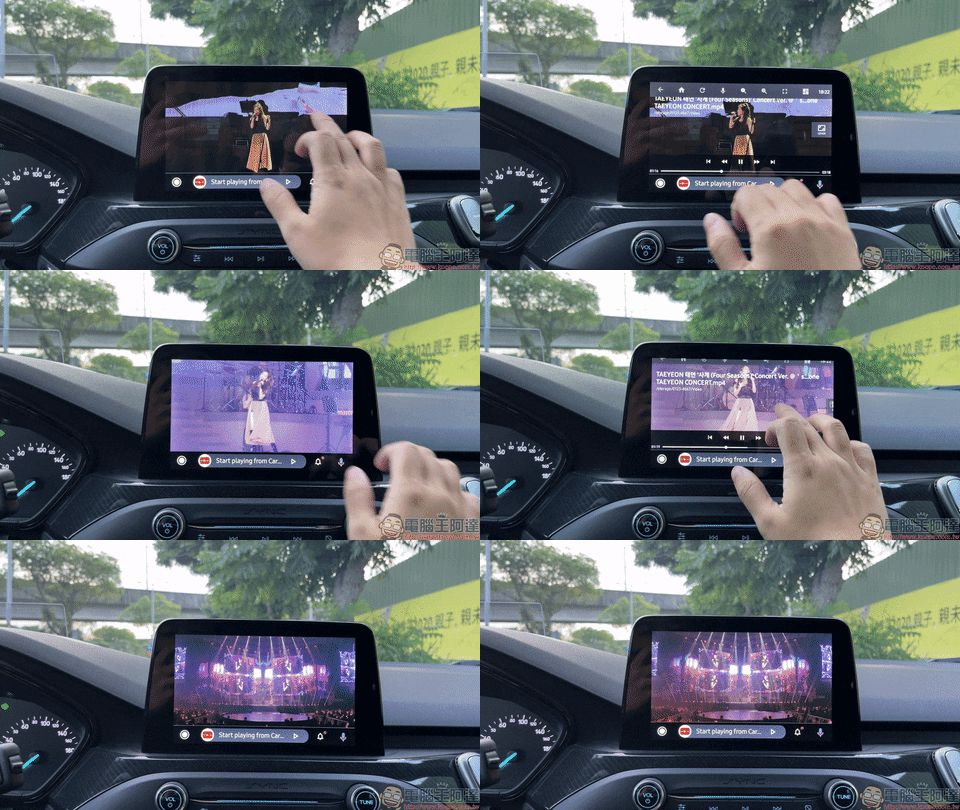
After opening the folder where the video is stored, select the video file you want to play to start playing.
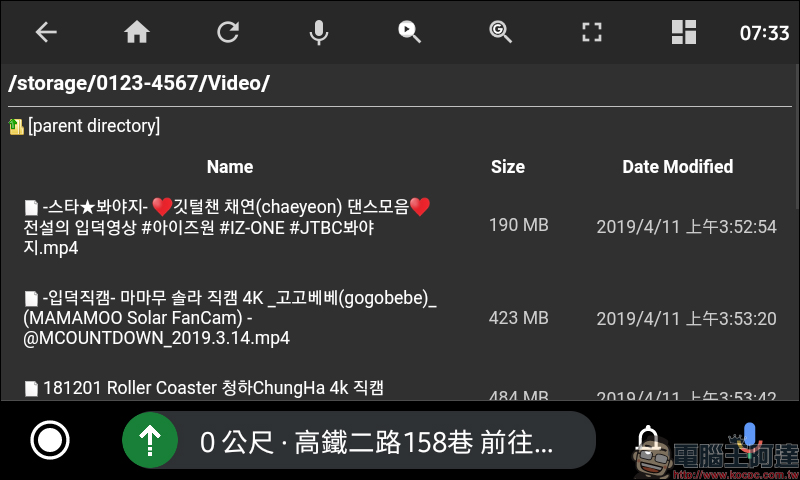
The process of enabling video storage on your phone is as follows:
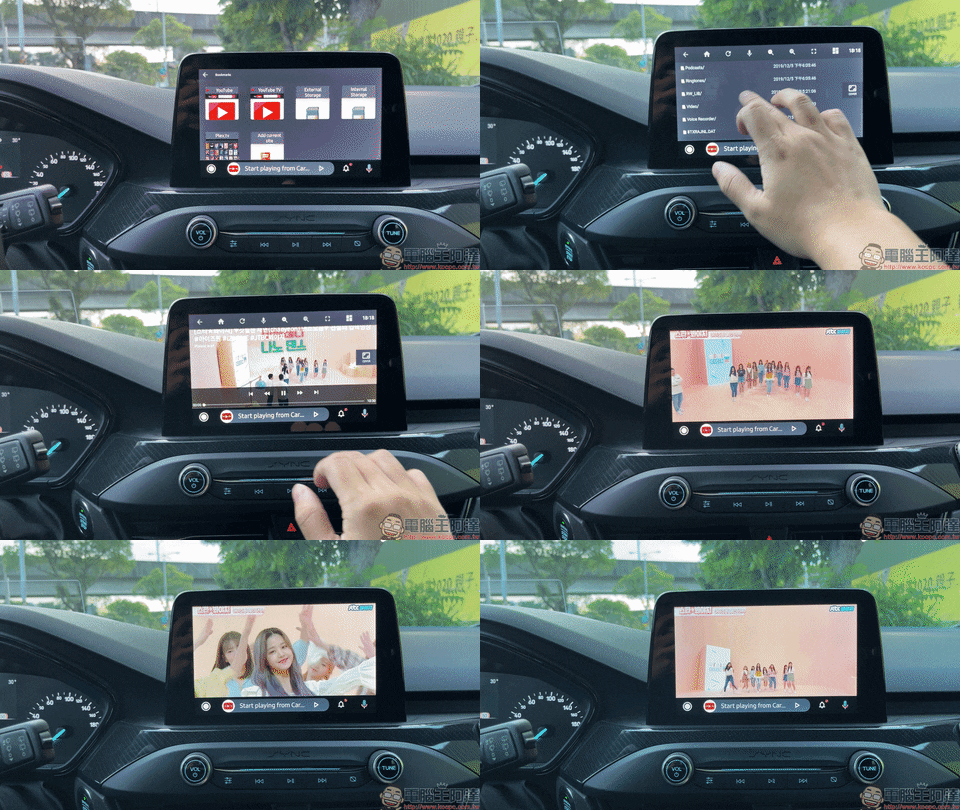
While the video is playing, you can tap the screen at any time to open the video playback control interface to adjust the video’s timeline, fast forward, pause, adjust the display ratio, and other operations.
If you like this teaching, please share this article with other car enthusiasts!
Finally, I would like to remind you: “Please do not use your mobile phone or watch videos while driving. Please concentrate on driving to ensure your and my safety.”
(Supplementary) Frequently Asked Questions
Q: What should I do if AA Mirror sometimes displays a black screen that cannot be displayed when turned on?
A: First return to the homepage in Android Auto, and at the same time turn off AA Mirror from the background of the mobile phone (turn on multitasking, and confirm that AA Mirror is not displayed in the drop-down menu), then re-click AA Mirror on Android Auto to reconnect. If the display still cannot be displayed after restarting with the above method, turn off the AA Mirror again, disconnect Android Auto, wait a few seconds and then reconnect.
Q: It could be used before, but one day it suddenly became unavailable?
A: First confirm whether the Android Auto version has been accidentally updated to version 6.4 (inclusive) or above. If it has been accidentally updated, you can uninstall Android Auto first, and then download the Android 6.3 APK file for installation (it is recommended to confirm again and turn off “automatic updates”).
Q: Sometimes there is no sound when playing videos on the mobile phone?
A: You can first go to CarStream’s YouTube page to play any video, turn on the sound and then go back to try.
Further reading:
LINE’s QR code scanning function is now available to support “SMS real-time linkage”, and registration can be easily completed using LINE (teaching)
Source: KOCPC Chinese