


“Transcribe AI: Voice to Text” is a very handy AI note-taking app. Unlike typical voice-to-text tools, it offers AI summaries and highlight features in addition to transcription—basically organizing your entire audio content for you, which is super convenient. More importantly, it also has translation capabilities. You can record in English or other languages, and it will convert the input into Chinese. Currently, the lifetime plan is on a limited-time free promotion. An annual subscription would cost nearly NT$3,000, so iPhone users are highly recommended to grab this one.
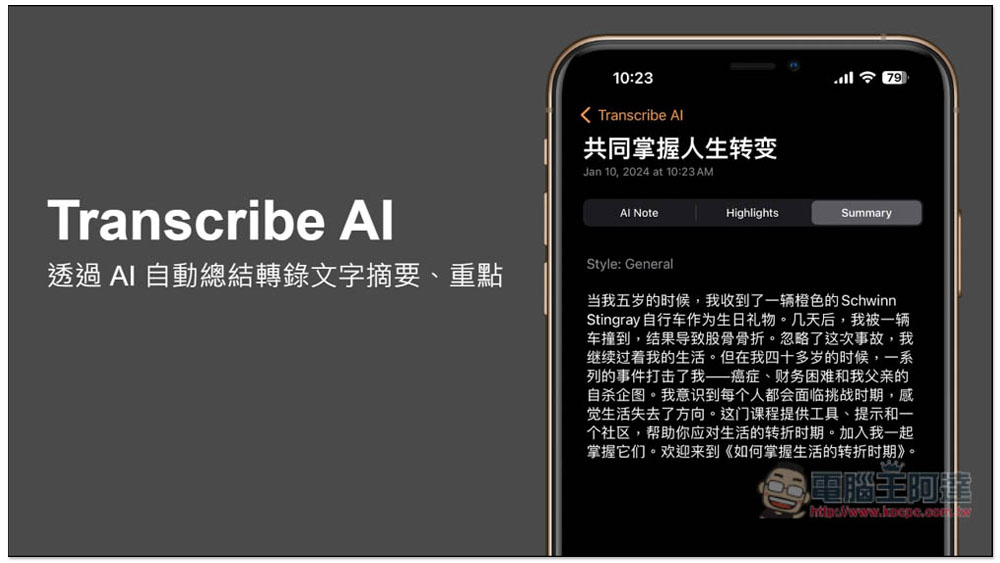
AI Note-Taking with Translation Support – Lifetime Free for a Limited Time! Transcribe AI converts voice to text, then AI automatically generates summaries and highlights key points
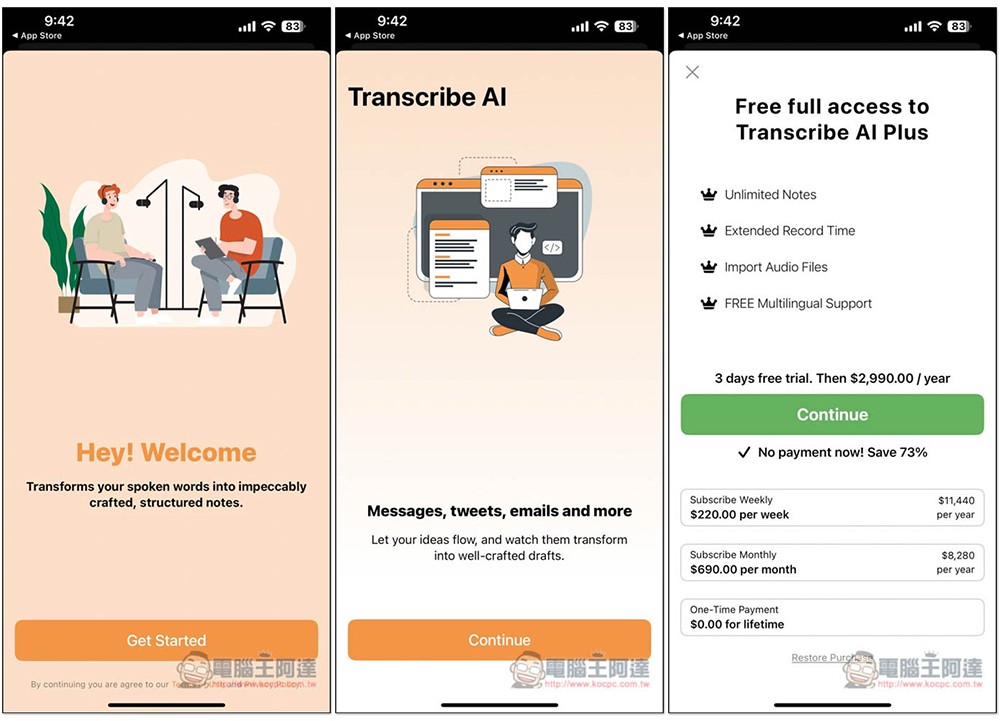
When you first open the Transcribe AI: Voice to Text App, there will be some introductory screens you can go through. Then, when you reach the Free full access to Transcribe AI Plus screen, you’ll see that the One-Time Payment option at the bottom is currently 0 (free limited time). After upgrading, you’ll get unlimited notes, longer recording time, audio file import, and free support, etc.:
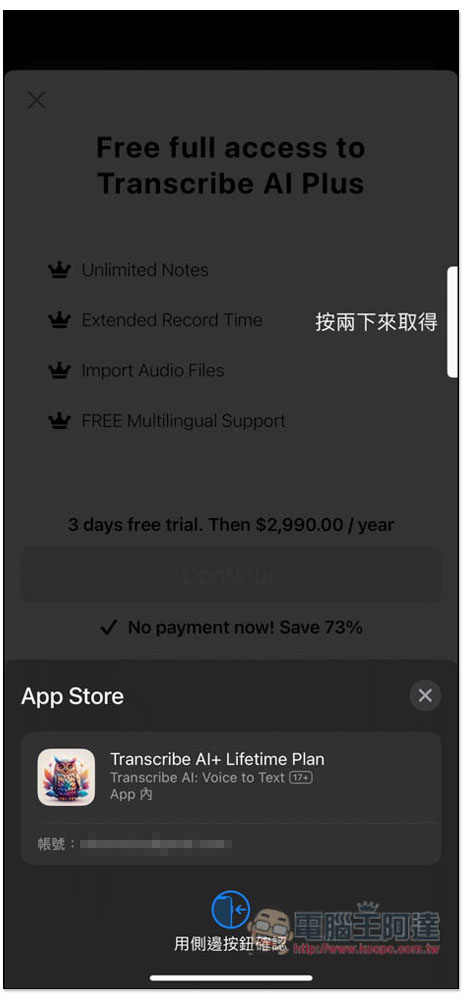
Check if the amount is zero; if so, proceed with payment.
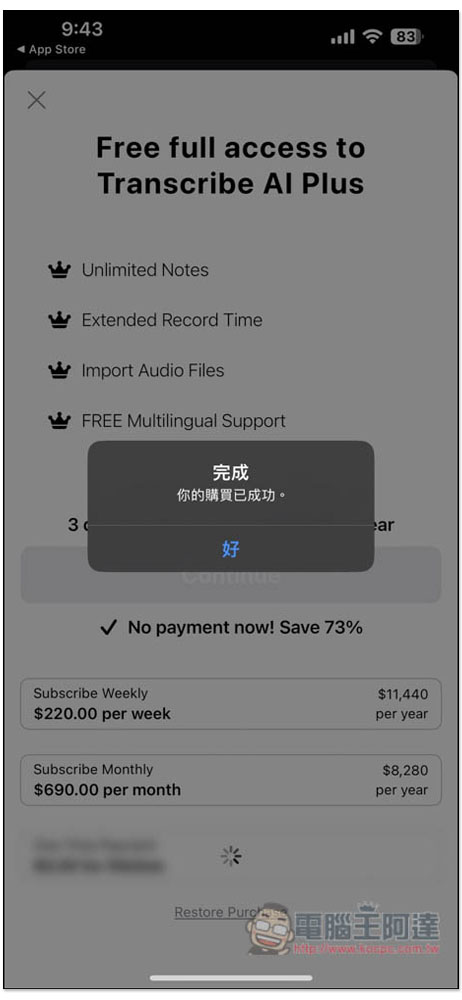
Your purchase is complete. You now have lifetime access to the paid version of Transcribe AI: Voice to Text.
This app supports two speech-to-text modes: “Record Audio” and “Import Audio File”:
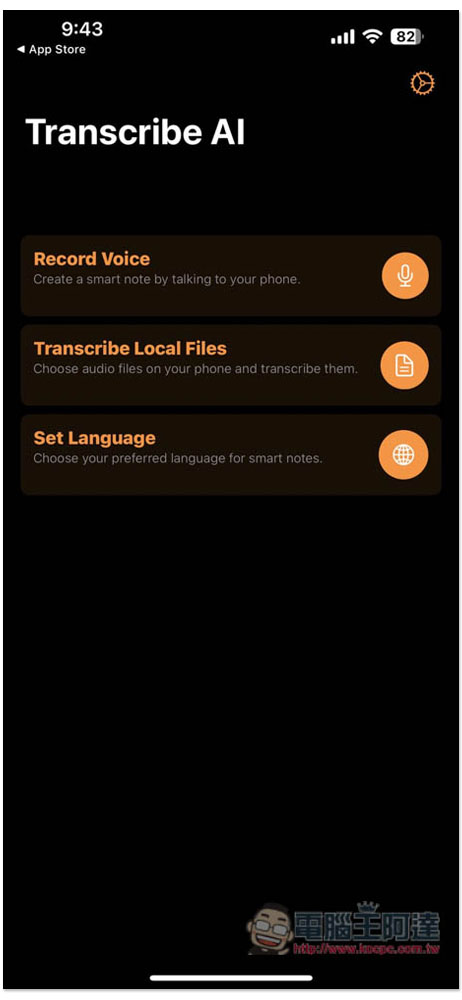
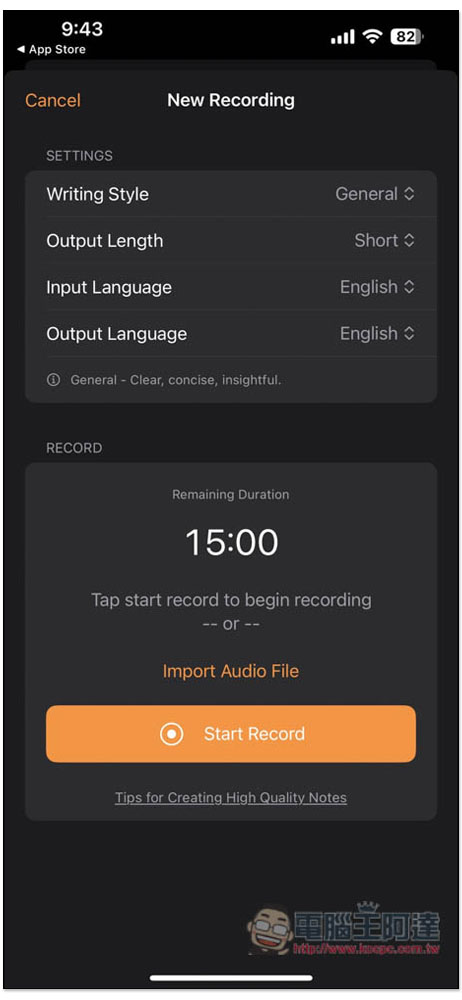
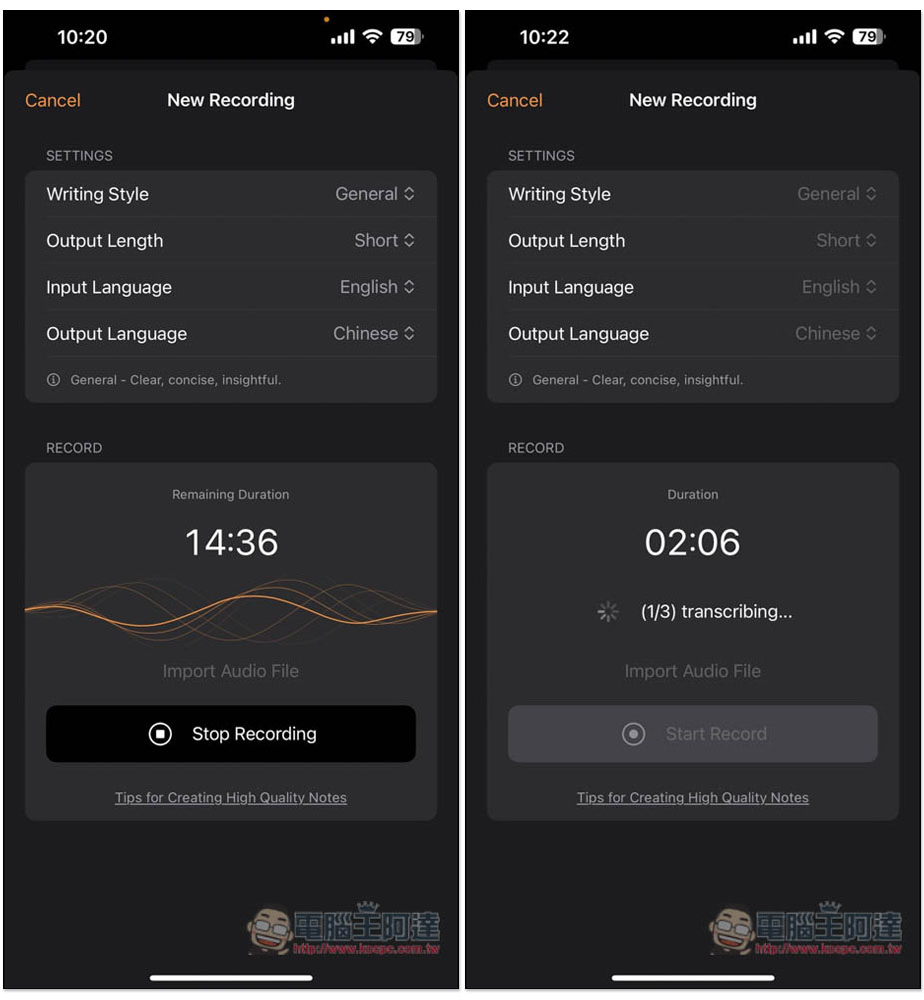
There are four settings: “Writing Style” controls the AI’s writing style, “Output Length” sets the response length (default is short, can be changed to medium or long), “Input Language” should match the language of your voice input, and “Output” determines the AI’s output language – change it to Chinese if you want Chinese. Each voice recording can be up to 15 minutes long.
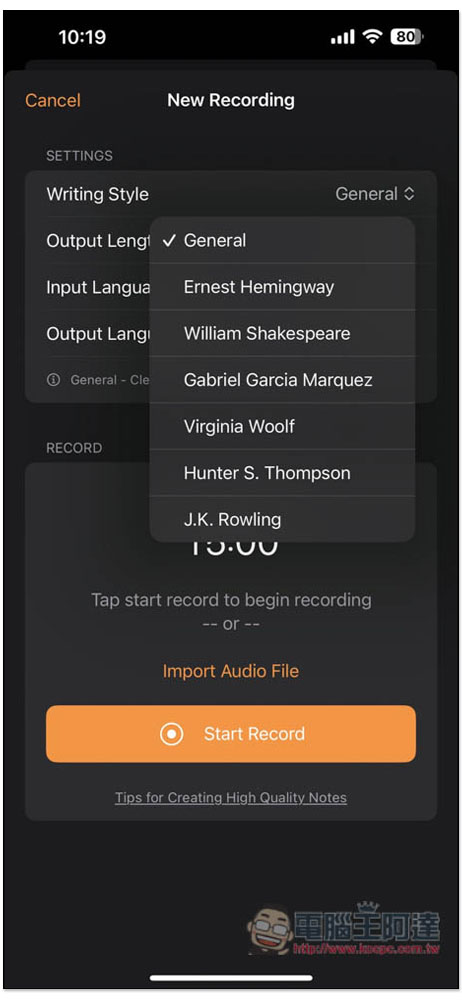
There are also 6 other writing styles; feel free to try them all:
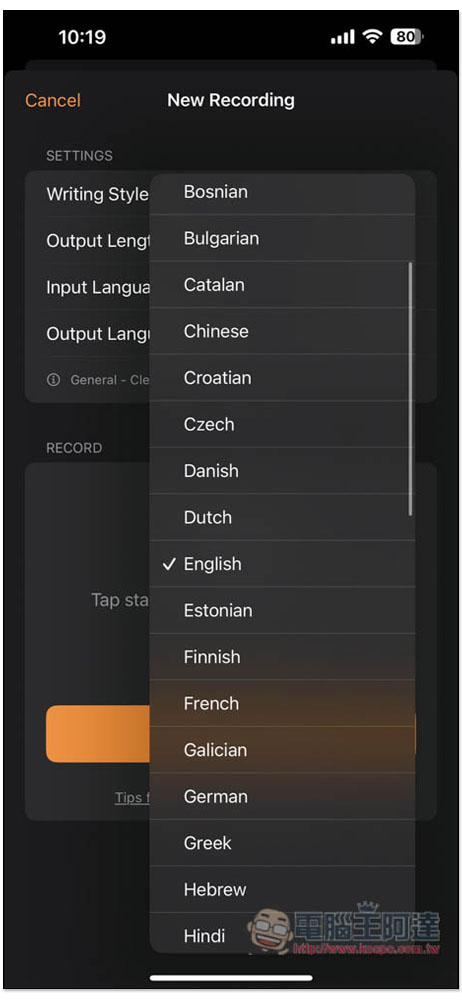
There are many options for input and output languages. Unfortunately, Chinese only offers Simplified Chinese, and Traditional Chinese is not yet available.
If you want to record directly, click “Start Record”. To import an audio file, use “Import Audio File”. The process cannot be interrupted midway, and once stopped, AI summarization will begin.
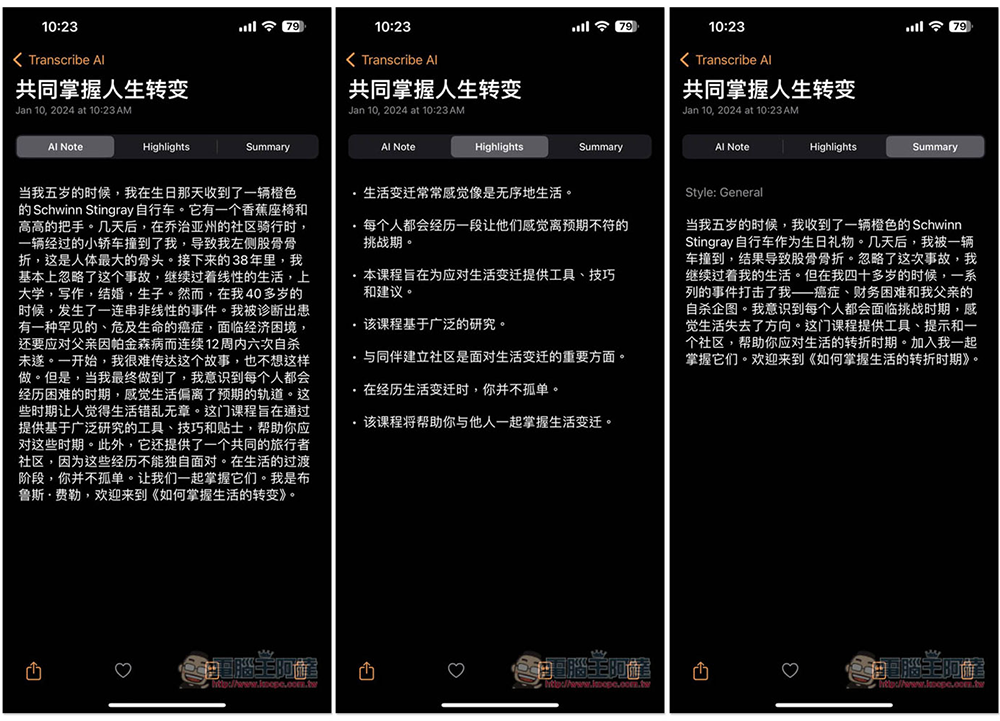
The image below is my test YouTube results for TED videosThe video is in English, so it gets translated into Chinese, and will be divided into three sections: AI Note, Highlights, and Summary.
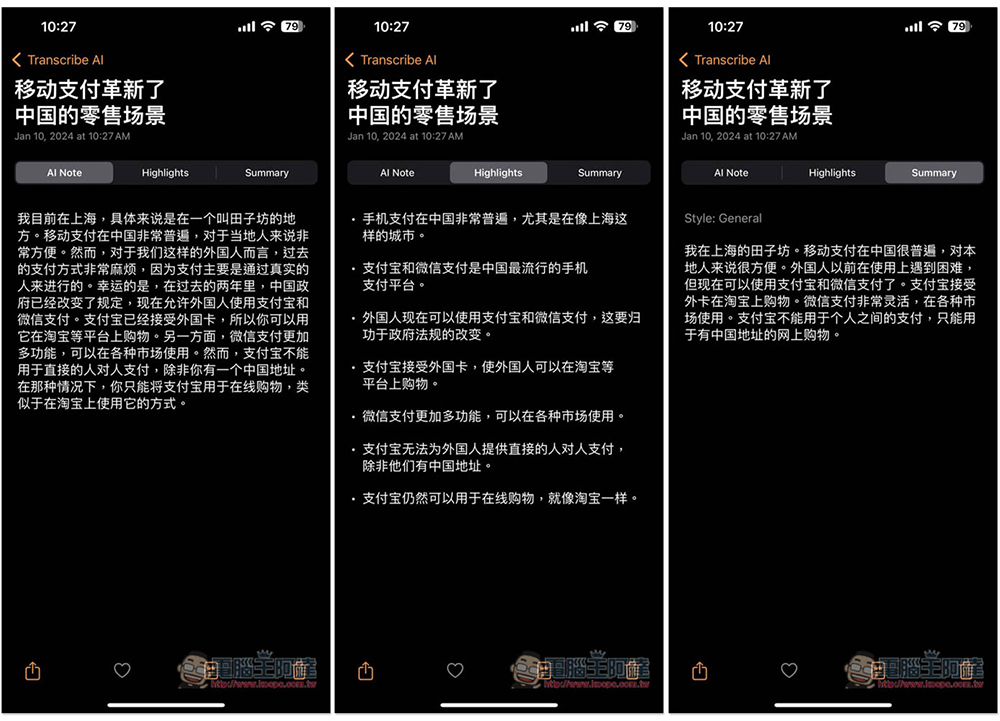
Next, I’ll test our WeChat Mobile Payment VideoOnly the first minute or so – changing the input to Chinese also works perfectly:
Unsure how long this free promotion will last. If you see it, I’d recommend grabbing it quickly—these usually don’t last long. Remember to double-check that the price shows 0 yuan before completing your purchase. Once the free period ends, it will revert to its original price.
Source: KOCPC Chinese