


Today, I’m here to introduce a free AI music generation website called “Suno” that lets you write your own lyrics, enabling everyone to create high-quality music. All you need to do is enter the lyrics you’ve written and the genre you want, and Suno will help you create a song—even complete beginners can produce their own songs.

Free AI music generator “Suno” lets you write your own lyrics — even beginners can make songs
Suno is a free music generation website that allows anyone to create music. You don’t need to know how to play any instruments—as long as you have imagination, you can make songs. It’s a barrier-free music generation tool. All you need is to come up with lyrics and the genre you want (Hip Hop, R&B, POP, Jazz, Funk, etc.), and Suno will use AI to help you produce the song.
Friends who want to make music with Suno, click here.
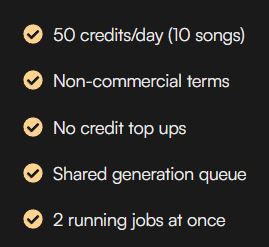
You need to log in to use Suno. There are three login options: Discord, Google, and Microsoft – pick whichever one you usually use. There are two ways to create music with Suno:randomandOriginal creationYou can create 10 times a day, and each creation will generate two types of music.
Random
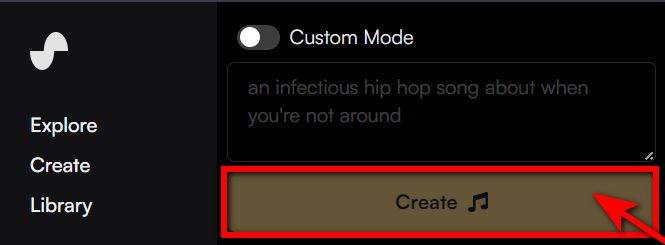
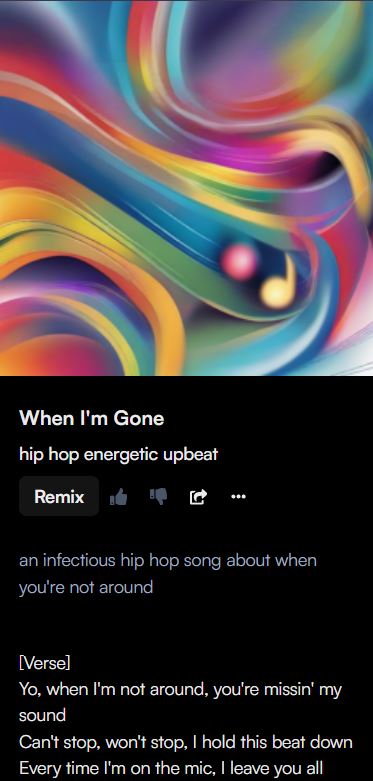
If you choose Random, Suno will randomly generate a description that includes a music genre and creative theme, like “an infectious hip hop song about when you’re not around” — the music genre is “hip hop” and the creative theme is “when you’re not around.” If you’re satisfied with the description that Suno randomly generated for you, click “Create” and Suno will generate a song with lyrics for you, with the lyrics created by Suno.
Create it yourself
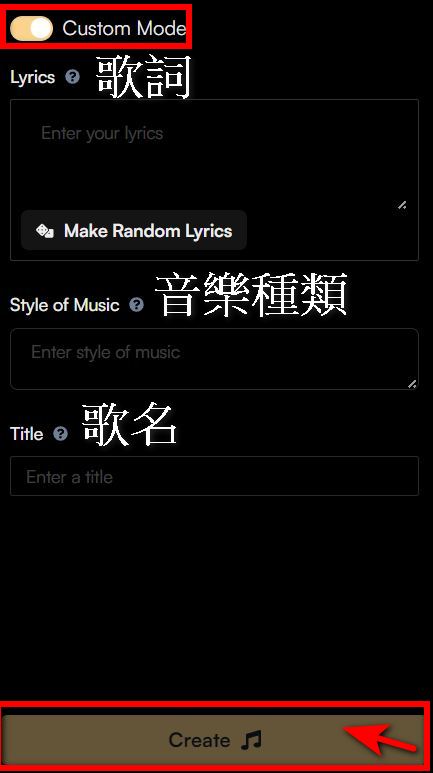
Enable “Custom Mode” to start creating. You can write your own lyrics, enter the genre you want, and come up with a title for your song. Once you’re ready, click “Create,” and Suno will generate the song and its cover art.
The music created with English lyrics based on our website’s introduction “We mainly share tech news, 3C product unboxing reviews, and app recommendations. Please like and bookmark to stay updated with the latest information,” in the style of 80’s hip pop.
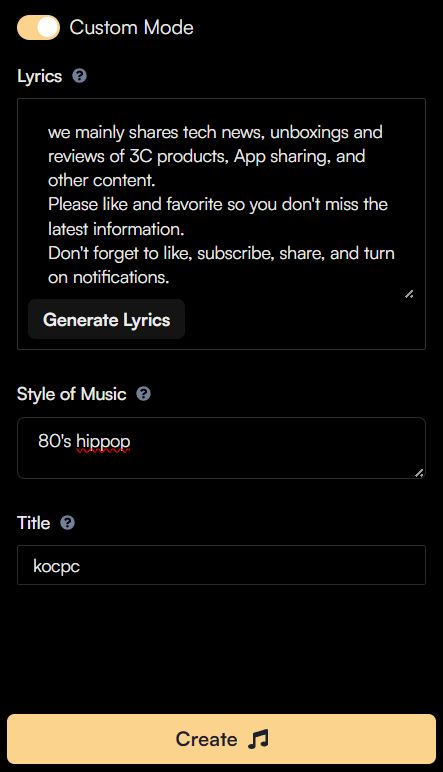
Of course anyone can write songs in Chinese, but the same lyrics might not sound as good when translated into Chinese.
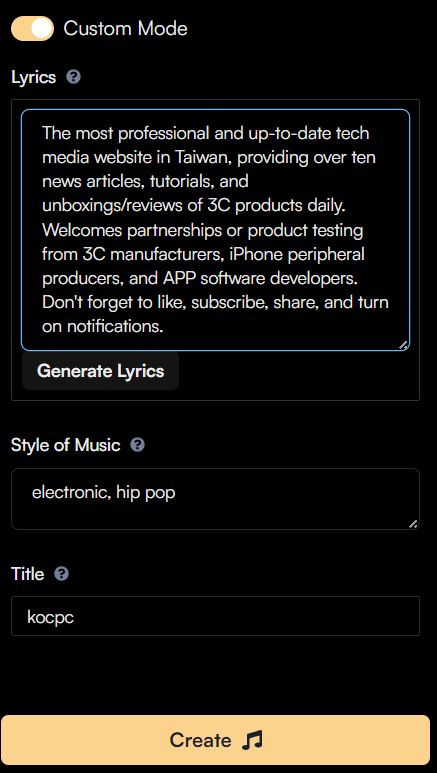
We also made a song for the Computer King Ada’s YouTube channel. The lyrics are: “Taiwan’s most professional and up-to-date tech media website, delivering over a dozen news articles, tutorials, and 3C product reviews every day. We welcome 3C manufacturers, iPhone accessory brands, and APP developers to discuss partnerships or product testing. Don’t forget to like, subscribe, share, and hit the bell icon.” The style is electronic and hip pop.
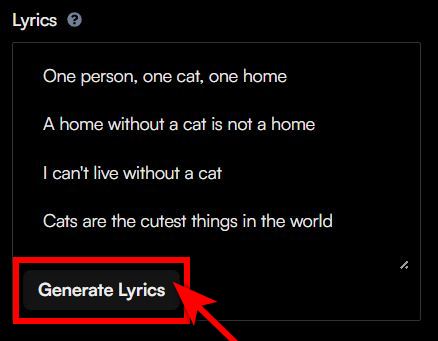
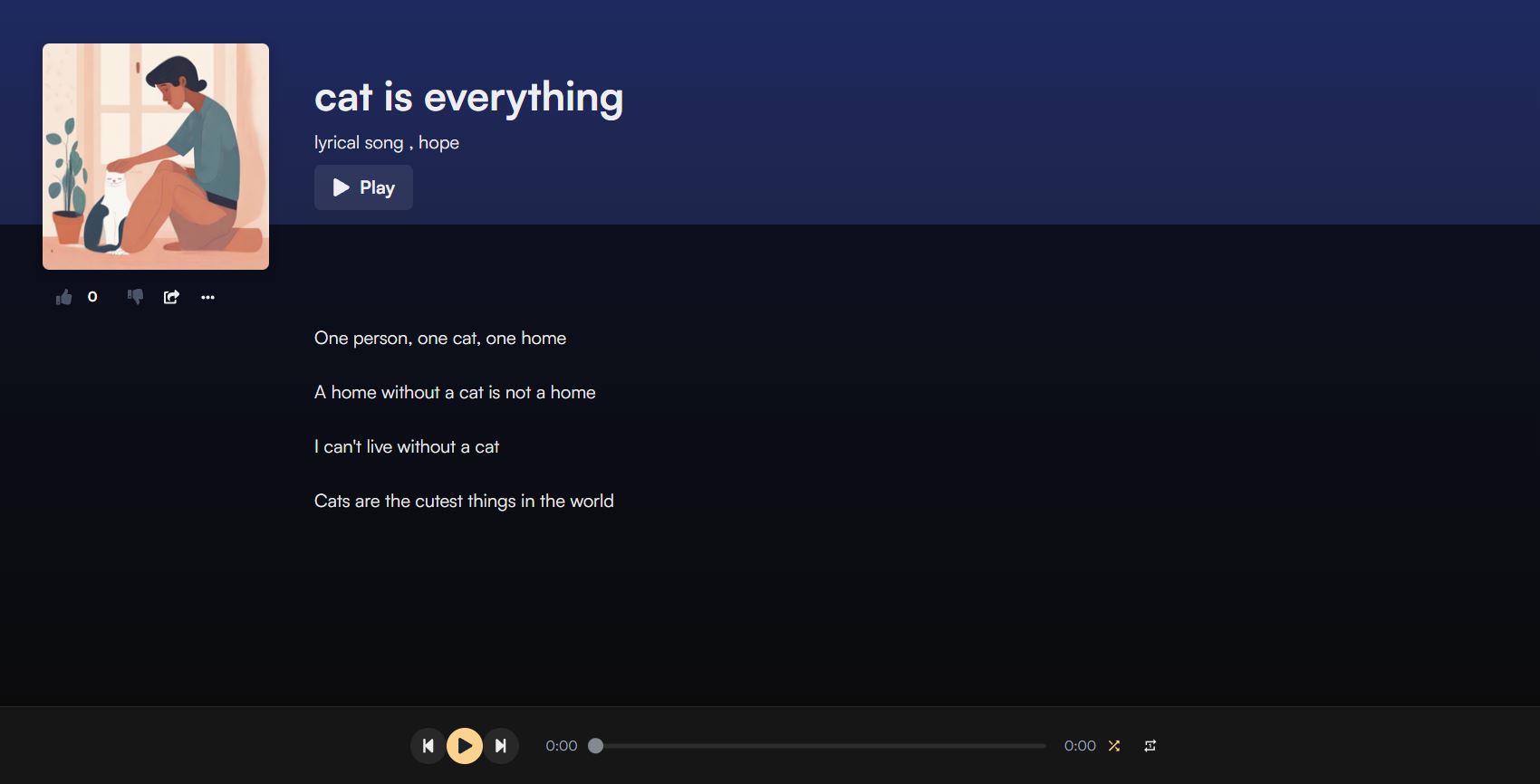
Of course, something more lyrical would work too, like making a song called “Cat is Everything” using the English translation of “One person, one cat, one home. A home without a cat isn’t a home. I can’t live without my cat. Cats are the cutest things in the world” in a “lyrical song” and “hope” style.
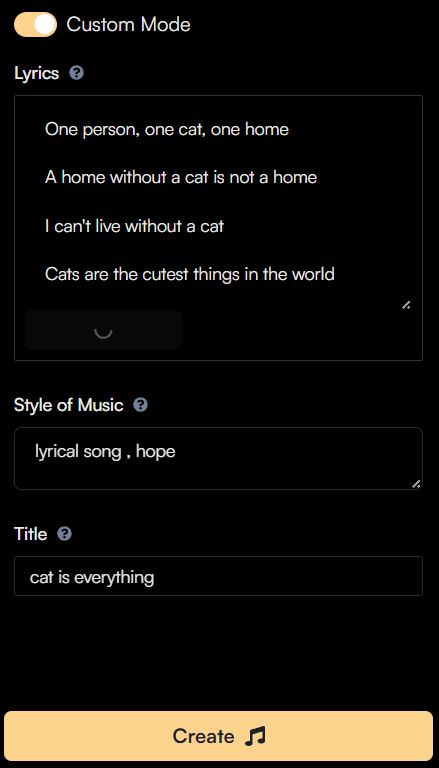
Auto-generated lyrics
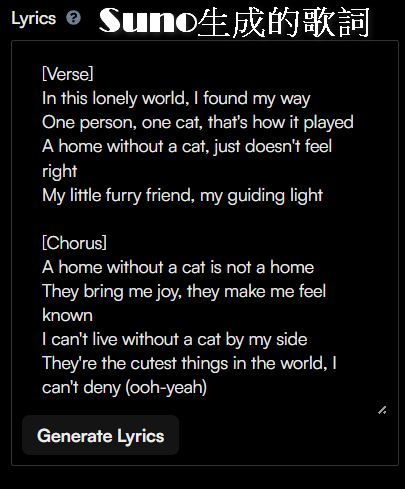
Friends who, like me, can’t write lyrics can use Suno’s auto-generated lyrics feature—just enter the general idea you want to convey and click “Generate Lyrics,” and Suno will automatically create a verse and chorus for you. For example, I used “cat is everything” as the prompt for Suno to work with, and it generated a verse and chorus with the same meaning as my original lyrics: praising that the world can’t exist without cats and my life can’t exist without cats. On top of that, Suno also renamed the song Home is Where the Cat Is.
Share or download music made with Suno
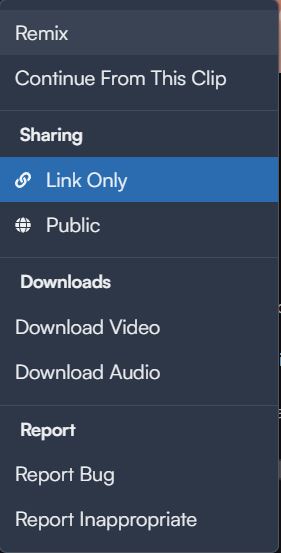
When you’ve made music that sounds great and want to share it with friends, everyone can click the share button or tap “…” to share. The share button will directly copy the link to your song, and when friends open it, they’ll be taken directly to the Suno website. Tapping “…” lets you choose between “Share” or “Download.” If you download as a video, the song lyrics and cover image will also appear. You can choose whichever method you prefer to save or share your song.

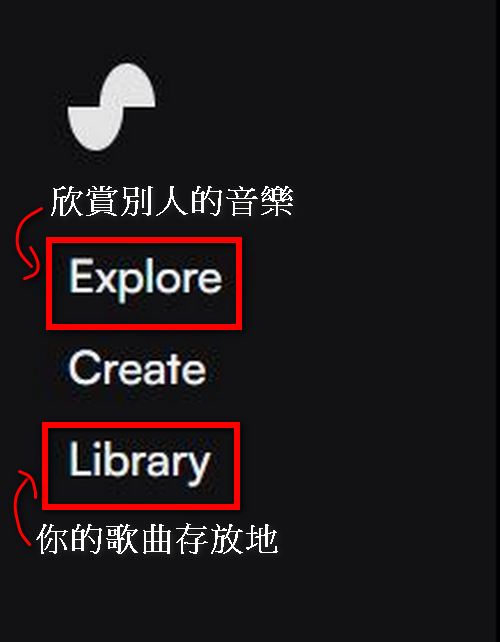
Music you create with Suno is linked to your account and can be found by clicking “Library.” You can also click “Explore” to enjoy other people’s creations.
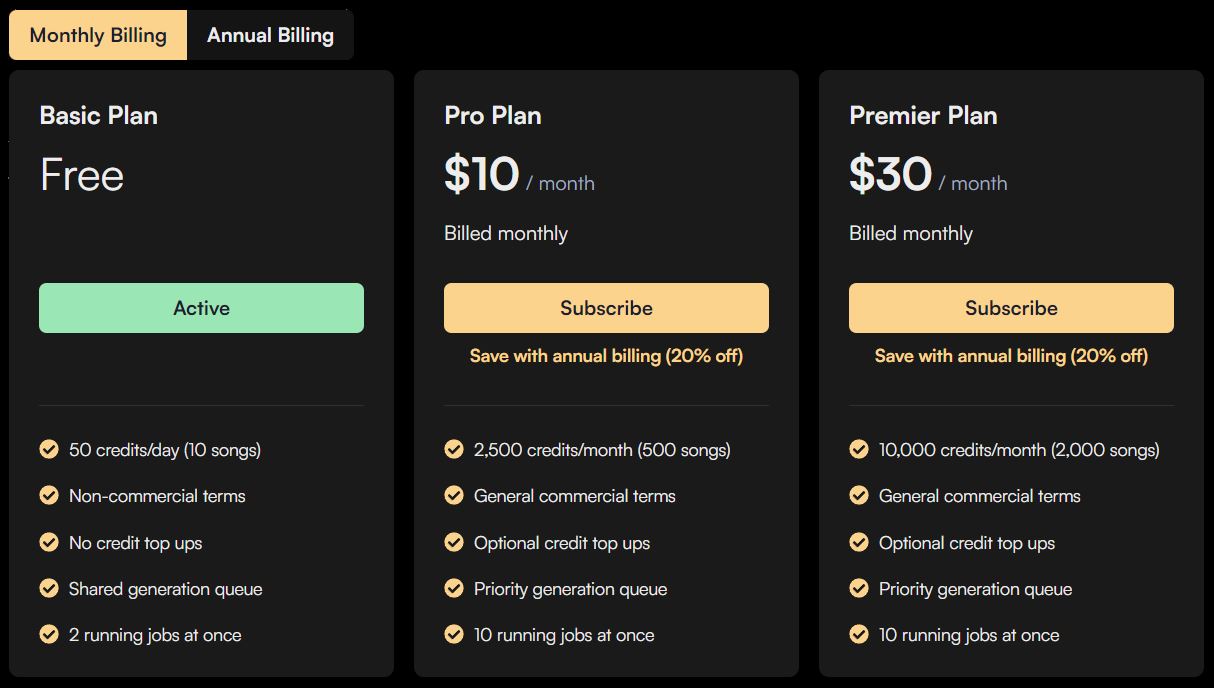
Suno’s subscription plans come in monthly and annual options, with the following prices:
Click here if you want to use Suno to create music
When using Suno, please note that if you want to monetize music created with Suno on YouTube, you must be a paid subscriber of Suno Pro or Premier. Free users of Suno can only use songs for non-commercial purposes and cannot upload songs to music streaming platforms like Spotify or Apple Music. Click! here Learn more precautions
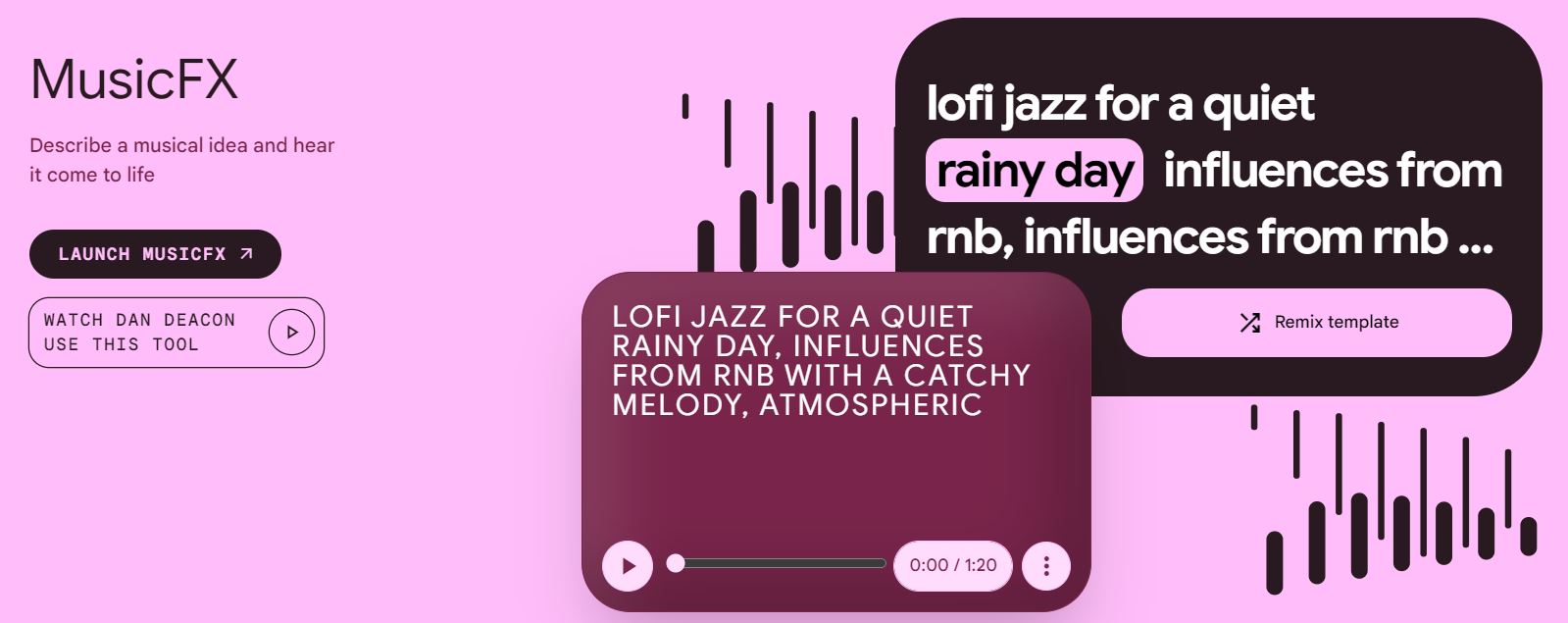
We’ve also recommended Google’sFree AI Music Generator – MusicFXHowever, MusicFX requires VPN to access across regions. The Suno we recommend today doesn’t need it, so you can use it based on your own needs!
Source: KOCPC Chinese