


Following material design, the new design language “Material You” adopted by Android 12 is not your cup of tea? In addition to knowing how to extract desktop colors into the interface, this new design also introduces more rounded windows, coupled with smooth responses that reduce CPU operation time, giving people a brand new feeling whether in the notification bar or the use of gadgets.
Perhaps in preparation for the official version of the system update, Google recently introduced a new Flag feature to its signature Chrome browser. After turning it on, it really feels like being the first to experience the Android system that is still under testing. Continue reading Android 12’s beautiful interface is available on Chrome first! This article teaches you how to start reporting content.
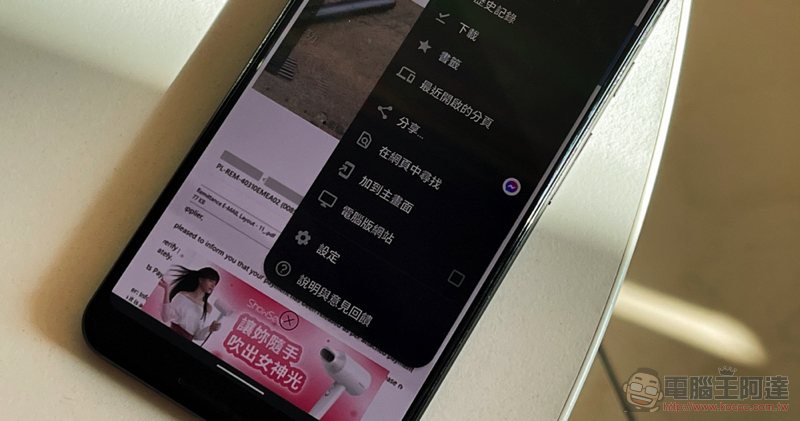
Android 12’s beautiful interface is available on Chrome first! This article teaches you how to start
Although it may not necessarily be an Android phone that can be the first to experience Google’s latest system, with the launch of the smooth and sleek new interface using Material You, it seems that at least in the official related applications, Google should be intensively adjusting the application interface to be more in line with this system design language.
chrome://flags/#theme-refactor-android
In the recently updated version of Chrome 90, developers added the new Flag testing function above. After enabling and restarting, you can see that the system’s options window has changed from the original square frame to a rounded design similar to the Android 12 system notifications and buttons.
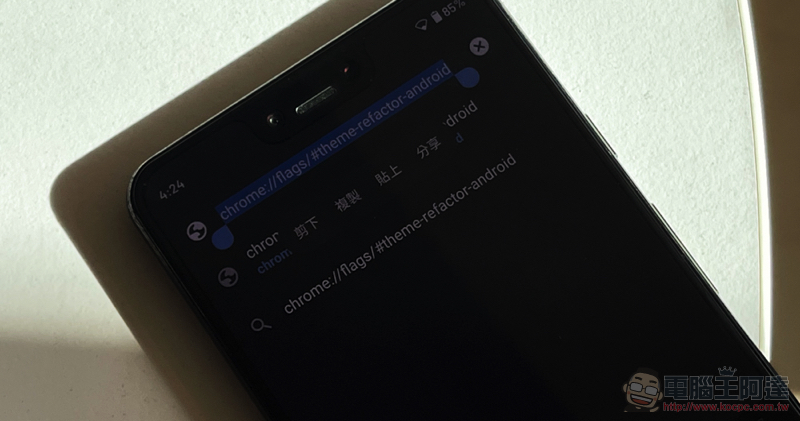
It’s very simple to use, just copy the text chrome://flags/#theme-refactor-android to the URL bar of the Chrome browser.
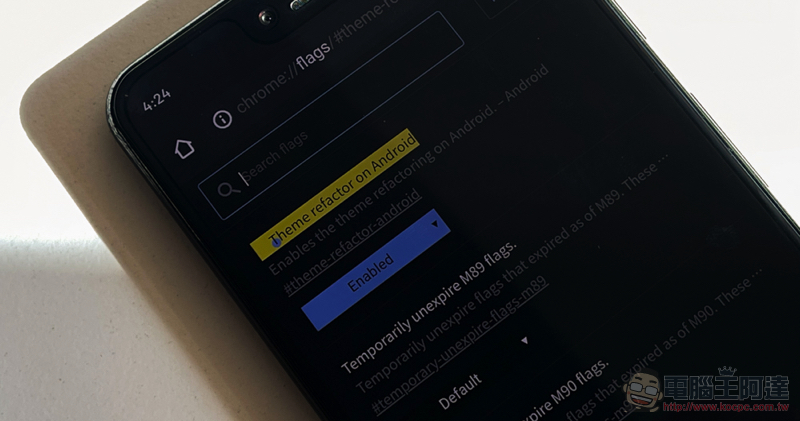
After pressing OK to go to the page, you can see the Flag function list highlighted (yellow?). After selecting “Enabled”, restart the application to see the effect of the window – please note that although the system will prompt to restart (Relaunch), the editor waits until the Chrome app is flushed in the system multi-tasking interface and then reopens the application for it to take effect.
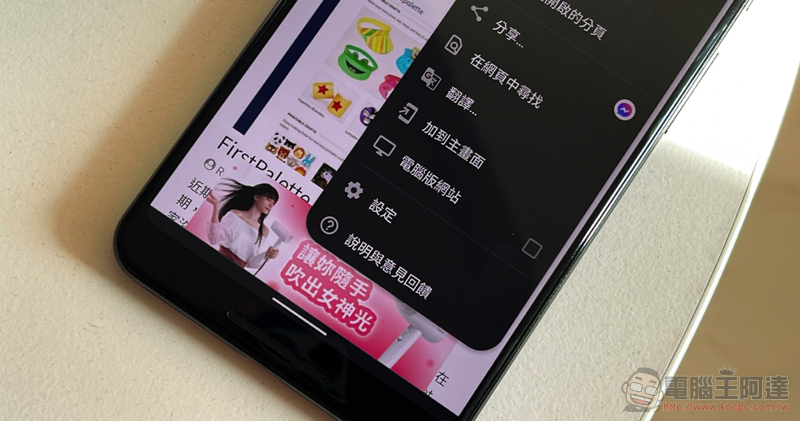
The most obvious thing about the new interface is the different shape of the floating window frame. For those who have upgraded to the Android 12 beta version, they may feel that this is more in line with the overall design of the system. As for those who haven’t upgraded yet, you may be able to get a taste of the new system’s design.
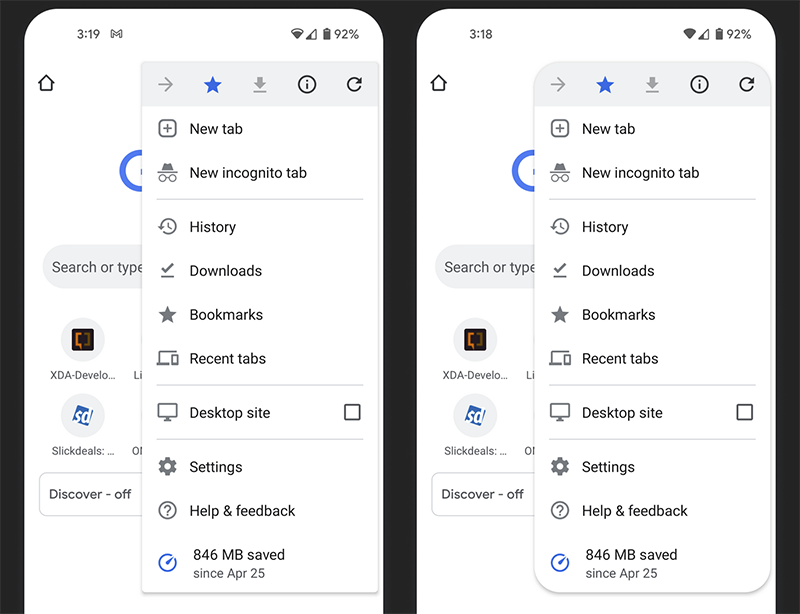
▲Picture: The main differences before and after setting. (Source: Android Police)
Further reading:


Source: KOCPC Chinese