


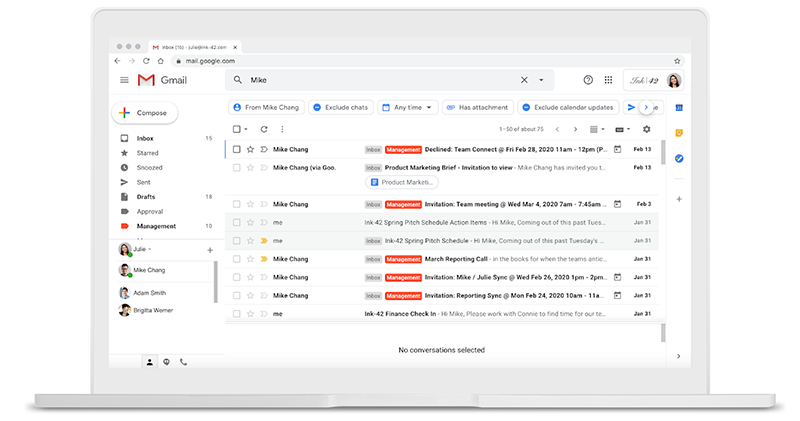
Seeing that Google Photos is no longer availableUnlimited “space-saving” uploadsThe June deadline is coming, whether you cannot accept it and want to abandon Google Photos and switch to other cloud photo album services, or you already have too many memories on it and are ready to continue using it. Google Photos, which has returned to its normal charging mechanism, has actually begun to have more thoughtful features that encourage everyone to make more use of this service. Recently, someone discovered that Gmail has begun to add a “Save to Google Photos” option, which saves you the trouble of importing it separately.
▲Image source: Google
Gmail begins to add a “Save to Google Photos” option, saving you the trouble of importing it separately
fromEmphasis on the quality of original file uploads, to the “name change” change that I hope everyone will not waste space, we can all see the changes in the Google Photos service after the announcement that unlimited uploads will be cancelled. Recently, Gmail also confirmed that it will usher in new features that will integrate Google Photos. Make it easier for images in email attachments to get where you want them to go.
▲Image source: 9to5Google
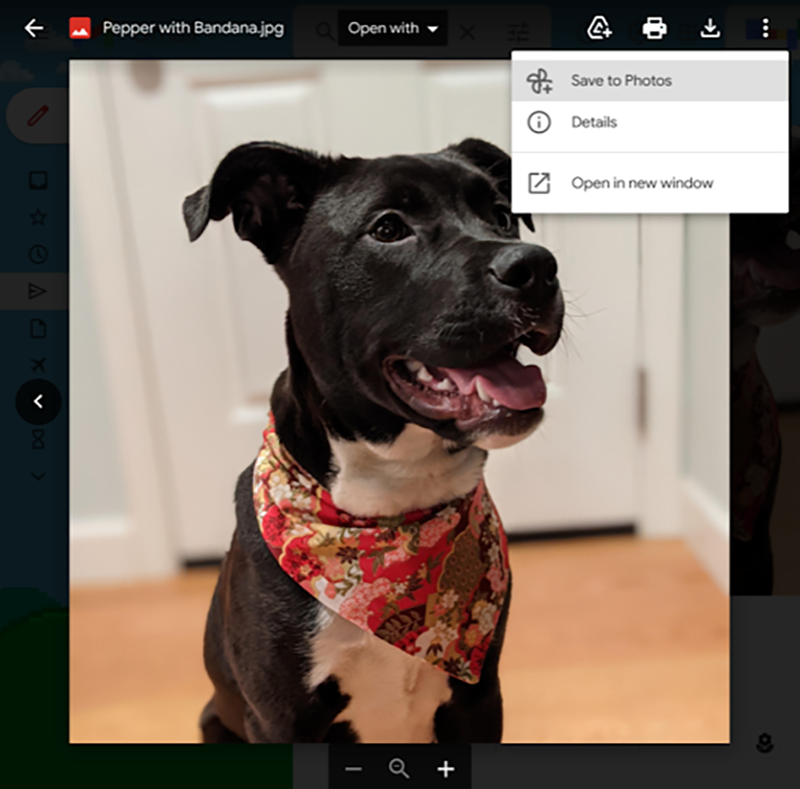
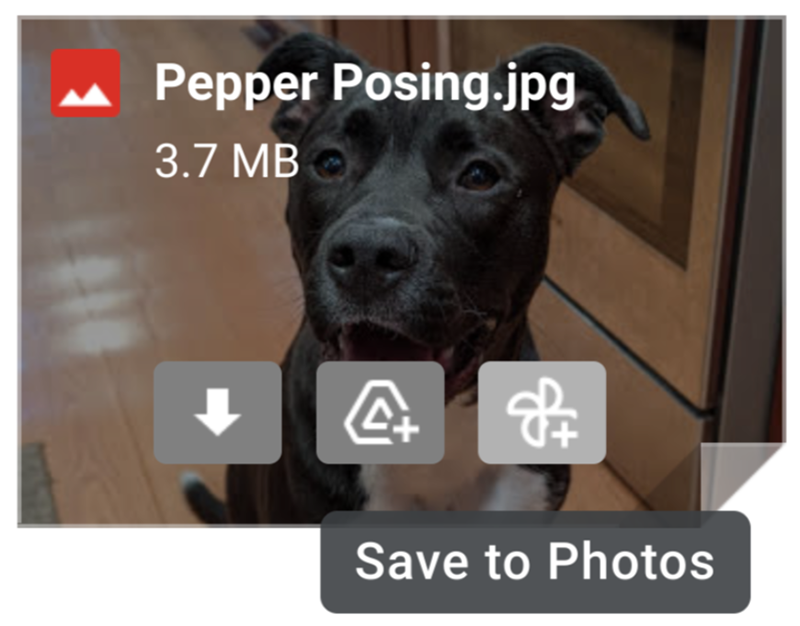
In recent years, due to Google’s policy of more integrating its services, we have seen that they have closer connections and integrations with each other, whether it is App applications or online services. Recently, some foreign media discovered that Gmail, Google’s leading email service, has begun to have the option to import pictures from its own cloud photo album service in the previous attached file function interface. You will be able to save pictures in emails to Google Photos through “Save to Photos”.
▲Image source: 9to5Google
Previously, Gmail’s image attachment shortcut function basically only had the option of directly downloading or transferring it to Google Drive. However, it may be because the unlimited upload function of Google Photos is about to fade out, and it will return to the normal calculation of user cloud space capacity. Google also feels more willing to guide users to import images for use – and in the attachment preview thumbnail at the bottom of the email and in the separate viewing interface of clicking on the image, you can see the button option with a small pinwheel shape.
This change will be rolled out to all Workspace and personal accounts starting today. Have you received it?
Pictures/sources cited in this article
Further reading:
Google’s mysterious Fuchsia OS system will be “updated” on Nest Hub smart screens
Source: KOCPC Chinese